How can OrderTech Legal help a lawyer confirm the office assistant is ready before summarizing a case file or preparing a draft? The answer begins with a practical distinction between availability and approval. The office assistant can support preparation, but it does not replace the lawyer’s review or decision. Its availability depends on the office version’s configuration and the services connected to it.
Why Check Readiness First?
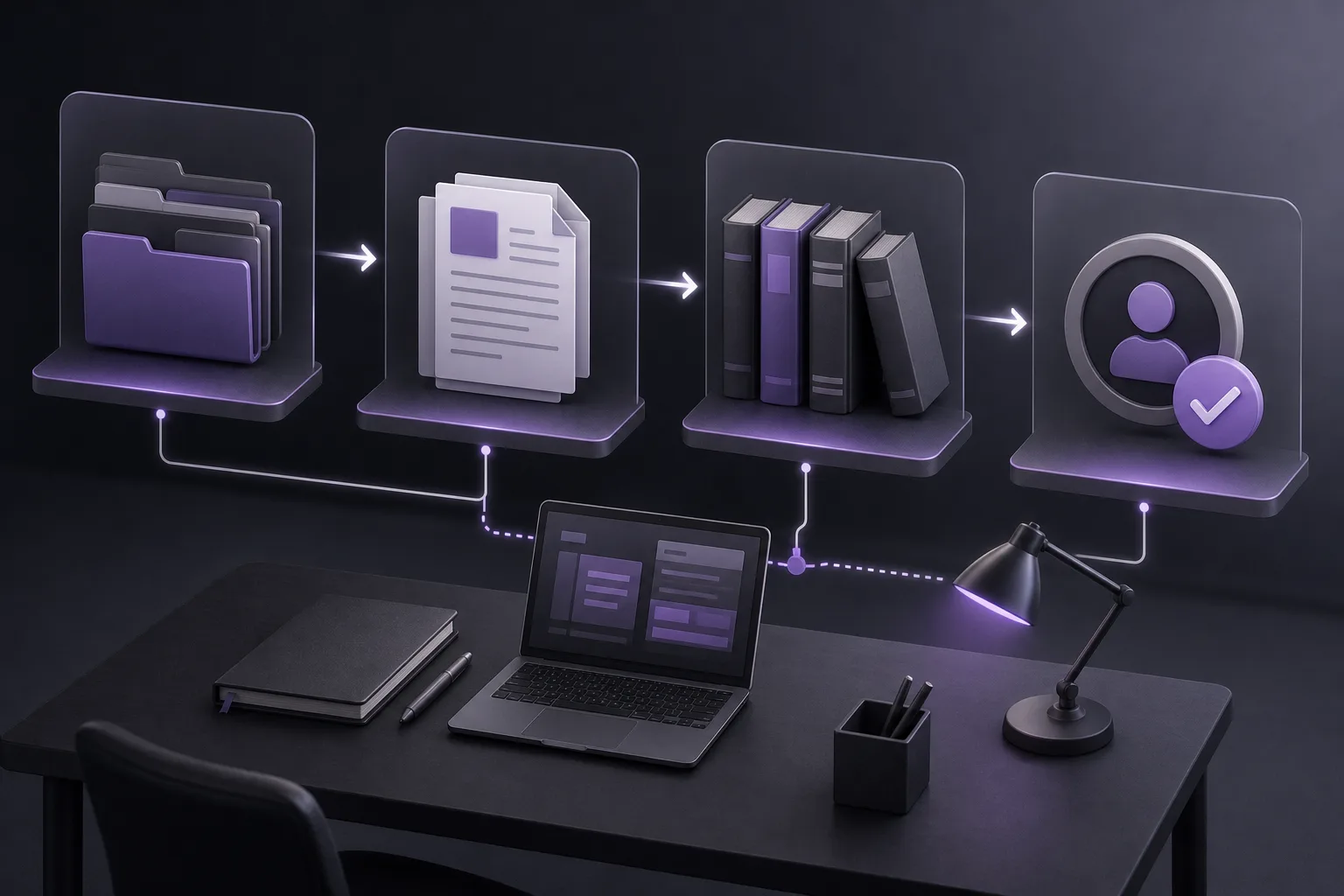
A lawyer may begin reviewing a file expecting to summarize its contents, prepare a draft, or search the legal library with the office assistant. If the required service has not been enabled in the office version or the relevant connection is not in place, that workflow may not be available as expected. An early readiness check helps the lawyer confirm that the intended function is available before relying on it for the next step.
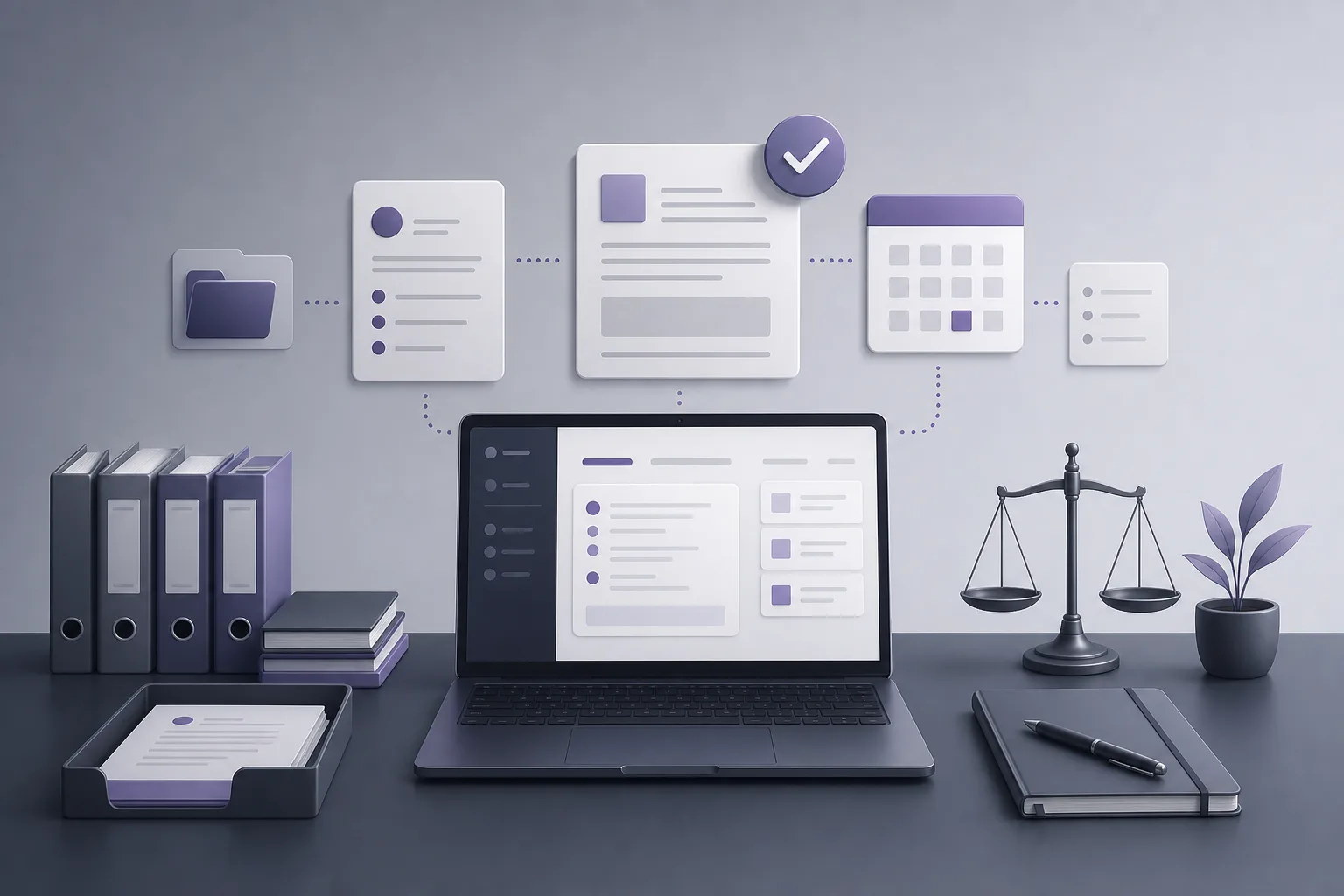
OrderTech Legal brings case and client file management, documents, appointments, and accounts together in an office workspace. Each office has an independent version with its own identity, accounts, permissions, website, and app connected to its own interface. As a result, assistant availability should be assessed within the office’s own configuration rather than assumed from the existence of the platform alone.
What Does Office Assistant Readiness Mean?
Readiness means that the specific function the lawyer wants to use—summarizing a file, preparing a draft, or searching the legal library—is available in the office version and connected to the services required for that use. It also means that the lawyer understands the output’s role in the workflow. Readiness does not mean that an output is automatically accurate, final, or approved.
Office Assistant Versus Communication Assistant
The communication assistant helps receive client inquiries, answer frequently asked questions, and maintain conversation context, with the possibility of human intervention, depending on channel configuration and activation. The office assistant supports file summaries, draft preparation, and searches in the legal library. Therefore, a lawyer preparing work for internal review should verify the office assistant specifically, rather than assuming that an active communication channel automatically provides internal file-assistance functions.
A Practical Readiness Check
1. Define the intended task
Start by stating what is needed: a case-file summary, an initial draft, or a search in the legal library. This makes it easier to match the request to the appropriate assistant function and prevents a broad request from obscuring what must be reviewed afterward.
2. Review the office version’s configuration
Using the office’s established process, confirm that the OrderTech Legal version includes access to the office-assistant function needed for the task. Do not assume that every capability is enabled automatically. The available information states that availability depends on version configuration and connected services.
3. Confirm relevant connections and permissions
Check that the services required for the task are connected to the version and that the authorized lawyer or team member can access the relevant workspace, file, and legal library. Each office operates with its own accounts and permissions. Any uncertainty about access or service connections should be addressed before sending the request, rather than treated as a problem with the file’s contents.
4. Separate availability from output quality
If the function is available, the assistant can be used within the approved setup. That does not make a summary or draft ready for adoption. The lawyer must review the output, assess whether it fits the file and the intended internal purpose, and confirm any proposed action before it is adopted.
5. Begin with a focused request
Once readiness is confirmed, start with a defined task, such as preparing an initial summary or a draft for internal discussion. A focused request makes the result easier to assess, but it does not remove the need for human review. A draft should be treated as working material that may require changes, not as a final text.
6. Review the result and confirm the next step
After receiving a summary, draft, or search result, the lawyer reviews it personally. If the assistant suggests a next action, the lawyer confirms that action before adopting it. This keeps the assistant in a support role: it helps prepare the work while the lawyer retains review and decision-making responsibility.
How the Office Assistant Supports Legal Work
Summarizing files
The office assistant can help create an initial summary of information in a case file within the workspace. This can provide an organized starting point before detailed review. The lawyer should still compare the summary with the file and assess whether it serves the intended purpose.
Preparing drafts
The assistant can support the preparation of an initial draft for the lawyer to examine and revise. Its value is in assisting the drafting stage, not in giving the draft automatic approval. The lawyer remains responsible for reading the output, evaluating it, and confirming any proposed action before using it in the office’s work.
Searching the legal library
The assistant can help search the legal library available within the office’s configuration. Search results are a support for review, not a substitute for the lawyer’s examination of the information presented or for the lawyer’s professional decision.
A Hypothetical Workflow
Suppose a lawyer wants an initial summary of a case file before an internal meeting. The lawyer first identifies the task as a file summary, then reviews the office version to confirm that the office assistant and the required services are available, and checks access to the relevant file. The lawyer requests an initial summary and compares it with the documents in the workspace. If the assistant suggests a next step, the lawyer does not adopt it automatically; instead, the lawyer reviews and confirms or changes it based on professional judgment. This is a hypothetical example, not a report of a real client experience.
Important Limits
- Assistant availability depends on the office version’s configuration and connected services, not on the platform’s existence alone.
- Accounts and permissions are part of each office environment, so appropriate access should be confirmed before starting.
- The assistant supports summarization, drafting, and legal-library searches; it does not replace the lawyer’s review or decision.
- Outputs, drafts, and suggested actions require human review and confirmation before adoption.
- The communication assistant and office assistant serve different functions; activation of one should not automatically be understood as activation of the other.
Frequently Asked Questions
Does having an OrderTech Legal workspace mean the office assistant is ready?
Not necessarily. Readiness depends on the office version’s configuration and connected services. Confirm that the specific function is available and accessible before building the workflow around it.
Can the office assistant approve a draft or proposed action?
The assistant supports the lawyer and does not replace the lawyer’s review or decision. The lawyer reviews the output and confirms proposed actions before adoption.
Should I use the communication assistant to summarize a case file?
The communication assistant is intended to receive inquiries, address frequent questions, and maintain conversation context according to channel configuration and activation. File summaries, draft preparation, and legal-library searches are functions of the office assistant.
What if the required service is not available?
Review the office version’s configuration, connected services, and relevant permissions according to the office’s process. Do not base the next step on an assumption that the assistant is available. File and workspace management can still be handled according to the functions available in your version.
Conclusion
OrderTech Legal helps a lawyer place the office assistant within a clearer workflow: confirm the version configuration, connected services, and relevant access; use the assistant for summaries, draft preparation, or legal-library searches; then review the outputs and confirm proposed actions. To learn how a digital workspace may fit your office’s needs, explore OrderTech Legal and review the services available in your office version before beginning the task.
Platform feature references
- OrderTech Legal — إدارة المكتب / Office management — Accessed 2026-10-18
- OrderTech Legal — المساعد الذكي / AI assistance — Accessed 2026-10-18