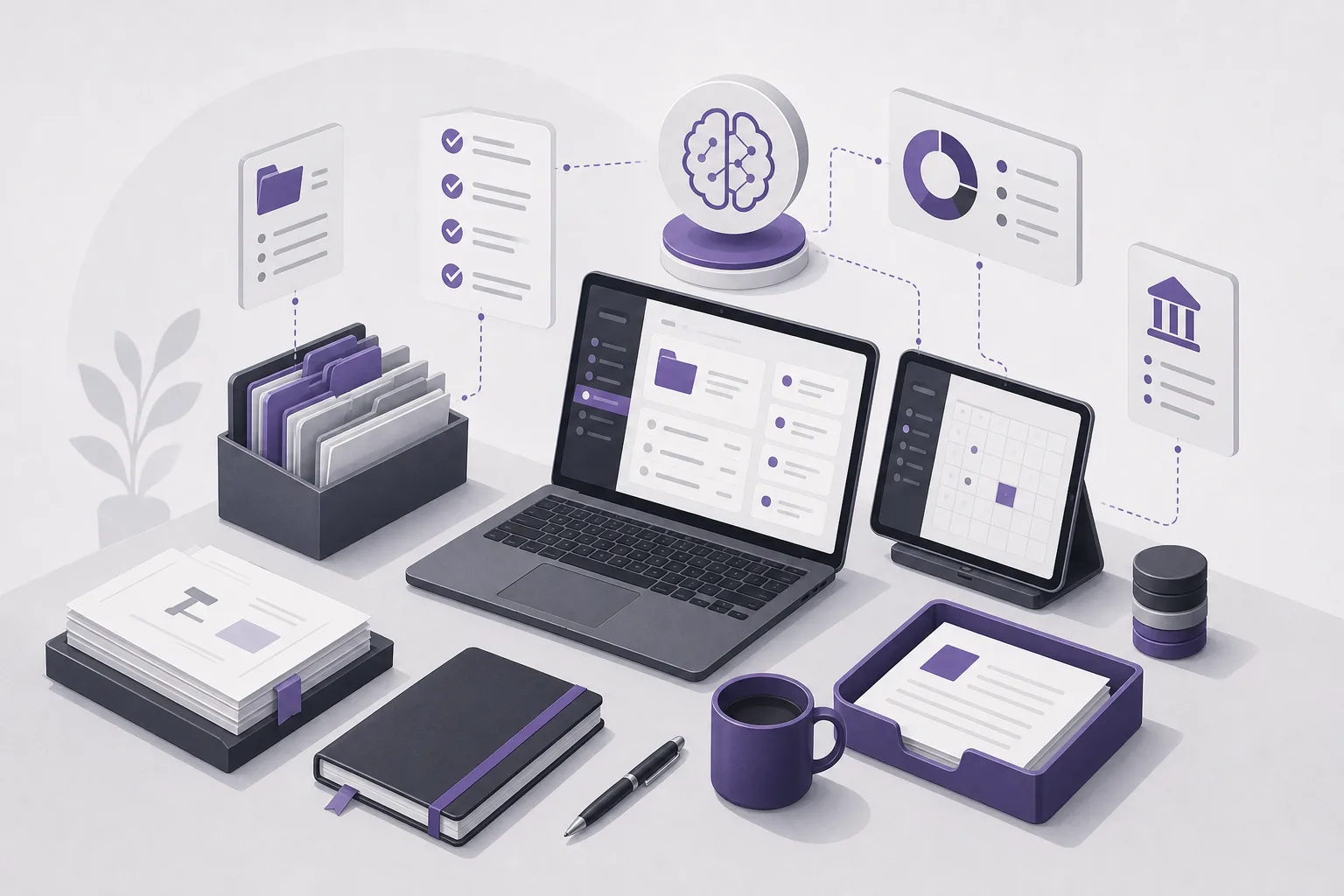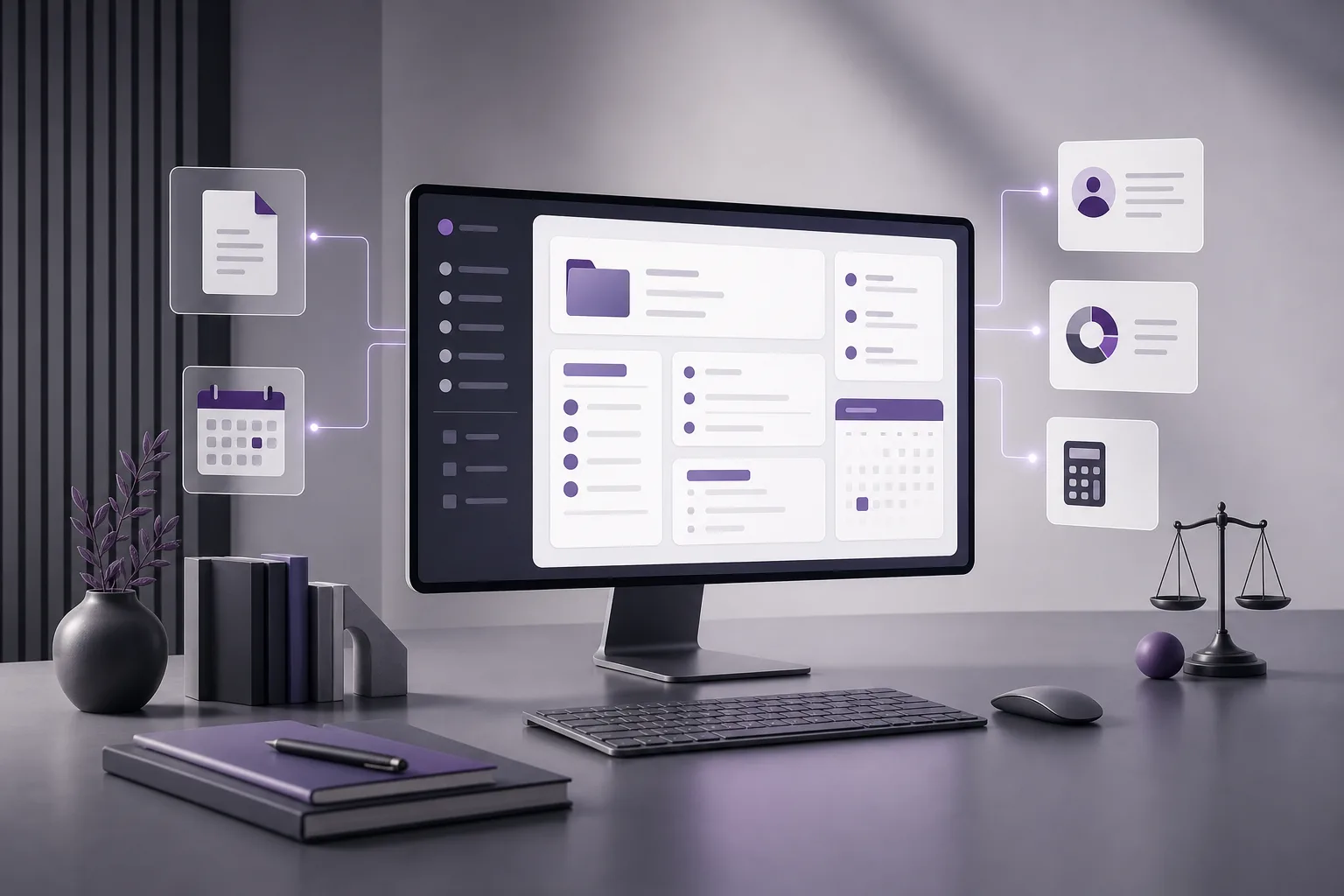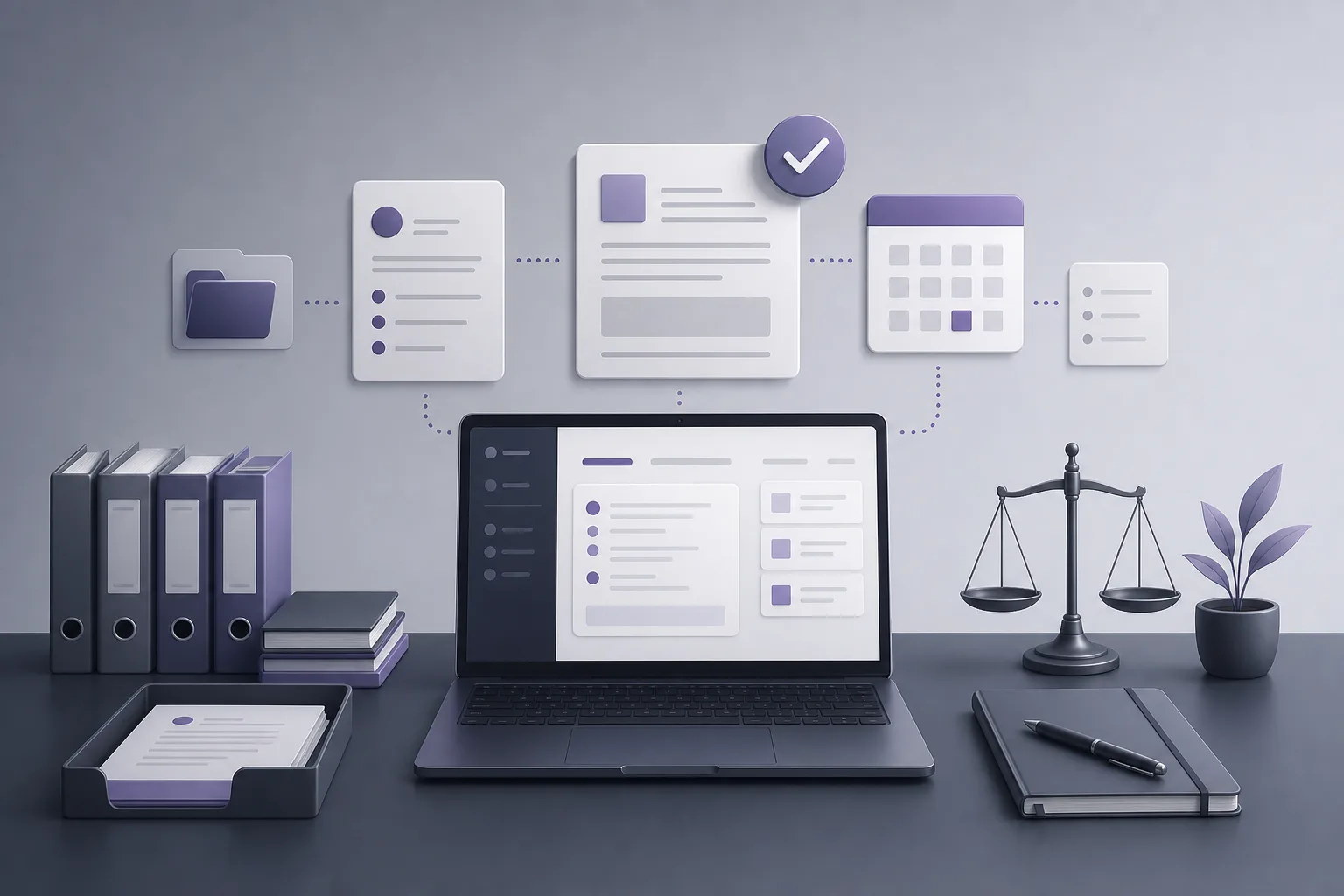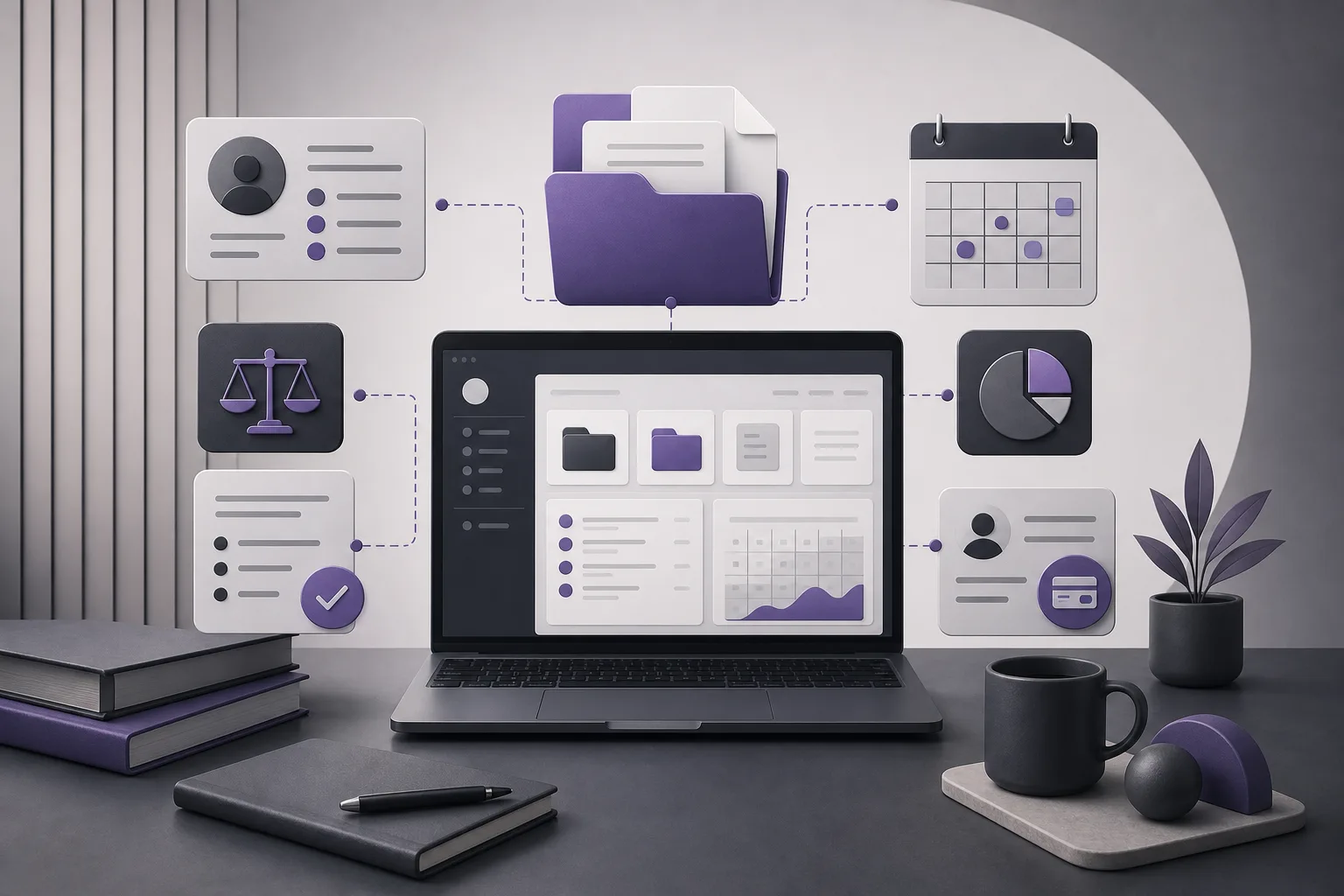
When a case file moves from one lawyer or team member to another, the difficulty is not always a clearly missing document. Information may be spread across the case record, client details, documents, appointments, and account information. That creates a practical question: How can OrderTech Legal help a lawyer check that a case file is complete before handing it to another responsible team member? OrderTech Legal provides a workspace that brings together case, client, document, appointment, and account management for the office. This can support a structured pre-handover review, while the lawyer remains responsible for judgment, verification, and approval.
Why can a case handover become unclear?
During day-to-day work, the current lawyer may know where certain information is located, while the next responsible person needs a connected view of the file. When information is distributed, it becomes harder to confirm whether the relevant details are present, understandable, and ready for follow-up.
Having information in one workspace does not automatically mean that it is complete, current, or accurate. Its value is that it gives the lawyer a practical structure for reviewing the parts of the file before the handover, instead of relying only on memory or disconnected notes.
How OrderTech Legal supports a completeness review
Bringing the working elements together
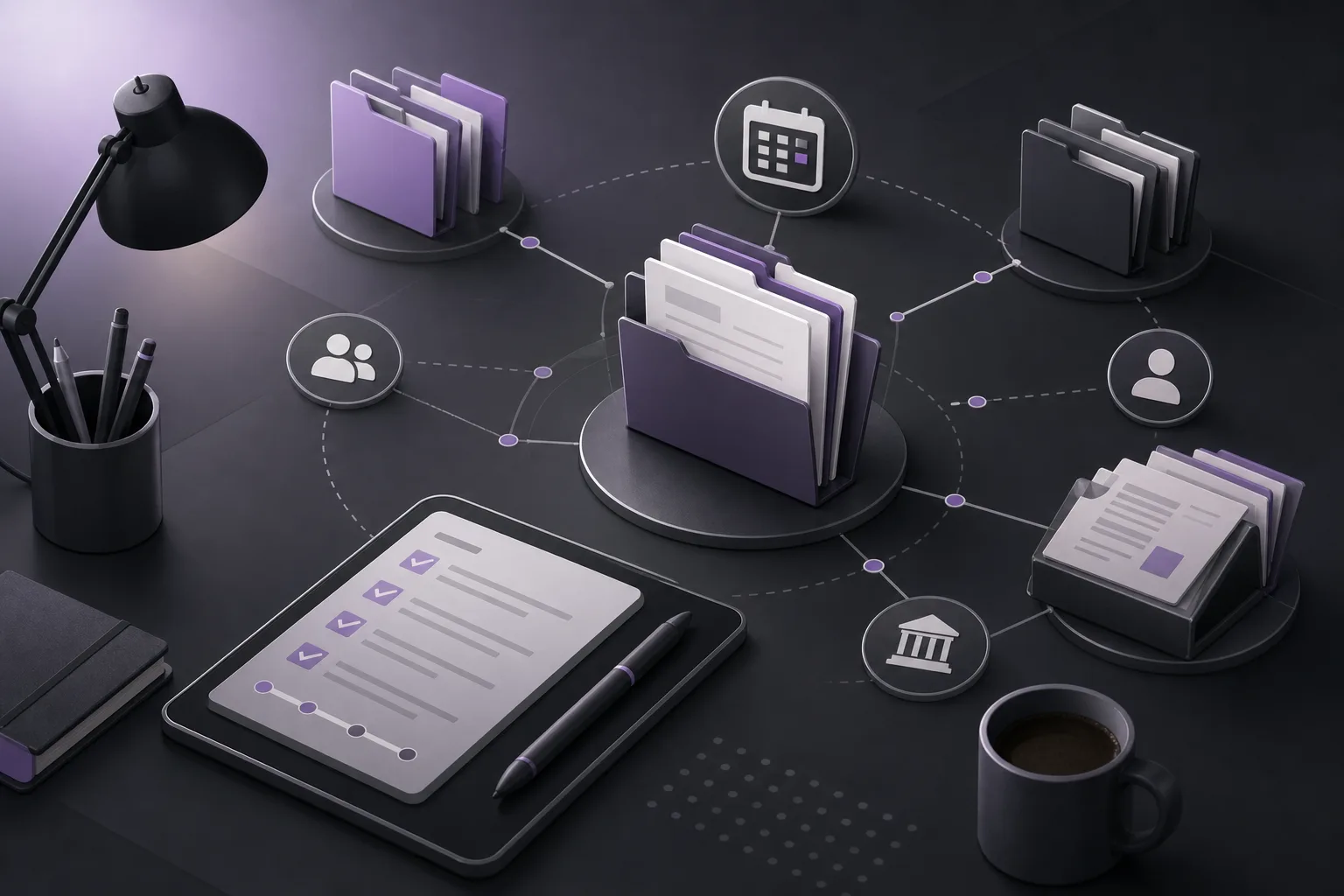
OrderTech Legal combines case, client, document, appointment, and account management in one office workspace. This helps the lawyer view the file as a connected set of working information rather than as isolated items.
- Case file: A central reference point for information related to the matter.
- Client information: Details that help the next responsible person understand the party connected to the file, within the available permissions.
- Documents: A place to review what is present and identify material that may need to be added, organized, or clarified.
- Appointments: A way to review recorded dates and follow-up points relevant to the file.
- Accounts: Part of the operational picture that may be relevant to the next person, depending on role and permissions.
These elements do not cause the system to decide that a file is complete. Their purpose is to give the lawyer a consistent framework for checking the file before it changes hands.
Reviewing what the next person needs
Before handing over the file, the lawyer can review the case-related elements and check whether the information the next team member is expected to use is in the appropriate place. The review may include confirming that documents are associated with the case, client information is clear, relevant appointments are visible, and necessary account information can be accessed within the applicable permissions.
This is not a universal legal checklist. The meaning of “complete” depends on the matter, the office process, and the next person’s responsibilities. The lawyer therefore decides what must be checked and whether the file is ready to be handed over.
Using the office assistant when available
The office assistant can help summarize files, prepare drafts, and search the legal library, depending on the workspace configuration and connected services. In a handover context, a summary may help the lawyer understand the file quickly or prepare draft notes for the next responsible team member.
However, an assistant-generated summary is not a final determination that the file is complete. The lawyer should review the summary or draft, compare it with the underlying information, and confirm any proposed action before relying on it. Availability also depends on the office version’s configuration and service connections.
Permissions and human involvement
Each office has an independent version of OrderTech Legal with its own identity, accounts, permissions, location, and application connected to its own interface. A handover should therefore take place within the permissions configured by the office.
The fact that information exists in the workspace does not mean every user can view it, edit it, or act on it. Permissions help shape access according to the office setup, while human involvement remains necessary when interpreting information, assessing an open item, or deciding whether the file is genuinely ready to move forward. The system assists the lawyer; it does not replace the lawyer’s review or decision.
A practical pre-handover process
- Start with the case file: Open the relevant workspace and identify what the next responsible person needs to perform the role.
- Review client information: Check that the information connected to the file is clear and visible to the appropriate users.
- Check documents: Review the documents present, their relationship to the case, and anything that requires addition, clarification, or follow-up.
- Check appointments: Review recorded dates and time-sensitive follow-up points that the next person should know.
- Review accounts: Examine relevant account information to the extent allowed by the user’s role and office settings.
- Use the assistant if available: Request a summary or draft handover note, then compare it with the original information and review it yourself.
- Identify open items: Do not treat unresolved points as complete; distinguish between verified information and work that remains outstanding.
- Hand over within permissions: Confirm that the next person has appropriate access and that any proposed action has been reviewed and confirmed by the lawyer.
Hypothetical example
Hypothetical example, not a customer experience: A lawyer is preparing to hand a case file to another member of the office. The case record, client information, documents, appointments, and account details exist in the course of the work. Rather than sending a disconnected summary, the lawyer reviews the related elements inside the OrderTech Legal workspace.
The lawyer confirms that the available documents are associated with the case and notices a recorded appointment that the next team member needs to know about. One item still requires follow-up. If the office assistant is available under the workspace configuration, the lawyer uses it to prepare an initial summary, then compares the output with the underlying information and corrects it as needed.
The lawyer records what was checked and what remains open, then confirms that the next team member has the appropriate permissions. OrderTech Legal does not decide that the file is complete; the lawyer reviews the information and confirms whether the handover is ready.
Important limitations
- Bringing information into one workspace does not guarantee that it is complete, accurate, or current.
- OrderTech Legal does not replace the lawyer’s review or decision about handover readiness.
- Summaries, drafts, and legal-library searches supported by the office assistant require human review before reliance or approval.
- Available functionality depends on the office version’s configuration, connected services, and activation.
- Access to information and related actions depends on permissions configured by the office.
- The presence of a document, appointment, or account item is not by itself proof that every handover requirement has been satisfied.
Frequently asked questions
Does OrderTech Legal automatically mark a case file as complete?
The available product information describes a workspace for managing and bringing together office information; it does not establish a universal automatic decision that every file is complete. The lawyer reviews the relevant elements and decides whether the file is ready.
Can the next team member see everything in the file?
Not necessarily. Each office has its own permissions and settings, and access depends on the office configuration and the user’s role. Access should be checked before the handover.
Can the office assistant prepare a handover summary?
It can help summarize files and prepare drafts when available under the relevant configuration and service connections. The lawyer should review and verify the output before sharing or approving it.
Does the workspace eliminate communication with the next person?
No. It helps organize information and support review, but it does not remove the need to explain open items or confirm responsibilities during the handover.
Conclusion
OrderTech Legal gives lawyers a structured way to review a case file before it moves to another responsible team member by bringing case, client, document, appointment, and account management into one workspace. Its value is strongest when combined with clear permissions and human review of both the information and any assistant-generated output. Explore OrderTech Legal to see how its workspace can be configured around your office’s way of managing files and handovers.
Platform feature references
- OrderTech Legal — إدارة المكتب / Office management — Accessed 2026-09-22
- OrderTech Legal — المساعد الذكي / AI assistance — Accessed 2026-09-22