When a lawyer returns to a case that has been inactive for some time, the main difficulty is often not the absence of information but its distribution across different work areas. The lawyer may need to recall the case status, review relevant documents, check appointments, and understand associated accounts before deciding what to do next. This raises a practical question: How can OrderTech Legal help a lawyer restore context for a dormant case before resuming work?
OrderTech Legal provides a unified workspace for managing a firm’s cases, clients, documents, appointments, and accounts. This gives the lawyer a structured place to begin reviewing the available case context instead of rebuilding it manually from scattered sources. The lawyer still reviews the information and determines the next steps.
Why reopening a dormant case can be difficult
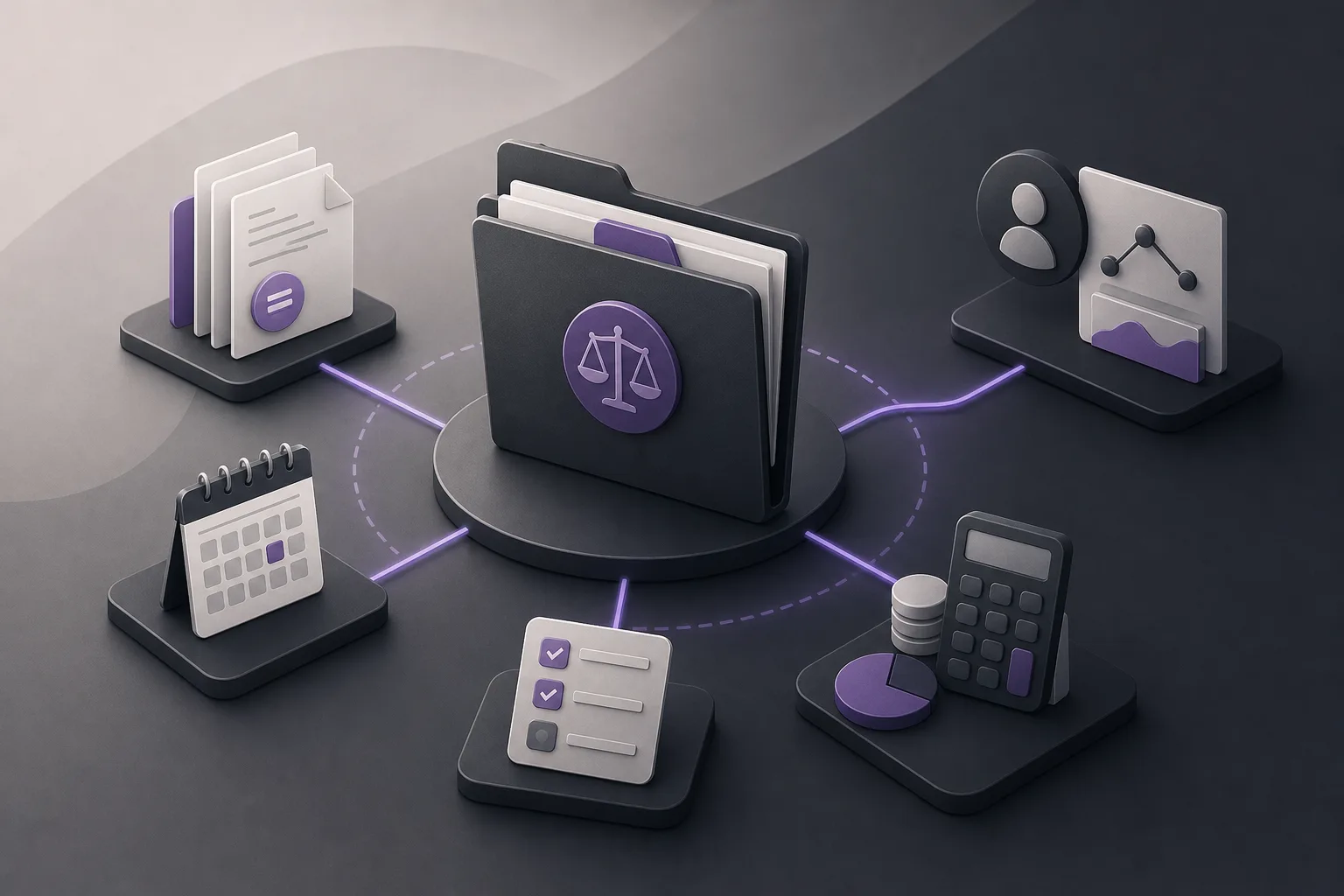
After a period of inactivity, a case may require a fresh operational review before work resumes. Documents may need to be revisited, appointments checked, and account information understood alongside the case and client details. When these elements are handled separately, the lawyer must spend additional effort reconnecting them mentally and operationally.
A unified workspace does not make the legal or professional decision for the lawyer. Its role is to organize the office environment and support access to the context that has been set up there. Reviewing the information, assessing its relevance, and selecting the next action remain human responsibilities.
How OrderTech Legal supports context recovery
1. Start from one workspace
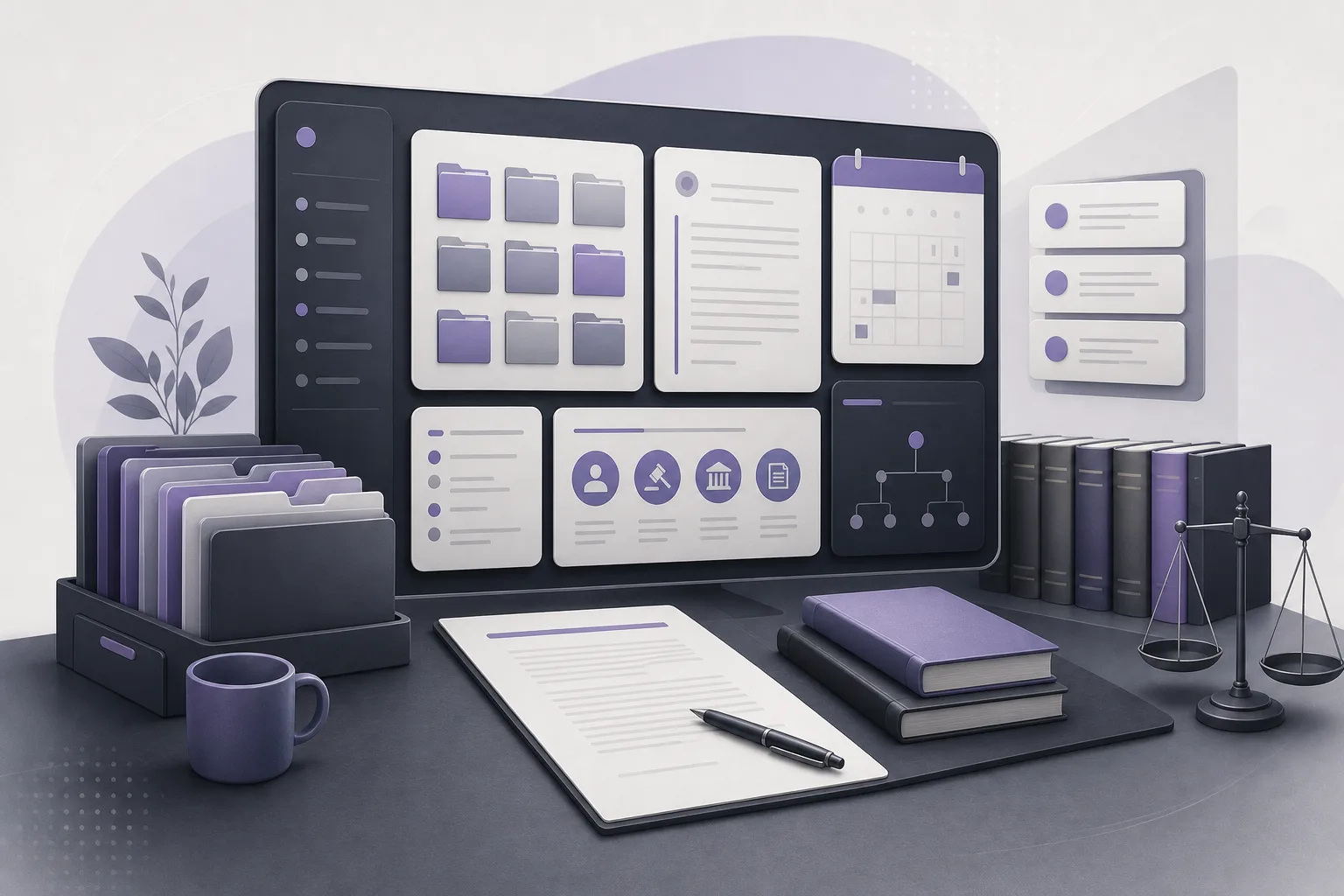
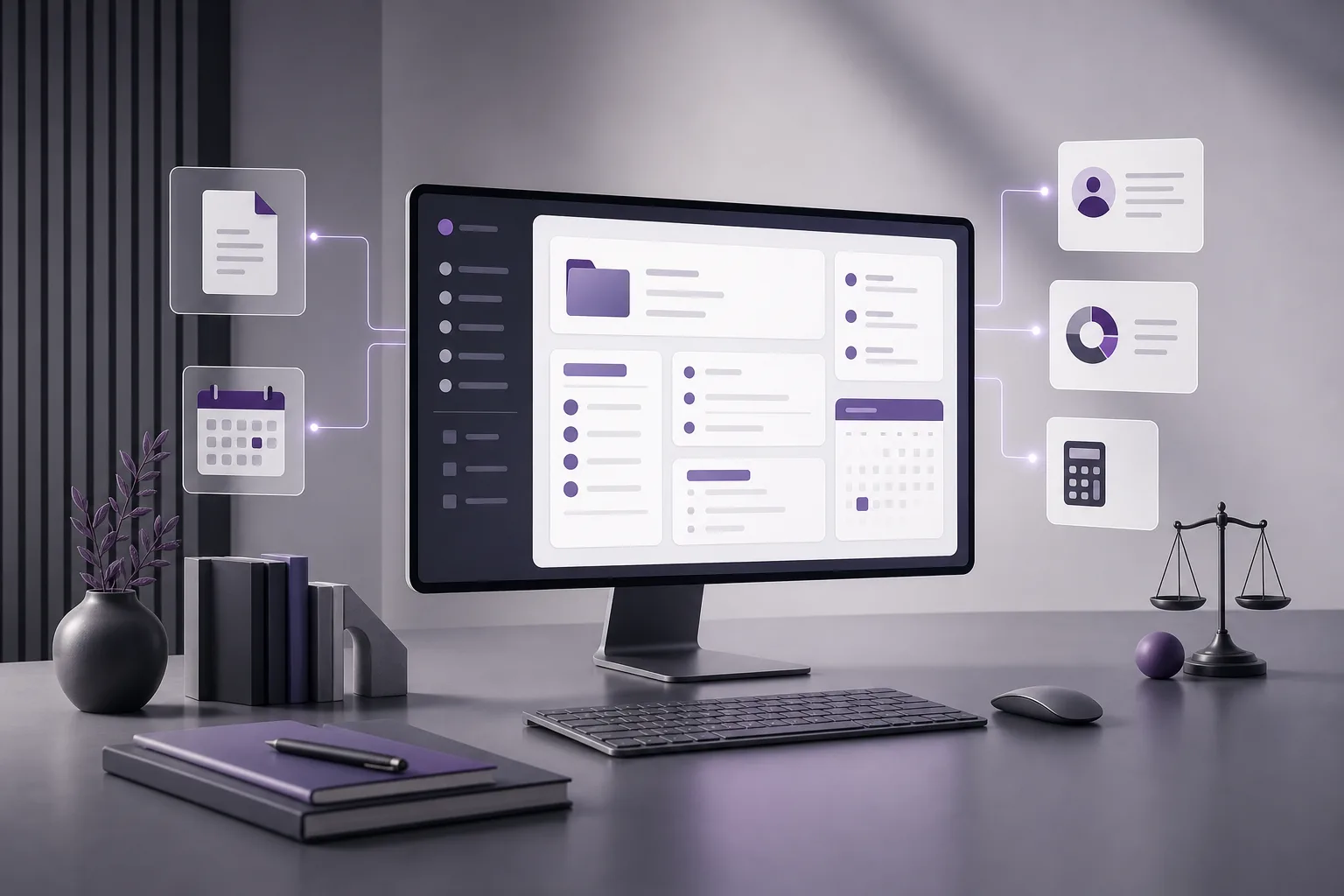
OrderTech Legal brings case and client management, documents, appointments, and accounts into one office workspace. Before resuming work, a lawyer can use the case as a starting point for reviewing these related elements rather than organizing the search manually across separate office sources.
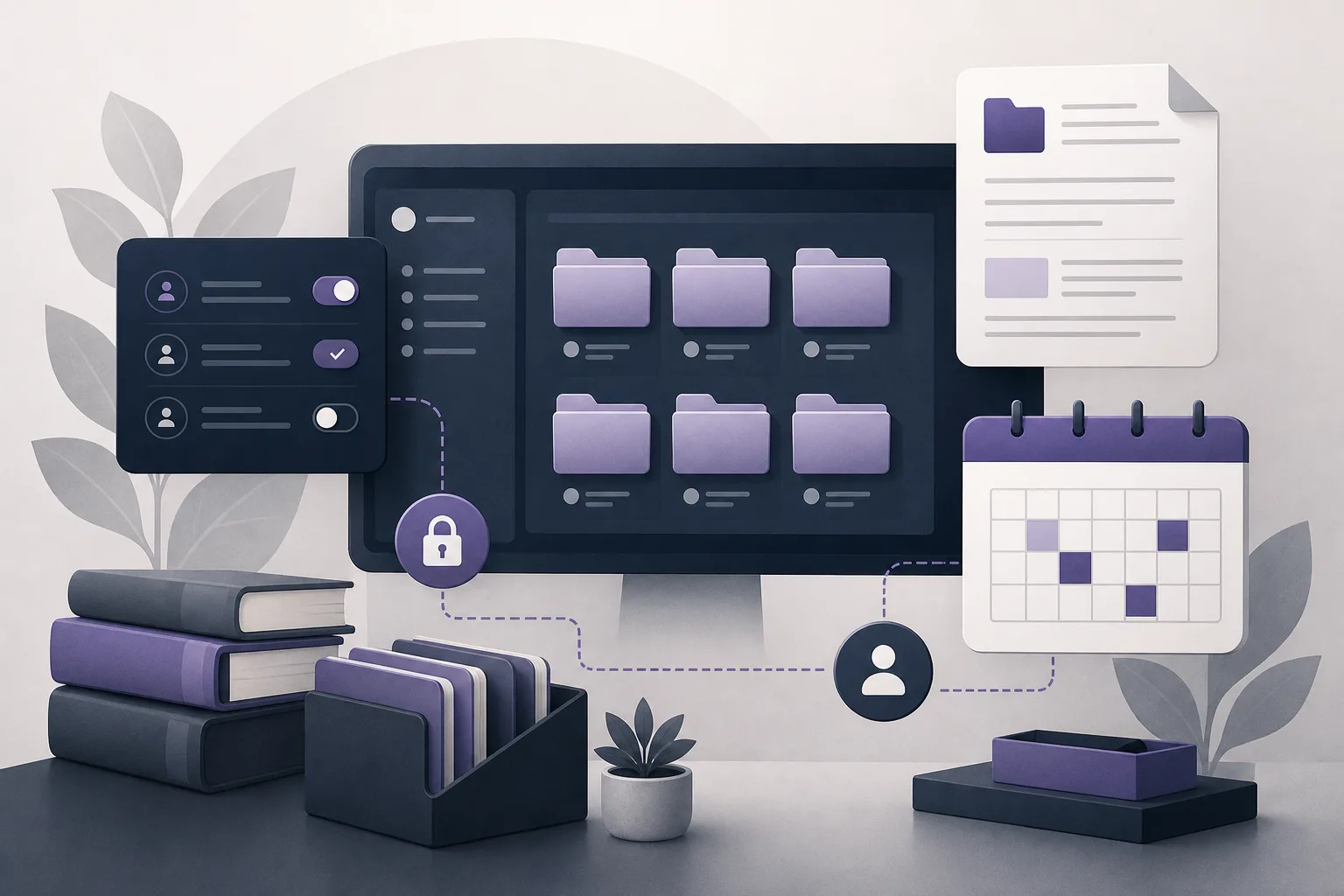
The benefit is not the creation of new case facts. It is the availability of a central work environment for the information that has been set up in the office’s version. Each office has an independent version with its own identity, accounts, permissions, website, and application connected to its own interface. What a user can access therefore depends on the office configuration and permissions.
2. Review documents in the case context
Document management helps the lawyer return to materials associated with the case during the initial orientation stage. The lawyer can review what has been added to the case and decide which documents require closer reading or additional verification.
This does not mean that every document is automatically understood or that professional review is unnecessary. The lawyer should confirm that the available documents are the ones needed for the current task and assess their contents before relying on them for further work.
3. Bring appointments and accounts into the same review
Appointments and accounts may form part of the practical context needed when reopening a case. Because OrderTech Legal brings these areas together with case, client, and document management, the lawyer can review them within the same office environment.
This supports a more structured review: what information is available, which documents are present, what appointments are recorded, and which accounts are associated with the case? The platform does not independently decide what a particular appointment or account means or what action should follow. The lawyer interprets the information and determines the next step.
4. Use the office assistant when available
The office assistant helps with file summaries, draft preparation, and research in the legal library. When the goal is to restore context, a lawyer may use it to request a summary of the information available in the case or support an initial draft related to the task being considered.
The assistant’s output should be treated as a starting point for review, not as a final result. The lawyer reviews and verifies the output and confirms any proposed actions. Availability depends on the office version’s configuration and the connection of the relevant services.
5. Consider communication context when the channel is enabled
When configured and enabled, the communication assistant helps receive client inquiries, handle frequently asked questions, and maintain conversation context, with the option for human intervention. This may help the lawyer review relevant communication context before resuming work, without treating the assistant as a replacement for professional involvement.
This support depends on the channel’s setup and activation. The office should therefore confirm that the service has been configured as intended and that the relevant permissions support the required review.
A practical workflow before resuming work
- Open the case in the workspace: Begin with the client and case record instead of searching randomly across separate sources.
- Review the documents: Identify what is available, what requires verification, and what is relevant to the current task.
- Check the appointments: Review the appointments recorded in the office environment and decide whether they relate to the current stage.
- Review the accounts: Examine the accounts associated with the case without assuming that the system interprets them or determines their effect automatically.
- Request assistance when available: Use the office assistant for a file summary or an initial draft, then review and verify the result.
- Set the next action: Once the context is clearer, the lawyer decides whether to follow up, request information, prepare a draft, or take another step.
Hypothetical example
This is a hypothetical example, not a client experience. Suppose a lawyer returns to a case that has been inactive for several months. Instead of beginning with email or multiple folders, the lawyer opens the case in OrderTech Legal and reviews the elements available in the office workspace: documents, recorded appointments, associated accounts, and client information.
The lawyer then uses the office assistant, if it is available in the office version and the relevant services are connected, to request a summary of the available information and an initial list of topics requiring review. The lawyer reads the summary, returns to the documents for verification, and checks the appointments and accounts. The lawyer then decides whether to prepare a draft, communicate with the client, or complete another internal review. OrderTech Legal does not make that decision, and the summary does not replace the lawyer’s review of important information.
Benefits and limitations to keep in mind
Benefits
- A unified place to review cases, clients, documents, appointments, and accounts.
- Less need to reassemble case elements manually from separate office sources.
- Support for file summaries, draft preparation, and legal-library research when the office assistant is available.
- Support for reviewing communication context when the communication channel is enabled, with the possibility of human intervention.
Limitations
- The assistant supports the lawyer and does not replace the lawyer’s review or decision.
- Connections and responses depend on service configuration, permissions, and human intervention.
- Availability of the office assistant and related functions depends on the office version’s configuration and connected services.
- A summary or draft should not be treated as a substitute for checking the original documents and information.
Frequently asked questions
Does OrderTech Legal create new context for a dormant case?
It helps organize the available elements in the office workspace, including cases, clients, documents, appointments, and accounts. Interpreting those elements and identifying what may be missing remains the lawyer’s responsibility.
Can the office assistant decide what should happen next?
It can help summarize files, prepare drafts, and search the legal library. The lawyer reviews the outputs, confirms proposed actions, and makes the decision.
Can every office user see all office information?
Each office has an independent version with its own identity, accounts, and permissions. Access depends on the office configuration and assigned permissions, so the firm should review those settings before adopting a workflow.
Can the communication assistant help with a dormant case?
It may help maintain conversation context and handle inquiries or frequently asked questions when the channel is enabled and configured for that purpose, while human intervention and professional review remain available.
Conclusion
Restoring the context of a dormant case starts with bringing its working elements into a clear review point. OrderTech Legal provides a workspace that combines case and client management with documents, appointments, and accounts, while the office assistant may support summaries, drafts, and legal-library research when available. The value of these tools still depends on configuration, permissions, information quality, and the lawyer’s review and judgment. Explore OrderTech Legal to see how a unified office workspace can support a more organized return to inactive cases.
Platform feature references
- OrderTech Legal — إدارة المكتب / Office management — Accessed 2026-10-12
- OrderTech Legal — المساعد الذكي / AI assistance — Accessed 2026-10-12