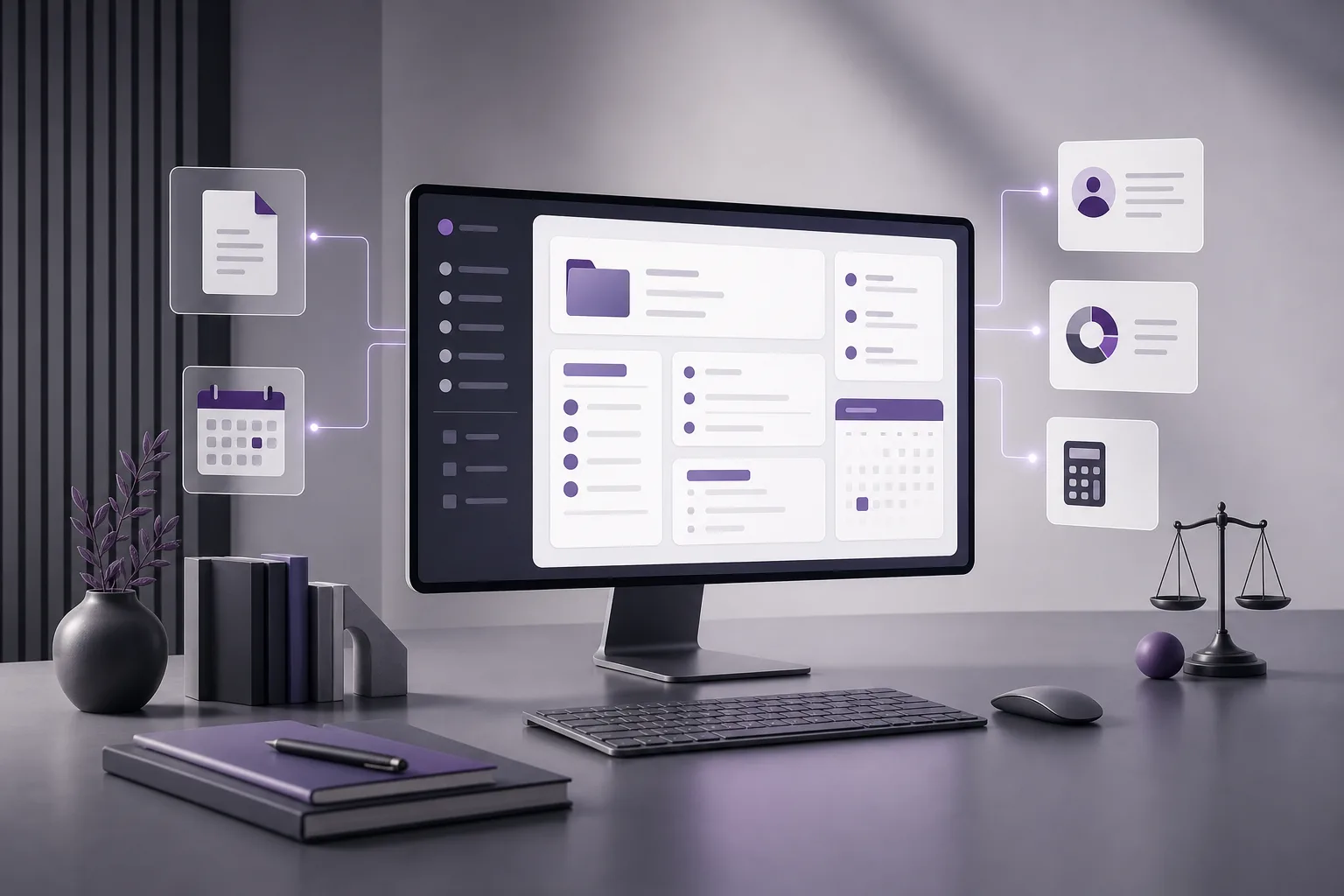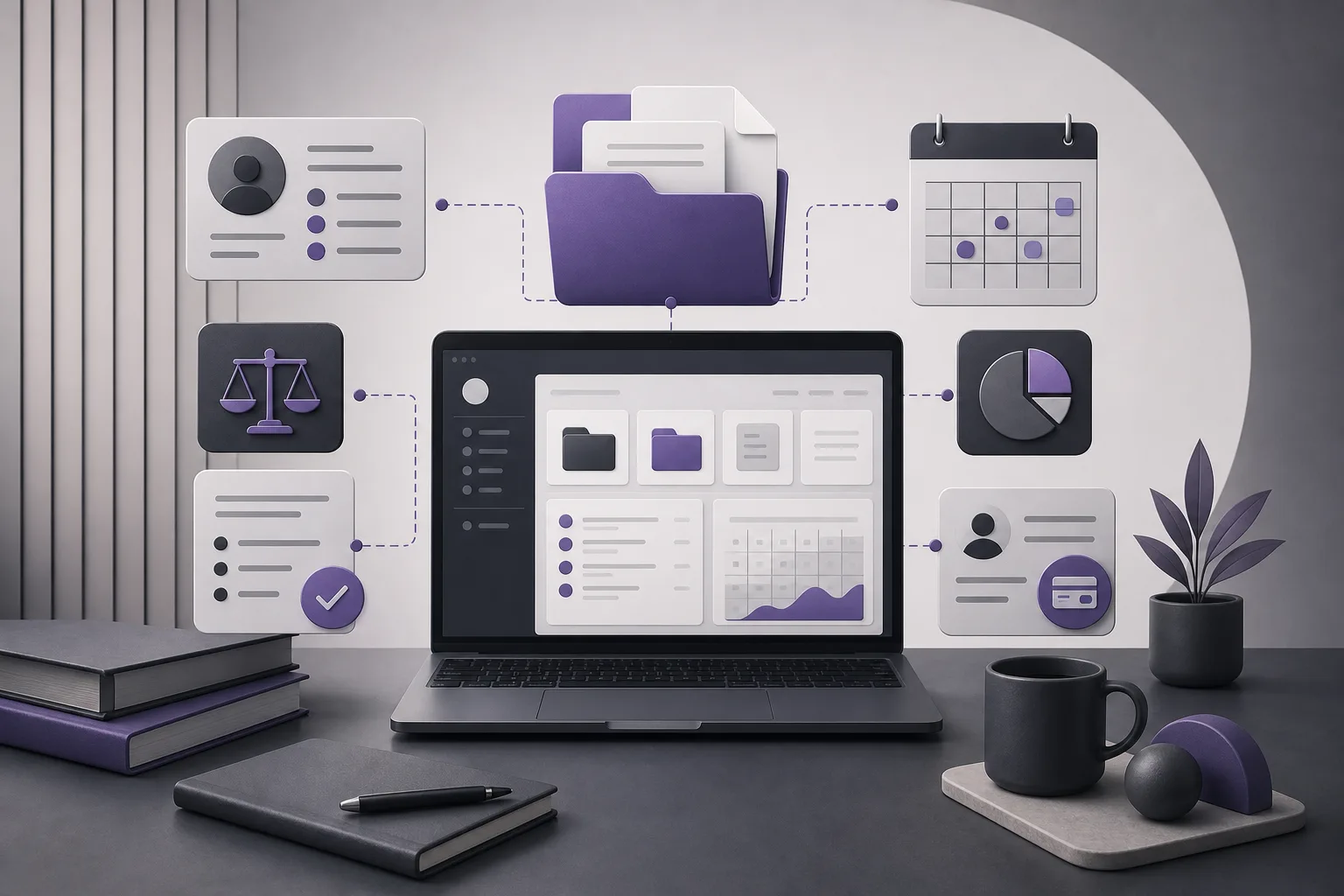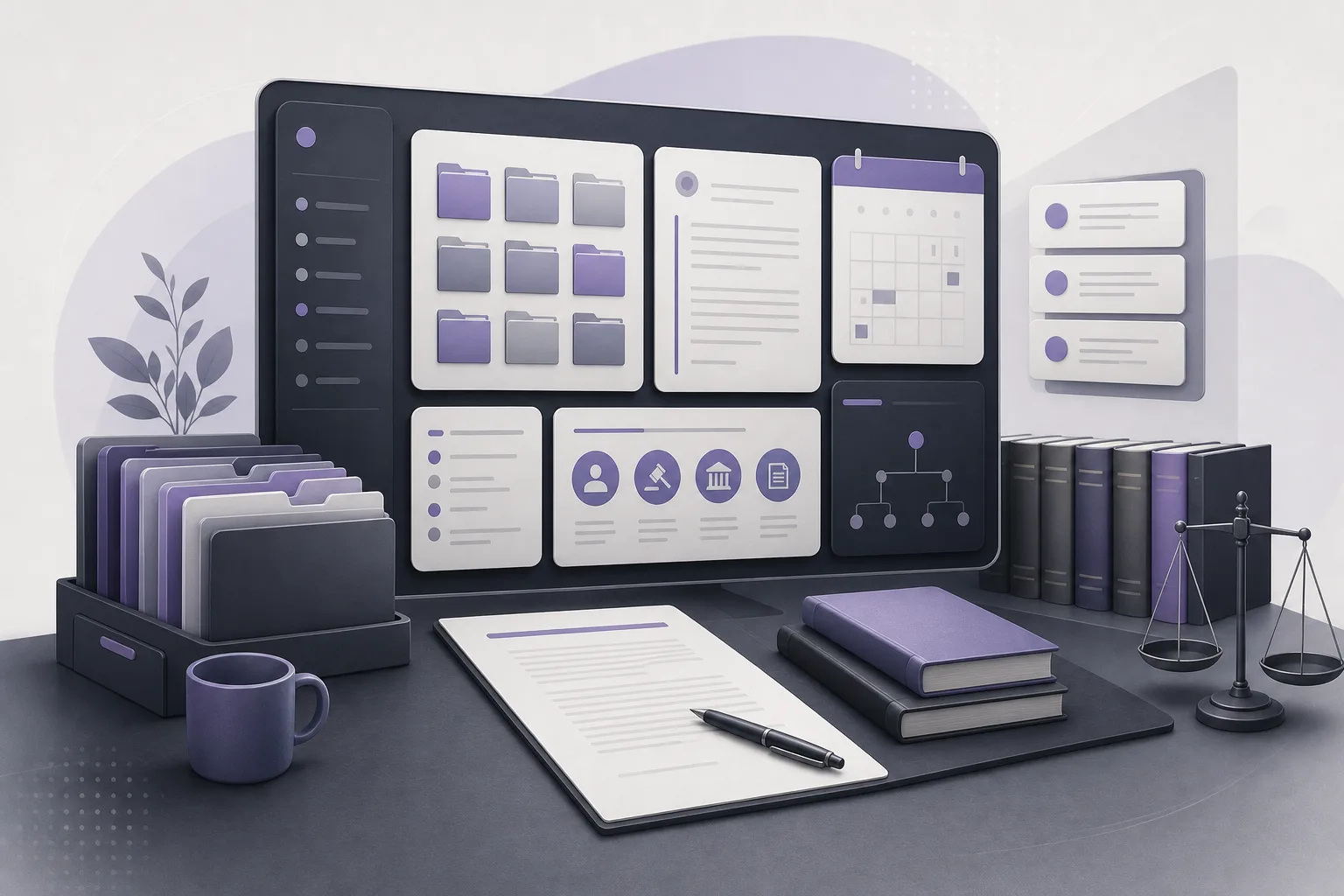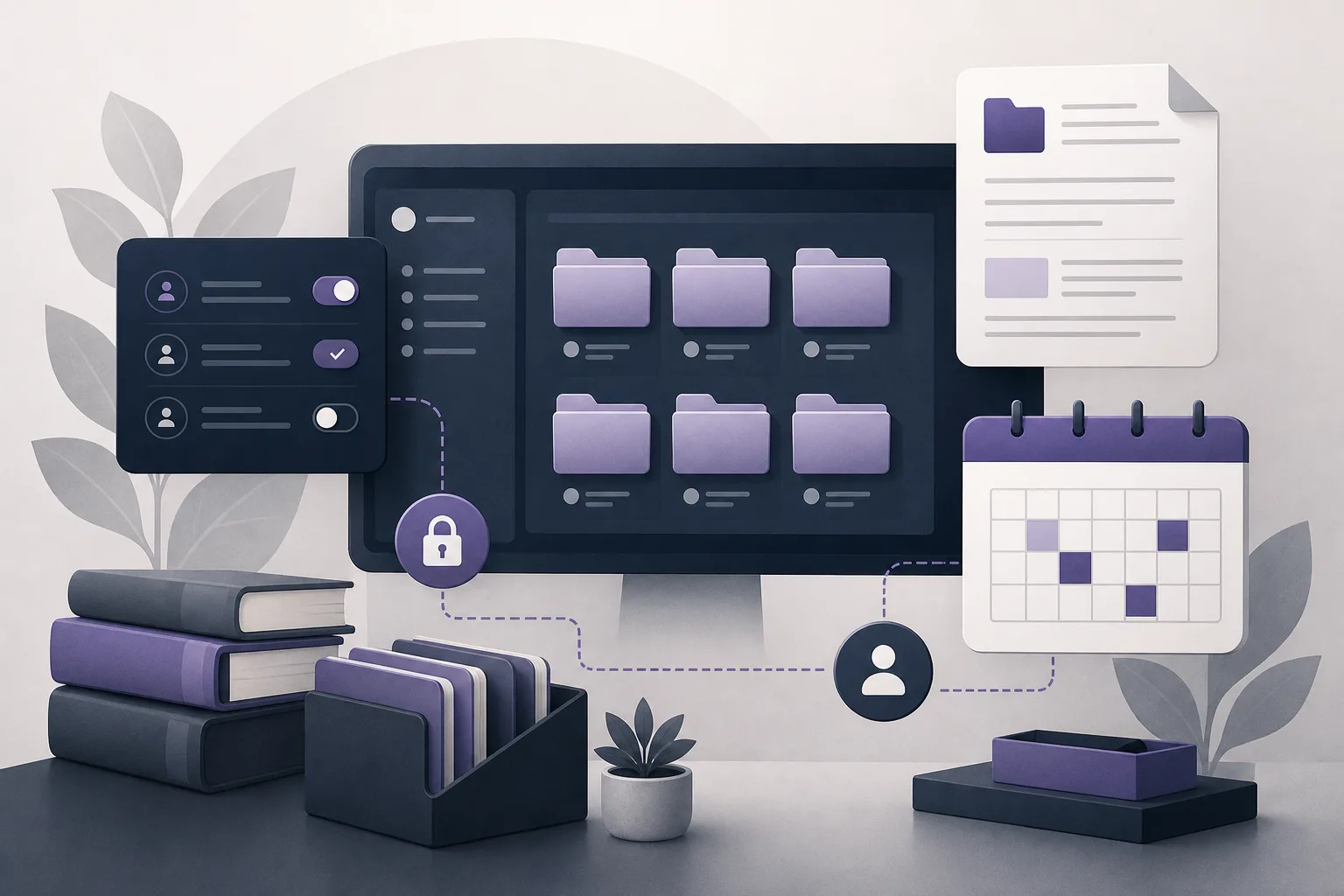
Law firms often face a practical access problem: team members need to work on particular case files, but they do not necessarily need to view every file or document held by the office. As assignments change, it can become difficult to keep track of who should have access to what. The question “How can OrderTech Legal help organize access permissions for case files?” is therefore an office-management question, not a request for the system to replace a lawyer’s or manager’s judgment.
OrderTech Legal brings case, client, document, appointment, and account management into one workspace for the firm. Each firm has a separate instance with its own identity, accounts, permissions, website, and application connected to its own interface. This structure gives the firm a dedicated environment in which access can be organized, while the exact options available remain dependent on the instance configuration.
Why case-file access becomes difficult
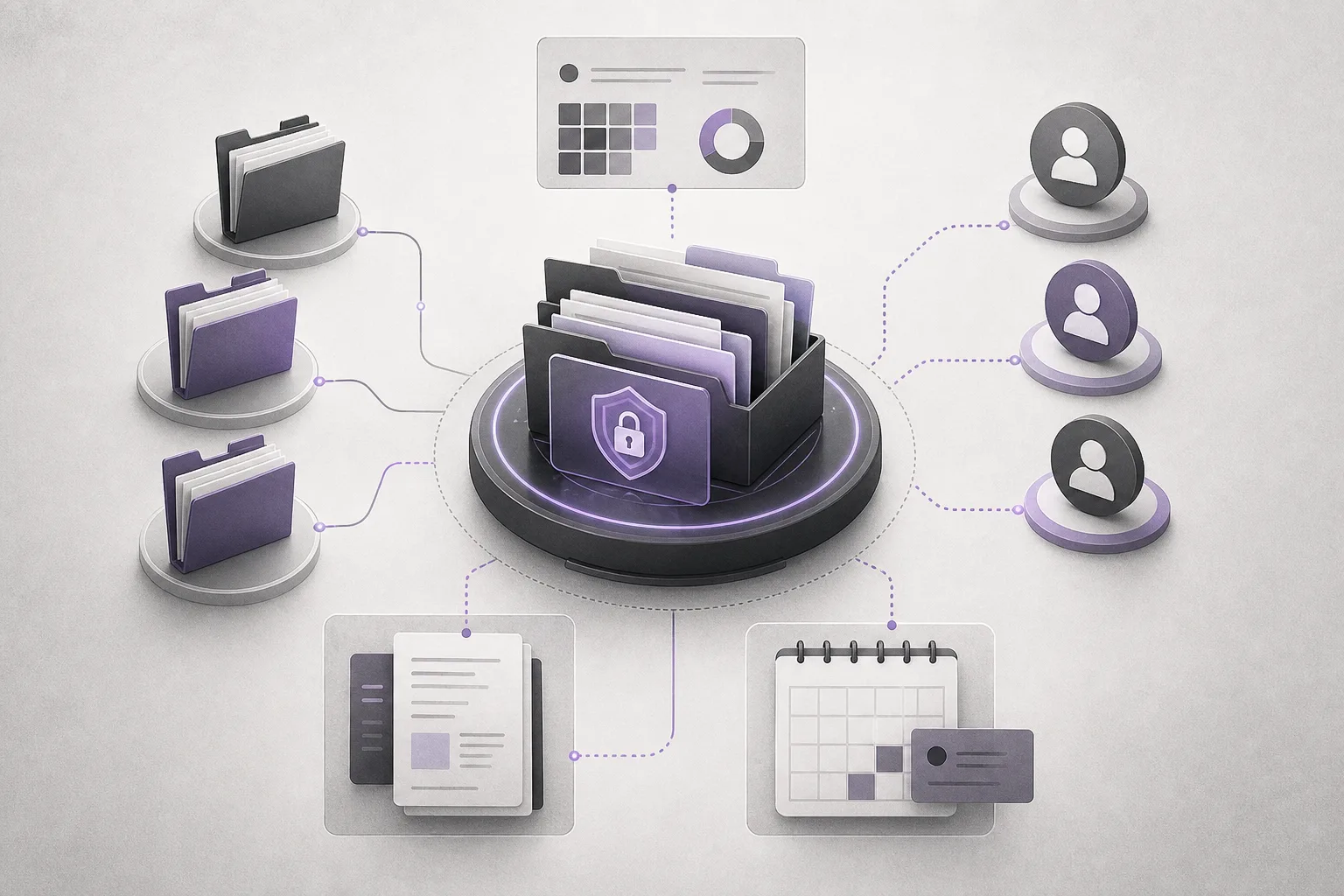
The challenge is not always a lack of accounts or files. It often comes from changing responsibilities. One team member may handle document review for a period, another may follow appointments, and a lawyer may take over a different part of the case. When access is not reviewed as work changes, some people may have more information than they need, while others may lack the information required for their current task.
Managing files through disconnected arrangements can also make internal review harder. A workspace that brings the main elements of office work together gives the manager a clearer setting for considering accounts and permissions, rather than treating each file or user as an isolated arrangement.
How OrderTech Legal supports permission organization
A separate workspace for each firm
OrderTech Legal provides each firm with an independent instance, including its own identity, accounts, and permissions. From an administrative perspective, this separation connects access organization to the firm’s own operating environment instead of an undifferentiated shared space. The firm can then structure its working arrangements according to its internal responsibilities and the settings of its instance.
Case, client, document, and account management in one place
The system brings case files, client records, documents, appointments, and accounts into the firm’s workspace. This makes it easier to consider the full context when work is assigned: the case, its related documents, the people working on it, and relevant appointments. Having these elements together does not mean that every user automatically sees everything. The effective scope of access depends on the permissions and configuration established for the firm’s instance.
Accounts and permissions that can be organized
Firm accounts and permissions provide a basis for organizing who can access information within the office environment. A practical starting point is to identify the work performed by each role and then review the available instance settings against those responsibilities. The available record does not specify a fixed set of permission levels for every file type, folder, or document. Managers should therefore confirm what is enabled in their own instance rather than assume a particular control exists.
Practical steps for using the feature
- Define the work scope. List the information the firm manages in OrderTech Legal, including case files, client records, documents, appointments, and accounts.
- Review the account structure. Confirm that team members use their accounts within the firm’s separate instance and that the firm identity and workspace are configured as intended.
- Connect access to responsibilities. For each case or work group, ask who needs access to perform the current task and who does not. Use that review to guide the permission settings available in the instance.
- Revisit changes. When an assignment moves to another person or a team member’s involvement ends, review the related accounts and permissions according to the firm’s configuration. Do not assume that the previous arrangement remains appropriate.
- Check the setup in practice. Confirm that the relevant accounts can reach what they need and that the scope matches the firm’s intended arrangement. If a control is unclear, review the instance setup or seek appropriate assistance.
- Keep the decision human. Use the system to organize work, but make manager or lawyer review part of any decision about who should see or handle case information.
A hypothetical example
Hypothetical example, not a real client experience: A small firm handles several matters. One lawyer is assigned to review documents for a case, while another team member follows appointments. Before using a more organized workspace, the team found it difficult to confirm whether each person was working within the appropriate scope, especially when responsibilities changed.
The firm uses its separate OrderTech Legal instance and reviews user accounts and permissions according to its configuration. The manager identifies the people who need to work on the case and its related documents, then revisits access when appointment follow-up changes hands or document review ends. The system does not decide independently who should access the file. Instead, it places that decision within the firm’s workspace, while the firm remains responsible for selecting and reviewing permissions.
Benefits and limitations
Potential benefits for the firm
- Case, client, document, appointment, and account management are brought into the firm’s workspace.
- Each firm has an independent environment with its own identity, accounts, and permissions.
- Managers have a setting in which to relate access to responsibilities and review changes.
- The firm may rely less on disconnected arrangements, depending on how it configures and uses the system.
What the firm should not assume
- The available record does not establish that the system automatically provides a particular granular permission for every folder or document. Availability depends on the instance configuration.
- Account and permission management does not mean that the system makes access decisions instead of the manager or lawyer.
- The system does not remove the need for human review of assignments, accounts, and settings when responsibilities change.
- Unnecessary internal information should not be entered or shared while requesting help or testing a configuration.
The role of the assistants
The office assistant may be available to summarize files, draft documents, and search the legal library, depending on the instance setup and connected services. These functions do not give the assistant independent authority to decide access permissions, and they do not remove the lawyer’s responsibility to review outputs and confirm proposed actions.
The communication assistant may help receive client inquiries, handle frequently asked questions, and maintain conversation context with the possibility of human intervention, depending on channel setup and activation. The firm should therefore verify which channel is enabled and how it is configured. The presence of an assistant should not be treated as proof that every case detail is automatically available to it or to every user.
Frequently asked questions
Will every member of the firm see every case file?
That should not be assumed. Each firm has accounts and permissions within a separate instance, and the access scope depends on the instance configuration and the firm’s operating arrangements. Review the actual setup rather than relying on a general assumption.
Can OrderTech Legal change permissions instead of the manager?
The system helps the firm organize accounts and permissions, but it does not replace the manager’s or lawyer’s decision. Identifying who needs access and reviewing that decision when a task changes remain human responsibilities.
What should happen when a team member’s assignment changes?
The firm should revisit the accounts and permissions related to the file according to the instance settings. Having cases, documents, and accounts in one workspace can give that review useful context, but it does not automatically enforce the firm’s policy.
Does the office assistant review file access?
The assistant may help summarize files, draft documents, or search the legal library when the relevant services are enabled and connected. Access decisions, output review, and confirmation of proposed actions remain under lawyer or manager oversight.
Conclusion
OrderTech Legal gives each firm a separate workspace for managing cases, clients, documents, appointments, and accounts, with accounts and permissions organized according to the instance configuration. Its value is strongest when the firm connects access to current responsibilities and revisits settings as work changes, while keeping review and decision-making human. Explore OrderTech Legal to see how a workspace can be configured around the way your firm operates.
Platform feature references
- OrderTech Legal — إدارة المكتب / Office management — Accessed 2026-09-14
- OrderTech Legal — المساعد الذكي / AI assistance — Accessed 2026-09-14