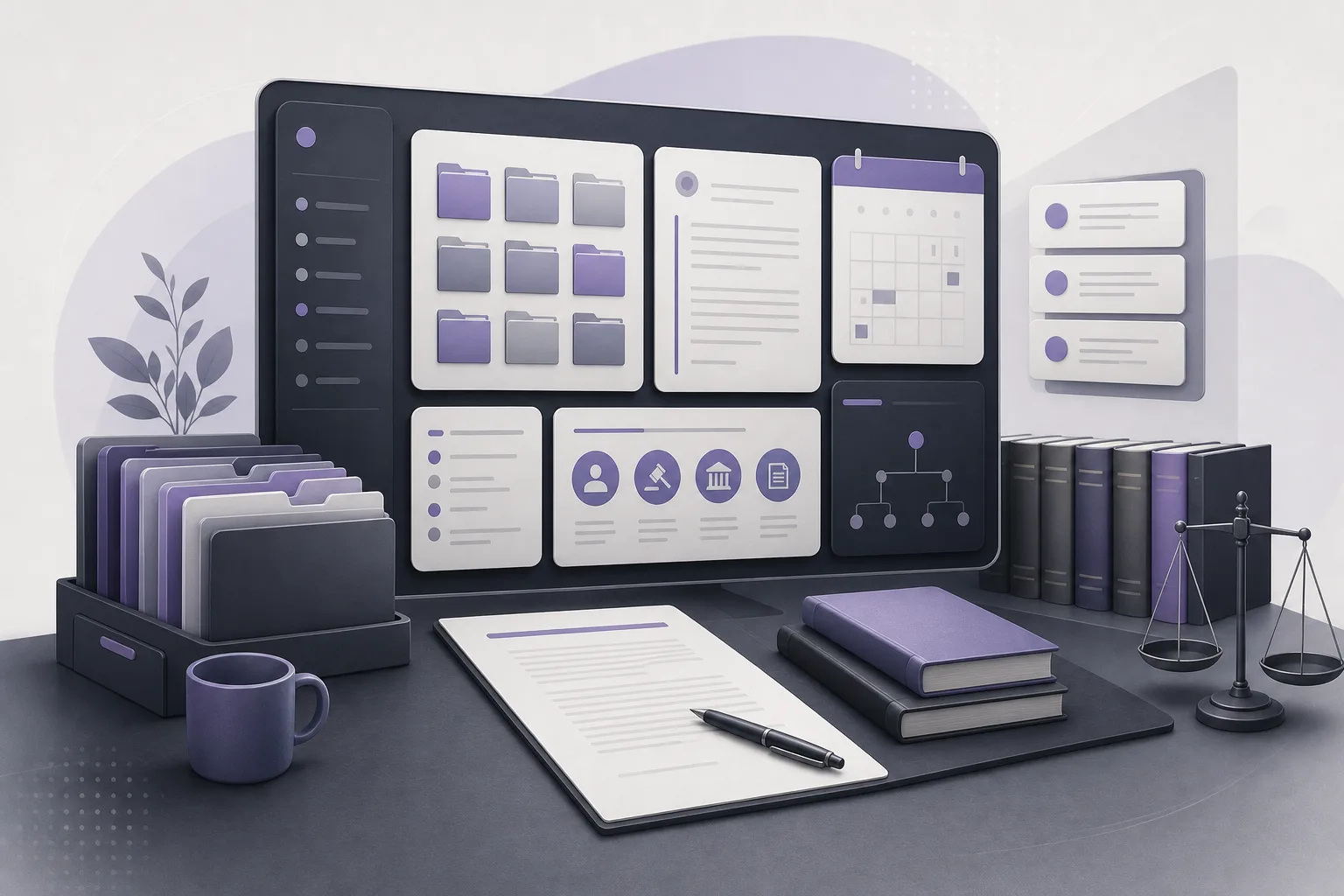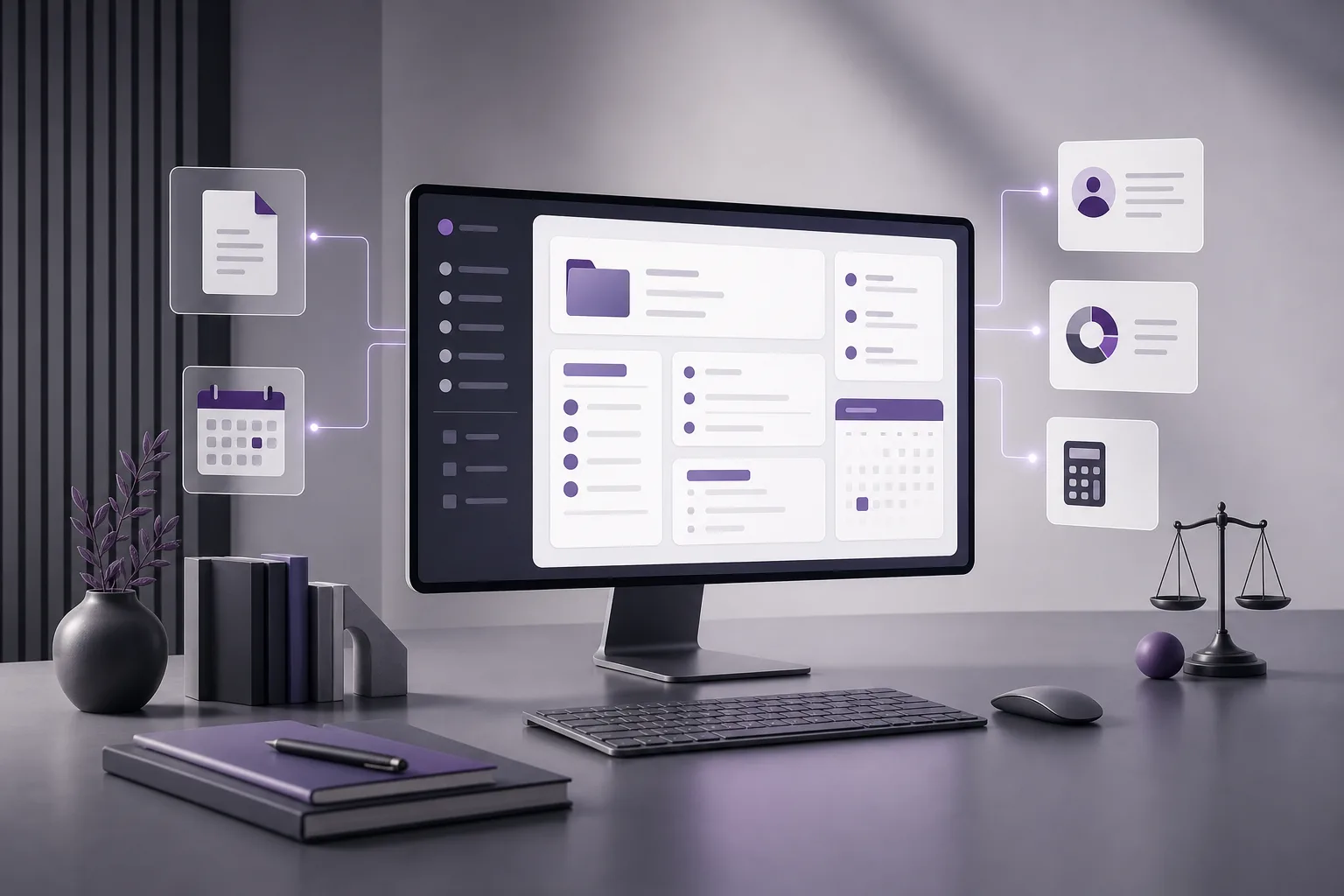
A short client follow-up call can require more preparation than its length suggests. Before calling, a lawyer may need to recall the client’s context, identify the relevant case, review available documents, check appointments, and confirm whether account information is relevant to the conversation. When these details are kept in separate places, preparing for a brief call can become a manual reconstruction exercise.
OrderTech Legal helps address this problem by bringing client and case-file management, documents, appointments, and accounts together in one workspace for the firm. This article answers the question: How can OrderTech Legal help a lawyer prepare for a client follow-up call from a unified record? The purpose is not to make a decision for the lawyer. It is to make available information easier to review and organize before human judgment is applied.
Why is a short follow-up call difficult to prepare for?
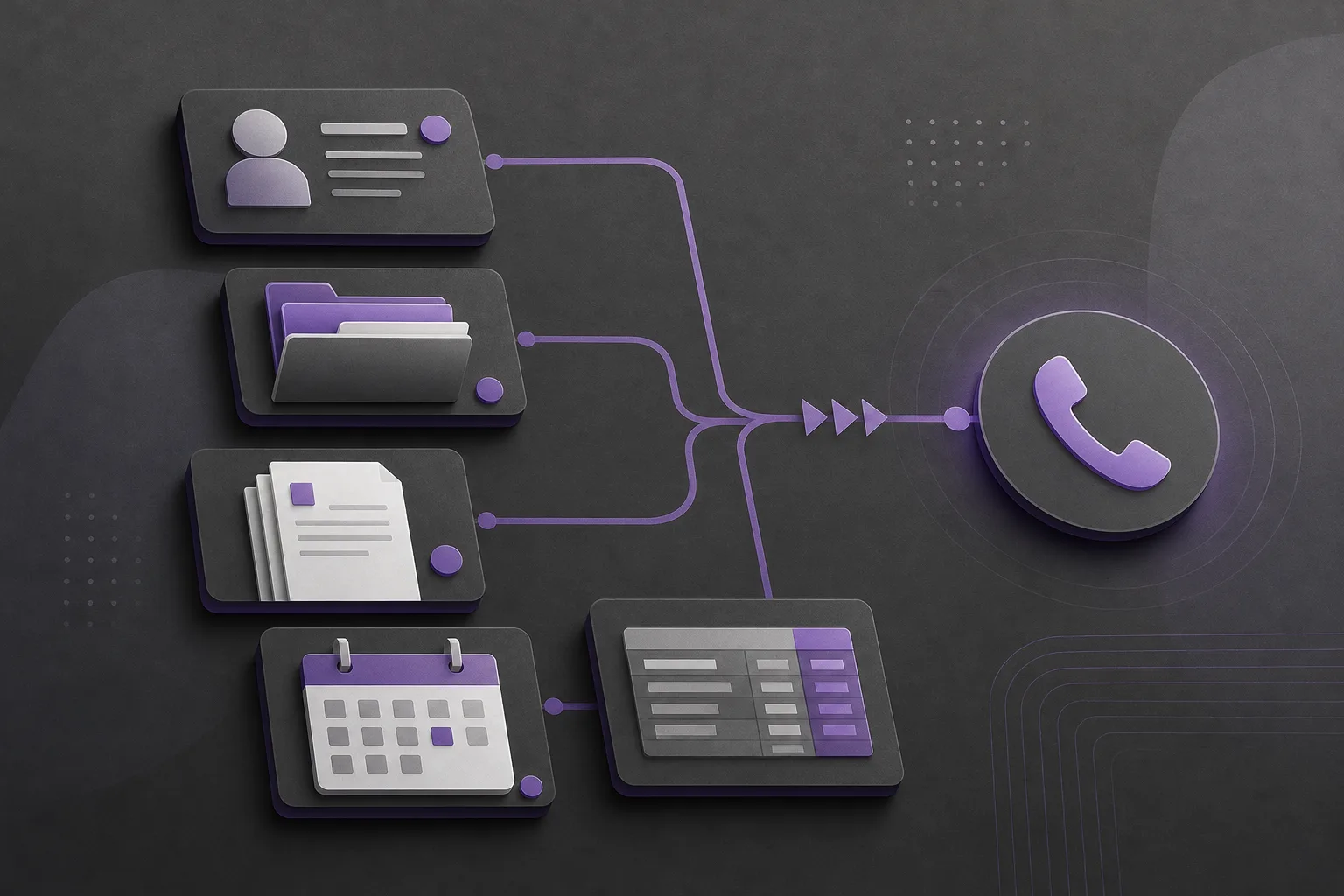
A follow-up call that is not tied to a formal meeting may not have a prepared agenda. It could concern a question from the client, a point mentioned in earlier communication, or a practical item visible in the record. In each situation, the lawyer needs a quick but reliable view of the information that can support the conversation.
The work becomes harder when client information is in one area, the case file in another, and documents, appointments, and accounts must be checked separately. Some information may also be unavailable because of permissions or firm settings. A unified workspace therefore helps only when the lawyer understands what is available and verifies the relevant information before using it.
How can a lawyer use the unified record before calling?
1. Start with the client and case file
The lawyer can open the client record and move to the related case file, subject to the firm’s organization and permissions. This provides a starting point for understanding the matter without rebuilding the context from disconnected notes or messages. It also helps the lawyer confirm which case the follow-up concerns before reviewing specific details.
The record does not create facts that are absent from the system or independently establish what happened. Its practical value is that it can reduce movement between areas of office management when the relevant client and case information is available in the workspace.
2. Review the relevant documents
Once the case is identified, the lawyer can review documents recorded in the file, subject to access rights and the firm’s configuration. A document may help the lawyer recall an earlier point or respond to a question raised by the client. The lawyer should still confirm that the document is the appropriate version and that its contents serve the specific purpose of the call.
The presence of a document does not prove that the file is complete or that every required material is available. If something does not appear, it may not have been added or may not be accessible under the current settings. The lawyer should not infer the reason for its absence without checking.
3. Check appointments and accounts
Because appointments and accounts are managed in the same workspace, the lawyer can review administrative items that may be relevant to preparation. For example, an appointment recorded against the matter may be useful context, while available account information may help identify an administrative question to confirm with the client.
This review does not replace verification. The lawyer should examine the information as it appears in the system and treat missing or conflicting details as matters requiring confirmation or human intervention, rather than as settled facts.
4. Use the office assistant when enabled
Depending on the edition’s configuration and service connections, the office assistant can help summarize files, draft content, and search the legal library. For a short follow-up call, the lawyer may use it to create an initial summary from the information in the file or to prepare draft talking points and questions.
The result is a working draft, not a final instruction. The lawyer reviews the summary or draft, compares it with the available record and documents, removes or corrects anything that cannot be confirmed, and personally confirms any proposed action before using it. The lawyer should not assume that the assistant knows information that is not accessible in the record or that its output replaces professional judgment.
A hypothetical example: preparing during a limited work window
This is a hypothetical example, not a real client experience. Suppose a lawyer needs to make a short follow-up call about an existing case. Before calling, the lawyer opens the client record and related case file in OrderTech Legal, reviews the available documents, checks recorded appointments, and looks at accessible account information.
The lawyer then asks the office assistant, if it is enabled for the firm’s edition and connected to the necessary services, to prepare a short summary based on the information in the file and draft a few call points. The lawyer reads the output, compares it with the record, removes any point that is unnecessary or cannot be confirmed, and decides what to say and what requires additional verification.
In this example, the assistant does not contact the client or determine the outcome of the matter. It helps organize information and prepare a draft. The lawyer remains responsible for setting the call’s purpose, checking accuracy, choosing the response, and confirming any next step.
What practical value does this offer a lawyer or office manager?
- Less repeated collection: Reviewing clients, cases, documents, appointments, and accounts in one workspace can make the beginning of preparation more consistent.
- Better call context: Seeing related items together helps the lawyer distinguish the current question from other information in the record.
- A reviewable starting draft: When the office assistant is enabled, summaries and drafts can provide a starting point rather than a substitute for checking.
- Clear responsibility: The lawyer reviews outputs and confirms proposed actions, keeping final judgment with the human professional.
- Independent firm setup: Each firm has its own instance with its identity, accounts, permissions, location, and application connected to its own interface. What the lawyer sees therefore depends on the firm’s setup.
Important limitations
OrderTech Legal helps organize available information, but it does not guarantee that the record is complete or current. Access depends on the firm’s accounts, permissions, edition settings, and connected services. Some assistant capabilities may not be available in every setup, and their usefulness depends on what the firm has enabled.
Summaries, drafts, or responses also depend on the information the system can access. The lawyer must review outputs before using them, verify relevant documents and data, and confirm any proposed action. The assistant supports the lawyer; it does not replace review or decision-making.
The communication assistant can, depending on channel configuration and activation, help receive client inquiries, handle frequently asked questions, and maintain conversation context with the option of human intervention. It is not a substitute for the lawyer’s preparation for a follow-up call, and its availability should not be assumed if it has not been configured for the firm.
Frequently asked questions
Does the system add information that is not in the client record?
That should not be assumed. Assistance depends on available information, access settings, and connected services. The lawyer should verify any information before relying on it.
Can the office assistant make the call or decide what to do?
When available, it helps summarize files, draft content, and search the legal library. The lawyer reviews the output and confirms proposed actions. It does not replace the lawyer’s review or decision.
Can appointments and accounts be reviewed in the same workspace?
The platform brings appointment and account management together with client, case, and document management in the firm workspace. What can be viewed remains subject to permissions and configuration.
What if information I need does not appear?
Check the file, documents, permissions, and service settings. Do not conclude that the information is unavailable merely because it is not visible, and do not rely on it before verification or human intervention.
Conclusion
Preparing for a short follow-up call does not require turning it into a formal meeting, but it does require organized context. OrderTech Legal gives the lawyer a workspace for reviewing the client record, case file, documents, appointments, and accounts, with optional office-assistant support for summaries and drafts when the relevant services are enabled. The value still depends on the quality of the record, the firm’s configuration, and the lawyer’s review of every output before use.
To learn how OrderTech Legal may fit your firm’s workflow, explore the platform and the workspace and assistant capabilities available under your edition, permissions, and connected services.
Platform feature references
- OrderTech Legal — إدارة المكتب / Office management — Accessed 2026-10-20
- OrderTech Legal — المساعد الذكي / AI assistance — Accessed 2026-10-20