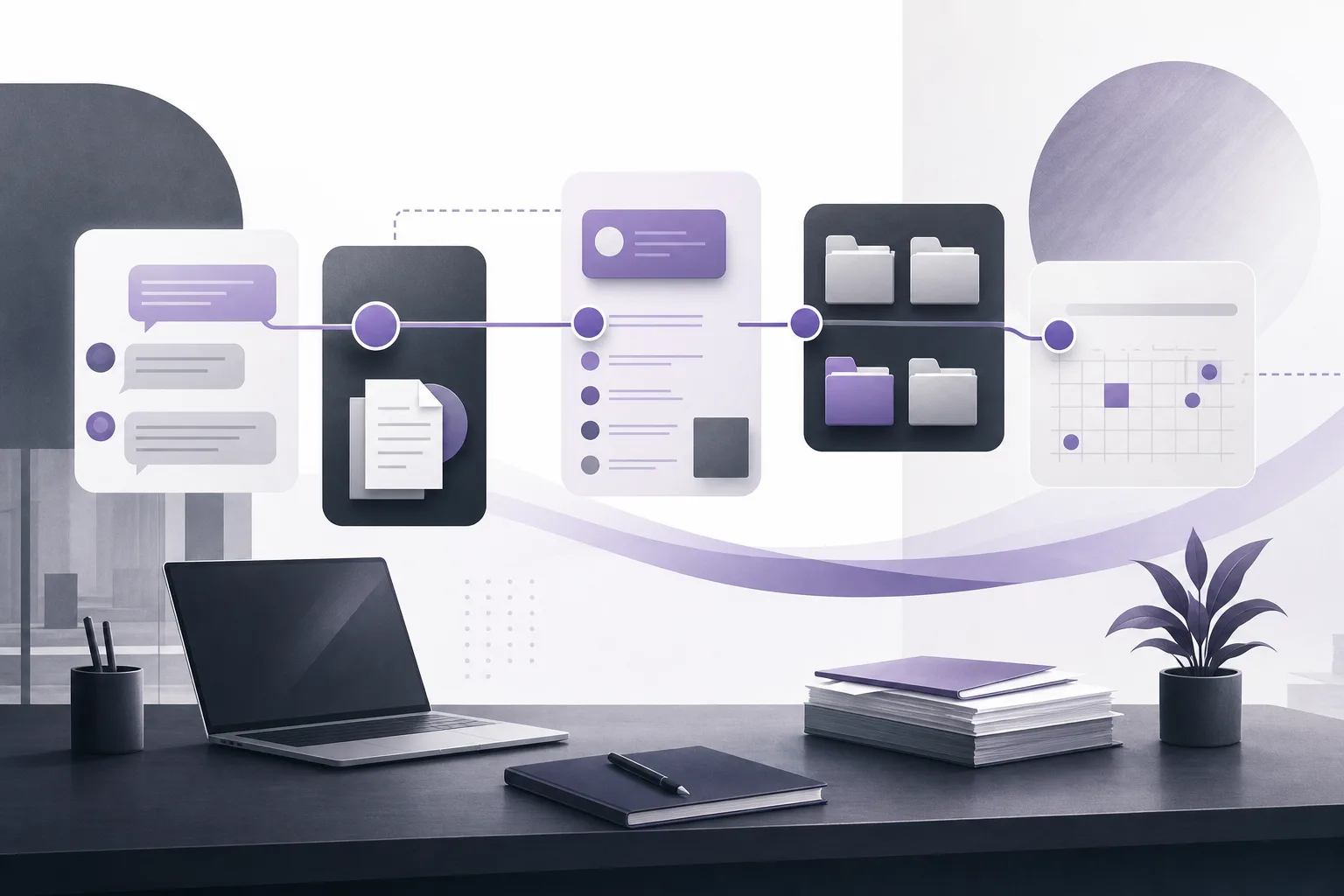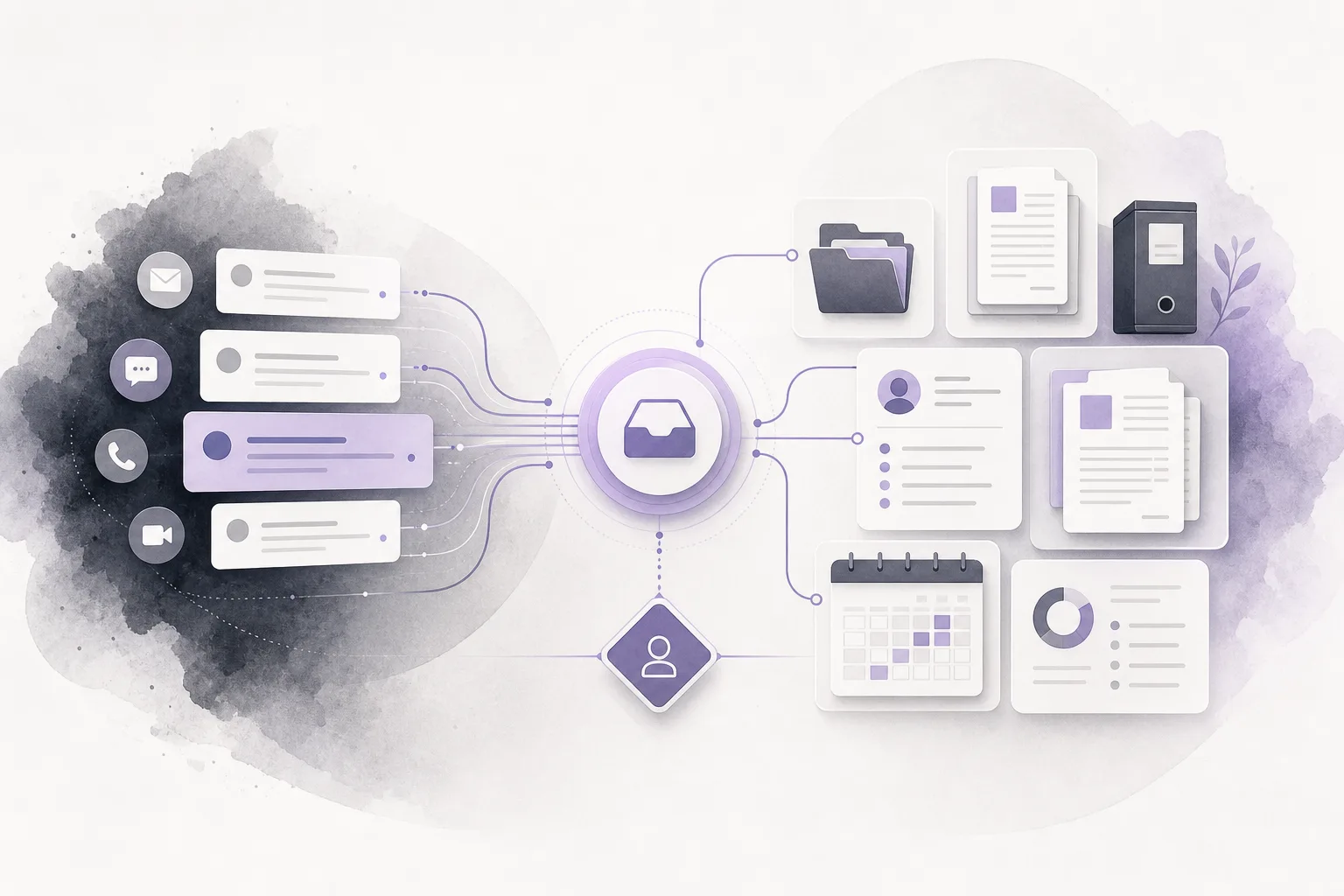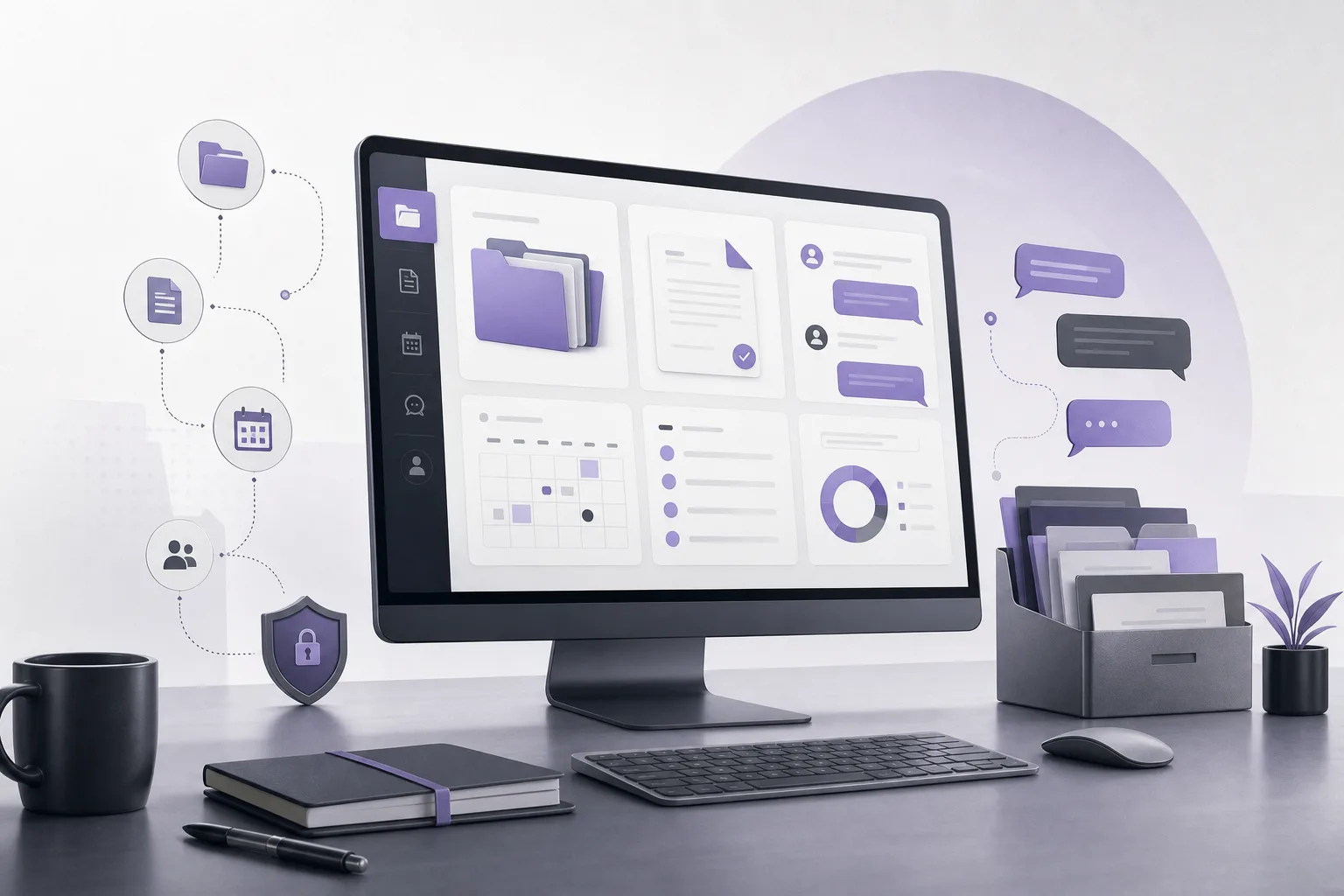
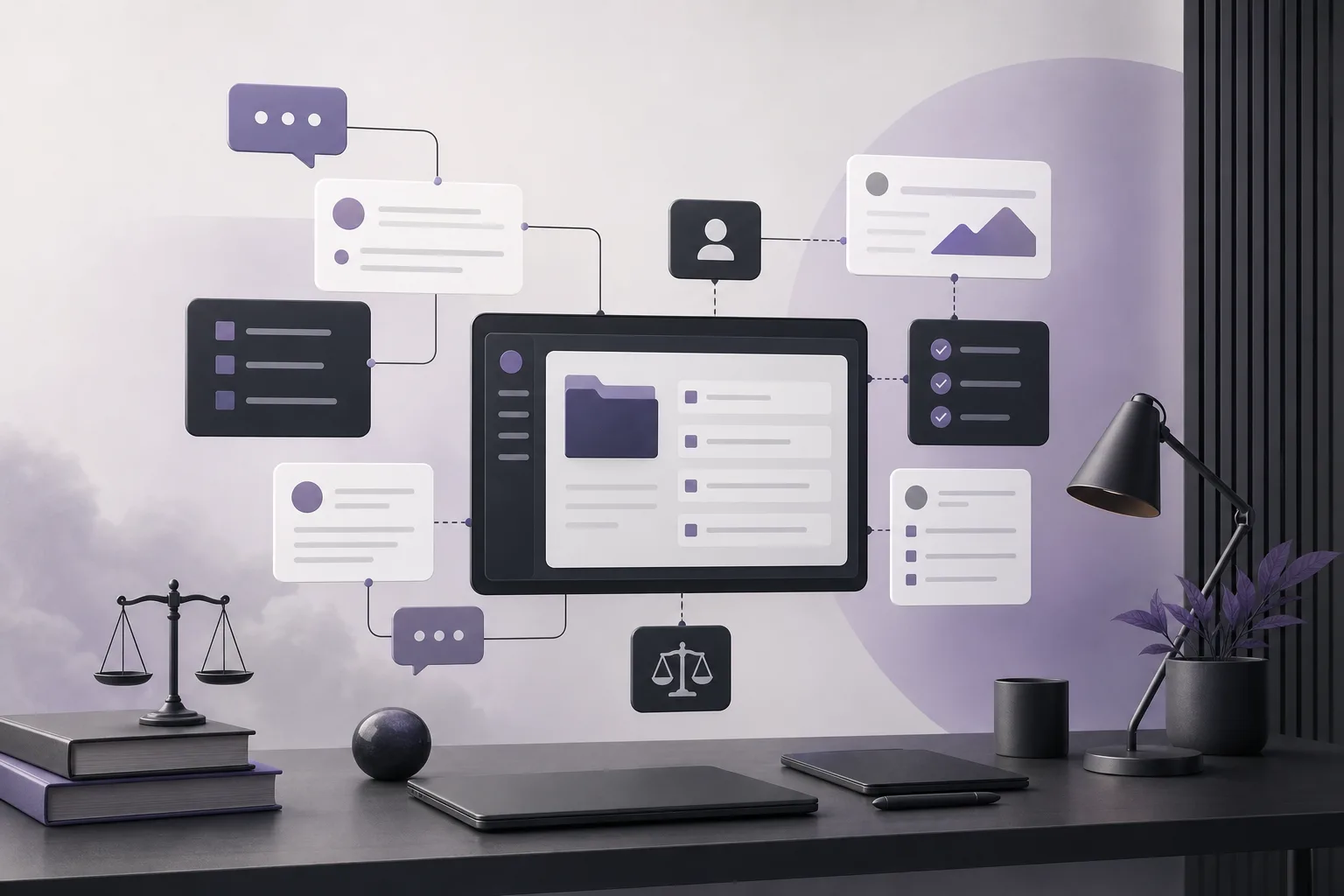
When a client repeats a question already discussed with the firm, sending a standard reply can make the conversation feel disconnected. OrderTech Legal helps intake staff approach that message as part of an ongoing conversation rather than as an isolated request. This article answers: How can OrderTech Legal help intake staff use a client’s conversation context when handling a recurring question? It explains what the communication assistant can do, when human intervention matters, and where the feature’s limits remain.
The problem: a recurring question may refer to earlier details
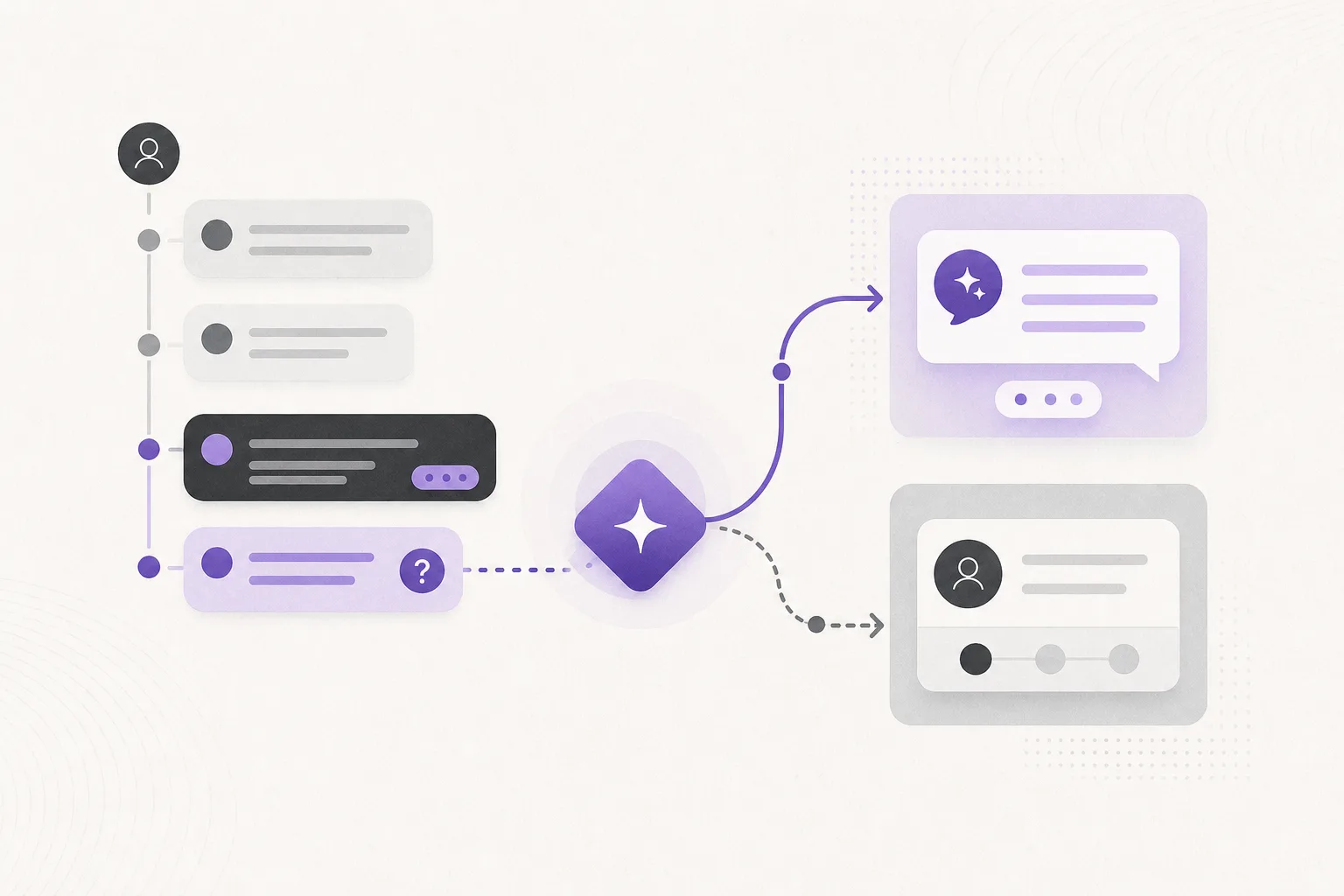
A client may send a short message such as “Any update?” or “What happens next?” Read by itself, the question is broad. In the earlier conversation, however, it may refer to a particular topic, a request for clarification, or an ongoing follow-up.
If intake staff answer with a generic template without considering the earlier exchange, the client may receive a response that does not address the actual context. Templates can still be useful in suitable situations, but they are less helpful when the conversation requires continuity or a decision about whether a staff member or lawyer should review the response.
How OrderTech Legal supports conversation context
OrderTech Legal brings case and client file management, documents, appointments, and accounts into a workspace for the firm. Within that workspace, the communication assistant helps receive client inquiries, handle frequently asked questions, and follow conversation context, with the option for human intervention according to the channel’s configuration and activation.
1. Treating the latest message as part of the exchange
Instead of treating the latest question as a separate event, the communication assistant can help follow the available conversation context. This gives intake staff a more useful starting point: what topic is the client continuing, and what does the client appear to need now?
Context support does not mean that the system makes a decision for the firm. It is a way to help staff understand the sequence of the conversation and reduce the chance of sending a generic reply that ignores earlier messages.
2. Handling recurring questions more consistently
When a client repeats a question, the communication assistant can help prepare a response connected to the ongoing conversation rather than simply returning an identical, undifferentiated template. Depending on the exchange, the response may clarify what was previously discussed, ask a relevant follow-up question, or indicate that the conversation should be handled by a person.
The result still depends on the service and channel configuration and on whether the feature has been enabled. The firm should therefore define how inquiries are received, when an assisted response is appropriate, and when a human review is required.
3. Making human intervention available
A recurring question may need intake staff review when the client is asking for confirmation of an earlier message, when the context is incomplete, or when the exchange should not be answered automatically. A lawyer may also need to review the conversation when it calls for professional judgment or a firm decision.
The communication assistant supports human intervention according to the channel setup and activation. This allows intake staff to move from an assisted response to direct follow-up instead of allowing the conversation to continue through generic repeated answers.
A practical workflow for intake staff
- Confirm the active channel: Check that the communication channel is configured and that the communication assistant is enabled for it.
- Review the exchange: When the recurring question arrives, consider the available conversation context rather than only the newest message.
- Classify the request: Decide whether it is a general follow-up, a request needing clarification, or a conversation requiring human or lawyer review.
- Use the assistance: Use the communication assistant to support intake and prepare a context-connected reply within the firm’s configured workflow.
- Review before proceeding when needed: If the response is unclear or calls for professional judgment, have staff or a lawyer review it before confirming a proposed action.
- Continue from the existing point: Follow the conversation from where the client left off instead of restarting with a generic template.
A hypothetical example
Hypothetical example, not a real client experience: A client asks a firm about the next step after discussing the subject in an earlier conversation. The new message is brief and could appear to be a general inquiry. The communication assistant follows the available conversation context, helping the intake staff member recognize that the client is continuing the same subject rather than opening a new one.
The staff member can use the assistance to prepare a reply connected to the earlier exchange and review it before sending. If the response requires confirmation from a lawyer, or if the available context is insufficient, the staff member can intervene or route the conversation for review instead of sending a generic answer. In this example, the assistant reduces initial effort and helps direct the conversation; it does not replace the firm’s judgment.
Benefits for intake teams and office managers
- Fewer disconnected replies: The latest message can be handled as part of an ongoing exchange rather than in isolation.
- More consistent follow-up: Staff can maintain continuity without reconstructing the conversation from the beginning each time.
- Clearer routing: The team can distinguish inquiries suitable for intake handling from conversations that need human or lawyer review.
- A unified office workspace: Communication sits within a system that brings together case and client file management, documents, appointments, and accounts. Each firm has an independent version with its own identity, accounts, permissions, website, and application connected to its own interface.
Limitations and points to consider
Conversation-context support does not mean that the assistant automatically knows everything the firm needs or that every suggested response is suitable. Availability depends on the office version’s configuration and connected services. The communication assistant also depends on the channel being configured and activated. If messages are brief or ambiguous, the available context may not be enough.
An assisted response should not be treated as a final decision in matters requiring professional judgment. The assistant supports lawyers and intake staff but does not replace their review or decisions. Human review and confirmation of proposed actions remain important whenever the conversation calls for them.
Frequently asked questions
Does the communication assistant automatically answer every recurring question?
Not necessarily. This depends on the channel configuration and whether the service is enabled. Human intervention can be used when the question needs review or when the context is unclear.
Can the assistant make a decision for a lawyer?
No. It helps receive inquiries and follow conversation context, while the lawyer reviews outputs and confirms proposed actions when professional review is required.
Does context eliminate the need to review a message before sending?
No. Context can help prepare a more relevant reply, but it does not remove the responsibility of staff or lawyers to review the response when appropriate.
Is the feature available in every office version or channel?
Availability depends on the office version, connected services, channel configuration, and activation. The firm should confirm its setup before relying on the function.
Conclusion
OrderTech Legal helps intake staff move from generic replies toward follow-up that is connected to a client’s earlier conversation, especially when the client repeats a question. The value comes from combining communication assistance, human intervention, and a workspace for the firm’s operations. To learn how the platform may fit your office workflow, explore OrderTech Legal and review the service, channel, and permission settings that suit your team.
Platform feature references
- OrderTech Legal — إدارة المكتب / Office management — Accessed 2026-11-04
- OrderTech Legal — المساعد الذكي / AI assistance — Accessed 2026-11-04