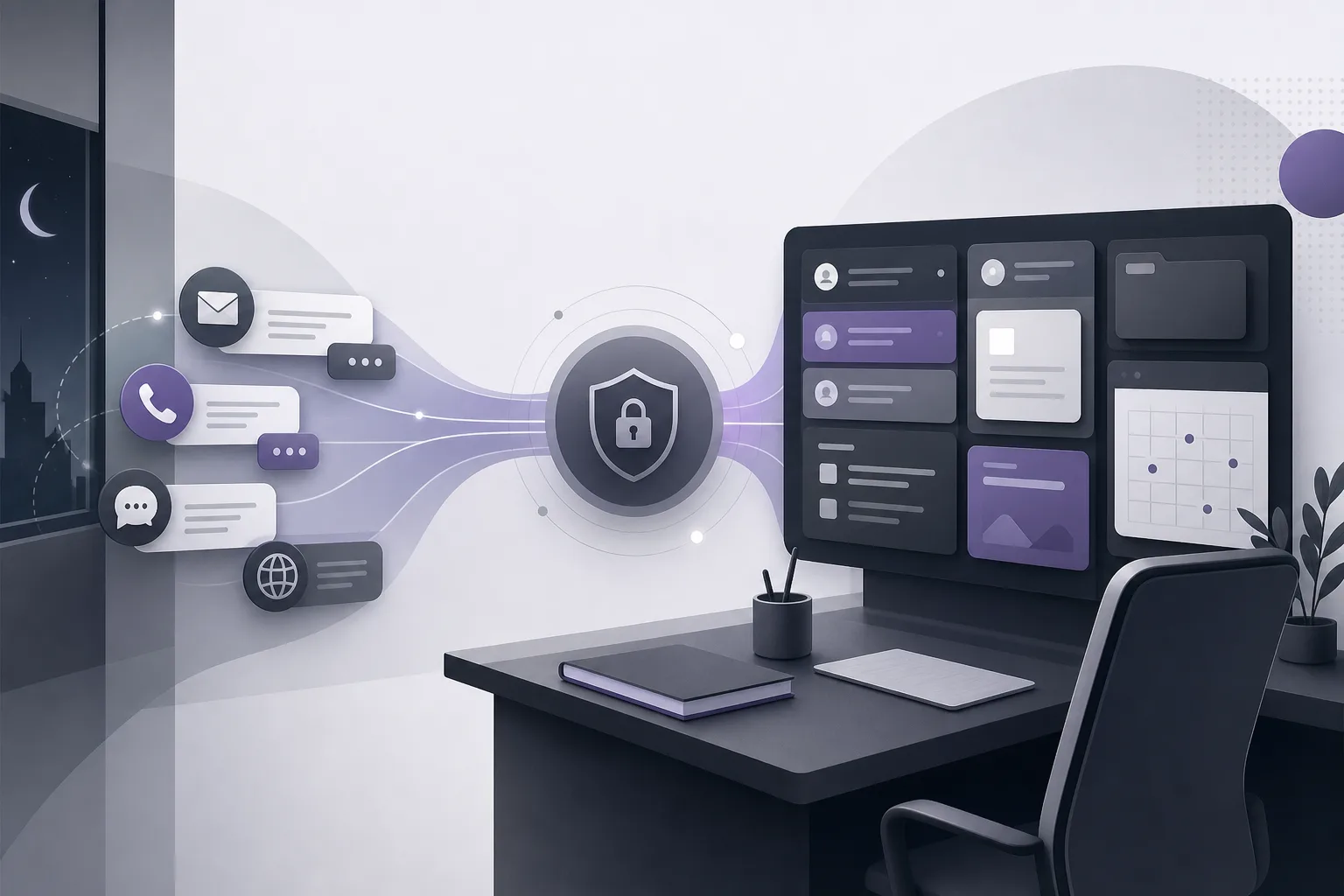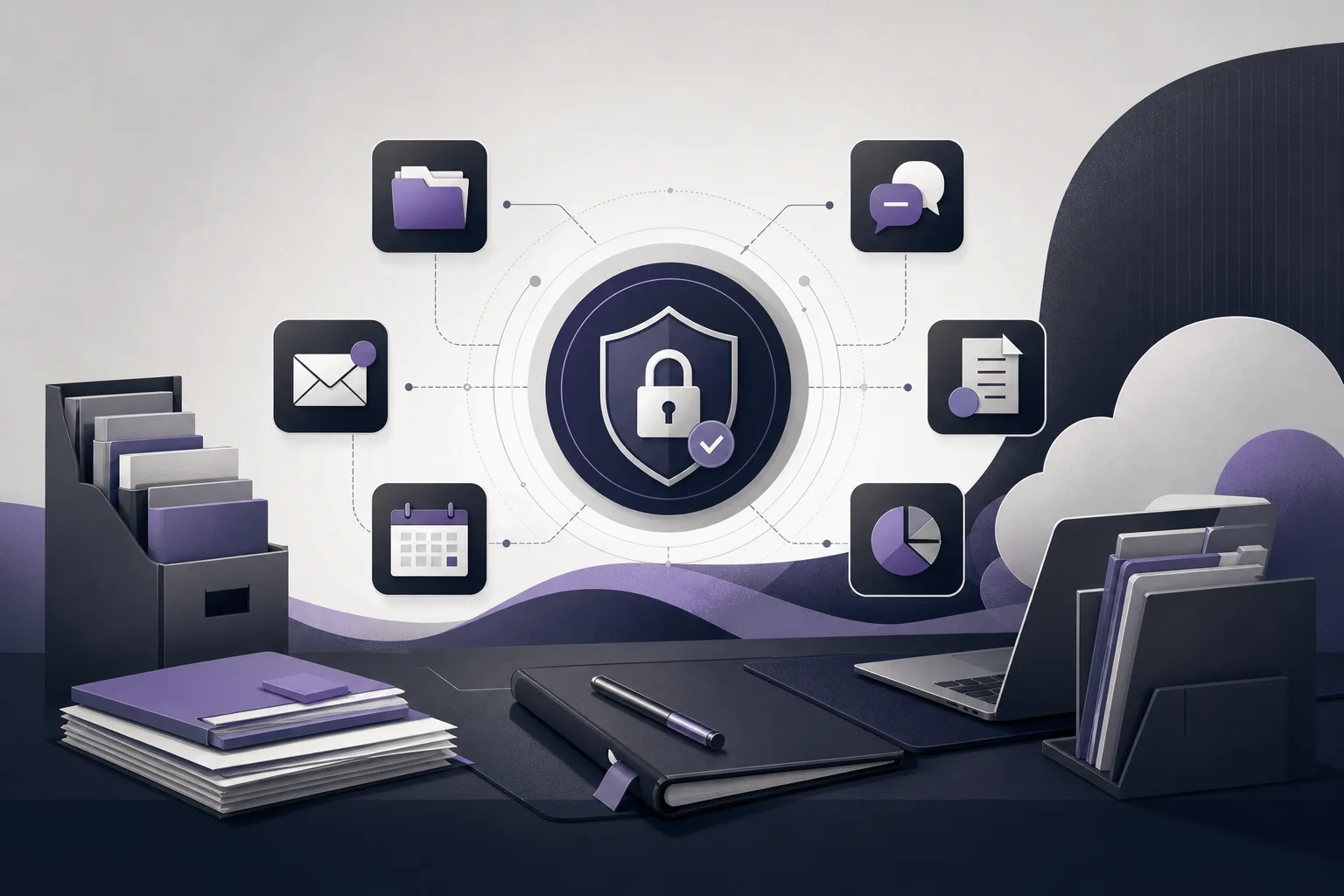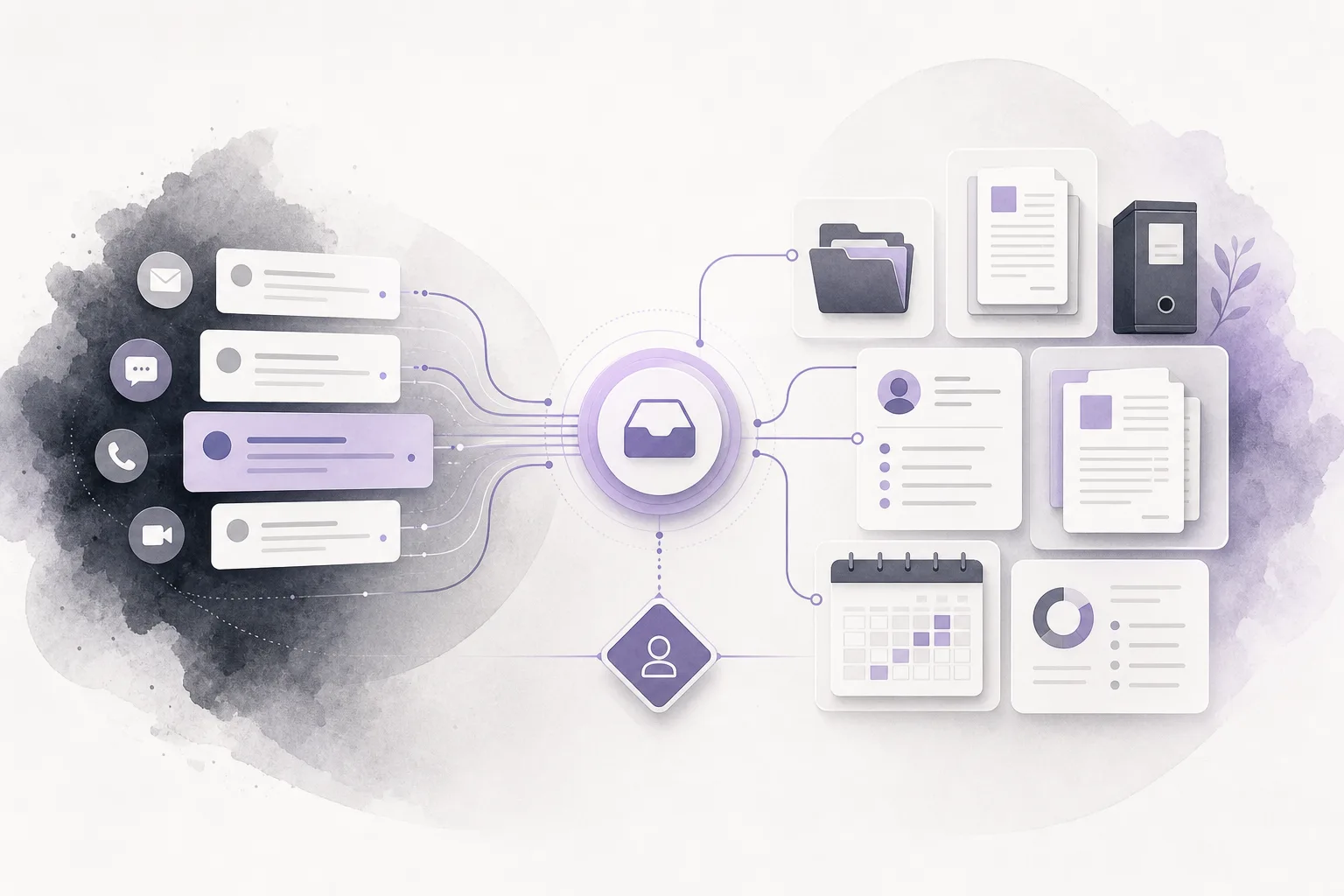
Law offices often face a simple but costly communication problem: a client sends an inquiry to one member of the team, adds information later, and then receives a response from someone who does not have the full conversation in view. The result can be repeated questions, inconsistent handoffs, and uncertainty about what has already been answered or what still needs attention. OrderTech Legal communication assistant for managing client inquiries in a law office is designed to support this part of the workflow by helping receive inquiries, address recurring questions, and follow the available conversation context, with human intervention available according to the channel configuration and activation.
The assistant is not a replacement for a lawyer or for the office team. OrderTech Legal brings case, client, document, appointment, and account management together in a workspace for the office. Within that environment, the communication assistant supports intake and continuity, while the lawyer or authorized team member remains responsible for reviewing the conversation, deciding what should happen next, and confirming any proposed action.
Why does client inquiry context get lost?
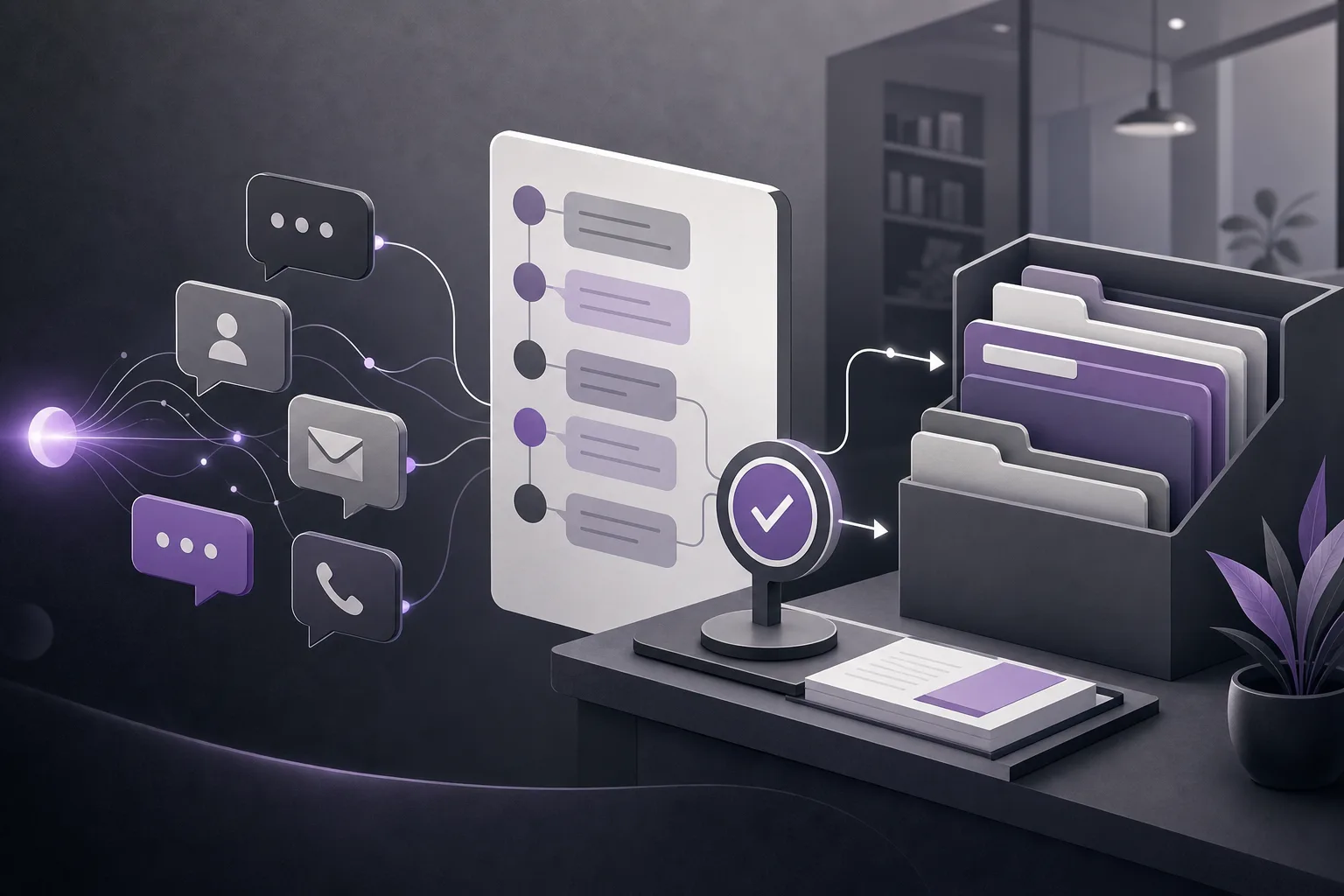
Context can disappear when several people share responsibility for incoming communication or when a client adds details over time. One team member may respond to the first question, while another sees only the latest message. Without a clear view of the exchange, the office may ask the client to repeat information or send an answer that does not address the full thread.
This does not necessarily reflect a lack of attention from the team. It may result from competing tasks, handoffs, or a communication process that does not provide a consistent way to follow the conversation. A practical solution should therefore support intake and continuity without suggesting that an automated response can make a professional decision or complete every follow-up by itself.
How the OrderTech Legal communication assistant helps
Receiving initial inquiries
The communication assistant can help the office receive client inquiries through a channel configured and activated for that office. It supports the beginning of the conversation so that the interaction can be handled within the available service setup rather than treated as an isolated question each time. The exact availability depends on the office version, the connected services, and the channel configuration.
Handling recurring questions
Many offices receive similar initial questions. The assistant can help respond to recurring questions, giving the team support when the same type of inquiry appears repeatedly. A recurring question, however, does not mean that one response fits every context. The team should not treat an assistant response as a final conclusion simply because a similar question was answered before.
Following conversation context
The assistant also helps follow the available context in a conversation. When a client adds a related detail or asks a follow-up question, maintaining that context can make the exchange easier to understand before a team member takes over. This does not mean that every message automatically becomes a case or client record, or that the assistant independently decides what must be recorded. The office still needs to determine the relevant next step and who is responsible for it.
Allowing human intervention
Human intervention is available according to the channel’s configuration and activation. This matters when a question needs clarification, when the conversation requires review, or when a member of the office needs to take over. The assistant supports communication; it does not remove the lawyer’s role in assessing the exchange and confirming the appropriate action.
Steps for using the feature in an office workflow
- Define the intake purpose: Decide which types of inquiries the office wants the assistant to support, such as recurring questions and initial requests. Keep the purpose focused on organizing communication rather than replacing professional judgment.
- Review the office version and channel: Confirm that the service is available in the office’s version and that the relevant channel has been configured and activated. Availability should not be assumed across every version or channel.
- Set the intervention path: Review which authorized office members can follow or take over a conversation. Each office has an independent version with its own identity, accounts, permissions, website, and application connected to its own interface.
- Begin receiving inquiries: Let the assistant support recurring questions and follow the available conversation context under the approved setup. The team should treat its output as communication assistance, not as final confirmation of every answer.
- Review when needed: A lawyer or authorized team member can intervene when the conversation needs clarification or human follow-up. Reviewing the exchange helps the team understand what was said before deciding on the next step.
- Confirm the action and ownership: After review, the office confirms the proposed action and the person responsible for following it. A response from the assistant does not by itself mean that the work is complete.
A hypothetical example
Imagine that a client sends an initial inquiry to an office using OrderTech Legal. The client asks a recurring question and then adds a related detail in a later message. The communication assistant helps receive the exchange, respond to the recurring part, and follow the relationship between the messages instead of treating each message as unrelated. If the inquiry requires clarification or office follow-up, an authorized team member can intervene according to the activated channel setup, review the conversation, and determine the next step.
This is a hypothetical example intended to explain the workflow. It is not a description of a real client experience and does not guarantee a particular result. It also does not mean that the assistant assessed the client’s situation or made a decision on behalf of the lawyer. The office team remains responsible for checking the conversation and deciding whether follow-up is required.
Practical benefits and important limits
- Benefit: A more organized intake point for inquiries instead of requiring every conversation to start from the beginning.
- Benefit: Support for handling recurring questions more consistently within the office’s configured workflow.
- Benefit: Better visibility into the sequence of a conversation before a human team member takes over.
- Limit: The assistant does not replace the lawyer, the office team, or human review and decision-making.
- Limit: Responses and intervention depend on the channel configuration and activation, while feature availability depends on the office version and connected services.
- Limit: The office should not assume that every conversation or response automatically becomes a completed follow-up or a final internal record.
Frequently asked questions
Can the communication assistant handle every client inquiry without the team?
It helps receive inquiries, handle recurring questions, and follow conversation context, with human intervention available according to the setup. Human follow-up remains important whenever the conversation requires review, clarification, or a decision.
Is the feature available in the same way for every office?
That should not be assumed. Availability depends on the office version and connected services, while intervention depends on the channel’s configuration and activation.
Does the assistant automatically preserve context everywhere?
It helps follow the context available within the configured service and channel. The scope of that support depends on the setup, so the office should review the conversation and determine what needs attention.
Who confirms the next step?
The lawyer or authorized team member reviews the conversation and confirms the appropriate action. The assistant supports the team; it does not replace professional review or judgment.
Conclusion
The OrderTech Legal communication assistant can give a law office a more organized way to receive client inquiries, address recurring questions, and preserve conversation context before human intervention. Its usefulness depends on the office version, connected services, channel activation, permissions, and a clear follow-up process. If your office is looking for a workspace that brings client and case management, documents, appointments, and accounts together with communication assistance, explore OrderTech Legal and consider how the platform can be configured around your office workflow.
Platform feature references
- OrderTech Legal — إدارة المكتب / Office management — Accessed 2026-09-10
- OrderTech Legal — المساعد الذكي / AI assistance — Accessed 2026-09-10