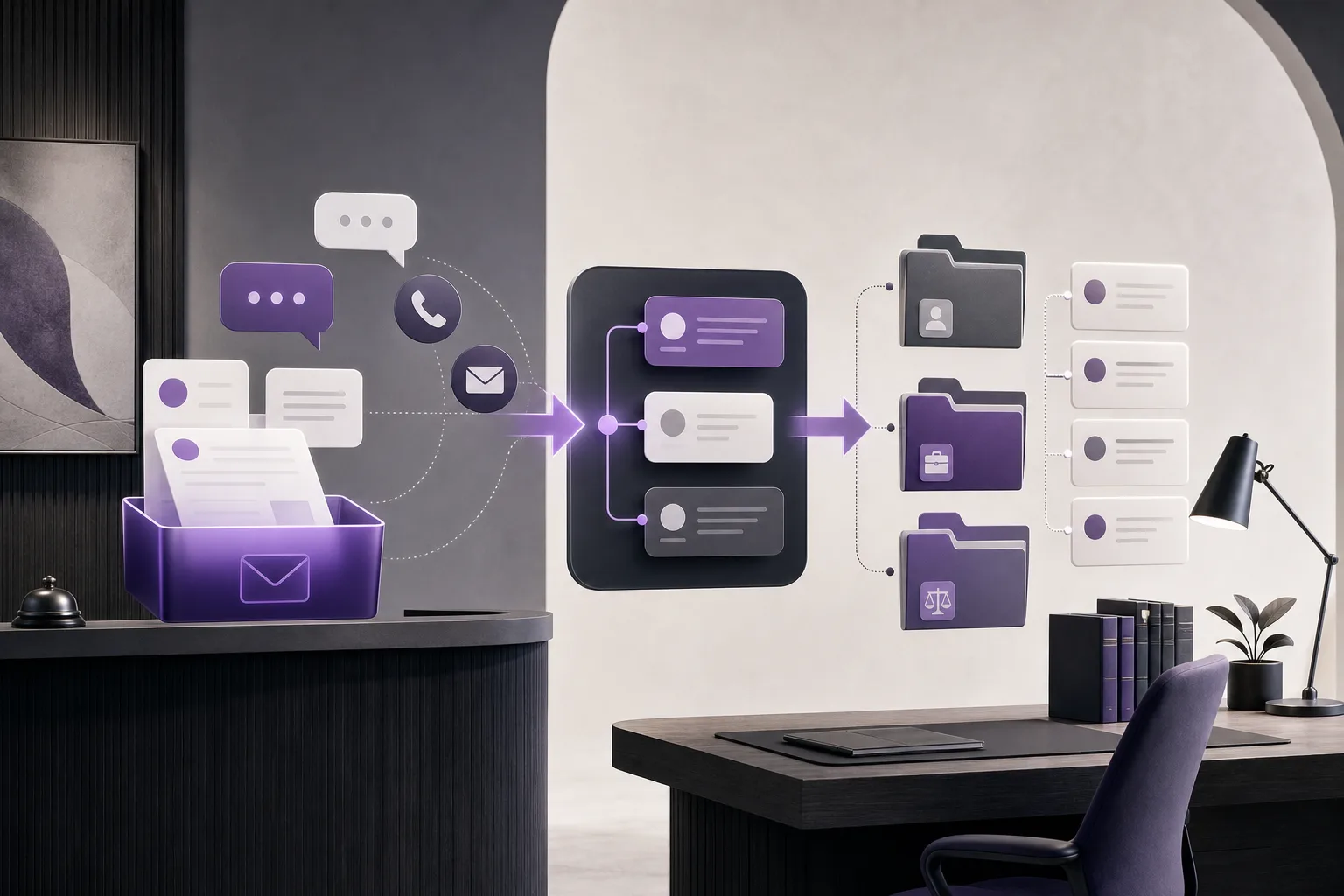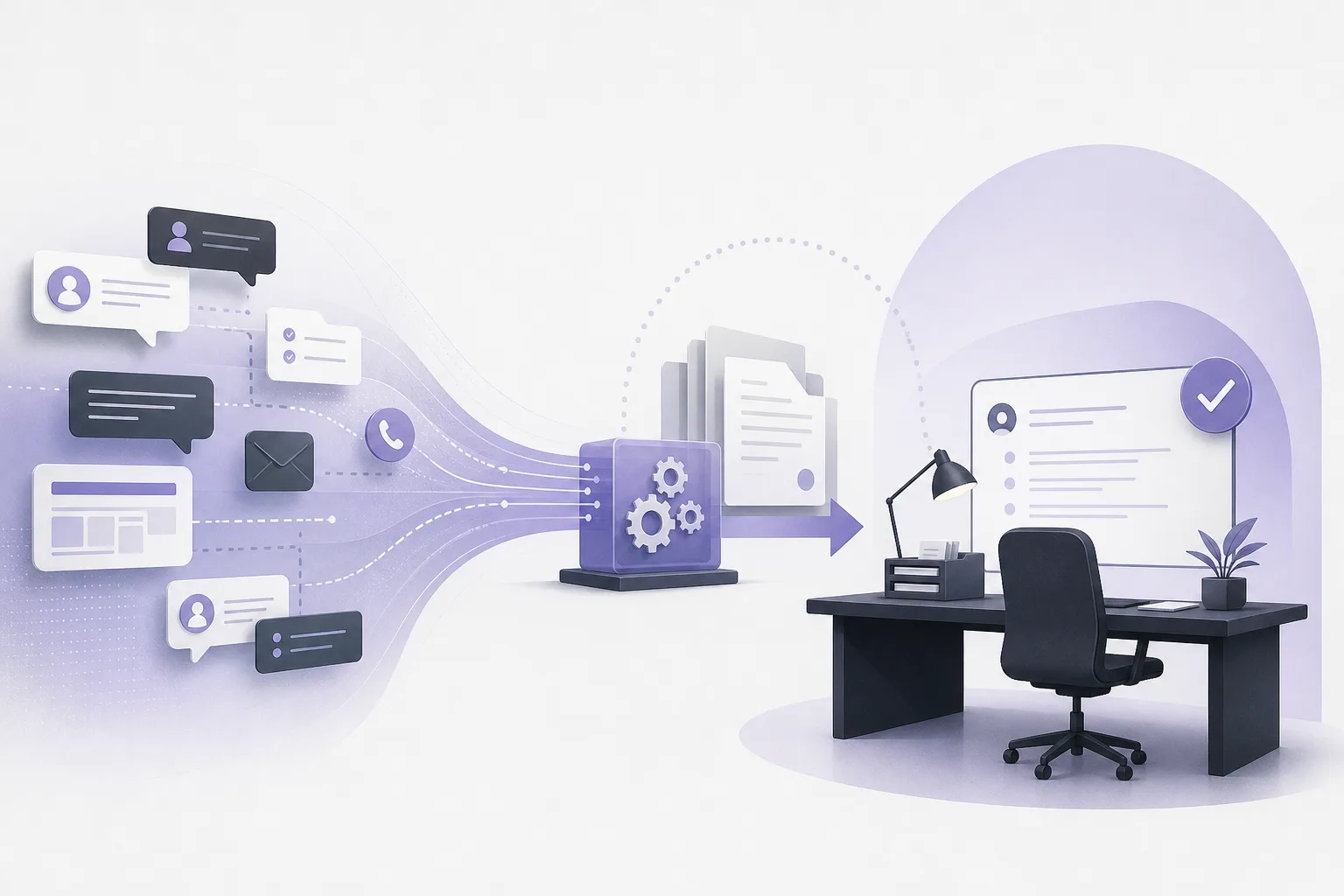
A law office may receive many conversations in a single day: a frequently asked question, a request for procedural guidance, a message about an existing matter, or an inquiry that must be reviewed carefully before anyone follows up. The operational challenge is not only receiving messages. It is recognizing when the conversation can continue within the communication assistant’s configured service and when it should move to a staff member or lawyer.
This is where OrderTech Legal can help a law office identify client conversations that need human intervention before follow-up. Its communication assistant supports inquiry intake, frequently asked questions, and conversation context, with the possibility of human intervention according to channel configuration and activation. It does not replace professional review or the lawyer’s decision. Responses and proposed actions depend on service settings, permissions, and human involvement.
Why a clear intervention point matters
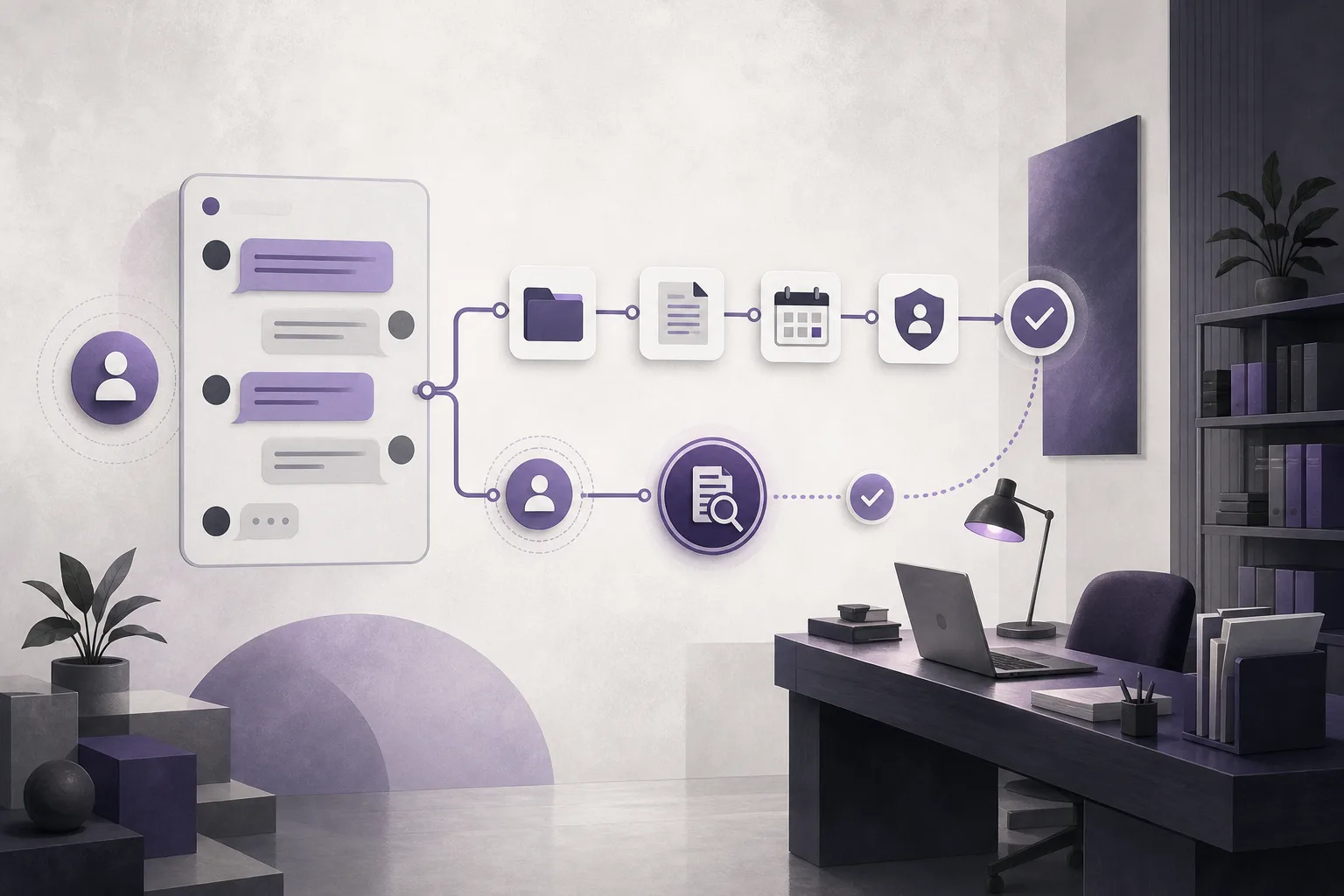
A conversation may begin with a general question and then develop into a request that depends on a file, document, appointment, or previous exchange. A general or automated response may not be suitable for the next step. If the staff member cannot see the earlier context, the client may be asked to repeat information that has already been provided.
The practical answer is not necessarily to remove assistance from the intake process. Instead, the office can organize a transition from assisted communication to human follow-up. The person taking over should be able to understand what the client asked, what has already been discussed, and where the conversation stopped. That allows the office to continue from the available context rather than start a separate conversation.
How OrderTech Legal supports the workflow
Receiving inquiries and common questions
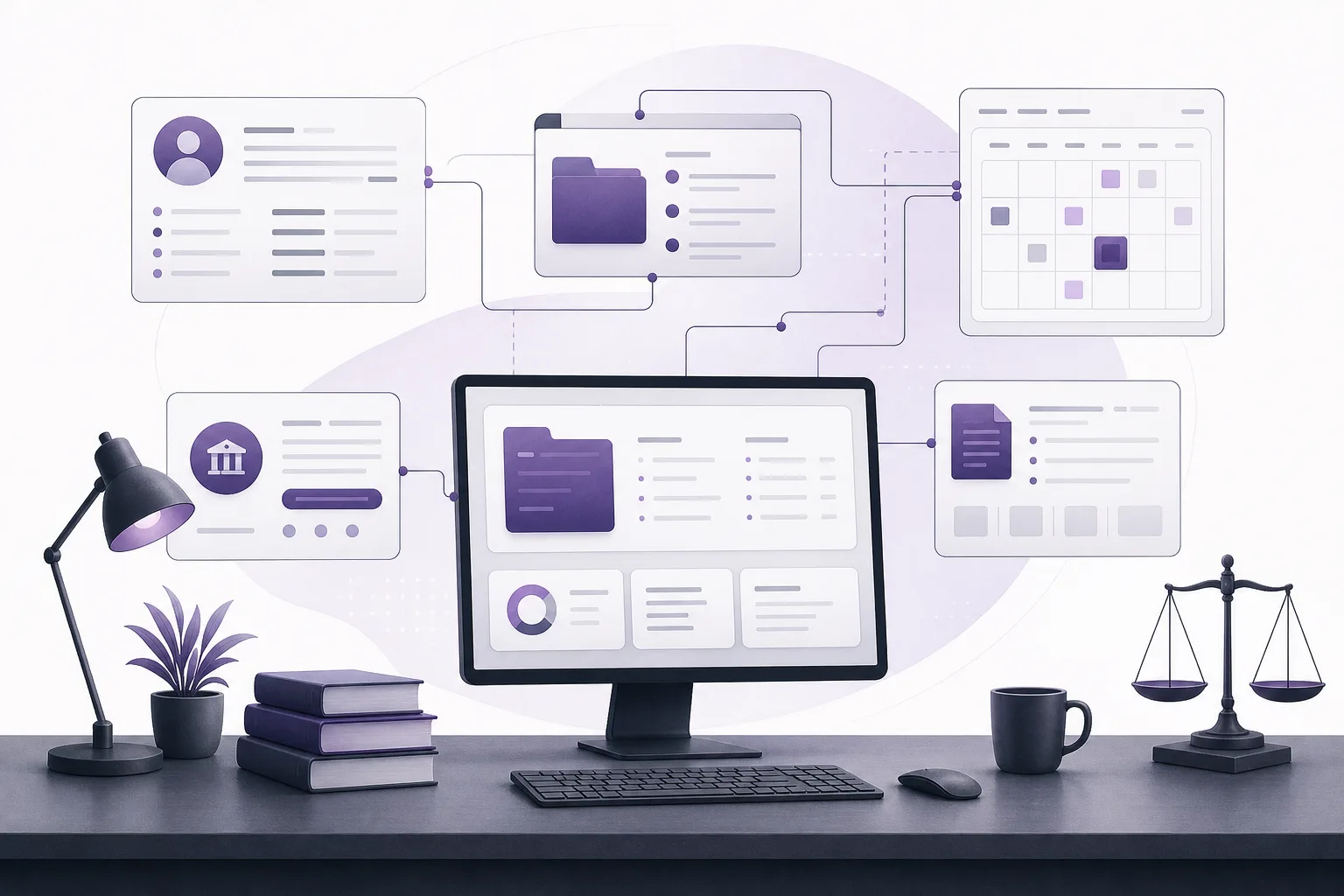
The communication assistant helps receive client inquiries and frequently asked questions through a channel configured and activated by the office. The first message may be a general request or an attempt to reach the appropriate team member. This can support the office’s broader workspace, where OrderTech Legal brings together case and client management, documents, appointments, and accounts in an office-specific environment.
The role of the assistant is not to guarantee a final answer for every message. Its value is in supporting the beginning of communication and helping the office manage the next step. The office still determines which conversations need review or human follow-up.
Preserving conversation context
When human intervention is needed, conversation context gives the staff member or lawyer a view of the available exchange instead of presenting only the latest message. This can make it easier to understand the client’s question, the earlier discussion, and the point at which the conversation was handed over.
Operationally, the handoff does not have to mean starting from the beginning. The office can continue from the available context while respecting channel settings, activation, and permissions. The final response or action remains the responsibility of the authorized person in the office.
Enabling staff or lawyer intervention
The communication assistant supports human intervention, but its availability depends on the channel configuration and activation. The office should therefore treat intervention as part of service setup rather than assume that it is automatically available in every channel. The relevant permissions should also be configured so that the conversation reaches the person authorized to handle it.
Human involvement may be appropriate when an inquiry requires details from a file, when a general response is insufficient, or when the client requests office follow-up. A staff member may organize communication, while the lawyer reviews matters that require professional judgment or confirmation before an action is taken.
A practical process for identifying conversations for review
- Configure and activate the channel: Review the channel through which the office will receive inquiries and confirm that the communication assistant is enabled for the relevant setup. Availability depends on service configuration and connections.
- Define the human review point: Establish an internal approach for conversations that should not proceed directly through assisted follow-up, including inquiries that require file-specific understanding or lawyer confirmation.
- Read the context before replying: When a conversation is handed to staff or a lawyer, review the available sequence rather than relying only on the latest message.
- Check permissions: Confirm that the person handling the conversation is authorized to access the relevant information and provide the intended follow-up within the office setup.
- Separate administrative follow-up from professional decisions: Staff may coordinate a message or general inquiry, while other matters require lawyer review. The assistant supports the team; it does not replace that review.
- Confirm proposed actions: If the conversation leads to a proposed action, the lawyer or authorized person should review and confirm it before it is adopted.
A hypothetical handoff example
Hypothetical example, not a client experience: A client sends a general question through the office channel about the next step after a previous request. The communication assistant receives the inquiry and asks the initial questions available within the channel configuration. The client then explains that there was earlier communication with the office and asks what should happen next.
The office may decide that human intervention is needed because the next step could depend on a file, appointment, or document, and those details should not be assumed. An authorized staff member takes over and reads the available conversation context before replying. If the follow-up requires the lawyer’s review or confirmation, the lawyer checks it before the response is sent or the proposed action is confirmed. The staff member does not need to begin from zero, and the assisted response is not treated as a final professional decision.
Practical benefits for the office
- Less repeated explanation: Conversation context helps the person taking over understand the inquiry before following up.
- Clearer role allocation: The assistant can support intake, staff can coordinate the exchange, and the lawyer can review matters requiring professional judgment.
- More continuous communication: The transition between the assistant and the team can remain connected to the same conversation instead of creating a disconnected starting point.
- An office-centered workspace: OrderTech Legal combines case and client management, documents, appointments, and accounts in an independent workspace for the office, with its own identity, accounts, permissions, and setup.
Limits and points to consider
The communication assistant does not independently determine whether an inquiry requires a legal decision or lawyer involvement. That assessment depends on the office’s service setup, permissions, and professional judgment. Human intervention is also not separate from the communication channel; it is available according to channel configuration, activation, and connected services.
Conversation context does not remove the need for staff or lawyer review. The available information must still be read and checked for sufficiency. A response or proposed action should not be treated as final before it is reviewed and confirmed by the authorized person. The assistant supports the office; it does not replace the lawyer’s review or decision.
Frequently asked questions
Does the communication assistant handle every conversation to completion?
Not necessarily. It helps receive inquiries, address frequently asked questions, and maintain conversation context. Staff or a lawyer can intervene according to the channel setup, activation, and the needs of the conversation.
Does staff have to start a new conversation when taking over?
The workflow is intended to support continuing from the available context rather than starting from scratch. The scope of that context and the ability to intervene depend on service configuration, channel settings, and permissions.
Can the assistant make a decision for the lawyer?
No. The assistant supports the lawyer and the office team. Its outputs and proposed actions require review and confirmation by the authorized person.
Is human intervention automatically available in every channel?
Availability depends on the edition’s setup, channel activation, and connected services. The office should review its configuration before relying on a human-handoff workflow.
Conclusion
Identifying conversations that need human intervention does not require abandoning assisted communication. It requires a clear transition between inquiry intake and professional follow-up. OrderTech Legal supports that transition through its communication assistant, conversation context, and human intervention according to channel configuration and activation. Explore the platform and consider how its workspace and services can be configured for your office, while keeping human review and professional decisions where they belong.
Platform feature references
- OrderTech Legal — إدارة المكتب / Office management — Accessed 2026-10-26
- OrderTech Legal — المساعد الذكي / AI assistance — Accessed 2026-10-26