How can OrderTech Legal help a law office manager follow up on conversations that require human intervention? The question reflects a common operational challenge: a communication assistant can receive inquiries and recurring questions, but some conversations need a staff member or lawyer to review the context and continue the exchange. Without a clear handoff process, the office may need to reread messages, ask the client to repeat information, or coordinate follow-up across disconnected channels.
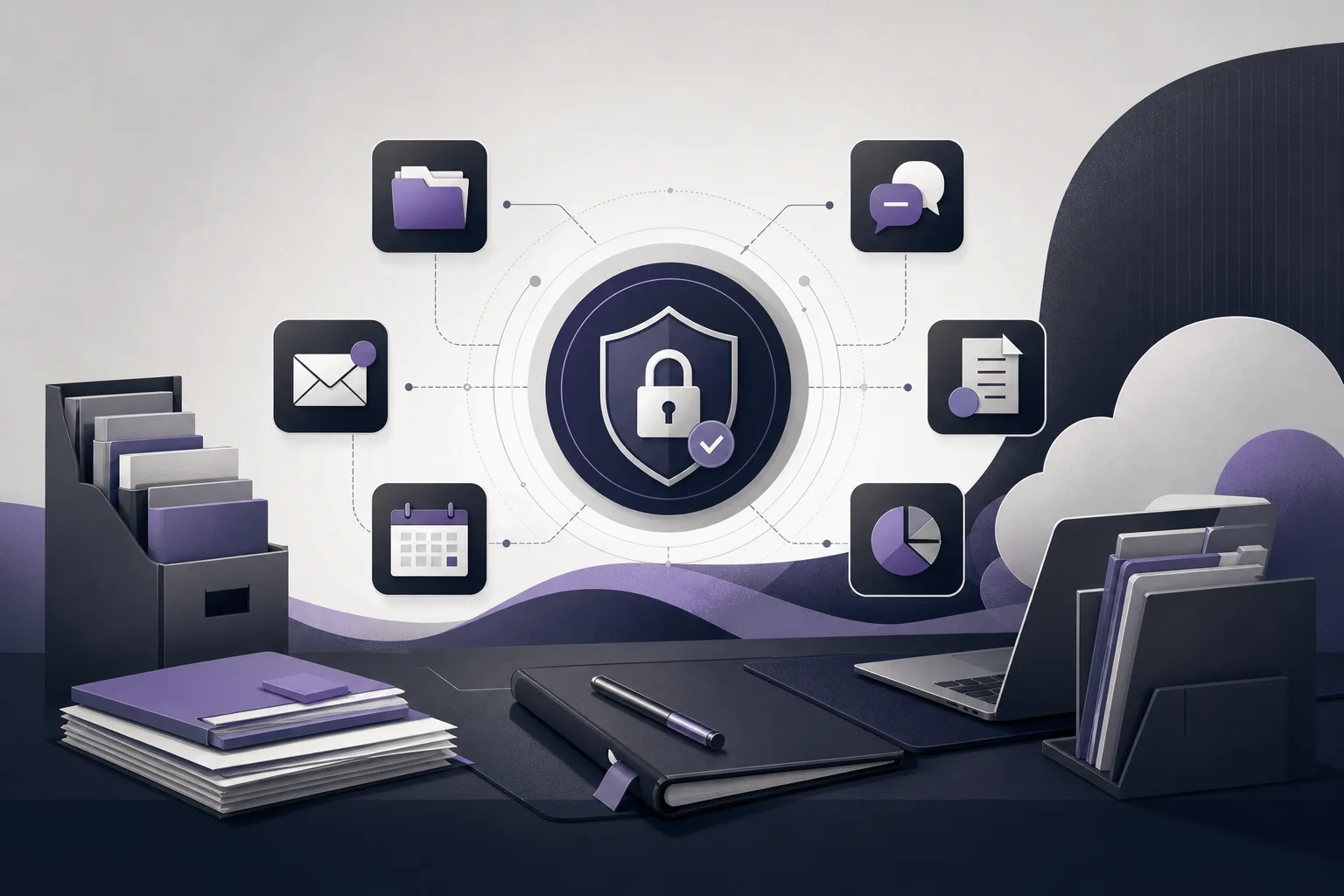
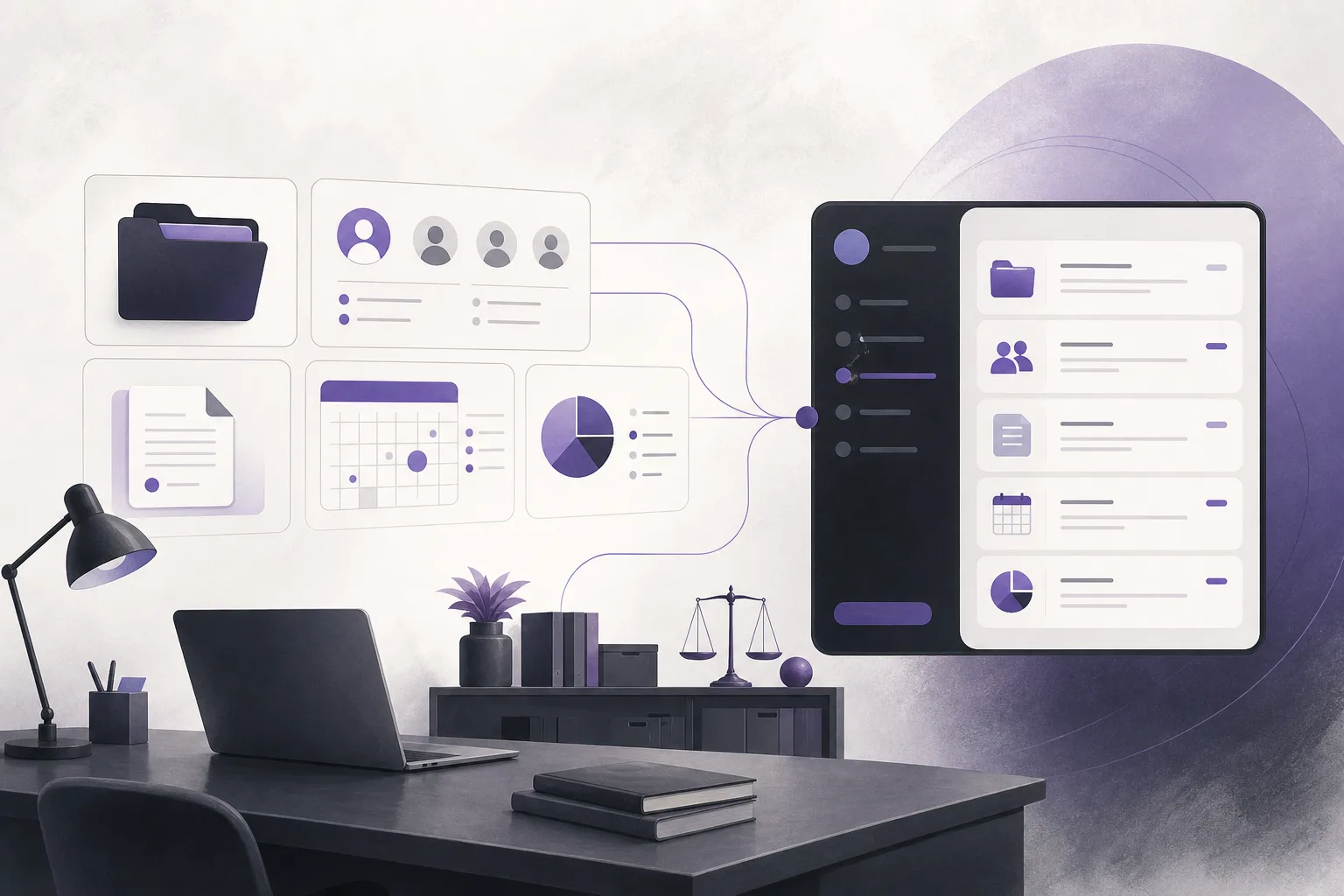
OrderTech Legal provides a workspace that brings together matter, client, document, appointment, and account management for the office. Within that environment, the communication assistant can help receive inquiries, answer recurring questions, and follow conversation context while allowing human intervention, depending on channel configuration and activation. The assistant is not intended to replace a staff member’s or lawyer’s review or decision. Its role is to help the office reach conversations that need human follow-up without necessarily starting from the beginning.
The operational problem for office managers

Not every client message has the same level of complexity. One question may be recurring and suitable for the communication assistant, while another may require a person to understand the preceding exchange and determine the appropriate next response. The office manager therefore needs visibility into whether the relevant channel supports human intervention, whether the service is activated, and which users have permission to follow up.
Without that structure, an office may face several practical problems:
- A staff member or lawyer may restart the conversation instead of reviewing its available context.
- The office may lack a clear distinction between questions the assistant can handle and conversations that require a human.
- Follow-up may become scattered across separate communication processes.
- The team may assume that the feature is automatically available, even though availability depends on the office version’s configuration and connected services.
How OrderTech Legal supports the handoff
1. Receiving inquiries and recurring questions
The communication assistant can help the office receive client inquiries and recurring questions when the relevant channel is configured and the service is activated. This gives the office an organized starting point instead of requiring an immediate staff response to every message, including questions that fit the assistant’s configured use.
This does not mean that the assistant is suitable for every conversation or that every channel works in the same way. The available experience depends on the channel setup and the services connected to the office version.
2. Preserving conversation context
When a conversation requires human intervention, access to its available context helps the team understand what has already been said before continuing. A staff member or lawyer can review the prior exchange before preparing the next response, rather than working from an isolated message with no background.
Context preservation does not remove the need for review. The person taking over should confirm that the information is clear, that the response fits the conversation, and that any proposed next step is consistent with office procedures and the user’s permissions.
3. Making human intervention available when needed
The feature allows follow-up by a member of the team according to the channel’s configuration and activation. In practice, an office manager can organize a path for conversations that should not remain solely with an automated assistant. However, OrderTech Legal does not decide for the office when intervention is appropriate and does not make the feature available in a channel that has not been configured for it.
A practical workflow for the office manager
Step 1: Review the office version
Each office has an independent OrderTech Legal version with its own identity, accounts, permissions, location, and application connected to its own interface. The office manager should therefore review the configuration of the office’s own version rather than assume that another office’s settings apply.
Step 2: Check the channel and service
Confirm that the relevant communication channel is configured, that the feature is activated, and that the required services are connected to the office version. If the channel or service is not available under the current setup, the team should not present human handoff as an already enabled workflow.
Step 3: Confirm who can follow up
Office permissions help organize who can access and continue a conversation within the office’s independent workspace. The manager should work with the permissions that are actually configured. The ability to intervene does not mean that every user can open every conversation or take every action.
Step 4: Review the context before responding
When a conversation moves to a staff member or lawyer, that person should review the available messages, the original question, and the assistant’s responses. This can reduce unnecessary repetition, but it does not replace professional judgment or verification of what the team has understood from the exchange.
Step 5: Continue the work within the office workflow
After reviewing the conversation, the team can continue the relevant work within the office workspace, which brings together matter, client, document, appointment, and account management. The office should not assume that every action moves automatically between these areas without configuration; the result depends on the office version and connected services.
A hypothetical example
Hypothetical example, not a customer experience: A person sends an inquiry through a channel that has been activated for the office. The communication assistant receives the question and handles the recurring portion within its configured scope. The conversation then requires a staff member or lawyer to follow up. Instead of opening a new exchange, an authorized team member reviews the available context, identifies what needs clarification, and prepares a response within the limits of that person’s role.
In this example, the assistant helped start the conversation and retain its context, while review, the final response, and any proposed action remained with the team. If the channel were not activated or the required service were not connected to the office version, the same handoff would not be available as expected.
Practical benefits for the office
- Less repetition: The team can review available context instead of immediately asking the client to retell the entire story.
- A clearer handoff: The office can distinguish between assistant-supported exchanges and conversations that need a person.
- More organized follow-up: The manager can align intervention with channel settings and office permissions.
- More consistent communication: The conversation remains connected to its available background instead of being split into unrelated messages.
- A shared office environment: Communication assistance sits alongside the office’s broader workspace, with actual availability determined by configuration.
Limits to keep in mind
The communication assistant is a support tool, not a replacement for a staff member’s or lawyer’s review, judgment, or decision. The availability of conversation context and human intervention depends on channel configuration, activation, and service connections in the office version. The office should not promise human follow-up when the relevant path has not been enabled, and the presence of conversation context should not be treated as proof that the information is complete or that every conclusion is correct.
Likewise, bringing matter, client, document, appointment, and account management into one workspace does not mean that every action moves automatically between those areas without setup. Permissions, version settings, and the office’s own workflow remain important in determining what each user can access and follow up on.
Frequently asked questions
Does the communication assistant respond to every conversation for the team?
No. It can help receive inquiries, handle recurring questions, and follow conversation context, with human intervention available according to channel configuration and activation. The team remains responsible for review and follow-up when a conversation requires it.
Can a staff member continue a conversation without asking the client to start over?
The staff member can review the available conversation context, which may reduce the need to begin again. The staff member should still verify that the context is clear and sufficient before responding.
Is human intervention available in every office version or channel?
Not necessarily. Availability depends on the office version’s configuration, the channel setup, feature activation, and connected services.
Does the assistant replace a lawyer’s or staff member’s decision?
No. It assists the team and does not replace human review, professional decision-making, or the permissions established within the office.
What should an office manager check first?
Start with the office version, the communication channel, service activation, and the permissions that determine who can access and continue the conversation.
Conclusion
OrderTech Legal can help an office manager organize conversations that begin with the communication assistant and later require human follow-up by receiving inquiries, preserving available conversation context, and enabling intervention according to channel configuration and activation. The value of this process still depends on the office version, connected services, permissions, and careful review of every response or proposed action.
If your office is looking for a workspace that brings together matter, client, document, appointment, and account management with communication assistance, explore OrderTech Legal and see how its configuration can fit the way your office works.
Platform feature references
- OrderTech Legal — إدارة المكتب / Office management — Accessed 2026-09-23
- OrderTech Legal — المساعد الذكي / AI assistance — Accessed 2026-09-23