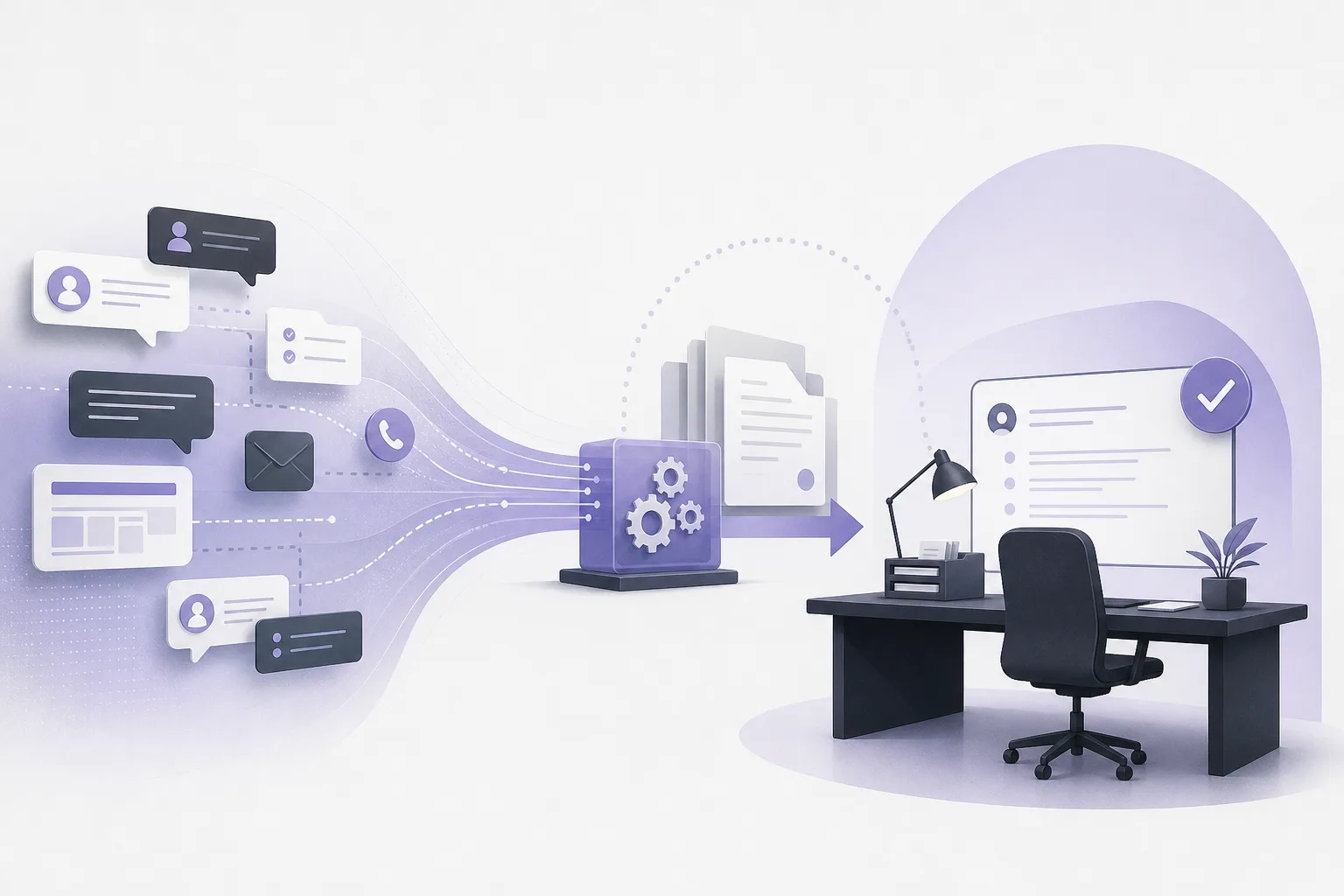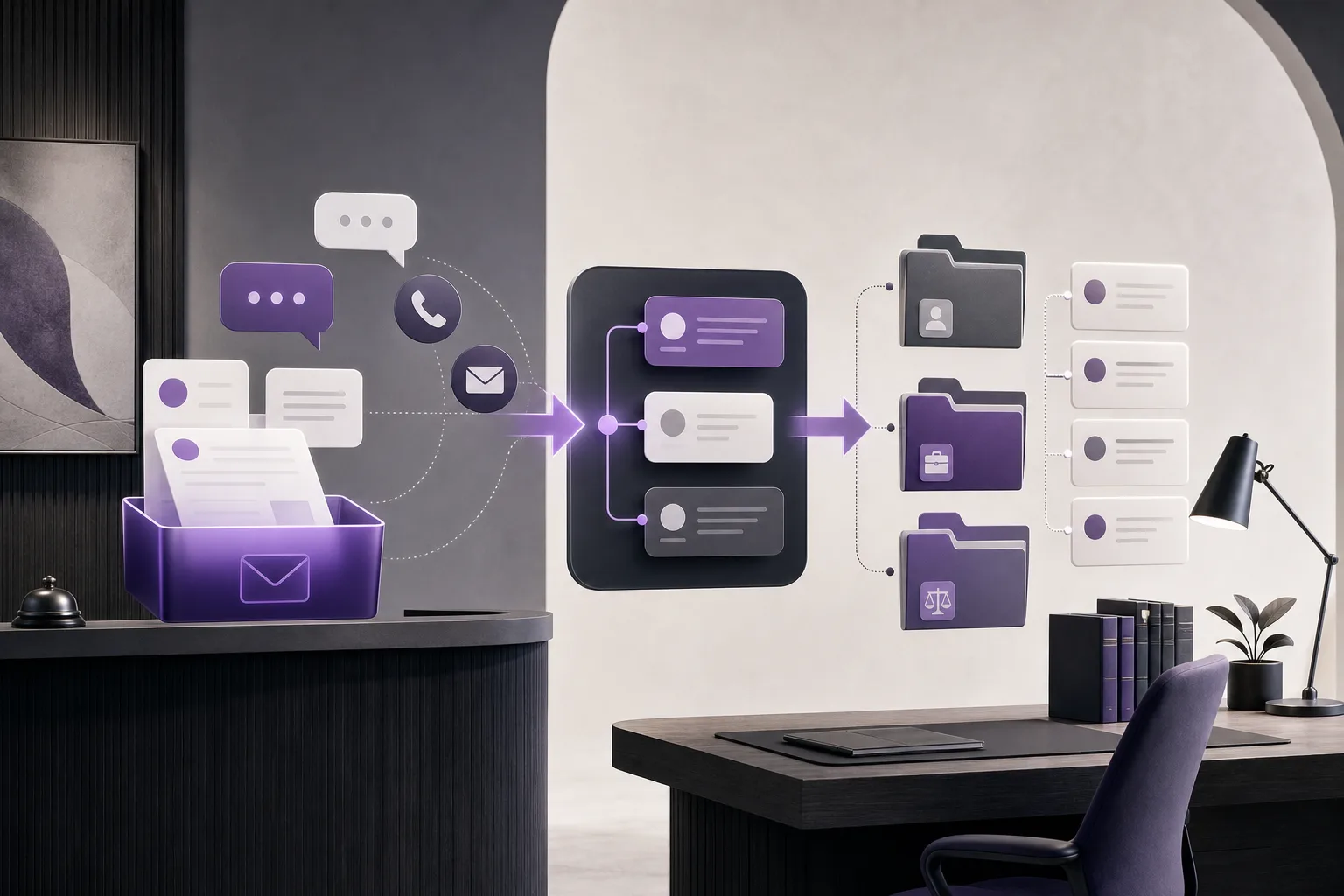
A new inquiry may begin with a short message to reception and then require clarification, an internal check, or attorney review before it can be answered. When the conversation moves from reception to a follow-up staff member without a clear record of what has already happened, details can be repeated or overlooked. For firms looking for a more consistent process, this raises a practical question: How can OrderTech Legal help a follow-up staff member complete unresolved inquiries while preserving conversation context?
The answer is not full automation or a substitute for professional judgment. OrderTech Legal can support a structured handoff through its communication assistant, human intervention options, and, when the relevant services and permissions are configured, a workspace that brings client and matter information together. The following explains the workflow, its benefits, and its limits.
Why unresolved inquiries are difficult to hand off
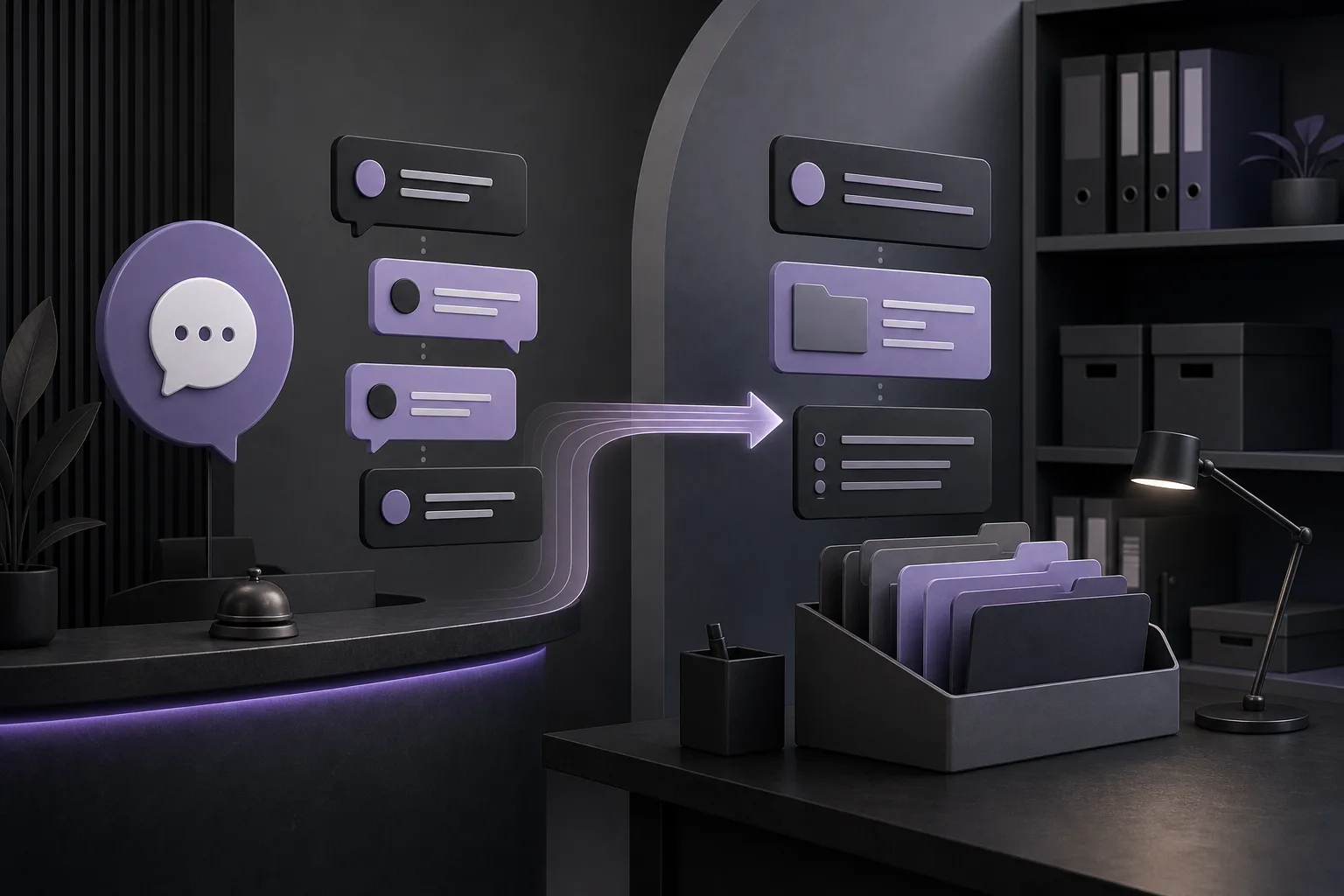
Not every incoming message contains enough information for a final response. A person may ask a broad question, refer to an earlier exchange, or expect the firm to identify the relevant client record or matter. Reception may collect part of the information, while a follow-up staff member is responsible for clarifying the remaining point. If the handoff is only a brief summary, the follow-up member may have to reconstruct the exchange from memory or ask the same questions again.
The operational issue is therefore not simply response speed. The firm needs to know what the person asked, what has already been explained, which point remains open, and who has authority to respond. A system can help organize that work, but the firm still determines its procedures, permissions, escalation rules, and review responsibilities.
How OrderTech Legal supports a context-preserving handoff
1. The communication assistant follows the available conversation context
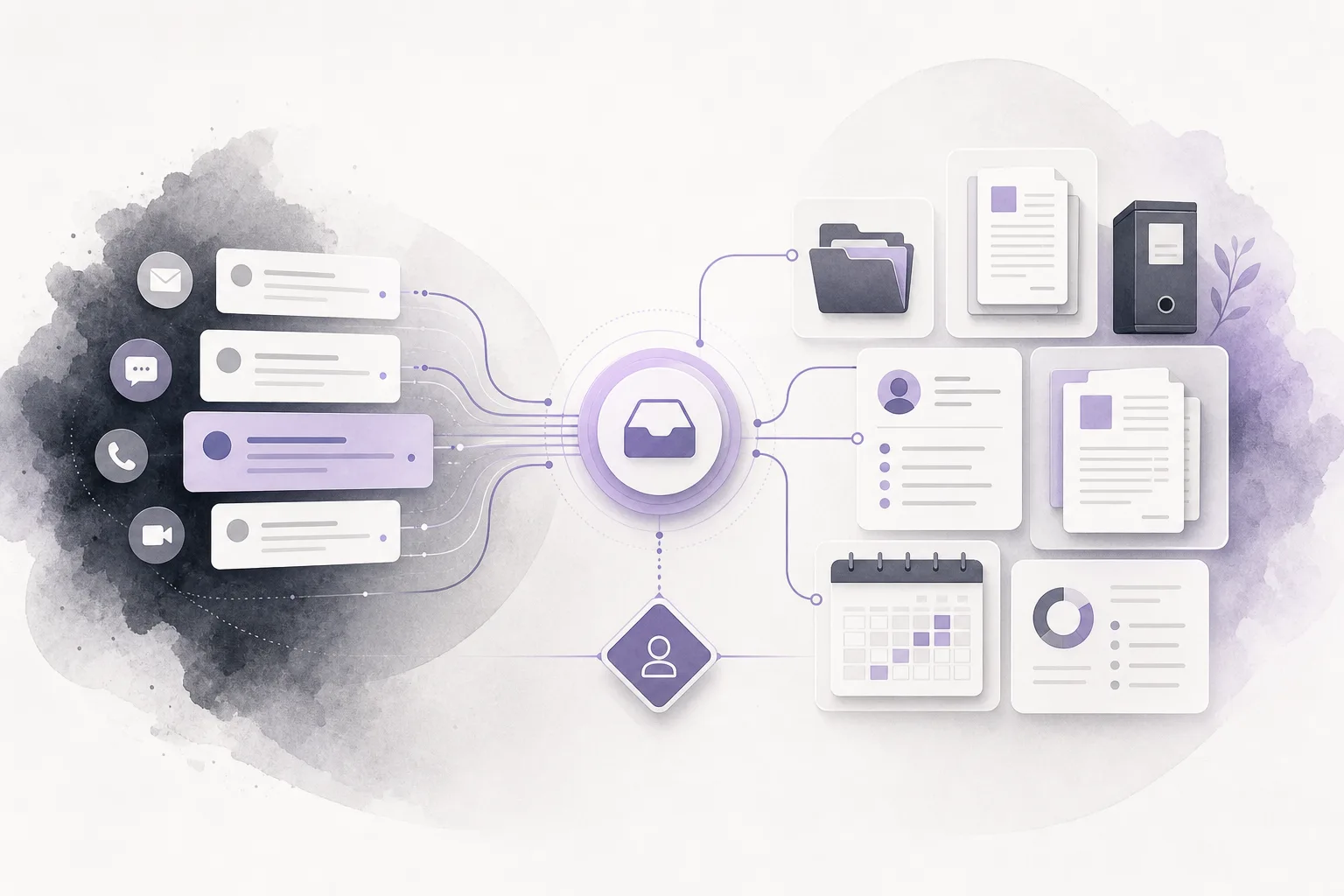
The communication assistant helps with receiving client inquiries, answering frequently asked questions, and following the context of a conversation, depending on channel configuration and activation. For a follow-up staff member, this means the starting point can be the available conversation history rather than only the last message or a separate verbal summary.
That context can help the staff member identify the original request, the questions already asked, and the part that remains unresolved. The member can then decide whether to ask one targeted clarification, check an available record, or refer the matter for attorney review. The exact experience is not identical in every channel: availability depends on how the firm’s version, channel, and related services are configured.
2. Human intervention remains part of the process
The communication assistant includes the possibility of human intervention. This matters when a question concerns a particular matter, requires professional judgment, or cannot be answered safely from the available exchange. A follow-up employee can review the conversation and take over when the situation calls for a person rather than leaving every step to an automated assistant.
OrderTech Legal is designed to assist the lawyer and the office team, not replace their review or decision. The firm can define when a staff member checks a response, when an attorney must review it, and when a proposed next step requires confirmation. Responses also depend on service configuration and permissions, so the presence of a feature does not mean that every user can see every record or carry out every action.
3. Linking the follow-up to the office workspace when configured
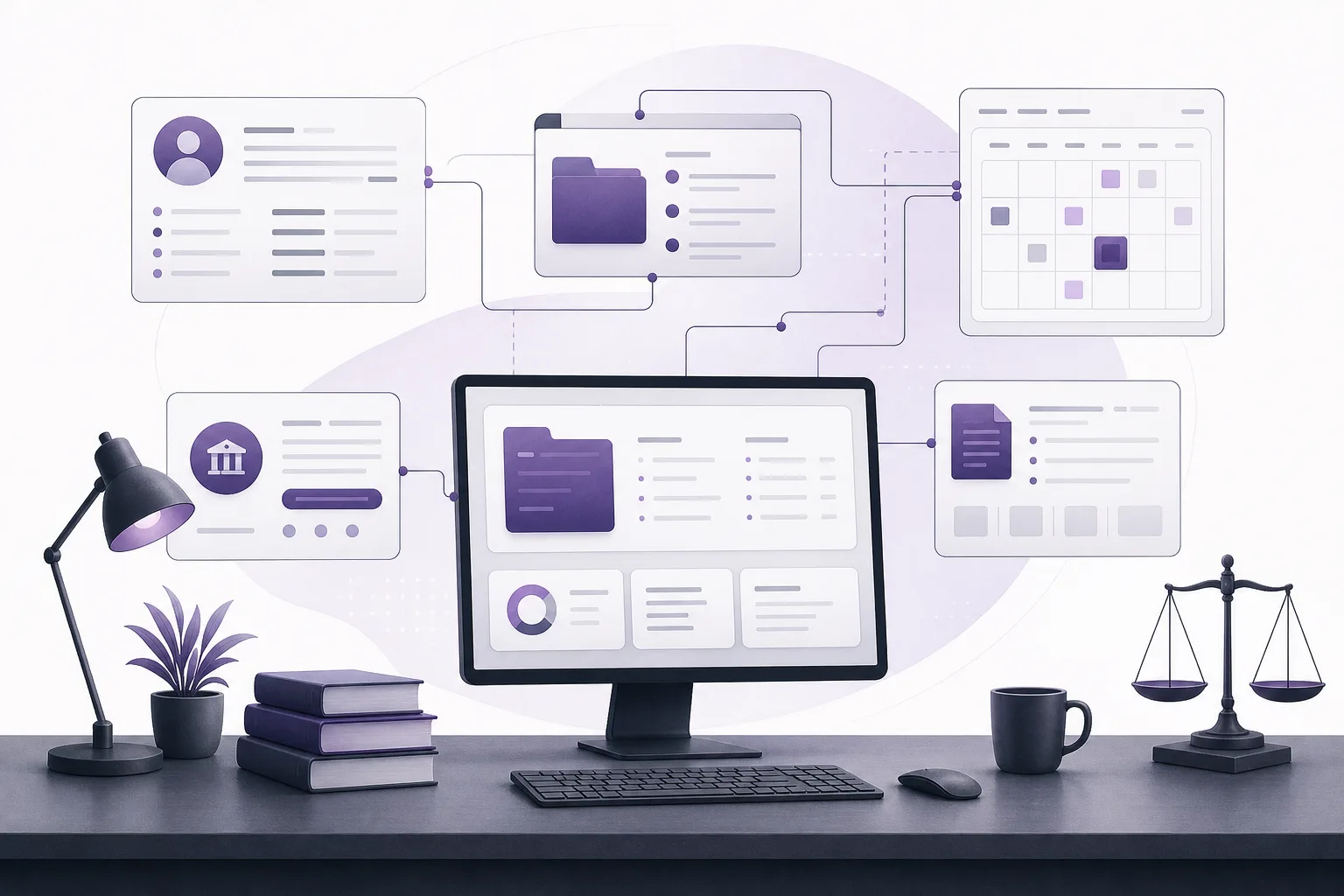
OrderTech Legal brings case files, client management, documents, appointments, and accounts into an office workspace. When the necessary services and permissions are configured, a follow-up inquiry may be connected with the appropriate client record or matter file within that workspace. This can make the handoff more useful because the employee is not treating the conversation as an isolated message.
The key qualification is “when configured.” A firm should not assume that every conversation is automatically linked to the correct record. The office needs to set up the relevant services, confirm user permissions, and verify that the selected client or matter is correct before adding information or proceeding. The workspace supports organization; it does not remove the need for checking identity, relevance, or authority.
A practical workflow for follow-up staff
Step 1: Read the available conversation history
Begin with the full context available through the configured channel rather than relying only on the newest message. Identify the person’s request, the facts already provided, the questions that have been asked, and any indication that a response or follow-up was promised. This prevents the handoff from becoming a reset of the conversation.
Step 2: Define the unresolved point
Separate what is known from what is still missing. The open point might be a simple clarification, the need to locate a client or matter record, or a question that must go to an attorney. Writing down that gap, within the firm’s permitted workspace, gives the next action a clear purpose and helps avoid collecting unnecessary information.
Step 3: Check the relevant record and permissions
If the office configuration supports connecting the inquiry to a client record or case file, confirm that the record is the right one and that the user has appropriate access. The unified workspace can organize clients, case files, documents, appointments, and accounts, but the usefulness of that organization depends on the firm’s setup and permission model.
Step 4: Prepare a focused response or internal draft
The staff member can use the available context to prepare a reply that addresses the unresolved point. Depending on availability and service connections, the office assistant can help summarize files, draft text, or search the legal library. These functions support preparation; they do not turn a draft, summary, or suggested action into an approved response.
Step 5: Review before sending or escalating
Before a message is sent, the responsible employee or attorney should check that it answers the actual inquiry, does not assume unavailable facts, and stays within the firm’s permissions and process. If professional judgment is required, the issue should be escalated to the attorney rather than treating an assistant’s suggestion as a decision. After review, the follow-up can be recorded in the place available within the office configuration.
Hypothetical example
Hypothetical example, not a real client experience: A person contacts the reception channel about a matter mentioned in an earlier exchange. The communication assistant asks an initial question, but the conversation remains unresolved because identifying the relevant file or next step requires human follow-up. A follow-up employee reviews the available conversation context and sees that the person is not asking for a new appointment; the person is asking what should happen next in an existing matter.
Where the office setup permits it, the employee checks the appropriate client record or matter file and finds that one point needs attorney review. The employee may prepare an internal summary or draft, after which the attorney reviews the output and confirms the proposed action. The employee then sends a response that distinguishes what has been confirmed from what still requires completion. The value is not that the system made the decision. The value is that the handoff retained the conversation context and made the human review point visible.
Benefits and limitations
- Less repetition: Reviewing the available conversation context can reduce the need to ask the person to restate the entire inquiry.
- Clearer ownership: The team can distinguish reception, follow-up, and attorney-review responsibilities more consistently.
- Better organization: When configured, the conversation can be considered alongside client and matter information in the office workspace.
- Configuration dependence: Context preservation, human intervention, and record linking depend on channel setup, activated services, and permissions.
- Human review is required: The assistant does not guarantee complete information, correct interpretation, or an appropriate decision.
- No automatic authority: A draft, summary, or proposed action must not be treated as final until the responsible employee or attorney reviews it.
Frequently asked questions
Can the communication assistant resolve every unresolved inquiry?
No. It can help receive inquiries, address frequent questions, and follow conversation context, but some inquiries need additional information, staff intervention, or attorney review.
Will every employee see all conversations and files?
Not necessarily. Access depends on the office’s separate account structure, permissions, and version configuration. The firm should confirm access rights and the correct record before continuing the follow-up.
Is every conversation automatically linked to a case file?
That should not be assumed. Linking may be available when the necessary services and permissions are configured, and availability depends on the office version, channel, and connected services.
Can a staff member send an assistant-generated draft immediately?
The draft should be reviewed first. The employee or attorney reviews the output and confirms any proposed action before it is sent or used for escalation.
What does the office assistant add to this workflow?
When available and connected, it can help summarize files, prepare drafts, and search the legal library. It assists the team but does not replace the attorney’s judgment or review.
Conclusion
OrderTech Legal helps make an unresolved inquiry easier to carry from reception to follow-up by combining available conversation context, human intervention, and a workspace for client and matter information when the required configuration is in place. The strongest process still depends on clear channel setup, appropriate permissions, and employee or attorney review before a response or action is approved. If your firm wants to explore a more organized approach to reception and follow-up in one office workspace, learn how OrderTech Legal can fit your team’s configuration and operating needs.
Platform feature references
- OrderTech Legal — إدارة المكتب / Office management — Accessed 2026-10-09
- OrderTech Legal — المساعد الذكي / AI assistance — Accessed 2026-10-09