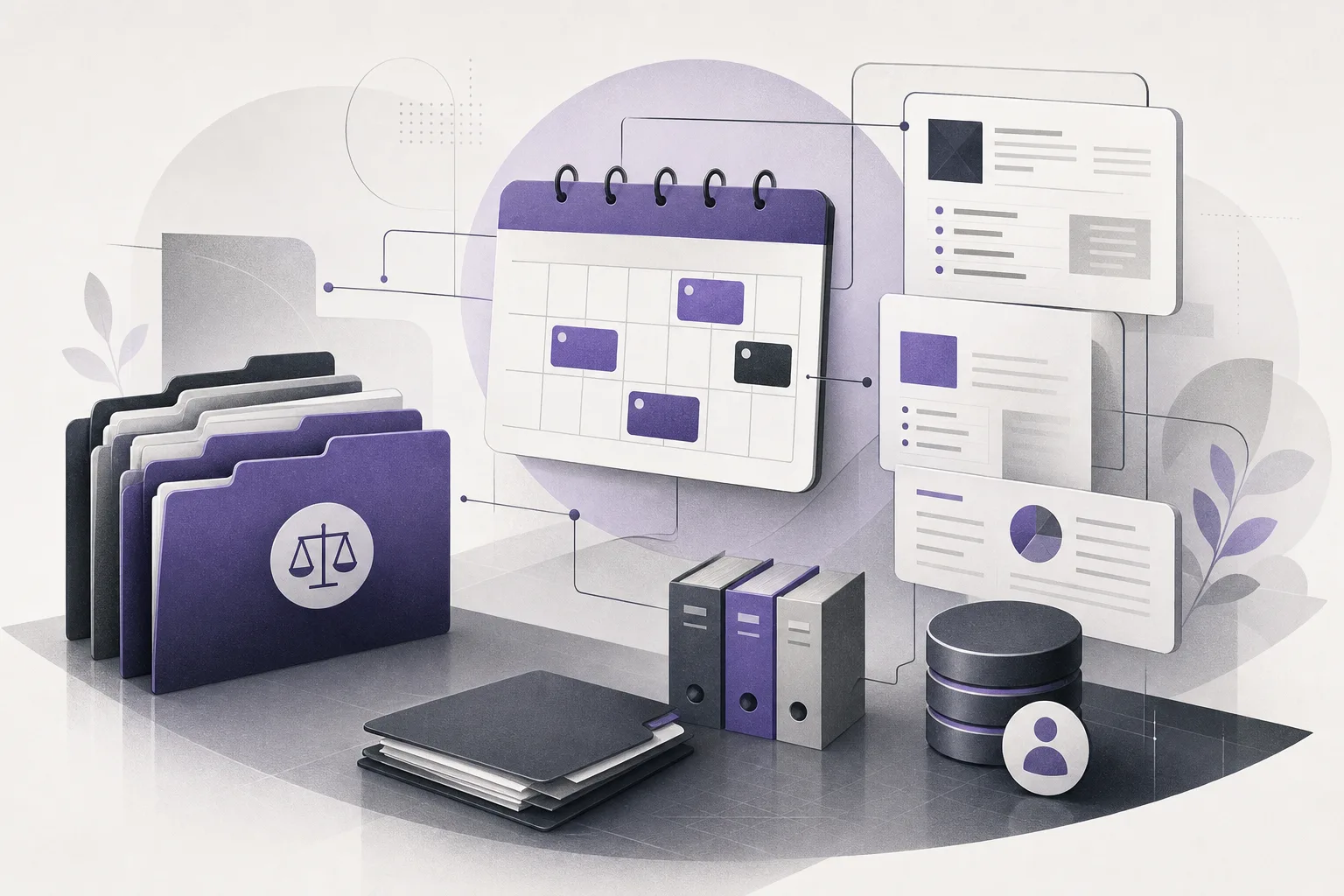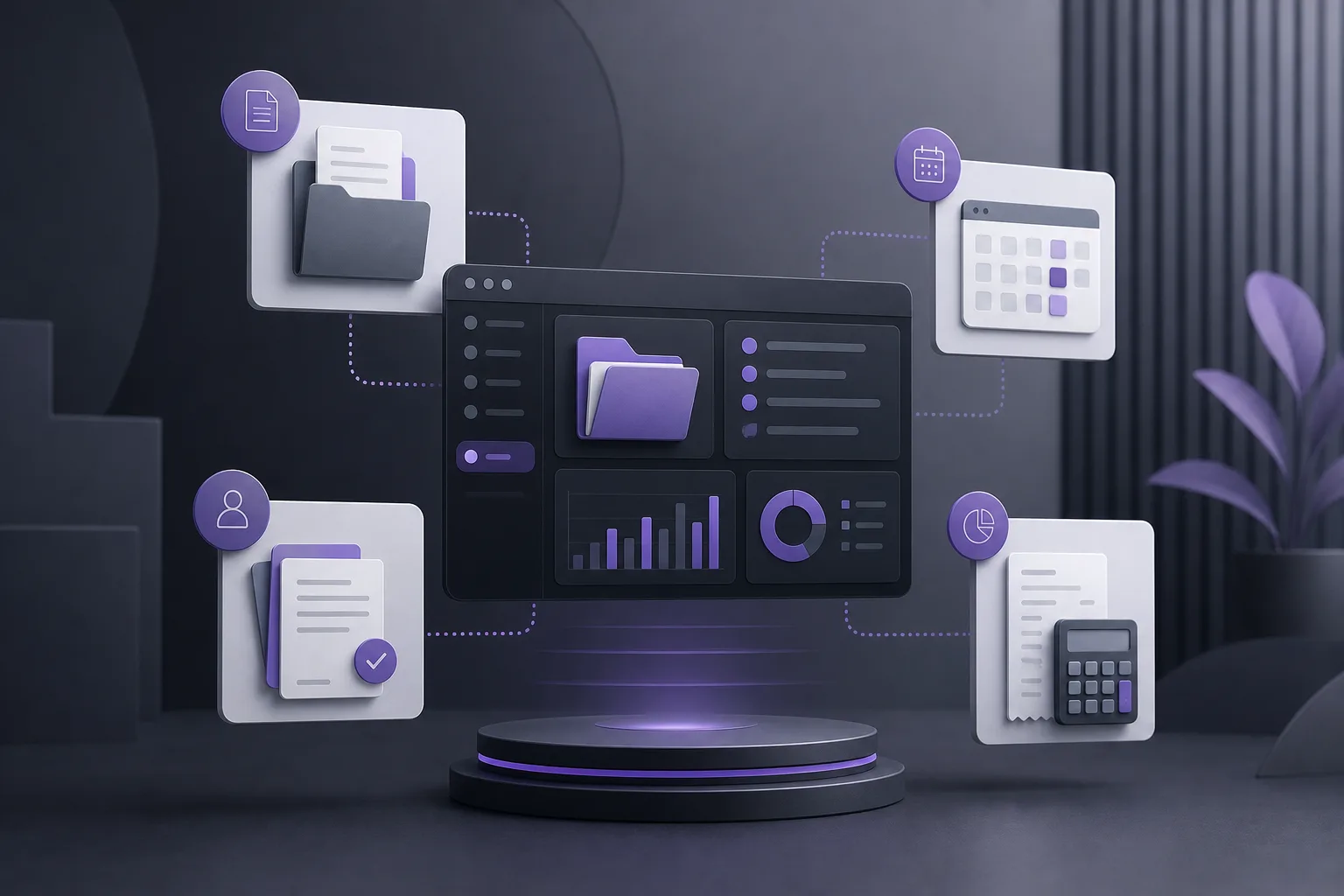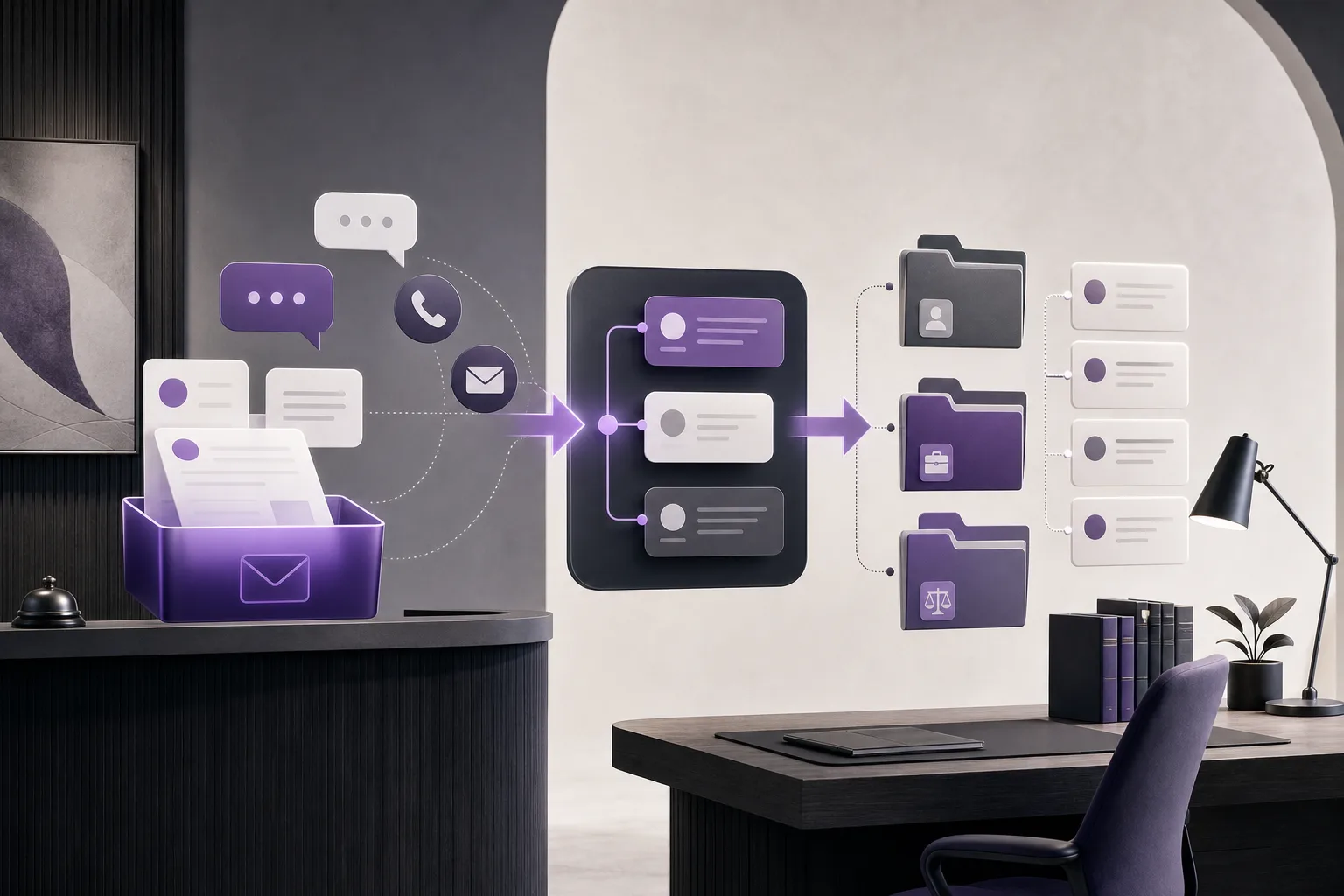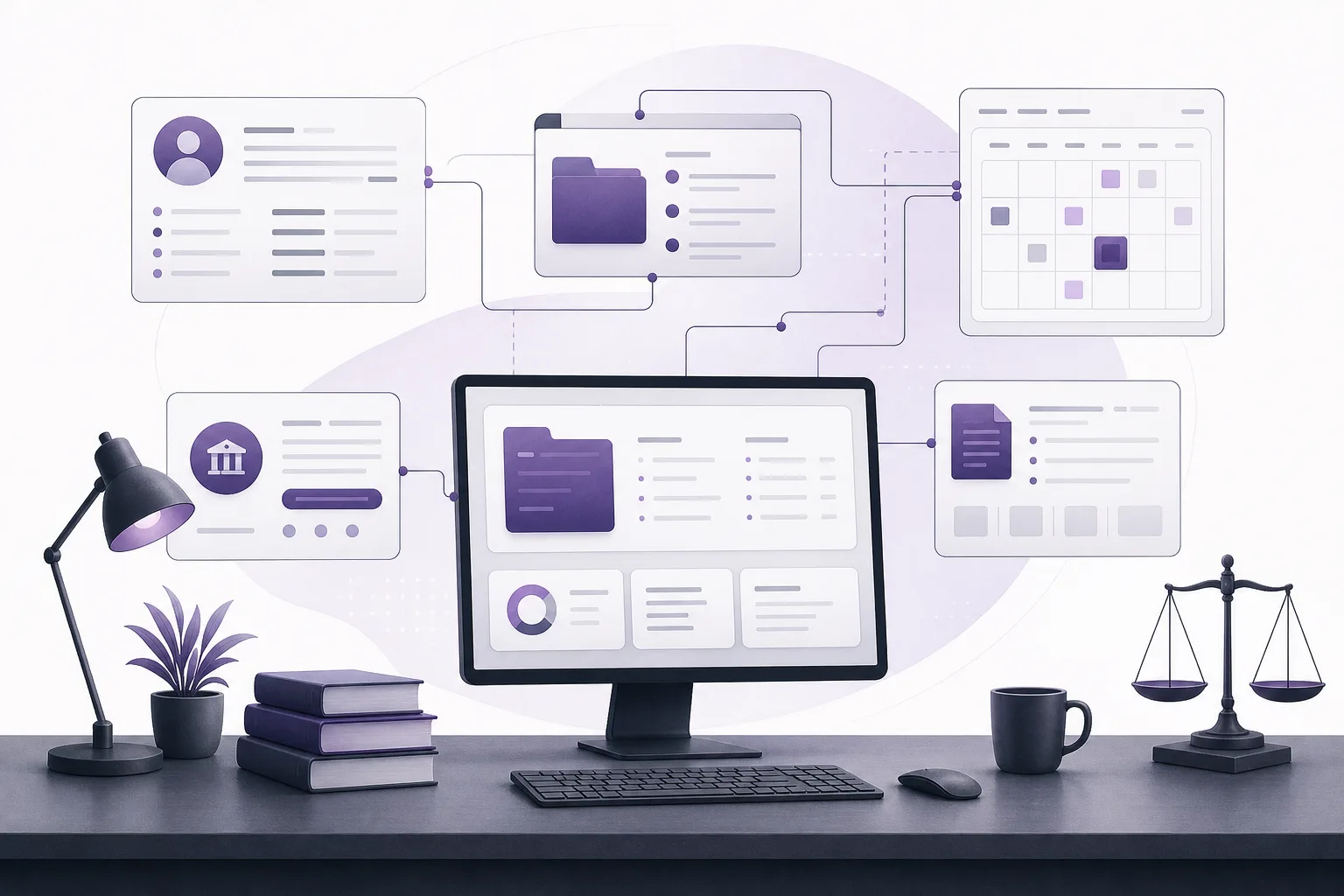
When a client asks an account-related question connected to a case appointment, an intake coordinator may need to review several pieces of information before sending a follow-up. This guide explains how OrderTech Legal can support that review in a workspace that brings together client and case files, documents, appointments, and accounts—without assuming that an automated billing process or an automatic answer is enabled.
The problem: one question with several contexts

A client may ask, “Is this amount related to my next appointment?” or “Was this recorded in my case file?” Although the question is short, a clear follow-up may require checking the client, the correct case, the appointment, available account information, and relevant documents. When each item is handled separately, the intake coordinator may have to search across scattered records or ask the client to repeat information already provided.
This is an operational coordination problem, not a reason to issue a legal conclusion. The goal is to organize the available information, identify what can be communicated, and determine what requires a lawyer or another authorized member of the office to review.
How OrderTech Legal creates a review point
OrderTech Legal brings together the management of client and case files, documents, appointments, and accounts in a workspace for the office. Each office has an independent version with its own identity, accounts, permissions, location, and application connected to its own interface. This gives an intake coordinator a structured environment for the office’s records, while access remains dependent on the version’s configuration and the user’s permissions.
1. Start with the client or case record
The process begins by identifying the client and case connected to the inquiry, rather than treating the question as an isolated message. From the relevant record, the coordinator can review the available client information, case file, appointment, account details, and related documents in the office workspace. Bringing these elements together does not mean the system automatically determines why an amount exists or resolves a dispute. It provides an organized point for review before a follow-up is prepared.
2. Match the appointment to the case
The coordinator should confirm that the appointment mentioned by the client belongs to the correct case and is not another appointment associated with the same client. Reviewing the appointment alongside the case file helps clarify the operational context: whether the client refers to an upcoming appointment, a previously recorded appointment, or an appointment that needs internal confirmation. This review does not replace the office’s responsibility to confirm what should be communicated.
3. Review account information and related documents
The coordinator can then review the account information available in the record and examine related case or appointment documents where relevant. The purpose is to understand what is actually recorded before drafting a follow-up—not to create a new calculation or billing action automatically. If the information is incomplete or unclear, the coordinator can identify the need for human review or refer the inquiry to the authorized person in the office.
Following up without losing context
When the channel is configured and enabled, the communication assistant can help receive client inquiries and frequently asked questions, continue the conversation context, and allow human intervention. An intake coordinator can use that context to understand the question as it was asked and connect the follow-up to the information reviewed in the client or case record.
In practice, the coordinator might pass the inquiry to the appropriate team member with a note that it concerns a particular appointment and account information visible in a specific record. If the communication channel or assistant is not enabled for the office’s version, the coordinator should not assume that this capability is available. Availability depends on the version’s configuration and service connections.
What can the office assistant do?
Depending on the version’s configuration and connected services, the office assistant can help summarize files, prepare drafts, and search the legal library. In this scenario, it may help create an internal summary of the recorded facts or an initial follow-up draft covering the client, case, appointment, and relevant account information.
These outputs are not a final response or a professional decision. The lawyer reviews the outputs and confirms proposed actions. The intake coordinator must also make sure that any follow-up is appropriate for the coordinator’s role and permissions. A summary or draft should not become a promise to the client before the required review.
A practical workflow for an intake coordinator
- Receive the inquiry: Record the question as stated and identify whether it connects the account, appointment, and case file.
- Find the correct record: Open the right client and case records and avoid confusing multiple cases or appointments belonging to the same client.
- Review the appointment: Check the available appointment details and their connection to the case without assuming an action that the office has not recorded.
- Review the account: Examine the available account information and related documents, and note anything missing or unclear.
- Determine the follow-up path: Based on office permissions, decide whether the inquiry can receive an administrative clarification or should be sent to a lawyer or authorized staff member.
- Preserve the context: If the communication assistant is being used, keep the relevant conversation context and intervene when clarification or a decision is needed.
- Review any draft: If the office assistant prepares a summary or draft, review it before use and do not treat it as a substitute for the lawyer’s judgment or the office’s decision.
Hypothetical example
Hypothetical example, not a client experience: A client sends a question about an amount they believe is connected to an appointment scheduled in an open case. The intake coordinator opens the client record, then reviews the case file, appointment, available account information, and relevant documents. The appointment is recorded, but the relationship between the amount and the appointment is not sufficiently clear in the information available to the coordinator.
Instead of guessing, the coordinator records the inquiry, keeps it connected to its context, and routes it to the authorized staff member or lawyer. If the assistance tools are enabled, the coordinator may prepare an internal summary or a draft follow-up stating that the office is reviewing the inquiry and will return with appropriate information, subject to the office’s review process. This example does not assume an automated billing workflow or an automatic account response.
Benefits and limitations
Operational benefits
- Brings the elements of an inquiry into one workspace instead of requiring unstructured searches across separate sources.
- Helps clarify the relationship between the client, case, appointment, account, and documents.
- Preserves the client’s conversation context during follow-up when the communication assistant and channel are configured and enabled.
- Can reduce initial work in summarizing or preparing a draft when the office assistant is available.
- Makes it easier to route an inquiry to the appropriate person with a clearer explanation of why it was referred.
Limitations to keep in mind
- The system does not make decisions for the lawyer and does not replace human review.
- Do not assume that billing, calculation, or automatic account responses exist unless they are configured and enabled in the office’s version.
- Available information and actions depend on service configuration and user permissions.
- Incomplete or conflicting information may require verification by the appropriate office team member.
- Assistant availability depends on the office version, connected services, and communication channel setup.
Frequently asked questions
Can the intake coordinator automatically determine what an amount relates to?
Not necessarily. The system can help review available account information and place it alongside the appointment and case, but it does not justify an unclear amount or create a billing action automatically without the relevant configuration and approved steps.
Will the communication assistant send the final answer to the client?
That depends on the channel configuration and whether the assistant is enabled. Human intervention remains possible, and responses should be reviewed when the inquiry requires an explanation or a decision by the office.
Can the office assistant draft the follow-up?
It may help summarize the file or prepare a draft, depending on availability and configuration. The lawyer reviews the output and confirms proposed actions; the draft is not an automatic final answer.
What if the coordinator cannot see all of the information?
Office permissions determine what the coordinator can access. If information is missing, the coordinator should route the inquiry to the authorized person rather than bypassing permissions or guessing.
Conclusion
OrderTech Legal can help an intake coordinator turn an account inquiry linked to a case appointment into a structured review: identify the record, match the appointment, review the account and documents, and then follow up or route the inquiry while preserving context. The accuracy and appropriateness of the response still depend on office configuration, human review, and the lawyer’s decision where needed. Explore OrderTech Legal to assess how your office can organize its workspace and manage these follow-ups within its own settings and permissions.
Platform feature references
- OrderTech Legal — إدارة المكتب / Office management — Accessed 2026-10-22
- OrderTech Legal — المساعد الذكي / AI assistance — Accessed 2026-10-22