When a law office manager asks, “How can OrderTech Legal help a law office manager organize accounts linked to cases and clients?”, the underlying problem is often not a lack of information. It is fragmentation. Account records may sit apart from client records, case files, documents, and appointments, forcing staff to move between separate records before they can understand the context of a matter. That extra searching makes routine administration slower and increases the need for manual verification.
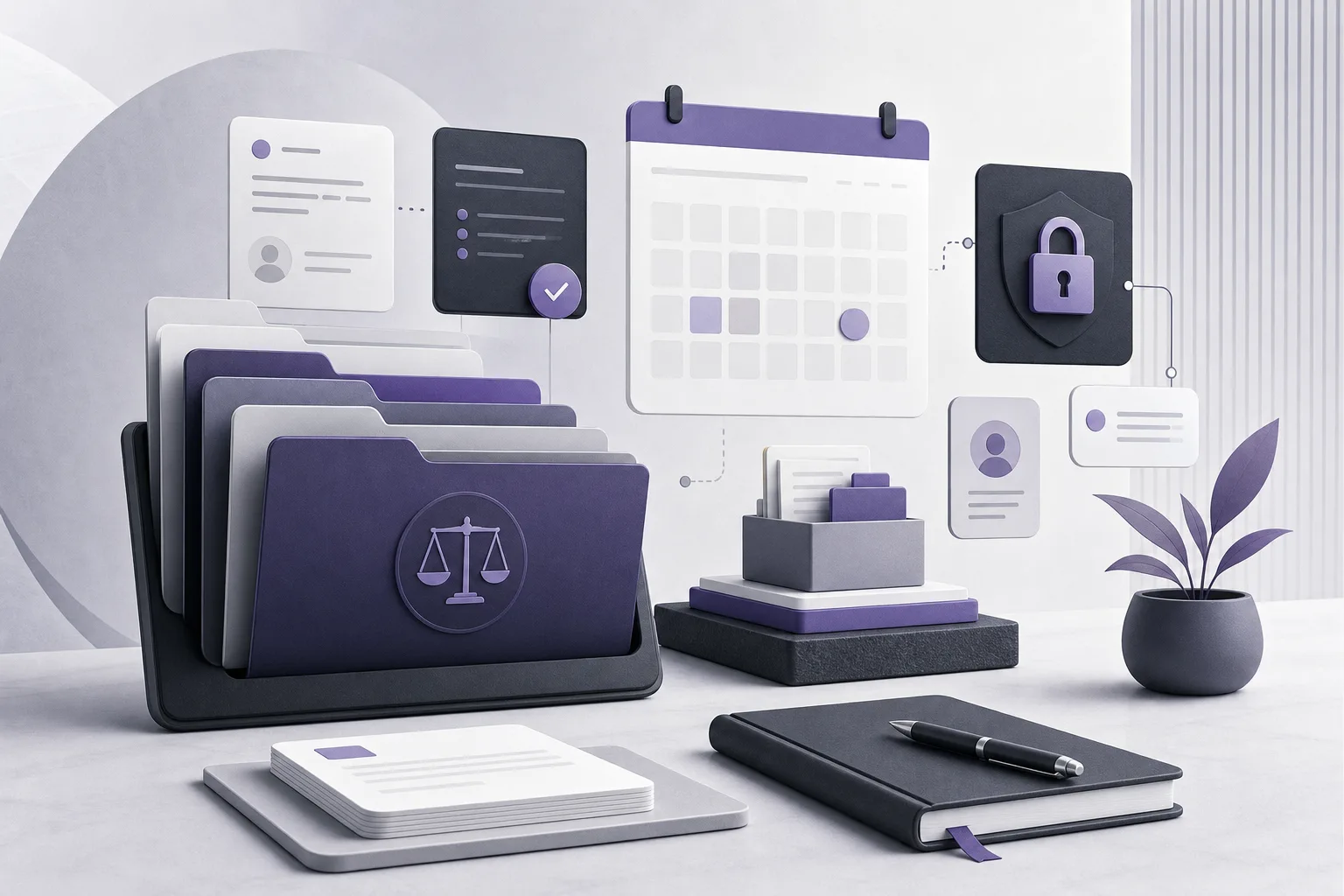
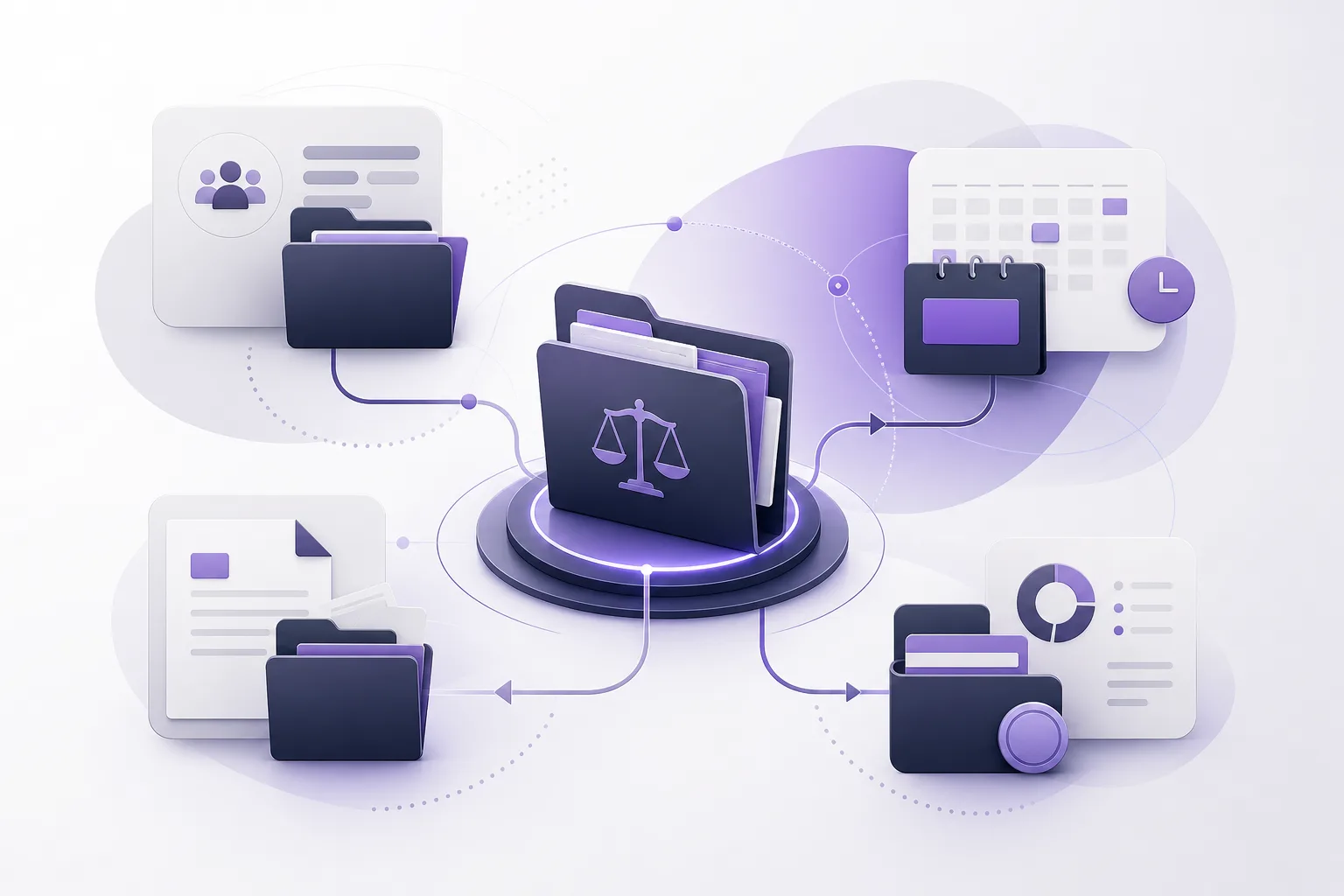
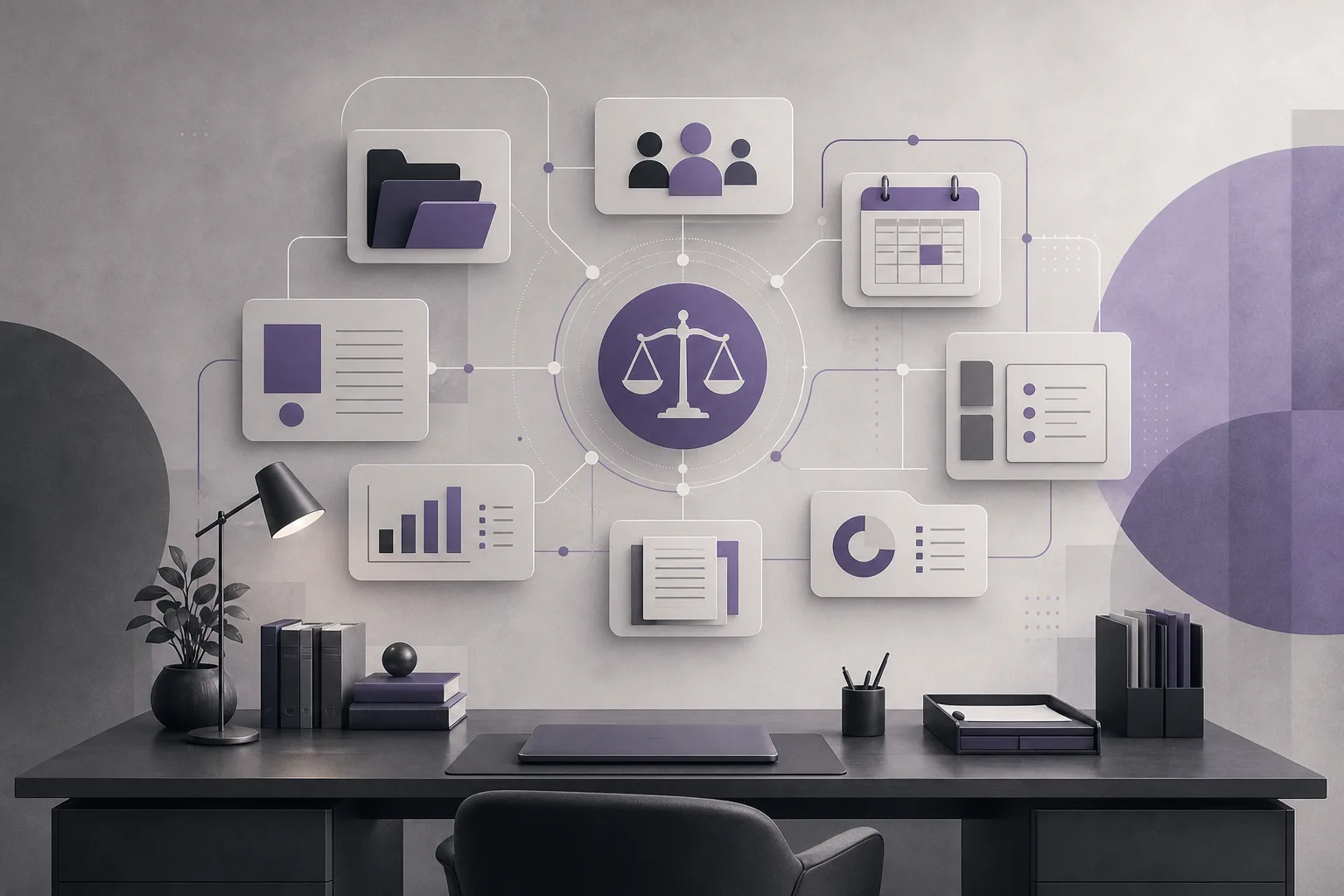
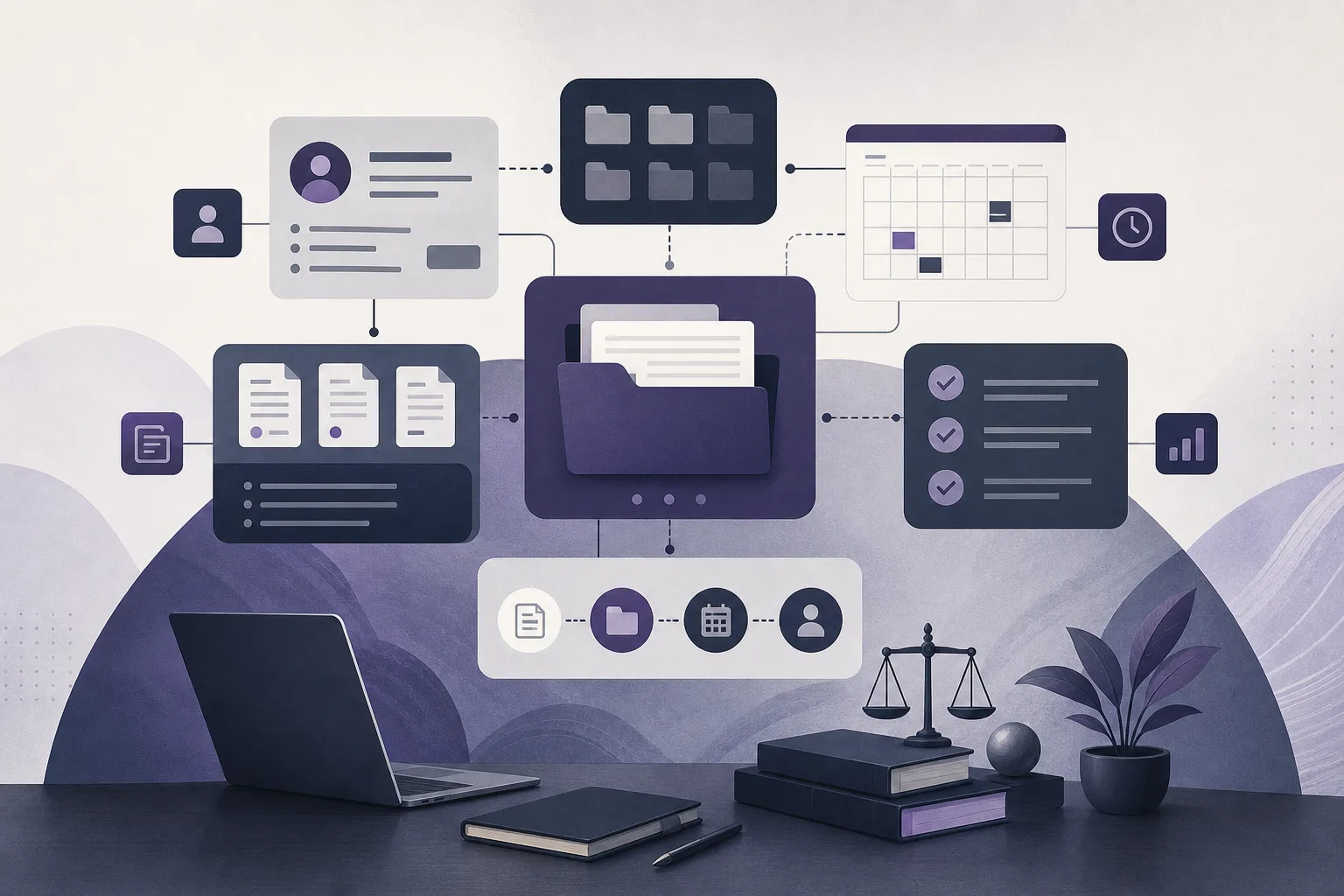
OrderTech Legal brings case and client files, documents, appointments, and accounts together in one workspace for the office. This gives the office manager a shared working environment in which account information can be managed alongside the context connected with a client or case. It is not a substitute for an office’s judgment or internal controls. Its value comes from creating a structured place for the office to work, subject to configuration, permissions, service availability, and human review.
Why fragmented account records create administrative friction
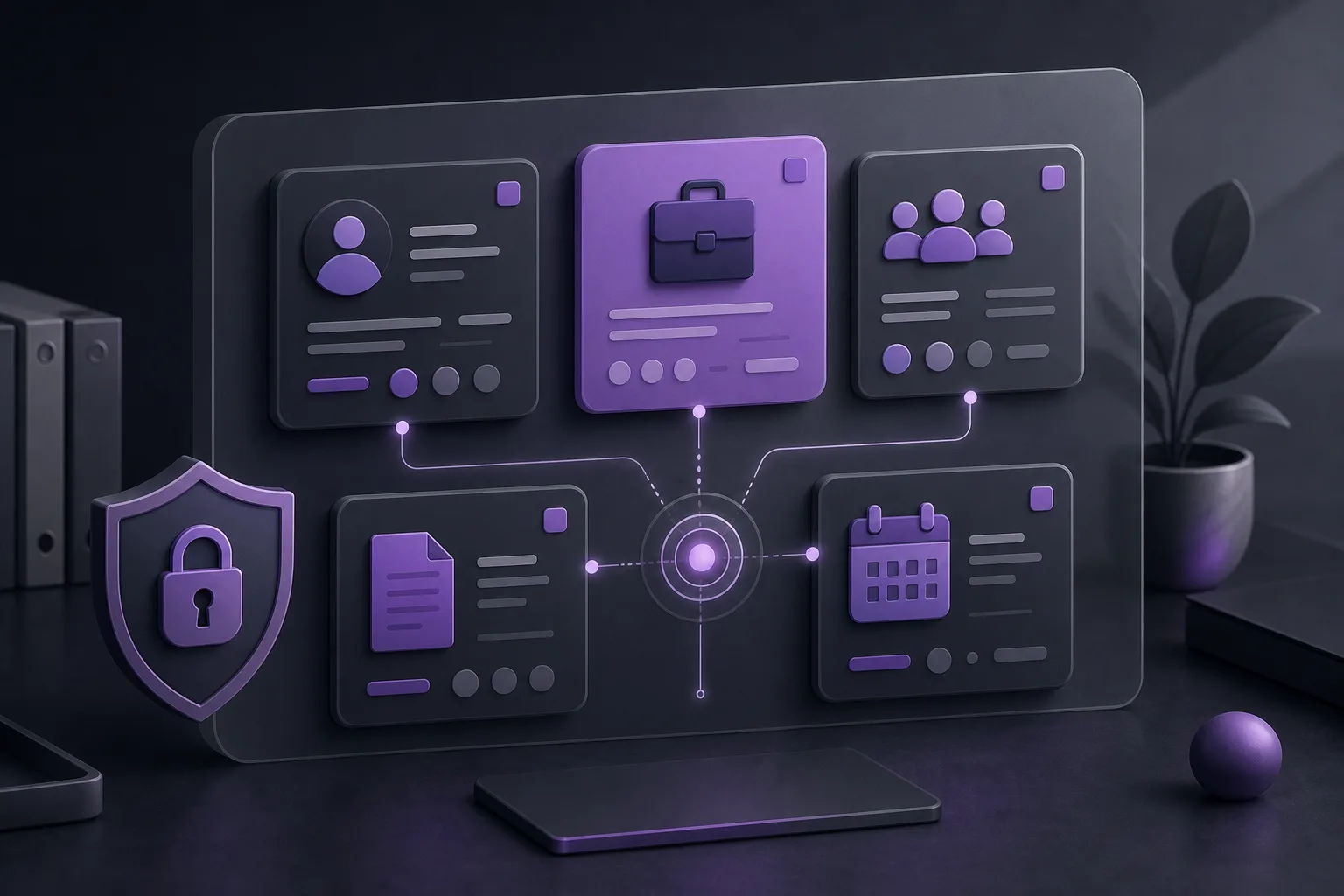
When accounts are maintained separately from case and client files, staff may need to check several records to understand what an account relates to and which documents or appointments should be considered with it. The issue is not necessarily that any individual record is wrong. Rather, the context is distributed across different places, making routine follow-up dependent on memory, repeated searches, and manual checks.
Separate tools can also make it harder to maintain a clear view of who is working within the office environment and what information each person should access. Bringing information into one workspace helps establish a common operating context, but permissions and office administration remain essential.
How OrderTech Legal organizes accounts in the office workspace
1. Keeping accounts with the working context
OrderTech Legal manages accounts in the same office workspace that includes case files, client files, documents, and appointments. In practical terms, the office manager can treat an account as part of the broader matter context rather than as an isolated record. This can make it easier to return to related information when following up on a client or case.
2. Giving each office its own version
Each office has an independent version with its own identity, accounts, permissions, website, and application connected to its own interface. For an office manager, this separation supports work within the office’s own environment rather than mixing its configuration or accounts with another organization’s. It also means that availability and presentation may depend on how that specific version and its services are configured.
3. Using permissions as part of organization
A shared workspace does not mean that every user should have identical access. OrderTech Legal operates around the office’s accounts and permissions, so the manager should confirm that each user is working within the appropriate access settings. The platform does not independently decide who should see information, and setting or reviewing permissions remains an office management responsibility.
4. Returning to documents and appointments in context
Because documents and appointments are managed alongside accounts, case files, and client files, the team can handle these items as parts of one office workflow. When a manager needs to review a document or appointment while following an account connected with a matter, the surrounding context is available within the same workspace. The accuracy of the organization still depends on the office’s setup, the services that are connected, and the way information and permissions are managed.
Practical steps for using the workspace
- Confirm the office environment: Make sure the team is working in the correct independent office version, with its identity, accounts, and permissions.
- Map the scattered records: Identify where account information currently exists and which cases, clients, documents, and appointments staff need to review with it.
- Manage the information in OrderTech Legal: Organize account work in the same workspace that contains case and client files, documents, and appointments, according to the office’s enabled configuration.
- Review access settings: Check that users have the appropriate permissions for the office workspace and that the configuration reflects the office’s working process.
- Verify context before proceeding: When returning to an account, review the available case, client, document, and appointment context instead of relying on an assumption about the relationship.
- Keep human approval in the workflow: When assistance features are used, a person should review the relevant output before the office proceeds.
Where OrderTech Legal’s assistants may help
The communication assistant can help receive client inquiries, handle frequently asked questions, and maintain conversation context, with the possibility of human intervention. This may support communication related to an account or matter when the relevant channel has been configured and enabled. Availability, responses, and context depend on the channel setup and connected services, so an office should not assume that the assistant is active for every channel or version.
The office assistant can help summarize files, draft documents, and search the legal library. These capabilities may support a manager or lawyer who is reviewing information connected with a matter. However, the lawyer reviews the outputs and confirms proposed actions. The assistant supports the lawyer; it does not replace professional review or the office’s decision-making.
A hypothetical example
This is a hypothetical example, not a client experience. Suppose an office handles several matters for different clients while keeping account information in a record separate from case files and appointments. The office manager uses the office’s independent OrderTech Legal version and manages accounts in the same workspace as client files, case files, documents, and appointments. When reviewing an account connected with a matter, the manager begins in that shared office context and checks the available information and permissions before proceeding. If a file summary or draft is needed, the manager may use the office assistant if it has been enabled, while the lawyer reviews the output.
This example does not assume that every record is linked automatically or that every service is available without configuration. It illustrates how a unified workspace can reduce dependence on scattered records while leaving organization, verification, and approval to the office team.
Benefits and limits to keep in mind
- Benefit: Managing accounts alongside case files, client files, documents, and appointments can make it easier to return to the context connected with a matter.
- Benefit: An independent version for each office supports the office’s own identity, accounts, permissions, and configuration.
- Benefit: The communication and office assistants may support inquiries, file summaries, drafting, and legal-library searches when configured and enabled.
- Limit: Availability, linking, and responses depend on the office version, services, channels, and permissions; they are not necessarily identical for every office.
- Limit: The assistants do not replace lawyer review or office decisions. Outputs and proposed actions require human confirmation.
Frequently asked questions
Does OrderTech Legal automatically replace every previous record?
The available product information does not establish automatic migration or automatic linking for every record. The core point is that accounts can be managed in the workspace that also contains the office’s other operational areas. The actual organization depends on the office configuration, enabled services, and working process.
Will every staff member see the same accounts and files?
Not necessarily. Each office has its own accounts and permissions, and access depends on the configured settings. The office manager should review permissions before granting access to information.
Can the communication assistant answer every inquiry independently?
It can help receive inquiries, address frequently asked questions, and maintain conversation context according to the channel’s configuration and activation, with human intervention available. It should not be assumed to be available or independent of human oversight.
Can the office adopt an assistant-generated summary without review?
No. The office assistant can help summarize files, draft documents, and search the legal library, but the lawyer reviews the outputs and confirms proposed actions.
Conclusion
OrderTech Legal helps an office manager move account administration away from scattered records and into a workspace that also includes case files, client files, documents, and appointments. The value is strongest when the office carefully manages its identity, permissions, and enabled services, and treats intelligent assistance as support rather than a replacement for human review. To see how the platform may fit your office’s workflow, explore OrderTech Legal and consider how its workspace can be configured around your team’s needs and permissions.
Platform feature references
- OrderTech Legal — إدارة المكتب / Office management — Accessed 2026-09-13
- OrderTech Legal — المساعد الذكي / AI assistance — Accessed 2026-09-13