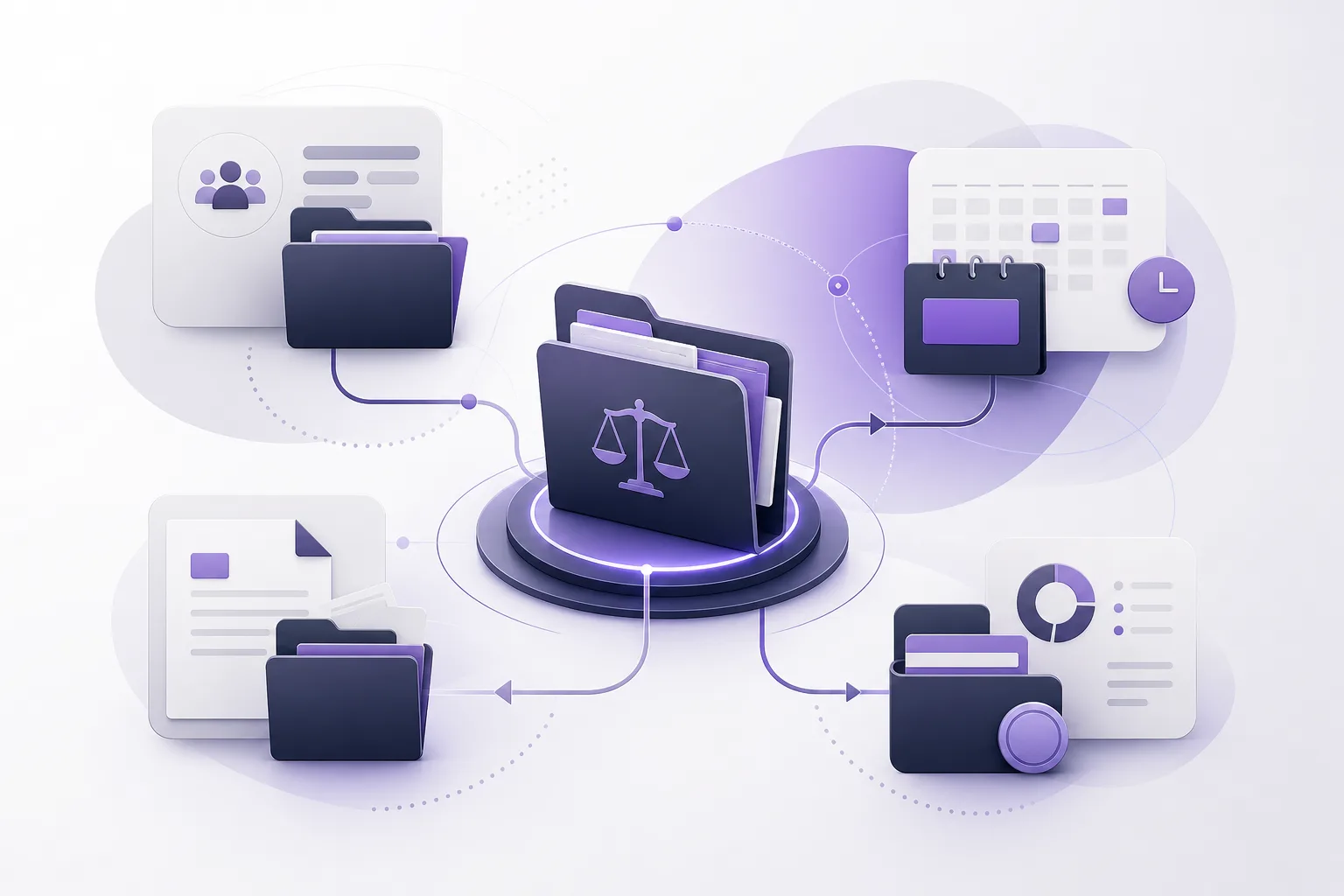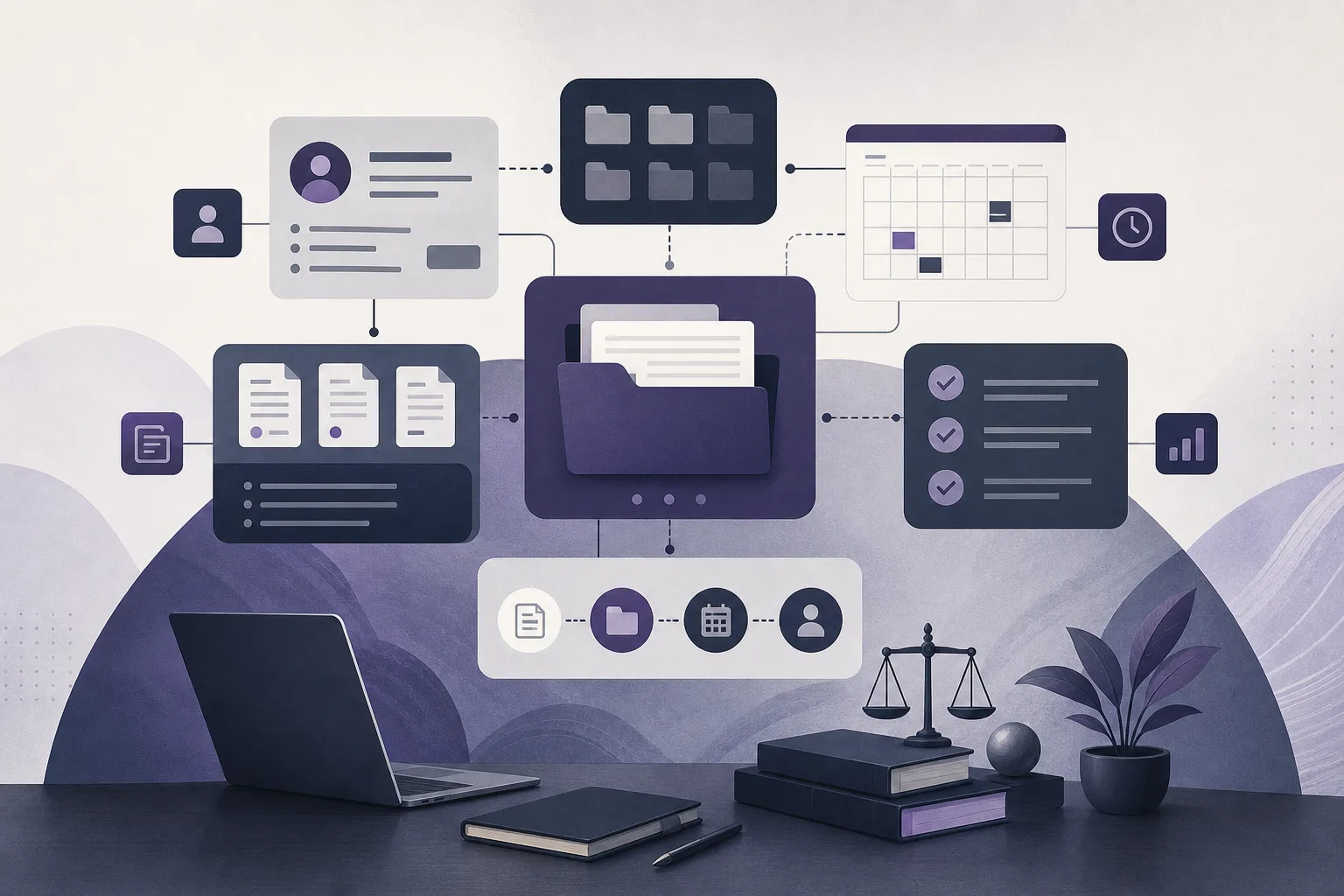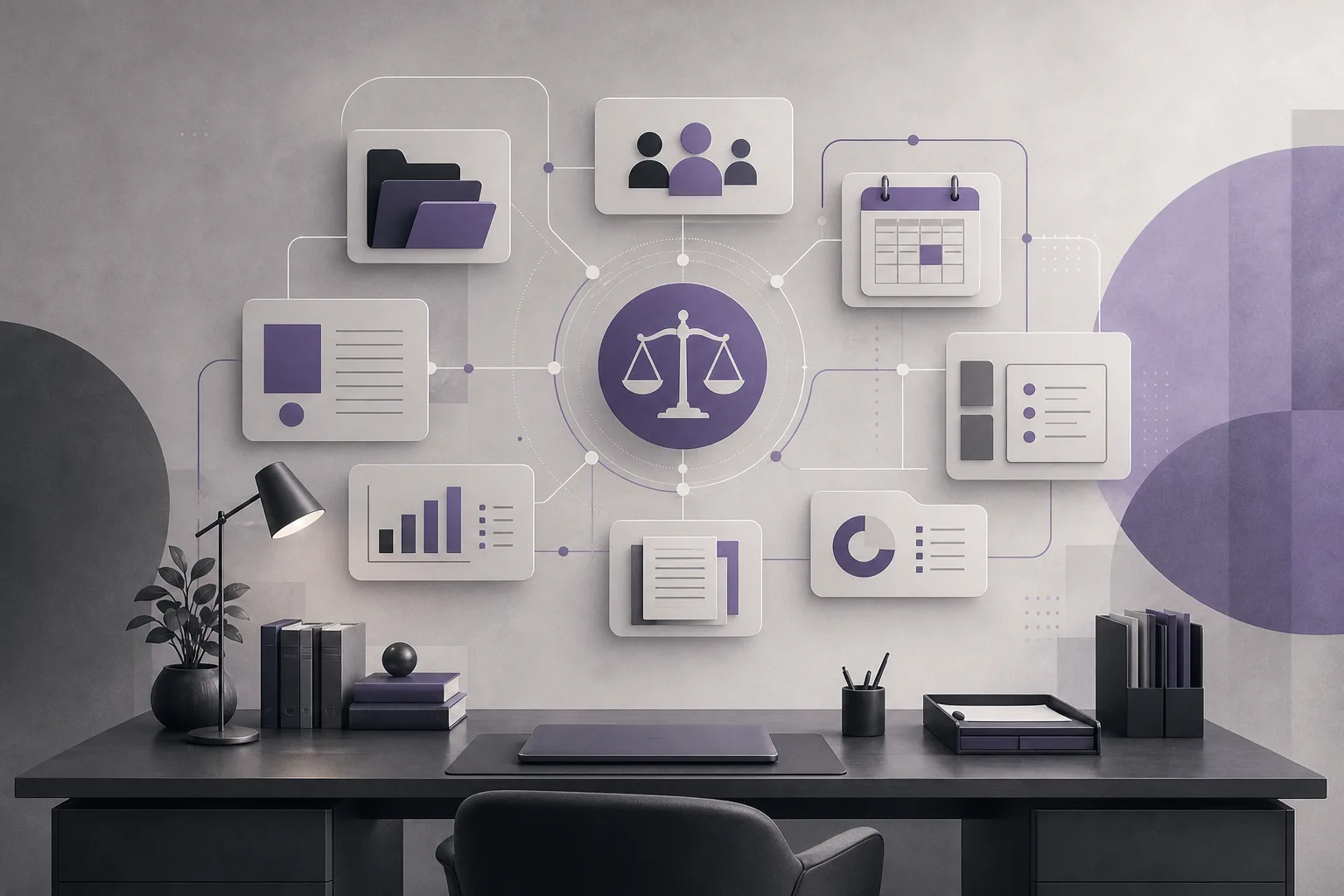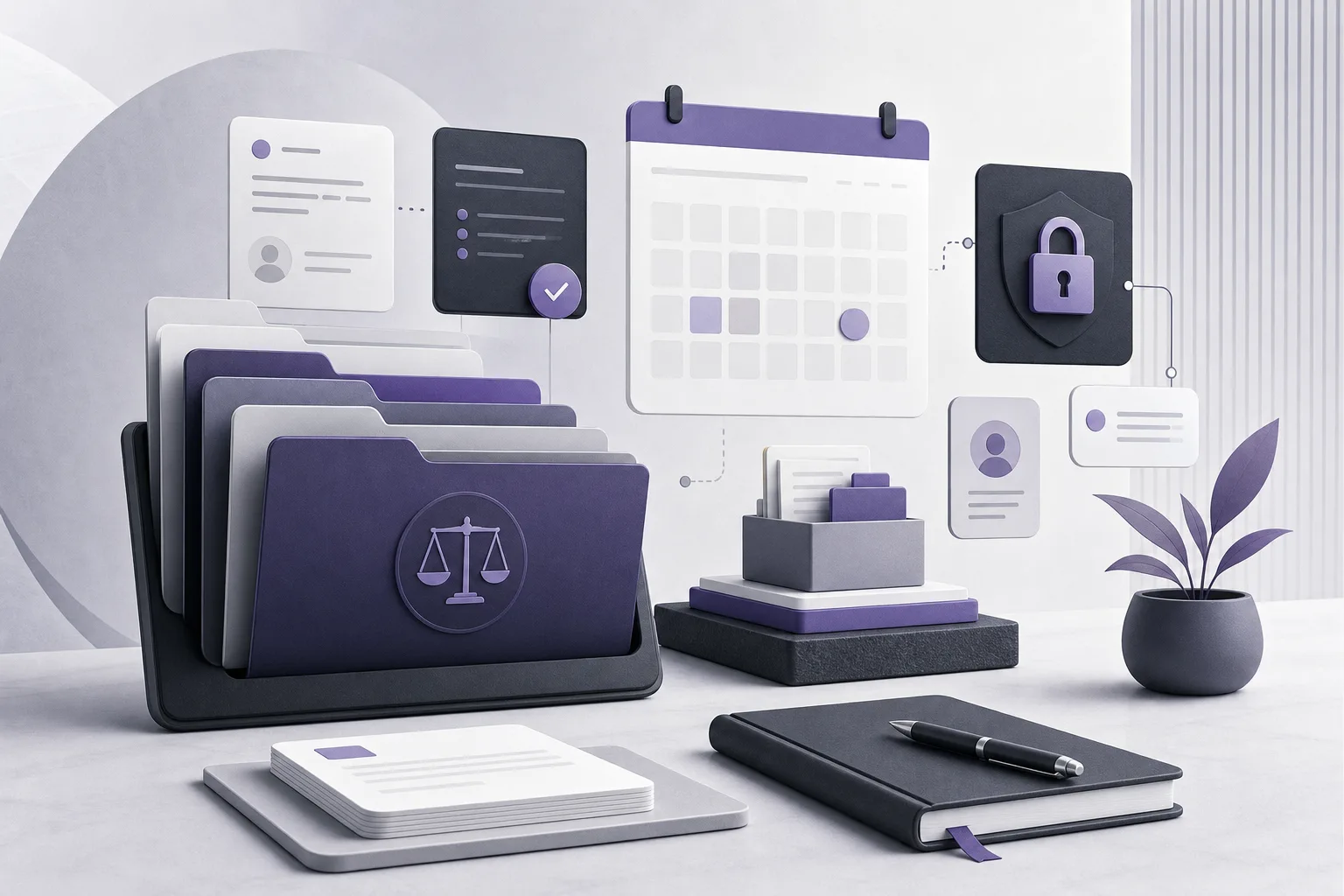
Before a case appointment, a law office manager may need to locate information that sits in several places: the client record, the case file, document storage, and the appointment schedule. A missing or disconnected document can make preparation feel like a manual search across unrelated sources. This is why the question “How can OrderTech Legal help a law office manager track required documents before case appointments?” starts with organizing context rather than simply adding another storage location.
OrderTech Legal brings case and client file management, documents, appointments, and accounts into one office workspace. This gives an office manager a structured place to review what is available for a scheduled matter and identify what needs follow-up. The platform is an assistant to the legal team, not a replacement for attorney review or judgment. Connections and responses depend on service configuration, permissions, and human intervention.
The problem: required documents are scattered
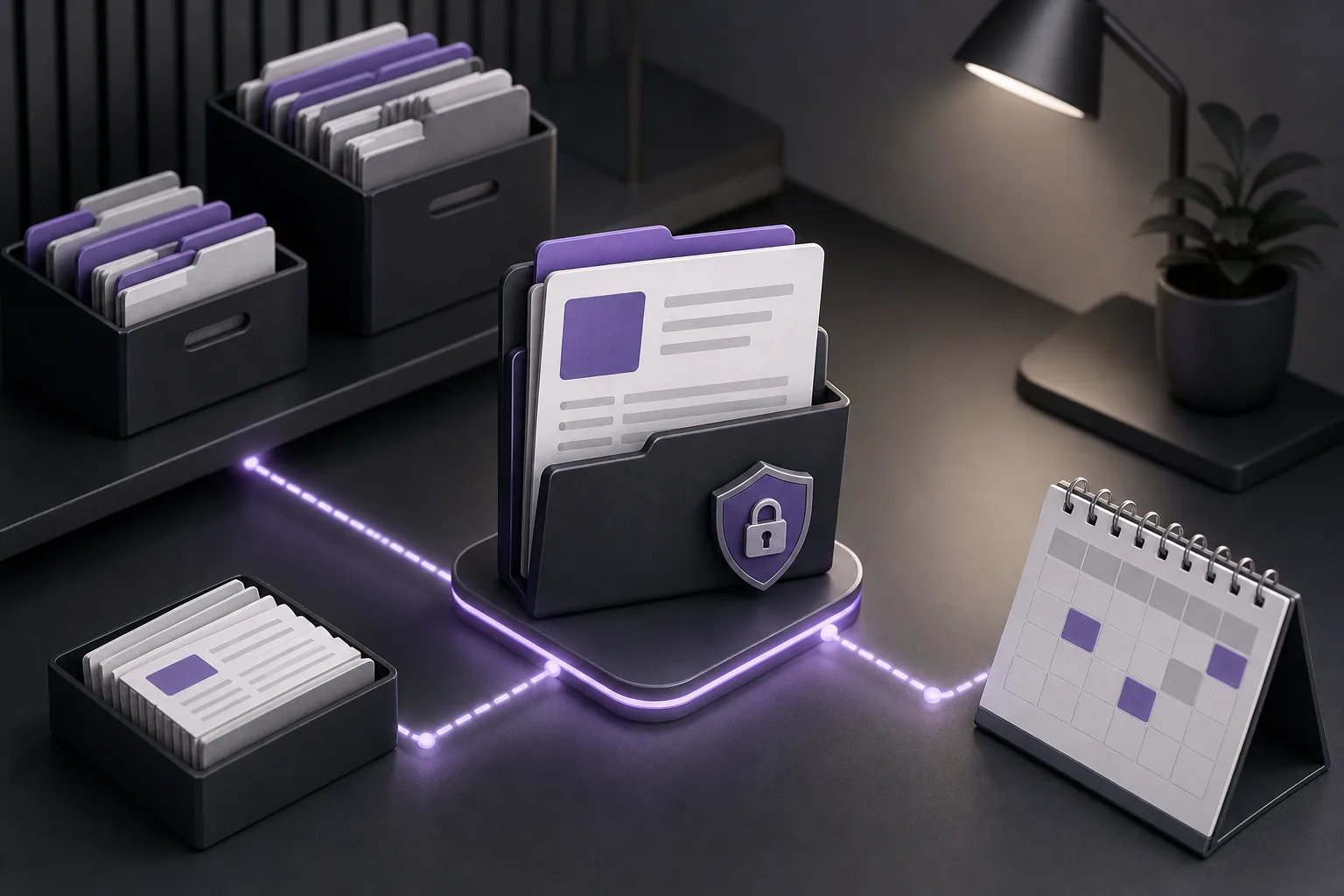
A team may know that an appointment is approaching without having a clear view of the materials connected to it. Client information may be stored in one record, case details in another, documents somewhere else, and appointment information in a separate calendar or workflow. The manager then has to rely on memory, messages, or repeated searches to determine what is available.
The issue is not always that a document is missing. It may simply be difficult to connect the document to the correct client, case, and appointment, or to confirm whether the relevant staff member can access it. Bringing case files, clients, documents, and appointments into one workspace supports a more consistent review process, without suggesting that the system automatically decides whether a file is complete or whether a document is sufficient.
How OrderTech Legal supports the review process
1. Start with the case and client record
The office manager can begin by reviewing the case and the related client record for the upcoming appointment. Because these areas are managed within the same workspace, the manager has a central point for understanding the administrative context instead of moving immediately between disconnected sources.
The record can serve as a reference point for reviewing related documents, subject to the user’s permissions and the office’s configuration. This does not mean OrderTech Legal independently determines which documents are required for every matter. The office defines its own operating process and uses the organized workspace to record what is available and what needs attention.
2. Review the documents available for the matter
Once the case context is open, the manager reviews the documents associated with or available to that matter. The goal is to distinguish information that can be reviewed from items that require a question, request, or internal follow-up. Keeping this review within the case context is more practical than searching through unrelated locations.
The benefit is clearer organization and context, not an automatic certification that every document is current, accurate, or adequate. The responsible legal team must still review the substance and relevance of documents. A workspace can support the process, but it does not replace professional verification.
3. Connect preparation to the appointment
Managing appointments alongside cases and documents allows preparation to begin with the event that creates the need for review. Instead of scanning a general collection of files, the manager can identify the relevant appointment, return to its case and client context, and review the materials accessible under the applicable permissions.
If the review shows that something needs follow-up, the team can handle that task through its internal process and record the outcome in the appropriate office record, depending on the version’s setup and the office’s procedures. The manager should not assume that an alert, reminder, or automated task exists unless it is available and enabled in the office configuration.
4. Work within office-specific permissions
Each office has its own OrderTech Legal instance, identity, accounts, permissions, location, and application connected to its own interface. As a result, access will not necessarily look the same for every user. Before relying on a review, the manager should confirm that the relevant user has the appropriate permission and that the required services are configured for the office.
Permissions help control access, but they do not establish that a visible document has been approved or that every related document is visible. The office’s setup can also affect which services are available and how they are used.
Where the AI assistants may help
OrderTech Legal includes an office assistant that can help summarize files, draft documents, and search the legal library. During appointment preparation, a file summary may help the team form an initial view of the available material, while a draft may help organize an internal follow-up request. These outputs remain support materials, not final decisions.
An attorney reviews the outputs and confirms proposed actions. Availability depends on the office instance configuration and service connections. The assistant should therefore not be presented as a tool that automatically verifies document completeness or replaces review of the relevant files.
The communication assistant can help receive client inquiries, handle frequently asked questions, and maintain conversation context with the possibility of human intervention, depending on channel configuration and activation. This may support communication about a document request, but responses depend on the configured service and appropriate human intervention should remain available.
A hypothetical example
Hypothetical example: A law office has an upcoming appointment connected to a client matter. The office manager opens the appointment record, reviews the case and client context, and checks the documents available under the manager’s permissions. Several materials are present, but another item expected under the office’s internal process is not found. Rather than treating the file as complete, the manager records that follow-up is needed, identifies the appropriate internal or communication channel, and reviews any material received before the appointment.
If the office assistant is available in that instance, the team may use it to summarize the available file or prepare an internal draft for the follow-up request. The attorney or responsible professional then reviews the output and confirms the appropriate action. This example is hypothetical, not a client testimonial, and does not assume an automatic document checklist or reminder feature.
Practical benefits for an office manager
- Less fragmentation: Cases, clients, documents, and appointments are managed in one office workspace rather than as unrelated contexts.
- A more consistent review: The appointment becomes a practical starting point for returning to the case and identifying available materials or follow-up needs.
- Clearer responsibility: Permission-aware review helps direct issues requiring a legal decision to the attorney or appropriate professional.
- Supported communication: The communication assistant may help with inquiries and recurring questions when the channel is configured and activated, while preserving human intervention.
- Drafting and summarization support: The office assistant can support file summaries and drafts, subject to attorney review.
Important limitations
- The system does not independently decide that a document set is complete or sufficient for an appointment.
- Summaries and drafts do not replace attorney review or judgment.
- Visibility and access depend on office permissions and instance configuration.
- Assistant availability, connections, and responses depend on configured and activated services.
- The office should not assume that automated checklists, alerts, reminders, or other workflows exist unless they are available in its configuration.
Frequently asked questions
Does OrderTech Legal automatically create a required-document checklist?
The available product information establishes that OrderTech Legal brings case files, clients, documents, and appointments into one workspace. It does not establish a universal automatic checklist for every matter. The office defines its requirements and uses the available records for review and follow-up.
Will every staff member see the same documents?
Not necessarily. Each office has separate accounts and permissions, and access depends on the user’s permissions and the office instance configuration.
Can the office assistant confirm that a file is complete?
It should not be relied on for that purpose. The office assistant may help summarize files, draft documents, or search the legal library, but the attorney reviews the outputs and confirms proposed actions.
Can the communication assistant request a document from a client?
It may support inquiries, frequently asked questions, and conversation context when the relevant channel is configured and activated. Responses depend on the service setup, and human intervention remains important.
Conclusion
OrderTech Legal helps a law office manager address document fragmentation before case appointments by bringing case and client files, documents, and appointments into one workspace. Its central value is a more organized context for reviewing what is available and identifying what needs follow-up, while respecting office permissions and configuration. Because the platform assists rather than replaces the attorney, people remain responsible for reviewing content, confirming actions, and making decisions. Explore OrderTech Legal to learn how an office-specific workspace can support the way your team manages matters, documents, and appointments.
Platform feature references
- OrderTech Legal — إدارة المكتب / Office management — Accessed 2026-09-18
- OrderTech Legal — المساعد الذكي / AI assistance — Accessed 2026-09-18