When documents arrive through different channels, a law office may spend valuable time deciding which client and case record should contain each item before any further work can begin. A document left outside the relevant record can be harder to find, while attaching it to the wrong matter can create confusion during review. This article explains how OrderTech Legal can help a law office organize that step in a workspace that brings together client files, case files, documents, appointments, and accounts.
OrderTech Legal should not be treated as an automatic decision-maker that identifies the correct client or case in every situation. The available workflow depends on the office setup, user permissions, enabled services, and human intervention. The lawyer remains responsible for reviewing the document, confirming the appropriate record, and deciding whether work should continue.
Why linking an incoming document can be difficult
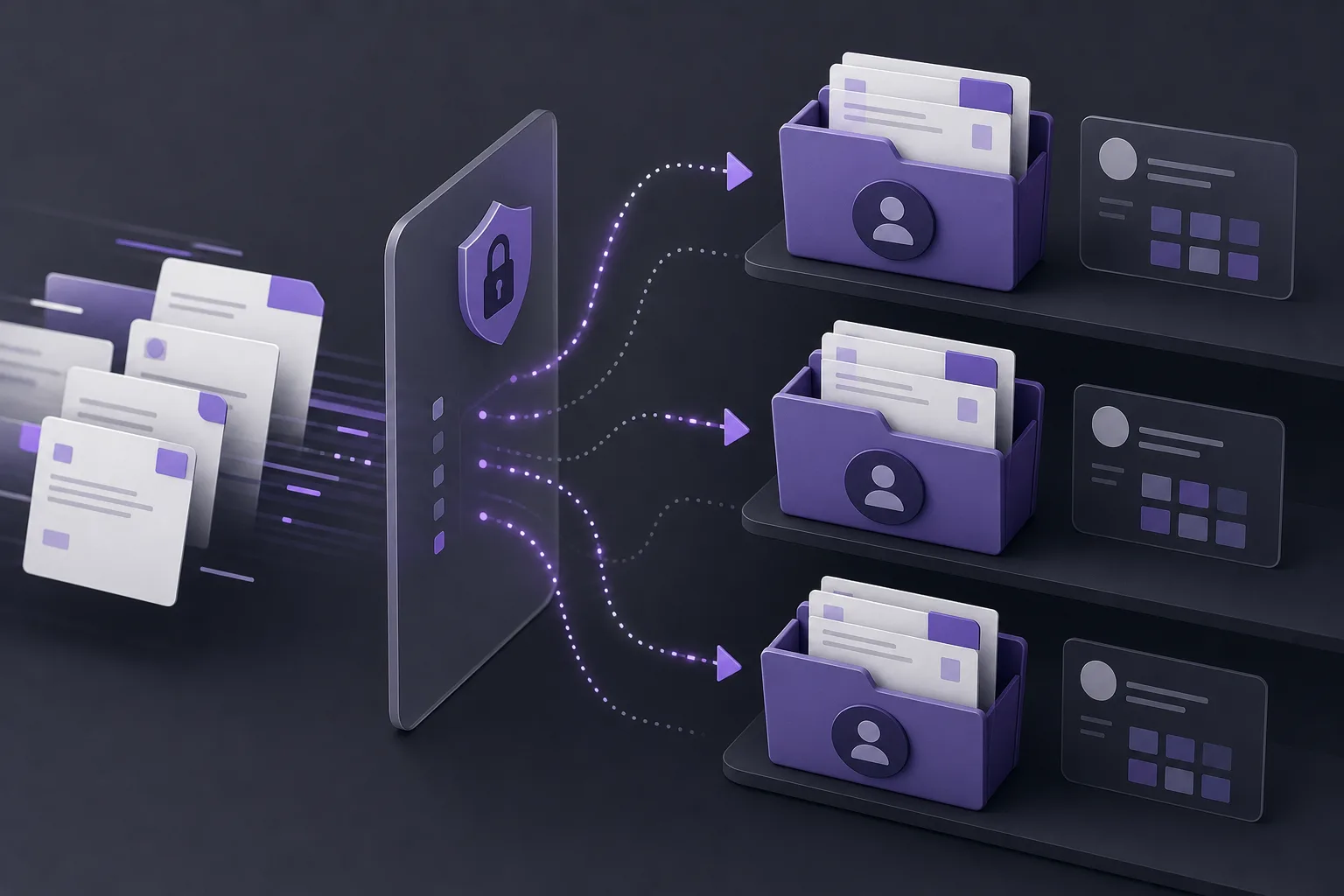
An incoming document may arrive while the team is handling appointments, active matters, or other administrative work. Its first page may not provide enough context to distinguish between several cases belonging to the same client. Information may also be spread across separate records, making it difficult to know whether the document has been reviewed or where it should be stored.
The challenge is therefore more than document storage. The office needs a practical sequence: receive the document, understand its context, identify the relevant client and case, review the proposed placement, and then continue with the appropriate task. Without a shared workspace, staff may need to move between disconnected tools and records before they can see the full context.
How OrderTech Legal supports the review process
A workspace for the office’s core records
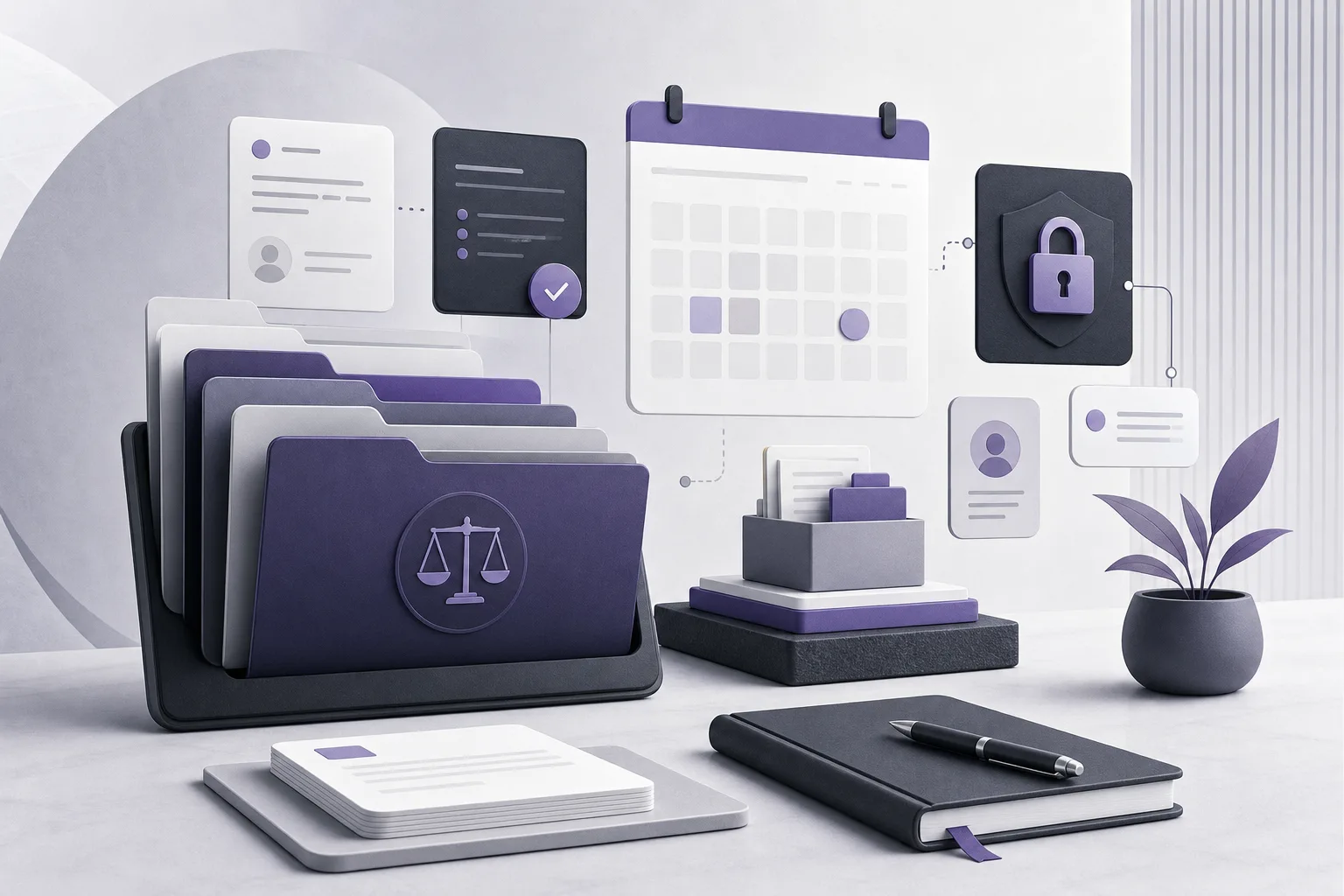
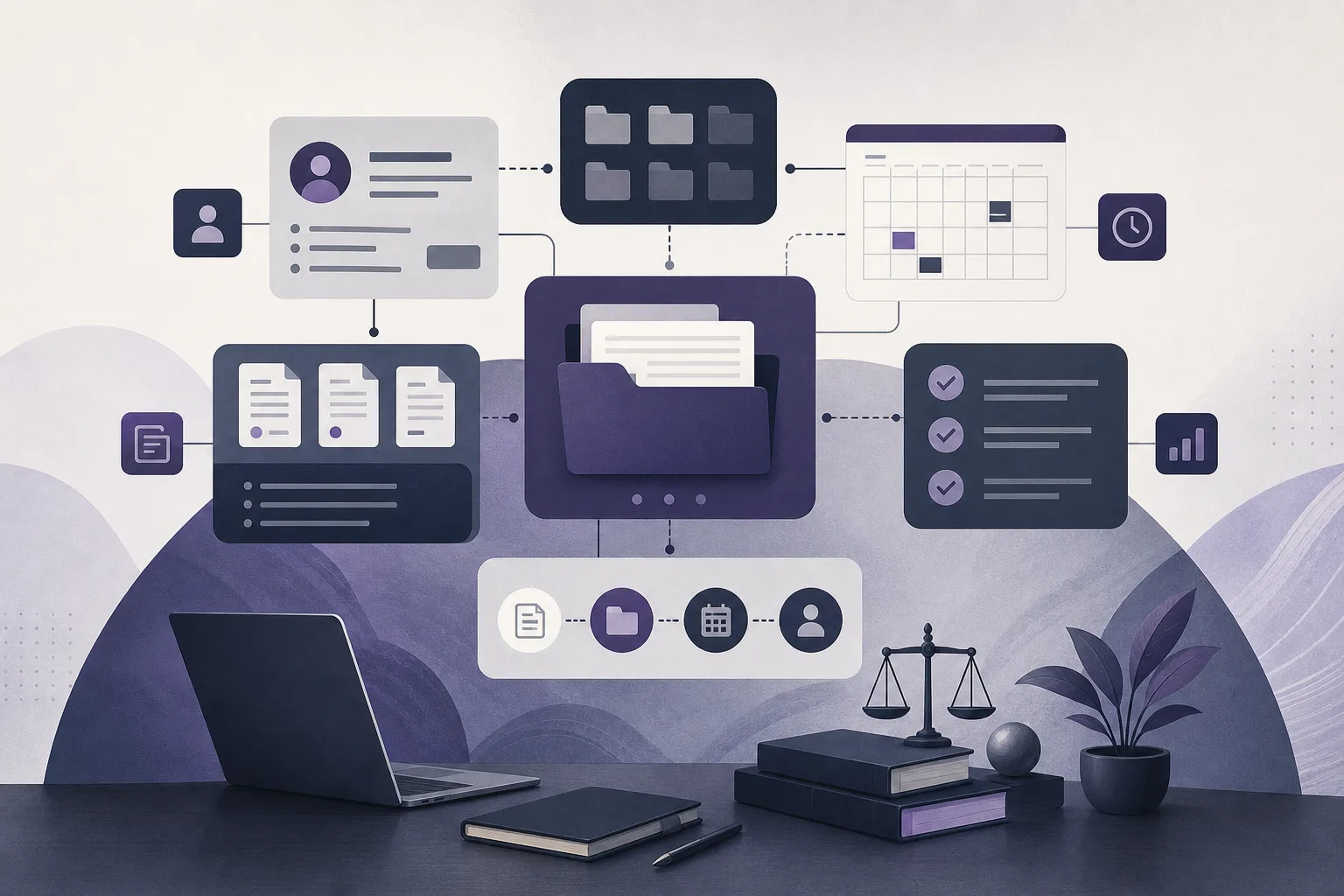
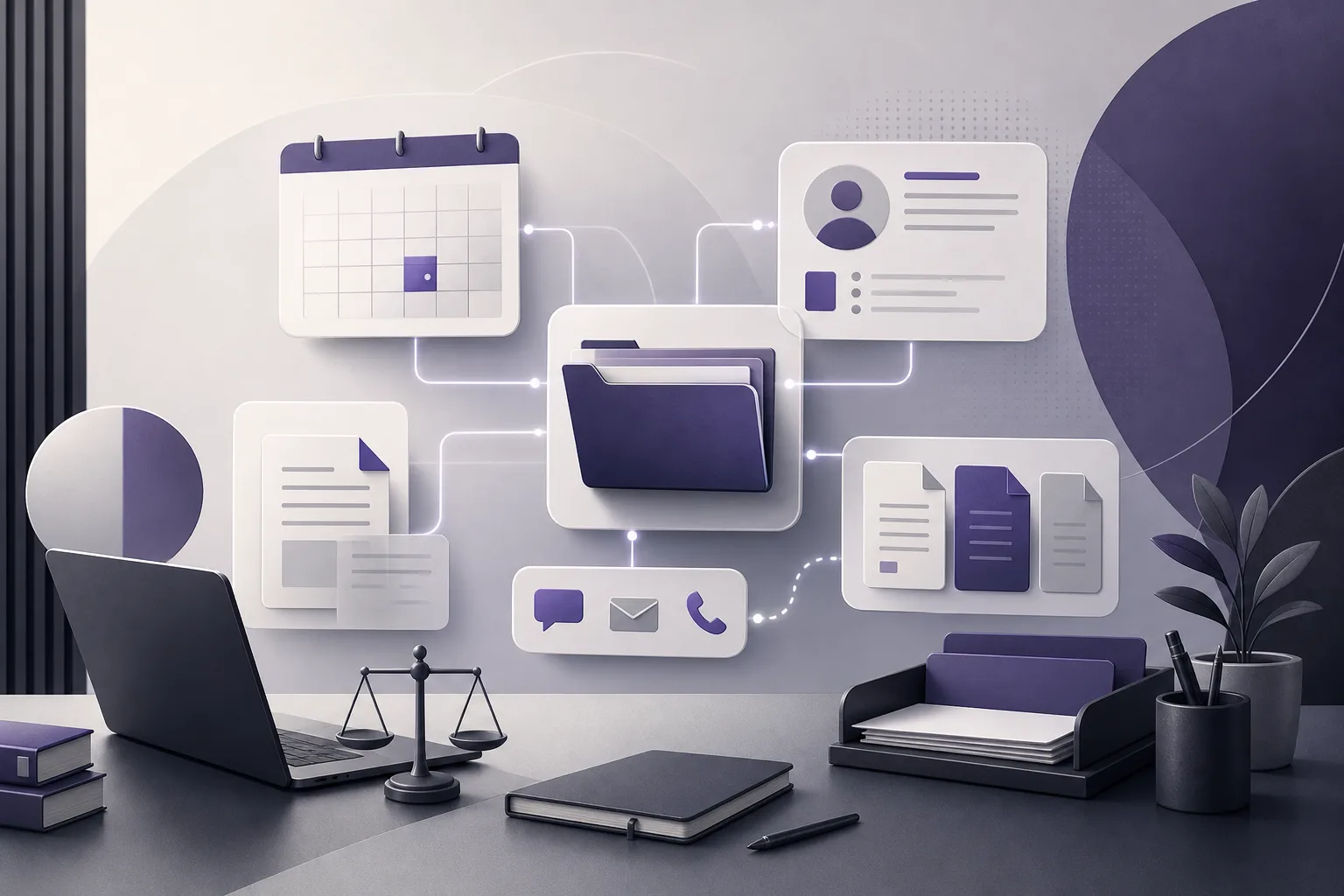
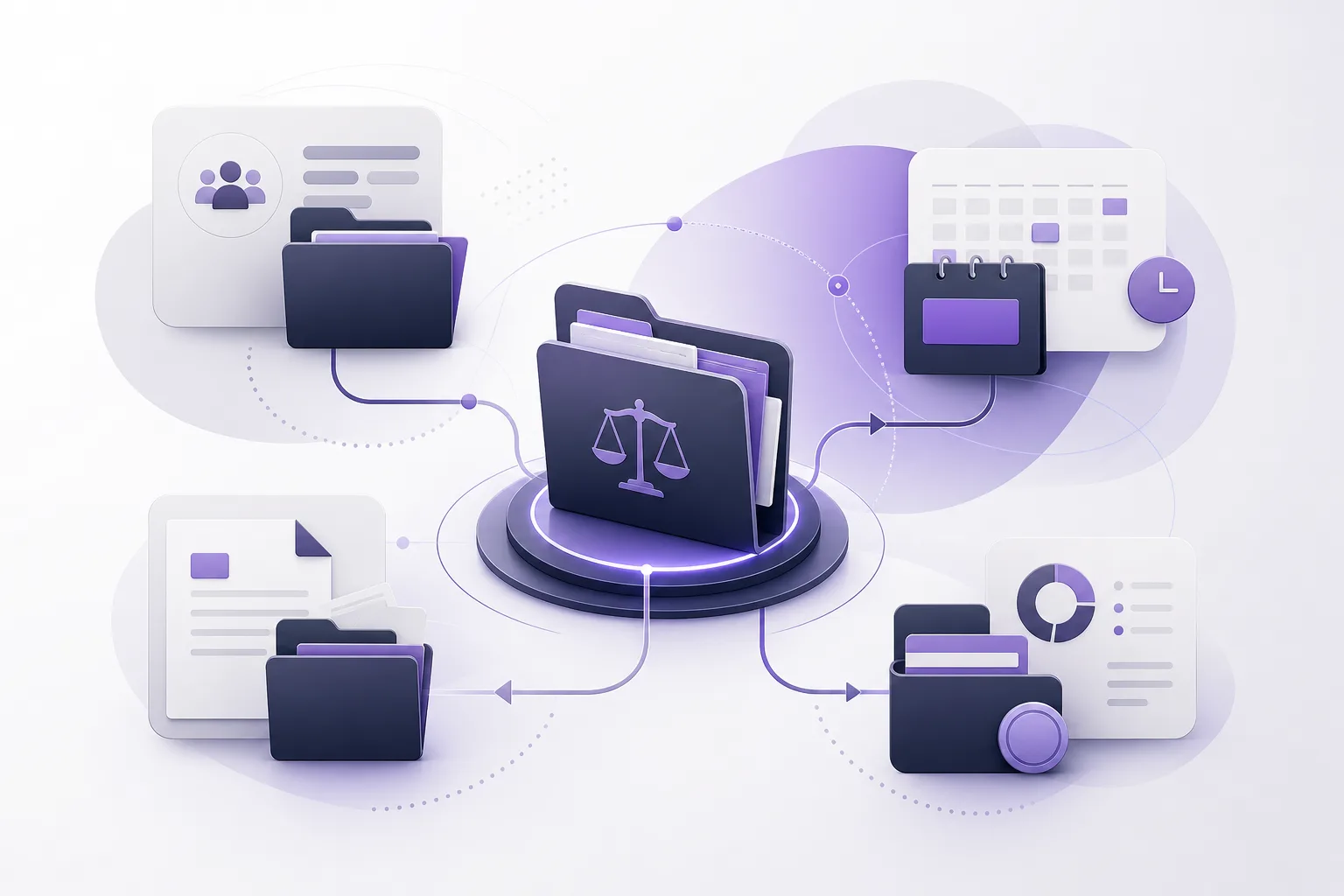
OrderTech Legal brings client files, case files, documents, appointments, and accounts into one office workspace. This gives the team a structured place to review an incoming document in relation to the records that may explain it, rather than treating the document as an isolated item.
For example, the team can begin with the incoming document, review the client and case records available under the office’s permissions, and compare the available context before placing the document in the appropriate record. The platform provides an organized working environment; it does not remove the need for a person to verify that the selected client and case are correct.
An independent environment for each office
Each office has an independent version with its own identity, accounts, permissions, website, and application connected to its own interface. This separation supports an office-specific way of organizing records rather than mixing information from different practices.
The office still needs to establish clear internal responsibilities. It may decide who receives documents, who checks the client and case context, and who obtains lawyer confirmation. OrderTech Legal provides the workspace and permission structure, while the quality of the process depends on the office’s configuration and the team’s review practice.
A practical sequence for linking a document
- Receive the document in the office workspace: The team handles the incoming item within the available office environment, taking into account the channel and services that have been configured and enabled.
- Review context before assigning it: A staff member or lawyer examines the information available in the document and compares it with client and case records instead of relying on the first apparent match.
- Check access and the relevant office version: The user confirms that the work is being performed in the correct office environment and that the user has permission to view or update the intended record.
- Place the document in the reviewed record: Once the client and case have been identified, the team links or organizes the document according to the office’s configured workflow.
- Obtain lawyer confirmation: The lawyer reviews the document and its placement and confirms the next proposed action before the team proceeds.
- Continue from the shared workspace: If the next step involves an appointment or another related task, the team can return to the connected case, document, and appointment records within the workspace, subject to configuration and permissions.
Where the AI assistants may help
The office assistant can help summarize files, draft documents, and search the legal library. After an incoming document has been reviewed and associated with the appropriate record, these capabilities may help the team prepare an initial summary or a working draft for the next step. The lawyer must review the output and confirm any proposed action.
The communication assistant can help receive client inquiries, answer frequently asked questions, and maintain conversation context with the possibility of human intervention, depending on the channel configuration and activation. This may help the office collect initial context about an inquiry or document. It does not replace document review or determine, by itself, which case record should be used.
A hypothetical office example
This is a hypothetical example, not a customer experience. A law office receives a new document containing information that appears to relate to one client. That client, however, has several case records. Rather than continuing based only on the client’s name, the team opens the item in the OrderTech Legal workspace, reviews the available case records, and compares the document’s context with the relevant matter.
The staff member places the document in the record that appears appropriate under the office’s process and requests lawyer review. The lawyer checks both the document and its placement, then confirms whether the case is correct and whether a follow-up appointment or draft is needed. If a summary or draft would be useful, the office assistant may support that task, while the lawyer retains responsibility for review and approval.
Practical benefits for the team
- Less fragmentation: The team reviews the incoming document alongside the office records that provide its context.
- A clearer starting point: Work can continue from a client or case record that has been checked rather than from a document stored in an unrelated location.
- Clearer responsibility: Permissions and office procedures can help distinguish receiving, reviewing, and confirming roles.
- An easier transition to follow-up: Once the placement is confirmed, the team can work with related case files, documents, appointments, and accounts in the same environment.
- Support for initial understanding: The office assistant may help with summaries or drafts without removing professional review.
Important limitations
OrderTech Legal does not mean that every incoming document will be automatically or correctly matched to a client or case. Availability depends on the office version, permissions, enabled services, channel configuration, and service connections. Human intervention may be necessary when a document has limited context, when several matters look similar, or when the office must resolve an ambiguity.
The team should also avoid relying on an unreviewed summary, draft, or suggested action. The platform assists the lawyer and office staff; it does not replace the lawyer’s review or decision. A clear internal process for receipt, review, confirmation, and follow-up remains important.
Frequently asked questions
Does OrderTech Legal automatically link every document to a client file?
The platform brings documents, client files, and case files into one workspace, subject to configuration and permissions. The office should not assume that an automatic match is guaranteed. The team must review the context and confirm the appropriate record.
Can a document be connected to a case as well as a client?
OrderTech Legal includes management of client and case files alongside documents, supporting review within the relevant record. The team and lawyer remain responsible for identifying and confirming the correct case.
Can the office assistant decide where a document belongs?
No. The office assistant can help summarize files, draft documents, and search the legal library. The lawyer reviews the outputs and confirms proposed actions, including decisions that require professional judgment.
Will every office use the same workflow?
Not necessarily. Each office has an independent version with its own identity, accounts, permissions, website, and application. Availability depends on the version’s configuration and connected services.
Conclusion
OrderTech Legal helps a law office treat an incoming document as part of a connected workspace that includes the relevant client, case, document, appointment, and account records. With appropriate permissions and human confirmation, the team can move from receipt to review and then to follow-up in a more organized way. Explore OrderTech Legal to learn how its workspace and available services can be configured around your office’s way of working.
Platform feature references
- OrderTech Legal — إدارة المكتب / Office management — Accessed 2026-10-16
- OrderTech Legal — المساعد الذكي / AI assistance — Accessed 2026-10-16