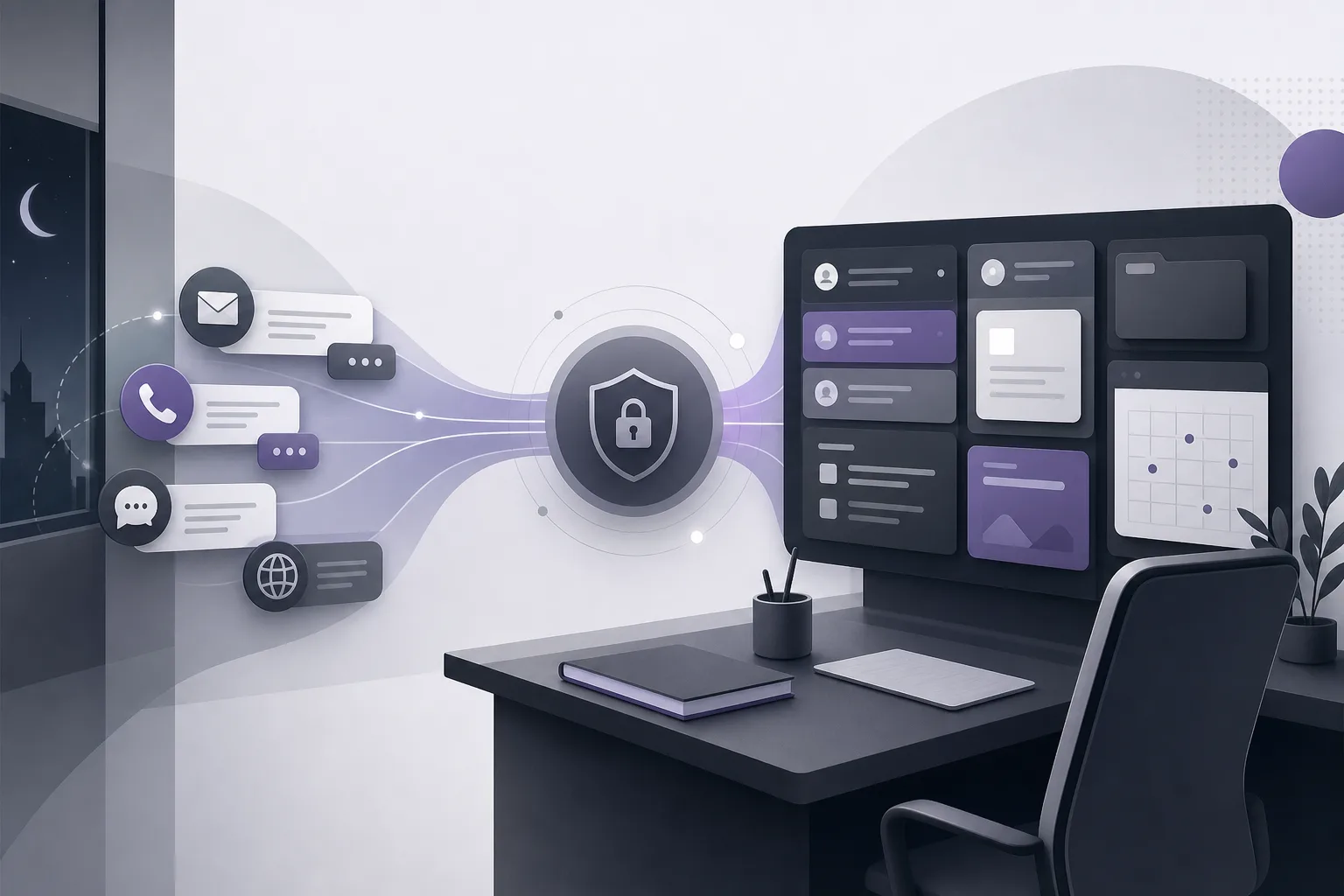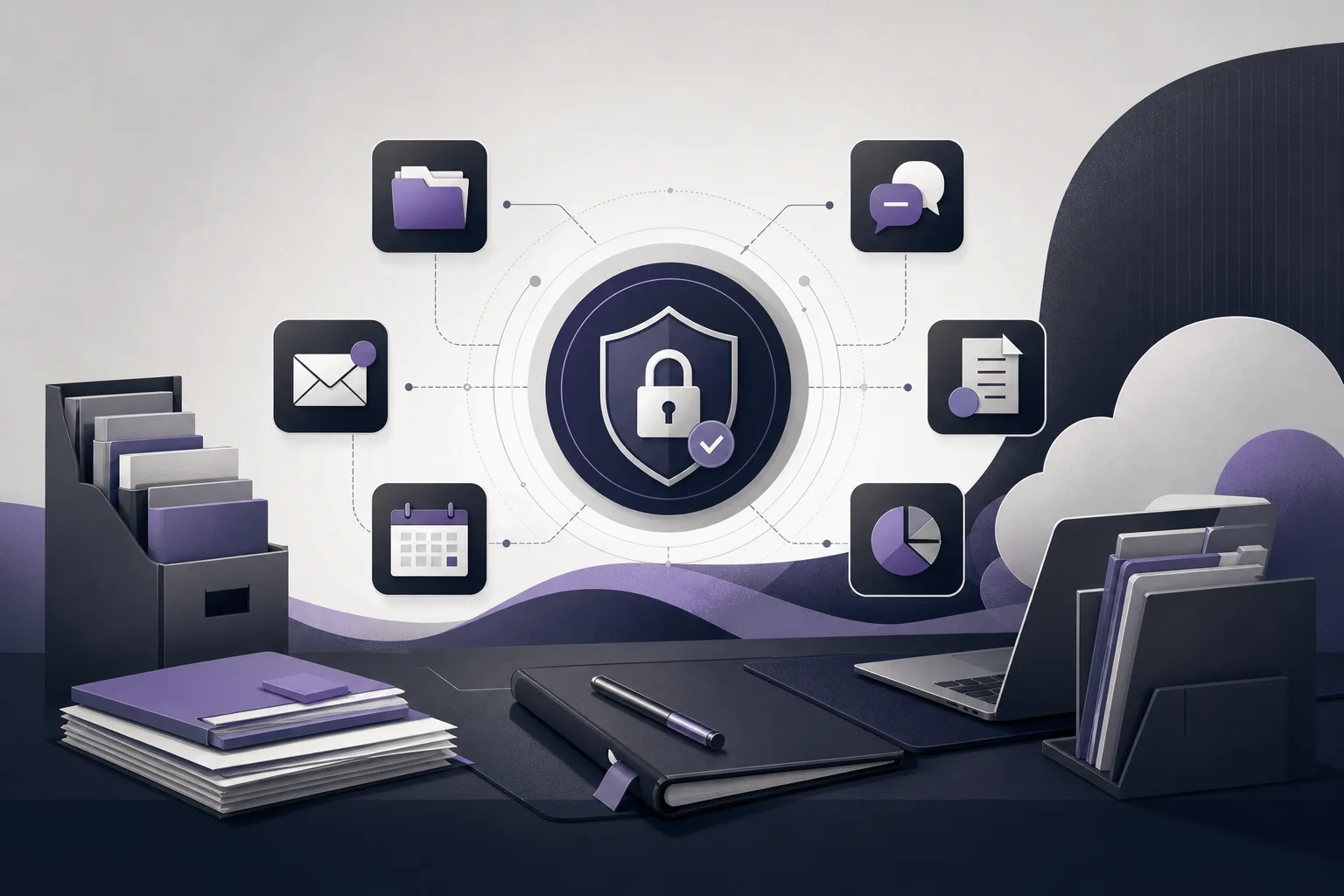
Before a law office begins receiving client inquiries through a communication assistant, the office manager needs to verify that the relevant channel is configured and activated for the office’s own setup. This article addresses the question: How can OrderTech Legal help a law office manager verify the communication assistant’s channel setup and activation before receiving client inquiries? The objective is not to launch an assistant simply because it exists, but to establish a practical review of what the assistant is configured to do, when a human should step in, and which capabilities depend on service connections and activation.
OrderTech Legal brings case and client files, documents, appointments, and accounts together in a workspace for the law office. Each office has an independent instance with its own identity, accounts, permissions, website, and application connected to its own interface. Within that environment, the communication assistant can help receive inquiries and frequently asked questions and maintain conversation context. Availability, however, depends on the office instance setup, connected services, channel configuration, and activation.
The pre-launch problem for an office manager
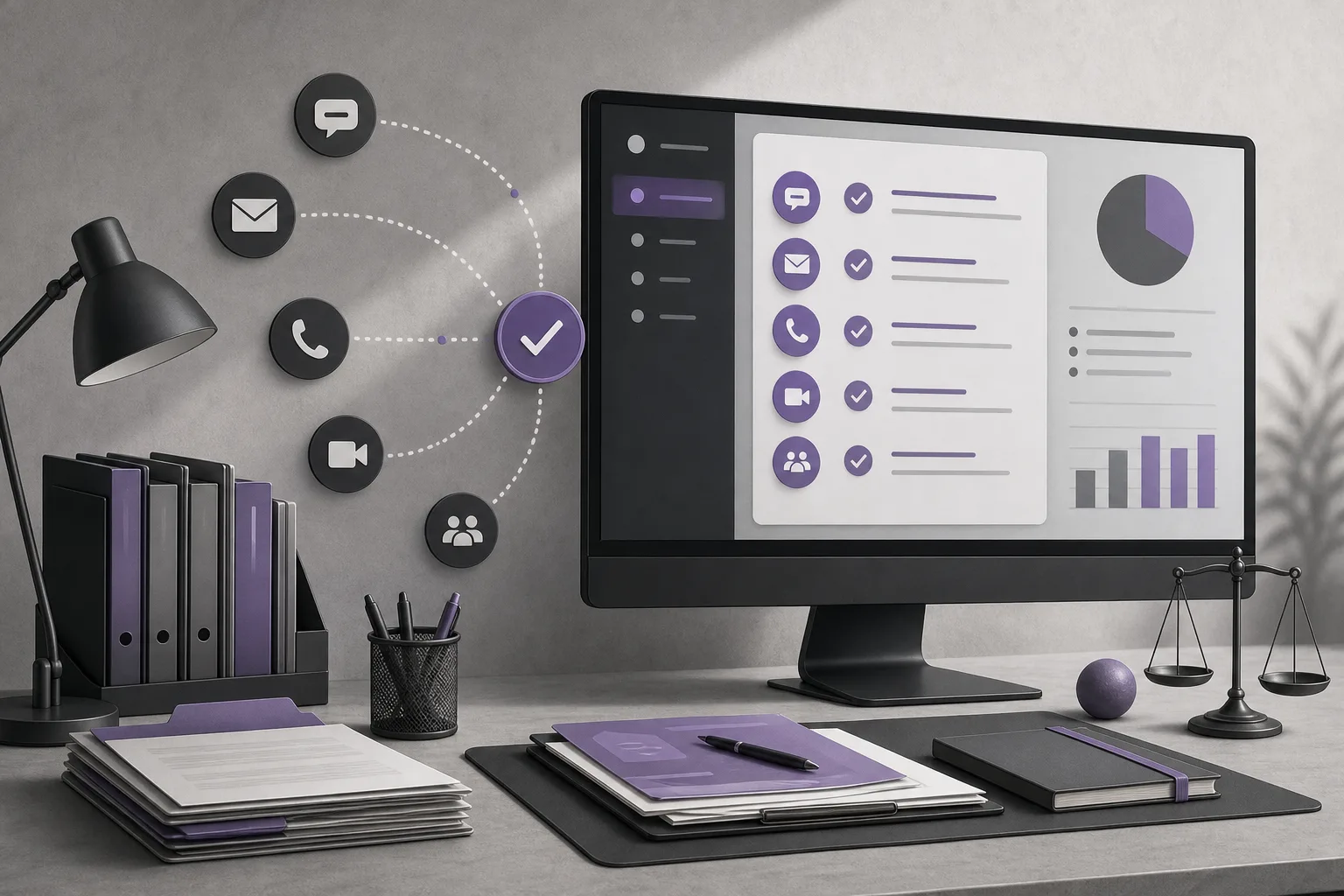
Receiving messages through a communication assistant may appear straightforward, but launching before reviewing the setup can create operational confusion. The channel may not be activated, the required service connection may not be available in the office instance, or the team may not have agreed on when a human should take over. Staff may also assume that the assistant can handle every type of question, even though its stated role is to help with inquiries, frequently asked questions, and conversation context within the available configuration.
For that reason, the assistant should not be treated as a replacement for the office manager or the lawyer. Channel verification is an operational responsibility, while reviewing responses and making professional decisions remain human responsibilities.
How OrderTech Legal supports the verification process
1. Start with the office’s independent instance
The office manager should first confirm that the review is taking place in the correct office instance, connected to the office’s identity, accounts, permissions, website, and application interface. This matters because the communication assistant’s availability cannot be separated from the instance configuration and connected services. A dedicated office workspace places the review within the same environment used to manage clients, case files, documents, appointments, and accounts.
An independent instance does not mean that every function is automatically available. It means that configuration, permissions, and service connections may be specific to the office. The manager should therefore verify what is actually enabled in that instance rather than assuming that the platform’s general capabilities are active.
2. Review the channel configuration before receiving messages
The next step is to review the channel through which the assistant will receive inquiries. The purpose is to confirm that the channel is configured, connected to the relevant service, and activated before it is presented to clients. Depending on the channel setup, the assistant can help answer frequently asked questions and maintain conversation context instead of treating every message as an entirely new exchange.
The office manager should also define the expected scope of use. Is the channel intended for initial inquiries? Does the team need conversation context when following up? When should a human intervene? These are verification questions, not claims of additional functionality. They help align the office’s intended workflow with what has actually been configured and connected.
3. Confirm the activation status before announcing the channel
It is not enough for the assistant to be part of the platform or for the team to know that a channel exists. The manager should confirm that the channel is actually activated for the office instance. If the service connection or activation is incomplete, the office should not present the channel as ready to receive client inquiries.
The manager may also record the review internally in a simple checklist: which channel was reviewed, whether it is activated, whether the service connection is complete, and who is responsible for human intervention. This is a suggested management practice, not a claim that a separate checklist feature is available in the platform.
4. Define the human intervention point
The communication assistant supports human intervention, depending on the channel configuration and activation. The team should therefore know when a person will review or take over a conversation. This may be appropriate when an inquiry goes beyond frequently asked questions, requires careful professional understanding, or should not continue through an automated exchange.
Human involvement does not eliminate the value of conversation context. When the channel supports it, context can help the team member understand what has already been discussed before continuing. Still, the assistant should not be assumed to decide the communication path or the next action on its own.
What the communication assistant does—and its limits
- Receiving inquiries: It helps receive client inquiries through a configured and activated channel.
- Frequently asked questions: It helps address recurring questions within the available setup; not every inquiry should be assumed to fall within that scope.
- Conversation context: It helps maintain the context of an exchange, supporting clearer follow-up when communication continues.
- Human intervention: It allows the team to intervene when needed, depending on channel configuration and activation.
- Availability: It depends on the office instance setup and connected services, not on the platform’s existence alone.
This capability does not replace a lawyer’s review or the office’s judgment. It should also not be confused with the office assistant. The office assistant helps summarize files, draft documents, and search the legal library; a lawyer reviews its outputs and confirms proposed actions. This article focuses on the communication channel used for client inquiries.
A hypothetical pre-launch checklist example
This is a hypothetical example, not a real client experience. Suppose a law office manager wants to begin receiving recurring inquiries through the communication assistant. Before announcing the channel, the manager reviews the office’s independent instance, confirms the relevant identity, accounts, and permissions, and then checks the channel configuration, service connection, and activation status. The manager also identifies a team member who can handle conversations requiring human intervention.
If the manager finds that the channel is not activated or that the service connection is incomplete, the office delays the announcement instead of assuming that the channel is ready. If the channel is activated, the manager explains to the team that the assistant is intended to support inquiry intake, frequently asked questions, and conversation context, while a lawyer or staff member reviews situations that go beyond that scope.
Frequently asked questions
Is activating the platform alone enough to run the communication assistant?
No. Availability depends on the office instance setup, connected services, channel configuration, and activation. These elements should be verified before the office begins receiving inquiries.
Can the assistant handle every client question?
It helps with inquiries, frequently asked questions, and conversation context within the available configuration. It should not be assumed to be suitable for every question or to replace human review.
Can a staff member intervene during a conversation?
Human intervention is available depending on the channel configuration and activation. The office should determine who is responsible for intervention and how cases requiring review will be followed up.
Does the assistant always preserve conversation context?
It helps maintain context to the extent supported by the channel and its configuration. Reviewing the channel setup and service connection remains necessary; context should not be presented as an independent guarantee.
Can the communication assistant make a decision for the lawyer?
No. The assistant supports the lawyer and the office team; it does not replace the lawyer’s review or judgment. Responses and suggested actions also depend on service configuration and human intervention.
Conclusion
OrderTech Legal can help an office manager organize a readiness review for the communication assistant by connecting the review to the office’s independent workspace, channel configuration and activation, the intended scope of inquiry intake, recurring questions and conversation context, and a clearly defined human intervention point. Readiness does not come from the assistant’s existence alone; availability depends on the office instance setup and connected services. Explore OrderTech Legal to see how a unified workspace can bring together case and client files, documents, appointments, and accounts, alongside the assistance capabilities available to the office.
Platform feature references
- OrderTech Legal — إدارة المكتب / Office management — Accessed 2026-10-17
- OrderTech Legal — المساعد الذكي / AI assistance — Accessed 2026-10-17