How can OrderTech Legal help a law office manage client inquiries when the lawyer is not immediately available? The answer starts with a common operational problem: a client may send a message or a follow-up question when the lawyer cannot respond right away. Later, a staff member may need to reconstruct the conversation from the beginning. When the original context is not preserved clearly, continuing the exchange can take longer and create avoidable confusion.
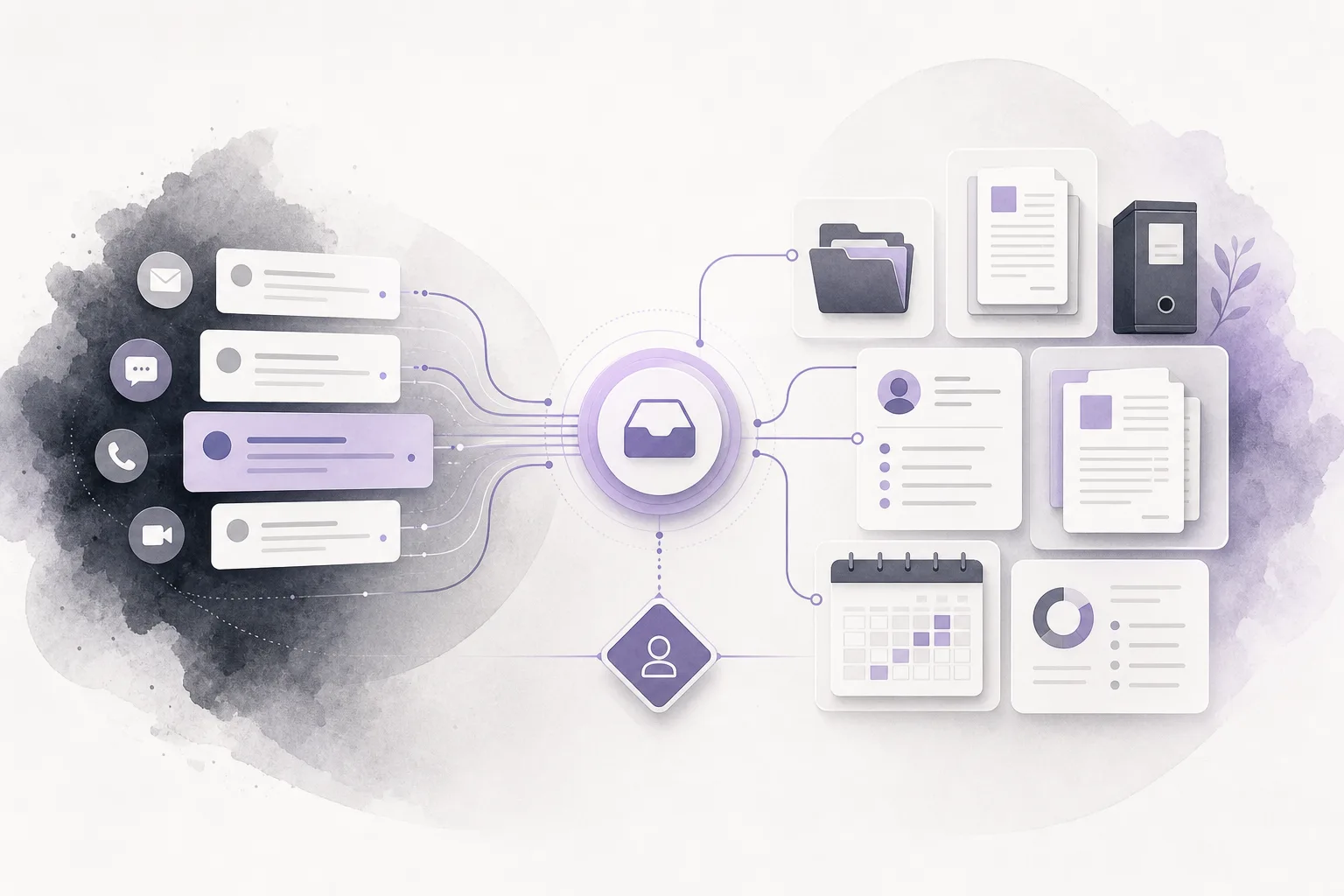
OrderTech Legal brings case, client, document, appointment, and account management into one workspace for the office. Within the configuration available for the office version and channel, its communication assistant can help receive client inquiries, handle frequently asked questions, and follow the context of a conversation, with the option for human intervention. This does not mean the assistant replaces the lawyer or approves an action on its own. Human review and professional decision-making remain part of the office workflow.
The problem: inquiries continue outside the lawyer’s availability
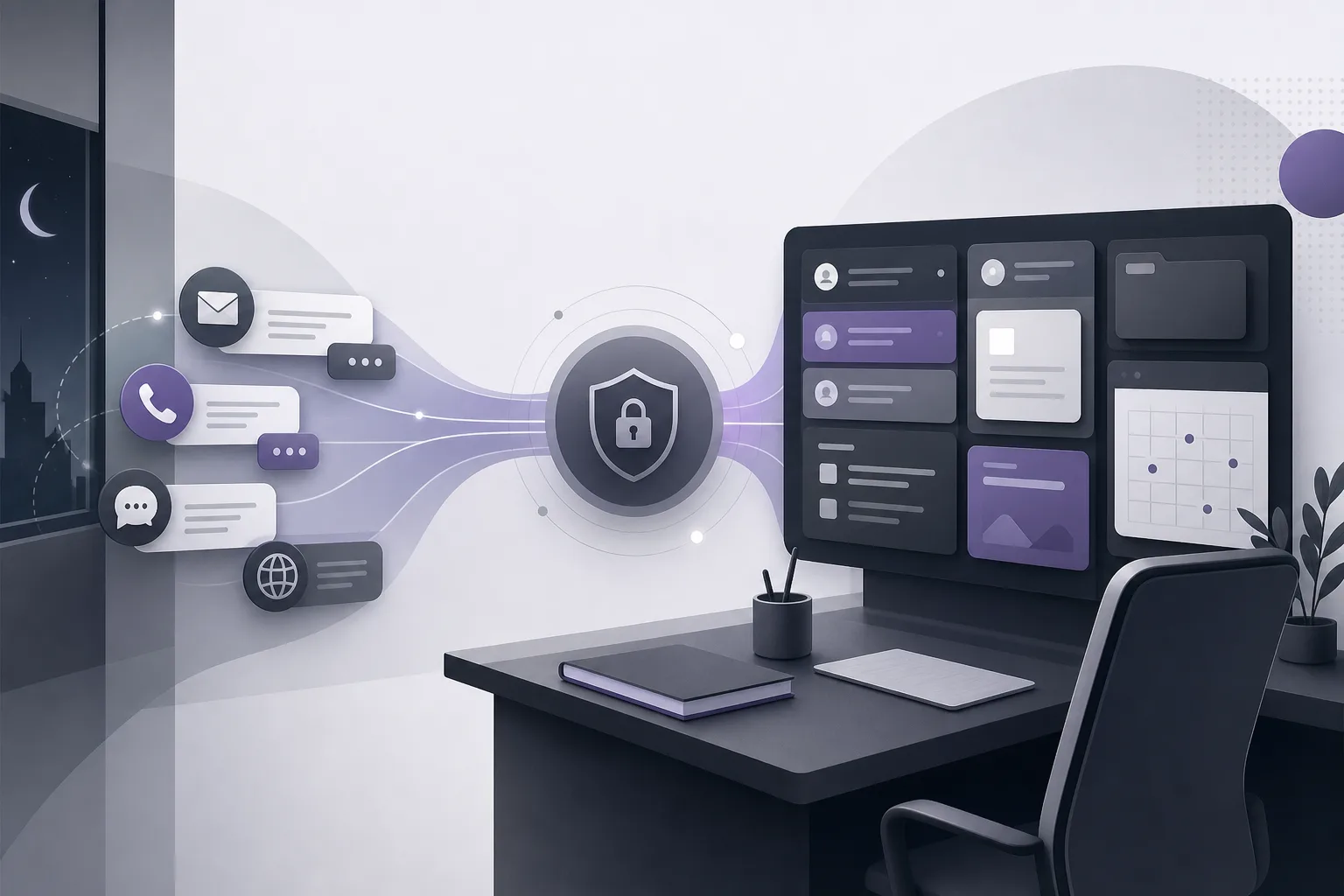
A client may send a new question or follow up on an earlier conversation when the lawyer is not immediately available. Without an organized way to receive the message and preserve its sequence, the office may face several practical issues:
- Important details from the original question may be missed or requested again.
- A conversation may move between staff members without a clear view of what came before.
- Frequently asked questions may wait unnecessarily if the channel is configured to receive them.
- Initial intake may become confused with an answer or follow-up that requires lawyer review.
The purpose is not to provide automated legal advice. It is to organize the first point of contact so the office can return to the conversation, understand what was communicated, and determine the next step through its own process.
How the OrderTech Legal communication assistant helps
1. Receiving an inquiry through an enabled channel
Use begins with the channel configured and activated by the office. When an inquiry arrives, the communication assistant can help receive messages within the available service settings. Availability depends on the office version, connected services, and the channel being used, so the same behavior should not be assumed for every channel or configuration.
2. Handling frequently asked questions
When a question falls within the type of recurring inquiry the office has prepared to handle, the assistant can help receive and respond to it as permitted by the service configuration. The operational benefit is that the team may not need to collect the same initial information from scratch each time. The office remains responsible for deciding which questions can be handled through the channel and which require human involvement.
3. Following the conversation context
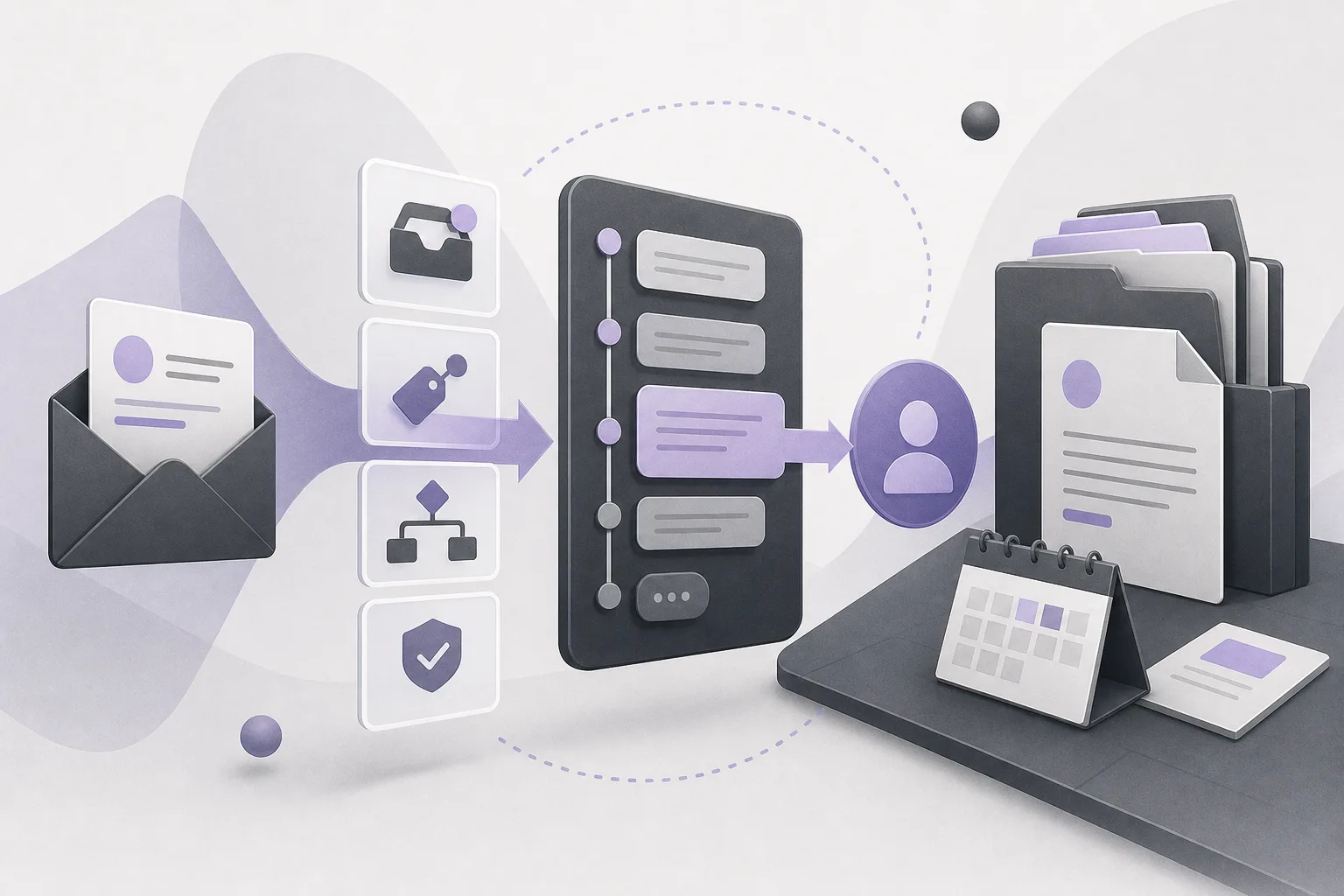
The assistant is not limited to capturing a single message. It can help follow the context of the conversation. This gives the staff member who continues the exchange a clearer starting point instead of relying on memory or asking the client to repeat details already provided. The team must still review the conversation and confirm that it contains enough information before taking a next step.
4. Human intervention when needed
Human intervention is available according to the channel’s configuration and activation. It can be important when the inquiry is not recurring, concerns a specific matter, or cannot be addressed clearly from the available information. The assistant supports intake and follow-up; it does not replace the lawyer’s review or the office’s decision.
Practical steps for an organized workflow
- Define the intake point: Review the channel clients will use and confirm that it has been configured and activated before relying on it for inquiries.
- Classify question types: Separate recurring questions that fit the available settings from inquiries that require human involvement or lawyer review.
- Preserve the context: When a staff member returns to the conversation, review the message sequence and check whether it contains the information needed to understand the request.
- Intervene when appropriate: Use human intervention when the client needs clarification or when the inquiry does not fit the channel’s configured response.
- Review before approval: Do not treat a response or suggested follow-up as approved merely because it appears in the conversation. Apply the office’s review procedure before relying on it.
- Connect follow-up to the office workspace: The team can work within the OrderTech Legal workspace that brings together cases, clients, documents, appointments, and accounts, subject to the office configuration and permissions.
A hypothetical example of an after-hours inquiry
The following is a hypothetical example, not a real client experience.
A client sends an evening question through a channel enabled by the office. The communication assistant helps receive the inquiry and follow the conversation within the available configuration. In a later message, the client adds information to the original request. Instead of starting from zero the next day, a staff member reviews the conversation sequence and sees both the initial question and the later addition. If clarification or a lawyer’s decision is needed, a member of the office intervenes, and the lawyer reviews what is necessary before approving any response or follow-up.
In this example, the assistant does not give a legal ruling or decide what the office should do. Its operational value is in receiving the inquiry, maintaining its context, and making it easier to pass the conversation to the responsible person.
Benefits and limitations
Operational benefits
- Less risk of losing conversation context between intake and follow-up.
- A clearer starting point for the team when it returns to an inquiry received while the lawyer was unavailable.
- Support for receiving frequently asked questions according to channel settings.
- Human intervention as an available path rather than limiting every inquiry to one automated response.
- A workflow within an office workspace that includes relevant management areas, subject to user permissions and office configuration.
Important limitations
- Availability depends on the office version, connected services, and channel activation, so the actual configuration must be checked.
- The assistant does not replace lawyer review or the office’s decision.
- Not every inquiry is suitable for the same handling path; some require human intervention.
- A response or follow-up should not be treated as approved before the office’s review process is completed.
- The quality of follow-up depends on the information in the conversation and on the configured services and permissions.
Frequently asked questions
Can the communication assistant respond when the lawyer is away?
It can help receive inquiries, handle frequently asked questions, and follow conversation context according to the channel’s configuration and activation. Availability and scope depend on the office version and connected services, and human review remains important depending on the inquiry.
Does the assistant preserve the conversation context?
It helps follow the conversation context, giving the office team a clearer basis when communication resumes. The team must still review the context and confirm that it is complete and suitable before approving any follow-up.
Can a lawyer intervene in the conversation?
Yes. Human intervention is available according to the channel’s configuration and activation. The office determines when intervention is needed and how review takes place before a response or follow-up is approved.
Does the assistant make decisions for the lawyer?
No. It is a tool that assists the office with intake and follow-up; it does not replace the lawyer’s review or decision. Other platform assistance, such as the office assistant, also requires lawyer review when its outputs are used.
Conclusion
OrderTech Legal can help a law office turn an inquiry received while the lawyer is unavailable from a message whose details may be lost into a conversation that can be received, followed, and escalated according to the office’s settings. The value depends on channel activation, service connections, and clear review procedures. If your office is exploring a way to organize communication within a workspace that includes clients, cases, documents, appointments, and accounts, learn more about OrderTech Legal and consider the configuration and permissions that fit your team.
Platform feature references
- OrderTech Legal — إدارة المكتب / Office management — Accessed 2026-09-27
- OrderTech Legal — المساعد الذكي / AI assistance — Accessed 2026-09-27