When someone inside a law office asks for a case document, the request may appear simple. Yet the team can lose time before the actual work begins if case information is spread across multiple internal sources. A staff member may need to remember where a file was stored, ask another colleague for its location, or determine whether the document belongs to the correct case. This is the context for the question: How can OrderTech Legal help a law office team access case documents from one workspace when responding to an internal request?
OrderTech Legal brings case, client, document, appointment, and account management into one workspace for the office. It does not make every document automatically available to every user, and it does not replace a lawyer’s review or decision. Instead, it gives the office an organized environment for returning to case records and related documents according to the office’s configured permissions and services.
Why scattered documents slow down internal requests
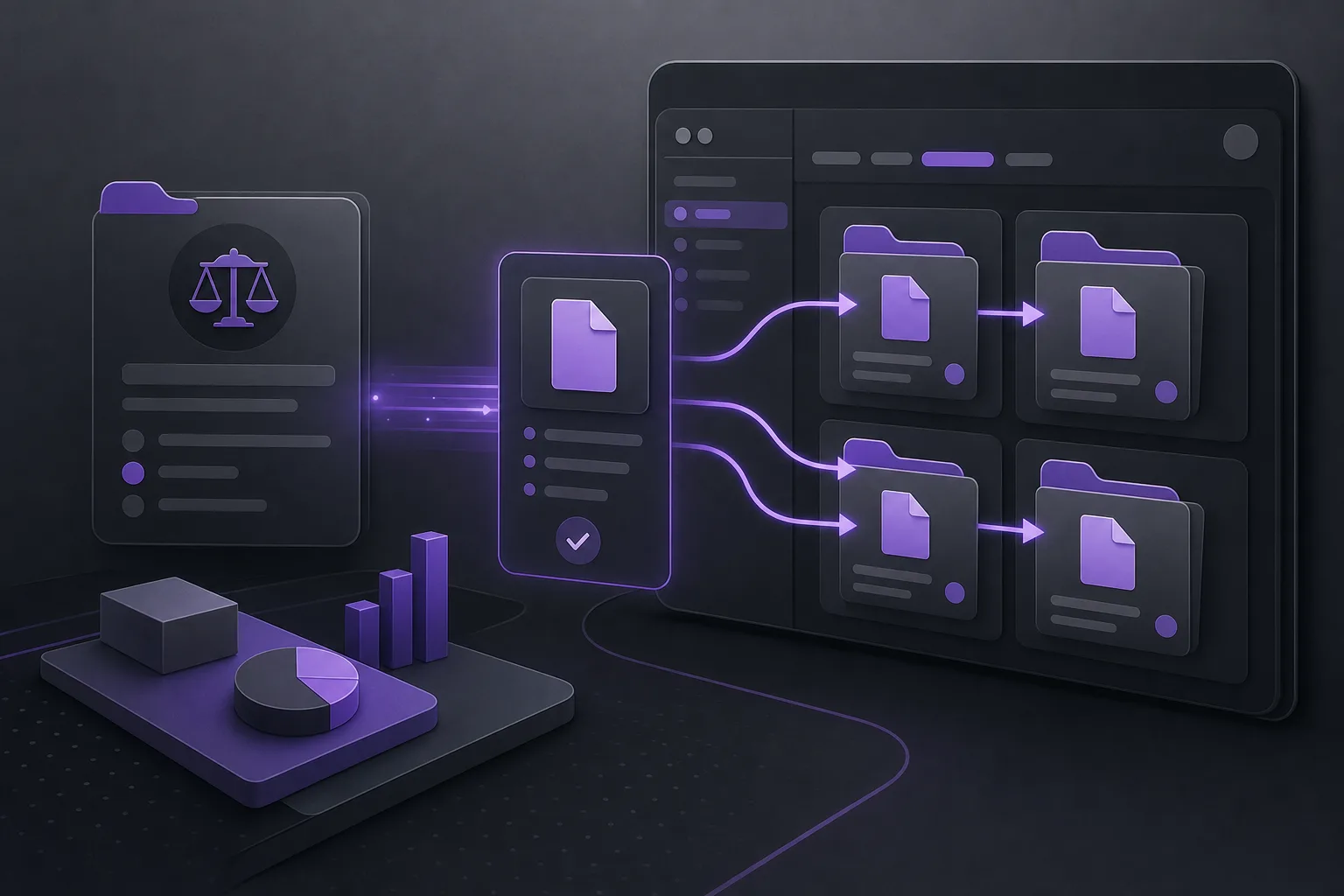
An internal request may involve locating a document in a case file, checking information associated with a client record, or preparing a draft response for another member of the team. When documents are distributed across different sources, the task can depend on personal knowledge of where information is kept or on repeated messages between colleagues.
The challenge is not only finding a file. The team also needs to understand the file’s relationship to the case, the client, and the purpose of the request. If these elements are managed separately, the employee may have to reconstruct the context every time. A unified workspace gives the team a common place to begin, while access remains subject to the office’s settings and permissions.
How the OrderTech Legal workspace supports access
Connecting cases, clients, and documents
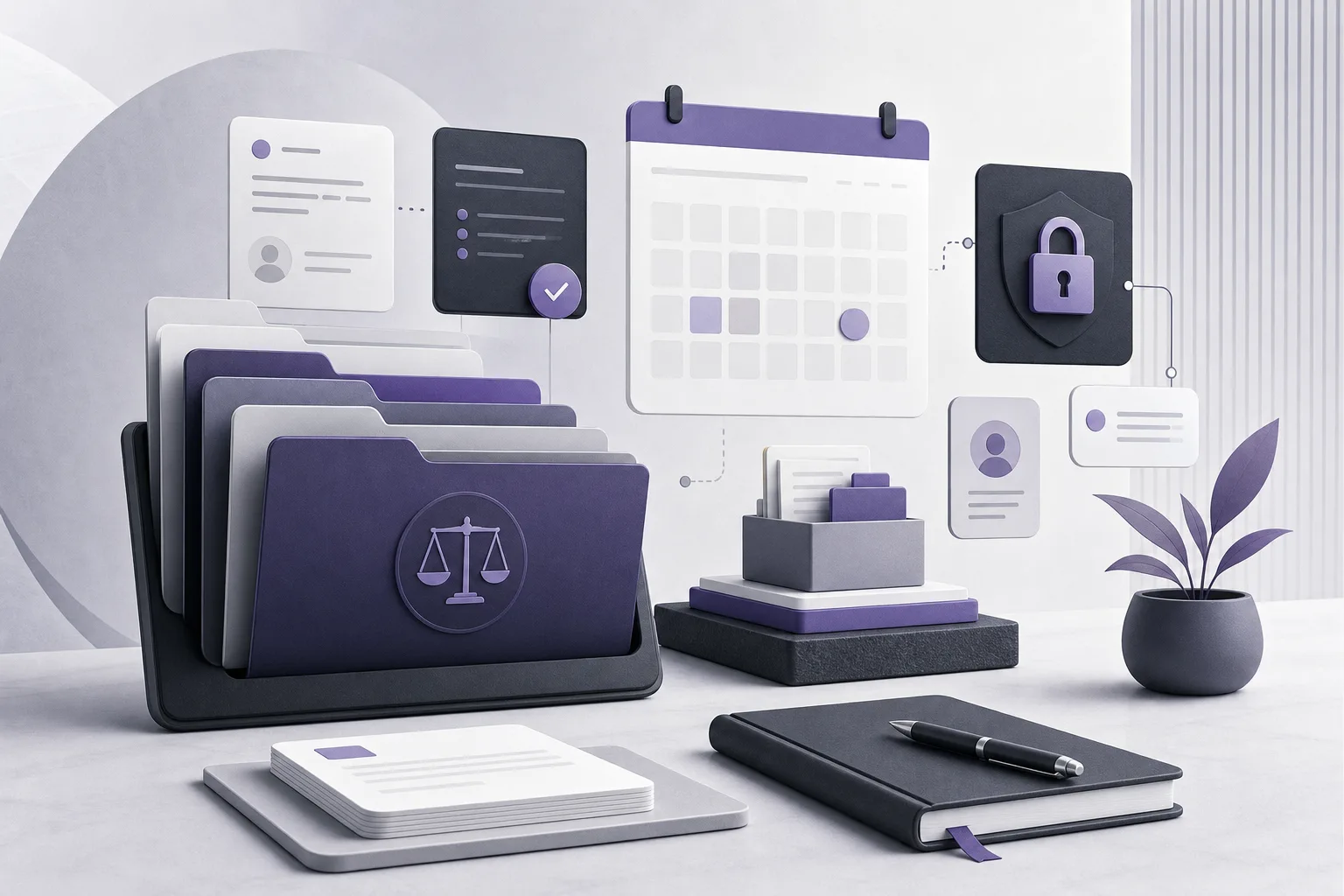
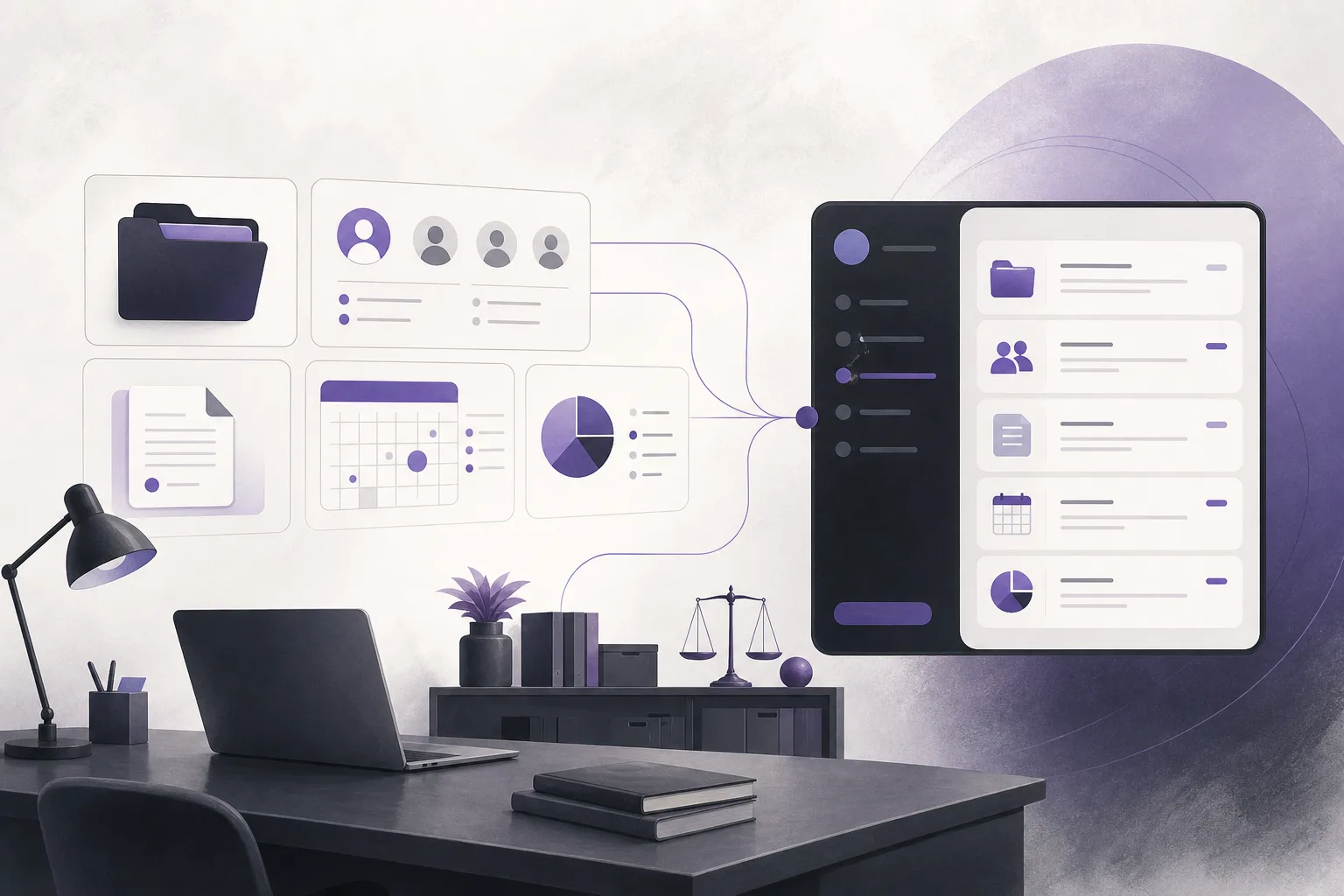
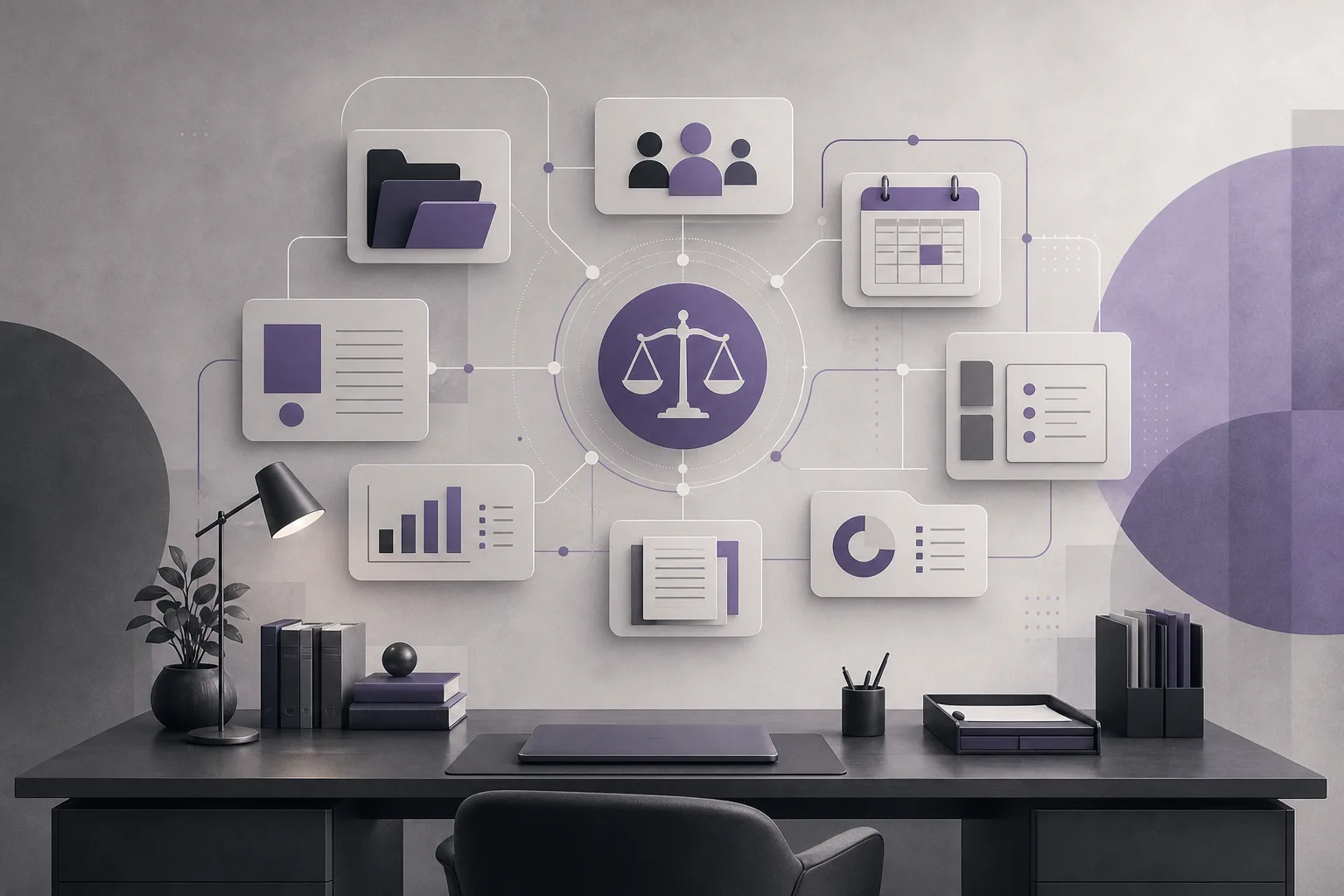
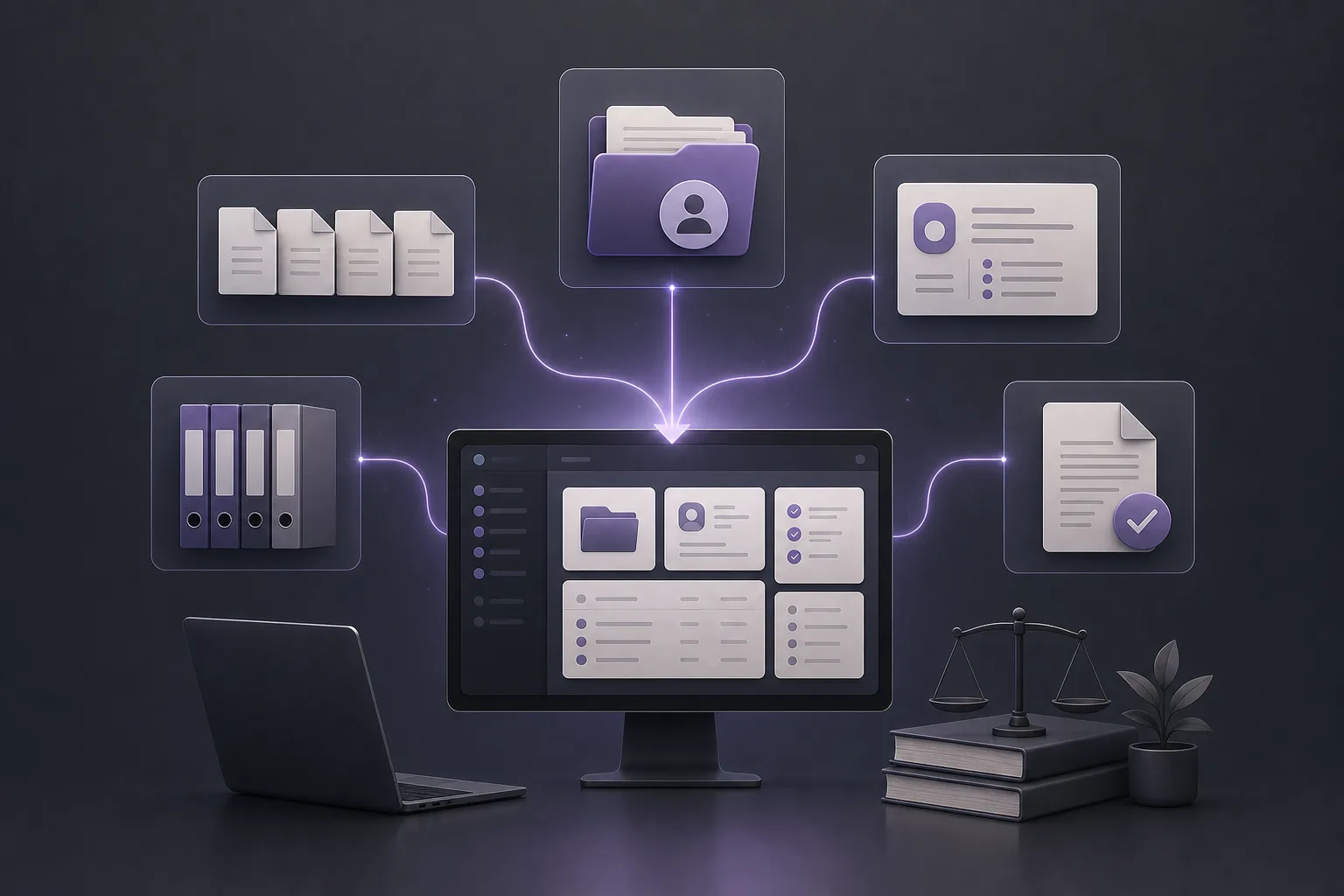
OrderTech Legal combines case, client, and document management in the office workspace, along with appointments and accounts. This allows a document to be treated as part of a case-related work record rather than as an isolated item. When an internal request arrives, an authorized user can return to the relevant case record and review the documents made available within that environment.
The practical benefit is a more structured starting point. Instead of searching without context across several sources, the team can begin with the office workspace, review the case record and related documents, and then prepare an appropriate response or determine the next step.
A separate version for each office
Each office has its own OrderTech Legal version, with its own identity, accounts, permissions, website, and application connected to its own interface. This separation matters when the office is organizing internal access. Users work within the office’s configured environment rather than a general workspace shared across unrelated offices.
However, the existence of a unified workspace does not mean that every user can see every case. Visibility depends on the permissions established by the office and on the configuration of its version. The employee responding to the request must be authorized to access the relevant case and documents.
A practical workflow for responding to an internal request
- Identify the case or client: Read the request and determine which case or client record it concerns instead of searching for an isolated document name.
- Open the office workspace: Sign in to the office’s OrderTech Legal version using the assigned account. The available interface and information depend on the office configuration.
- Return to the case record: Open the relevant case or associated record and review the documents displayed within the user’s permissions.
- Check the document in context: Confirm that the document relates to the correct case, client, and purpose of the internal request.
- Prepare the response: Reply to the colleague using the office’s working process. If the request requires professional judgment, refer it to the responsible lawyer.
- Respect access boundaries: If the document is not visible or the account does not permit access, do not bypass the restriction. Check with the appropriate office administrator or responsible person.
Where AI assistance may help
OrderTech Legal includes an office assistant that can help summarize files, draft documents, and search the legal library. After the user has reached the relevant file, these capabilities may support an initial summary or a draft internal response, depending on the version’s configuration and connected services.
The assistant remains support for the lawyer, not a replacement for review or judgment. A lawyer reviews the outputs and confirms proposed actions. A summary or draft should therefore be treated as a starting point for verification, not as a final record or an independent decision. Availability depends on the setup of the office version and the services connected to it.
OrderTech Legal also includes a communication assistant designed to receive client inquiries, handle frequently asked questions, and maintain conversation context, with possible human intervention depending on channel settings and activation. This role should not be confused with internal case-document access. Its availability and behavior depend on the configured channel and enabled services.
Hypothetical example: an internal request for a case document
This is a hypothetical use case, not a customer case study. Imagine that a member of a law office team asks a colleague to check a document associated with a particular case before an internal update is prepared. Rather than searching through several sources, the employee opens the office’s OrderTech Legal version, identifies the case record, and reviews the documents available under the employee’s account permissions.
After locating the document connected to the record, the employee checks that its context matches the request. If a draft response is needed, the office assistant may support the drafting process. The lawyer then reviews the output and confirms any proposed action. If the document is not visible, the employee treats this as a possible permissions, configuration, or service-availability issue instead of attempting to work around the account’s limits.
In this example, the benefit comes from having one work environment connecting cases, clients, and documents. It does not mean the platform will automatically locate every file or decide what the office should do. Data organization, access configuration, and human review remain essential.
Practical benefits for the office team
- Less time spent searching: Users begin with a workspace that brings key case-management elements together instead of navigating unrelated sources.
- Better context: The relationship between cases, clients, and documents helps the team understand the request before responding.
- Clearer access boundaries: Accounts and permissions provide the framework for what each user can access within the office version.
- Support for drafts: The office assistant can support file summaries and drafting, while the lawyer continues to review the output.
- An office-specific environment: Each office has its own identity, accounts, permissions, website, and application connected to its own interface.
Limits and points to consider
OrderTech Legal does not replace office organization or a lawyer’s professional judgment. Access to documents depends on the office version, the user’s account, permissions, and the services connected to the workspace. The team should not assume that every feature is available without configuration or activation.
AI-generated summaries and drafts also require review. The lawyer reviews the office assistant’s outputs and confirms proposed actions. When an internal request requires a professional decision or interpretation, the assistant supports the lawyer but does not replace the lawyer’s review or decision.
Frequently asked questions
Does OrderTech Legal automatically collect every office document?
The platform brings case, client, and document management into the office workspace. The documents a user can see and use still depend on the office configuration, permissions, and connected services. Content should not be assumed to be transferred or made available without appropriate setup.
Can every staff member access every case?
Not necessarily. Each office has its own accounts and permissions, and access depends on what the office has configured for the user. Staff should not bypass restrictions or share content beyond their authorization.
Can the assistant find the document and respond on the lawyer’s behalf?
The workspace supports organized access to case records, while the office assistant can help summarize files, draft documents, and search the legal library when available. The lawyer reviews the outputs and confirms proposed actions; the assistant does not replace the lawyer’s decision.
What should the team do if the document does not appear?
First check that the correct case or client record was selected, then review the account permissions, office-version settings, and connected services. If the issue remains, refer it to the appropriate office administrator or responsible person rather than attempting to bypass access controls.
Conclusion
OrderTech Legal can help a law office reduce time lost on internal requests by bringing case, client, and document management into one workspace. The value is strongest when accounts, permissions, and connected services are configured to match the office’s workflow, while lawyer review and human intervention remain part of the process. Explore OrderTech Legal to learn how its workspace and available assistance may fit your office’s document-management needs.
Platform feature references
- OrderTech Legal — إدارة المكتب / Office management — Accessed 2026-10-03
- OrderTech Legal — المساعد الذكي / AI assistance — Accessed 2026-10-03