When a law office manages client information, matter files, documents, appointments, and accounts across disconnected tools, its digital environment can become difficult to operate consistently. Office managers may need to determine where information belongs, who can access it, and how a client conversation connects with the office’s internal workspace without losing context.
That is the operational question behind how OrderTech Legal can help a law office use a workspace and app with its own identity. This is not a question about legal rules or litigation rights. OrderTech Legal brings matter files, clients, documents, appointments, and accounts together in an office workspace. Each office has an independent instance with its own identity, accounts, permissions, site, and an app connected to its own interface.
The operational problem: a digital environment that does not feel like the office
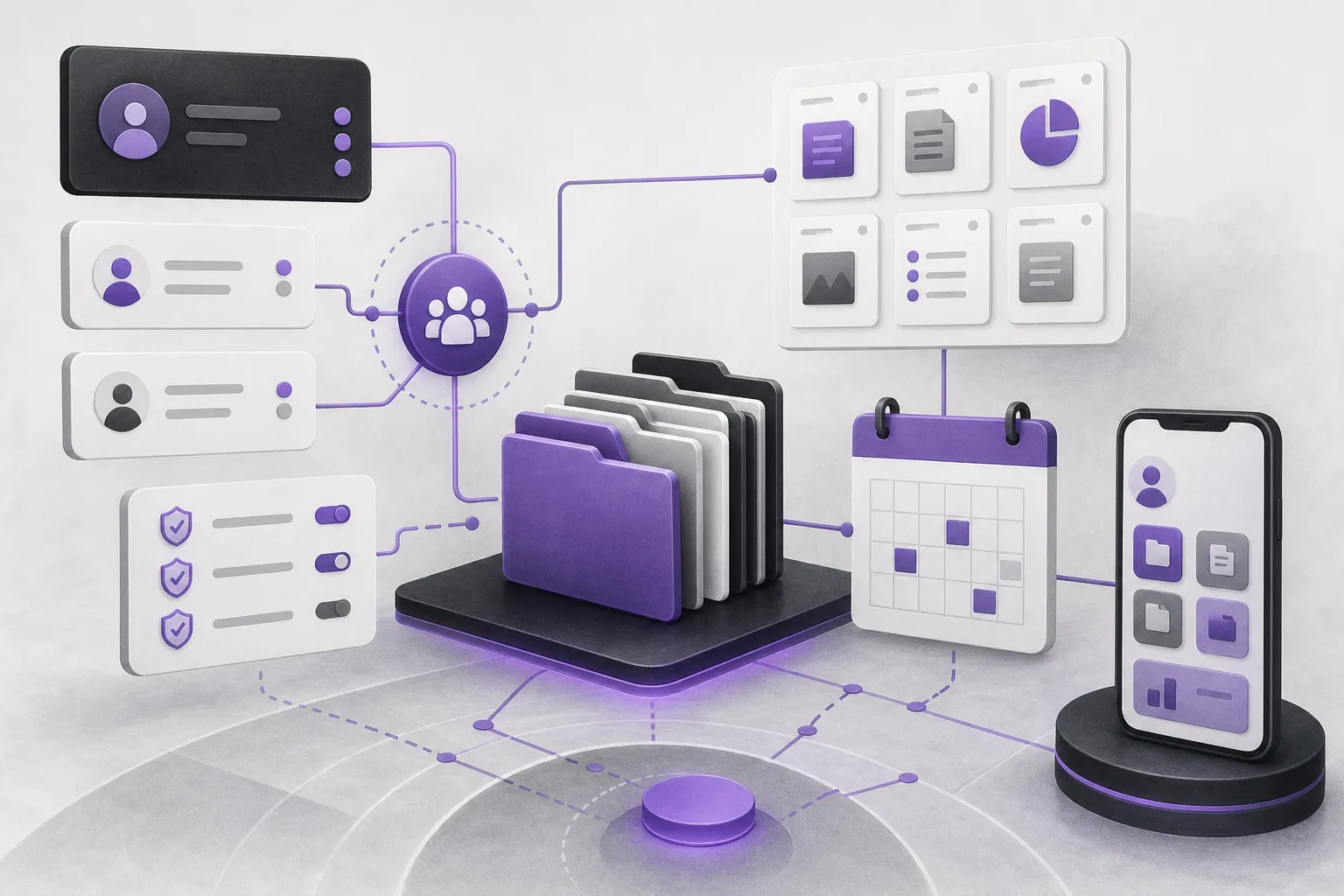
The challenge is often not the absence of a single tool. It is the lack of a clear environment for the office’s daily work. When matter management sits in one place, client information in another, and appointments and accounts outside the same context, the team has to spend additional effort maintaining a coherent view of operations.
A general-purpose environment that is not connected to the office’s own interface can also make the digital experience less consistent for staff and clients. Identity alone does not solve office-management problems, but it can support a more coherent environment when it is connected to matter, client, document, appointment, and account management in the office instance.
How OrderTech Legal creates an office-specific environment
An independent instance for each office
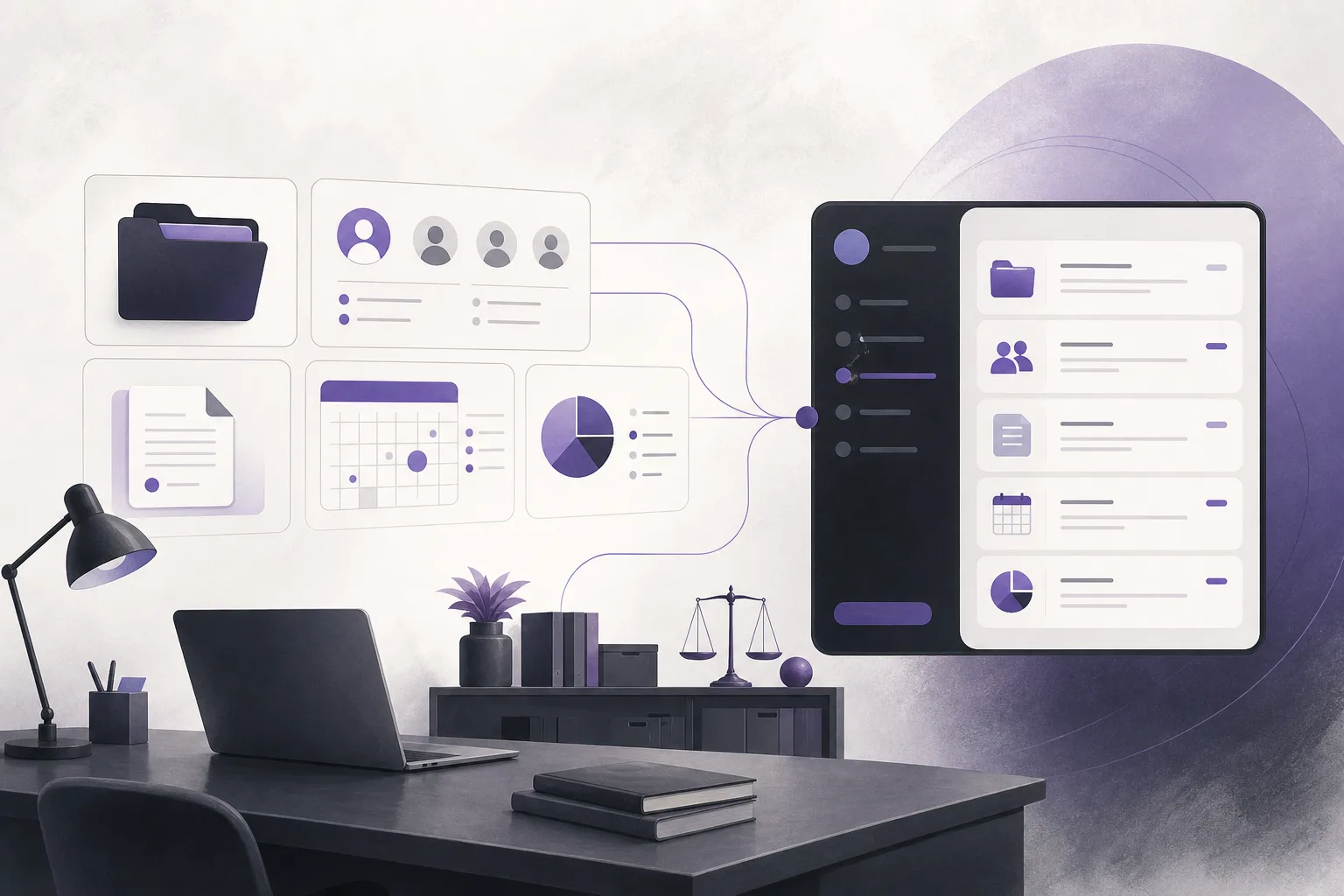
Each office operates through an independent OrderTech Legal instance. That instance includes the office’s identity, accounts, permissions, site, and an app connected to its own interface. Operationally, this means the office works within an environment configured for it rather than treating the product as an anonymous shared space.
For an office manager, the instance can be understood as the office’s digital workspace: a place where the team organizes the operational elements it manages, while access remains connected to the accounts and permissions configured for the office.
Core functions in one workspace
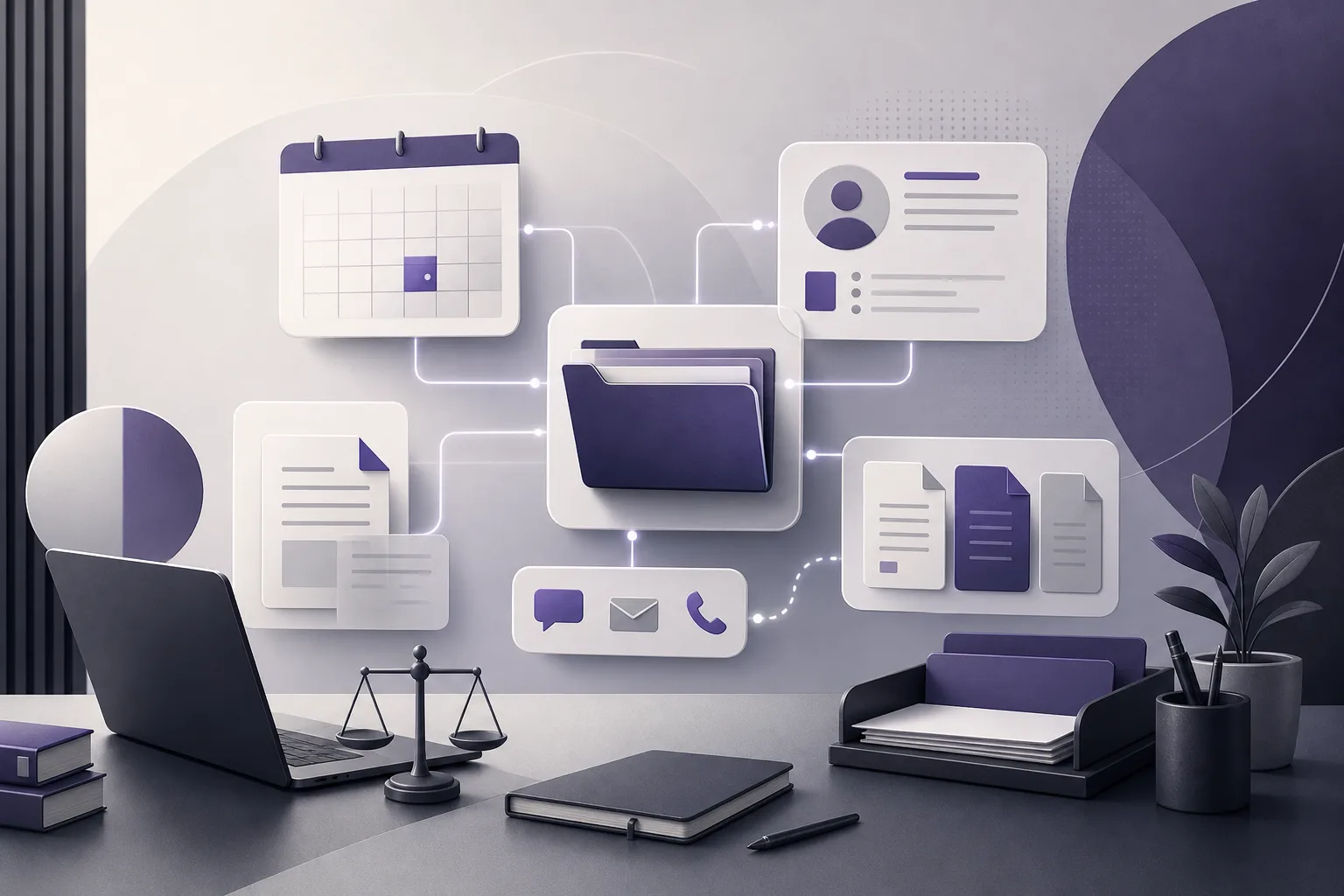
OrderTech Legal brings matter files, clients, documents, appointments, and accounts into an office workspace. This does not remove the need for internal processes or review. It does, however, place the main operational elements within one framework instead of treating them as entirely separate environments.
- Matter files: a workspace for managing work associated with matters.
- Clients: organizing client information within the office environment.
- Documents: keeping work documents within the office’s management space.
- Appointments: managing appointments as part of the office’s operational context.
- Accounts: managing accounts as one of the workspace elements.
An app connected to the office interface
The independent instance is not limited to internal workspace management. Each office also has an app connected to its own interface. This can help the office provide a digital environment that reflects the identity configured for its instance, rather than presenting an app detached from the office’s interface.
This point should be read precisely. An app connected to the office interface does not mean that every function is automatically available or that every channel is active from the beginning. Availability depends on the instance configuration and service connections. The office should therefore identify its needs before enabling relevant channels and services.
The role of accounts and permissions in maintaining consistency
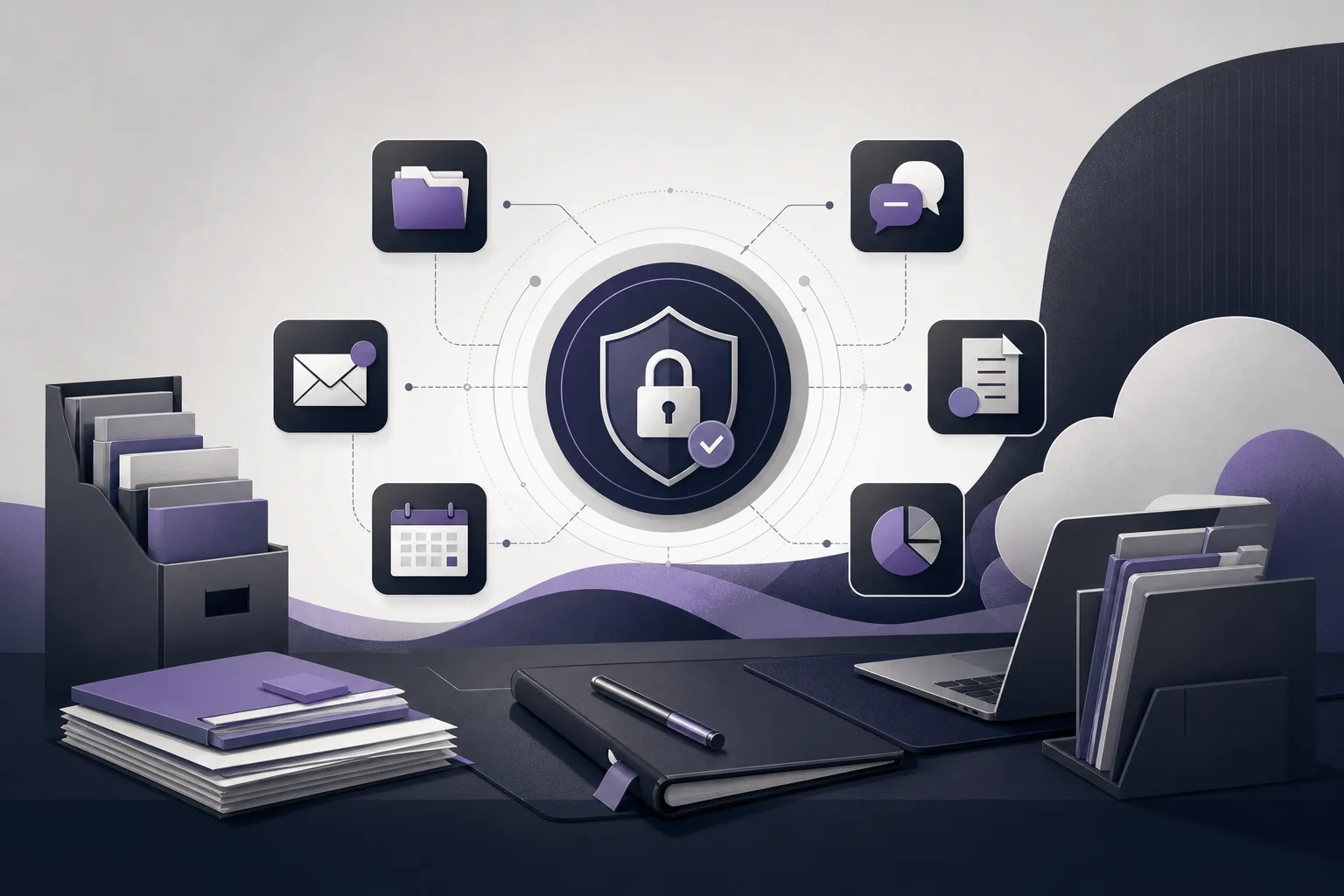
Digital identity is not only a name or a visual interface. Accounts and permissions are also part of how an office operates. When an office instance is managed through its own accounts and permissions, the team can use the workspace according to the office’s approved configuration rather than assuming that every user has the same level of access.
Permissions do not create an office policy by themselves. Management still needs to define how access is assigned, review the configuration, and ensure that the appropriate people handle tasks requiring professional judgment. OrderTech Legal provides the environment and instance-related settings; the office remains responsible for its internal approval process and decisions.
How OrderTech Legal’s assistants fit into the office environment
Communication assistant
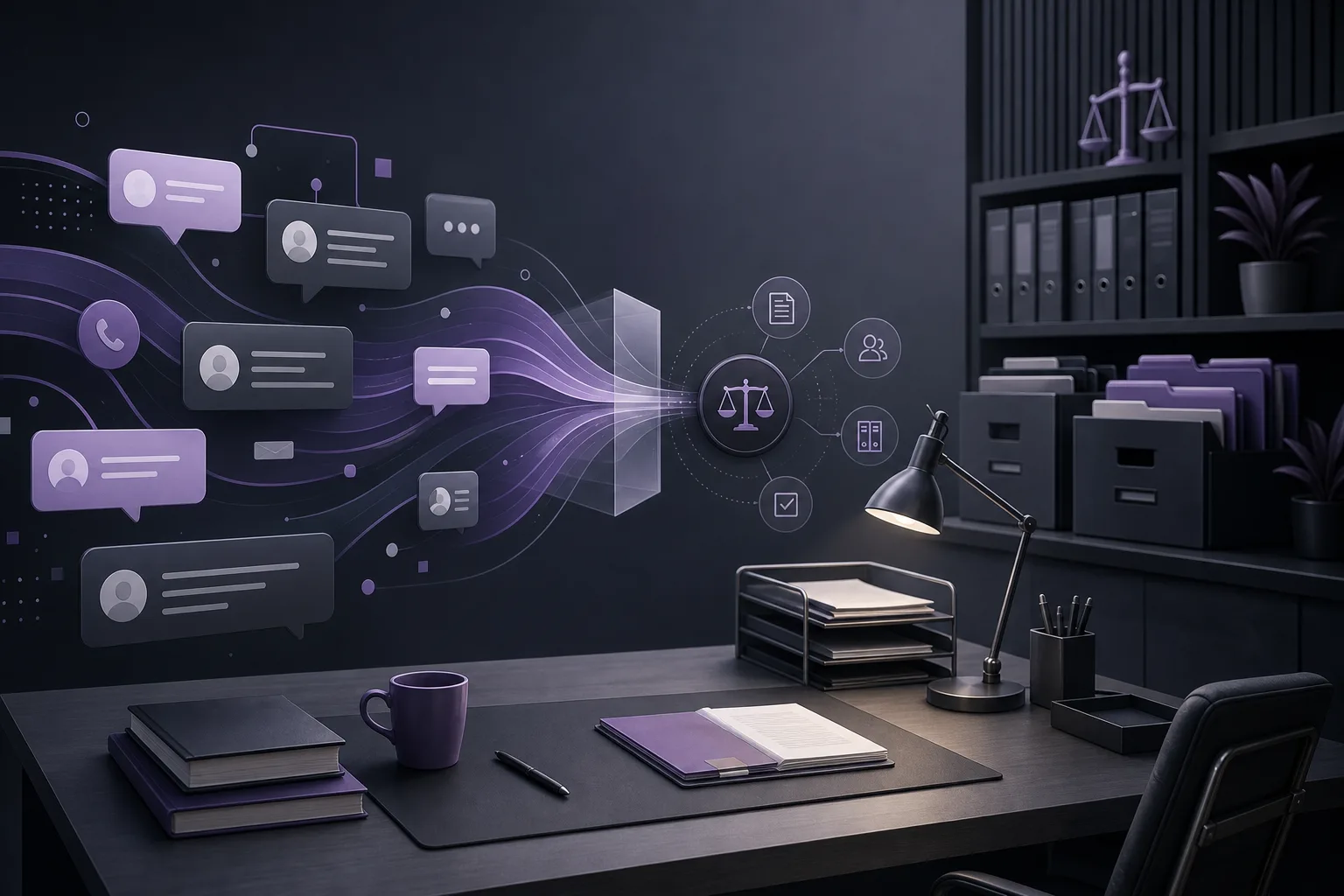
The communication assistant helps receive client inquiries, handle frequently asked questions, and maintain conversation context, with the possibility of human intervention. This can support an office that wants conversations to begin through a channel connected to its interface while keeping a path open for a staff member or lawyer to step in when necessary.
This assistance depends on the channel being configured and activated. The office should not assume that the assistant is active on every channel or that it can answer every type of inquiry without preparation. Conversation context also does not turn an automated response into a professional decision. Human intervention remains part of the operating model.
Office assistant
The office assistant helps summarize files, draft working documents, and search the legal library. This may give the team an organized starting point when working inside the office workspace. The lawyer must review the outputs and confirm proposed actions. The assistant supports the lawyer; it does not replace the lawyer’s review or decision.
These capabilities also depend on the instance configuration and service connections. They should therefore be treated as configuration-dependent functions, not as a promise that every instance automatically includes every capability.
Hypothetical example: an office seeking a consistent digital experience
Hypothetical example, not a real client experience: Suppose a law office wants to manage matter files, clients, documents, appointments, and accounts in one environment, while offering clients a communication channel connected to the office’s interface. The office first defines its instance configuration, accounts, and permissions. It then organizes its work elements in the office workspace and connects the app to the office’s own interface according to the available services.
Next, the office may activate the communication assistant if the relevant channel is configured for it. The assistant can receive frequently asked questions and maintain conversation context, while a staff member or lawyer can intervene when needed. Within the workspace, the team may use the office assistant to summarize a file, prepare an initial draft, or search the legal library. A lawyer reviews the result and confirms any proposed action before it is adopted.
In this example, a consistent identity does not mean that the system makes decisions for the office or that every service works without configuration. The operational value comes from bringing management functions into the office instance and connecting the app to its interface, while preserving the role of accounts, permissions, and human review.
Practical steps for getting started
- Define the workspace scope: identify the functions the office wants to bring together—matters, clients, documents, appointments, and accounts.
- Define the identity requirements: clarify how the office wants its instance and the app connected to its interface to appear.
- Review accounts and permissions: organize access around team roles and the approved instance configuration.
- Check connected services: identify which channels or capabilities require connection and activation, especially assistant-related functions.
- Start with controlled use and review: use the workspace for defined tasks and review outputs and proposed actions with human oversight.
- Document the internal workflow: clarify when staff or lawyers intervene and who approves drafts or proposed actions.
Limits the office should understand
- Availability of the app, functions, and channels depends on the instance configuration and service connections.
- Accounts and permissions require office setup and review; they should not be assumed to automatically represent every internal policy.
- The communication assistant supports inquiries, frequently asked questions, and conversation context, with possible human intervention; it does not remove the need for staff involvement.
- The office assistant provides file summaries, drafts, and legal-library search, but the lawyer reviews the outputs and confirms proposed actions.
- The assistants support the lawyer and do not replace the lawyer’s review or decision.
Frequently asked questions
Does each office receive an independent environment?
Yes. Each office has an independent instance with its own identity, accounts, permissions, site, and an app connected to its own interface, subject to the instance configuration.
Does OrderTech Legal bring the main management elements into one workspace?
It brings matter files, clients, documents, appointments, and accounts into an office workspace. The way the team uses those elements still depends on the office’s configuration and operating process.
Is the communication assistant automatically available on every channel?
It should not be assumed. It works according to the channel’s configuration and activation, with the possibility of human intervention.
Can the office adopt the office assistant’s output without review?
No. The lawyer reviews the output and confirms proposed actions. The assistant is a supporting tool, not a replacement for professional review or decision-making.
Conclusion
OrderTech Legal can help a law office operate a workspace and app connected to its own identity through an independent office instance that brings together matter files, clients, documents, appointments, and accounts, alongside office-specific accounts, permissions, a site, and an app connected to the office interface. The practical value depends on configuring the instance, connecting the relevant services, and preserving team and lawyer review of outputs and proposed actions. To explore how OrderTech Legal may fit your office’s operating model, learn more about the platform and identify the functions and channels your team needs.
Platform feature references
- OrderTech Legal — إدارة المكتب / Office management — Accessed 2026-09-29
- OrderTech Legal — المساعد الذكي / AI assistance — Accessed 2026-09-29