When a former client returns with a new request, an intake coordinator may create another record before checking the information already held by the firm. This article explains how OrderTech Legal can help an intake coordinator review an existing client record and prior case files before creating a new one. The platform brings client and case-file management, documents, appointments, and accounts into one office workspace. It does not, however, mean that the system automatically proves whether two records belong to the same person. The review remains subject to office procedures, user permissions, configuration, and human intervention.
Why duplicate client records can appear
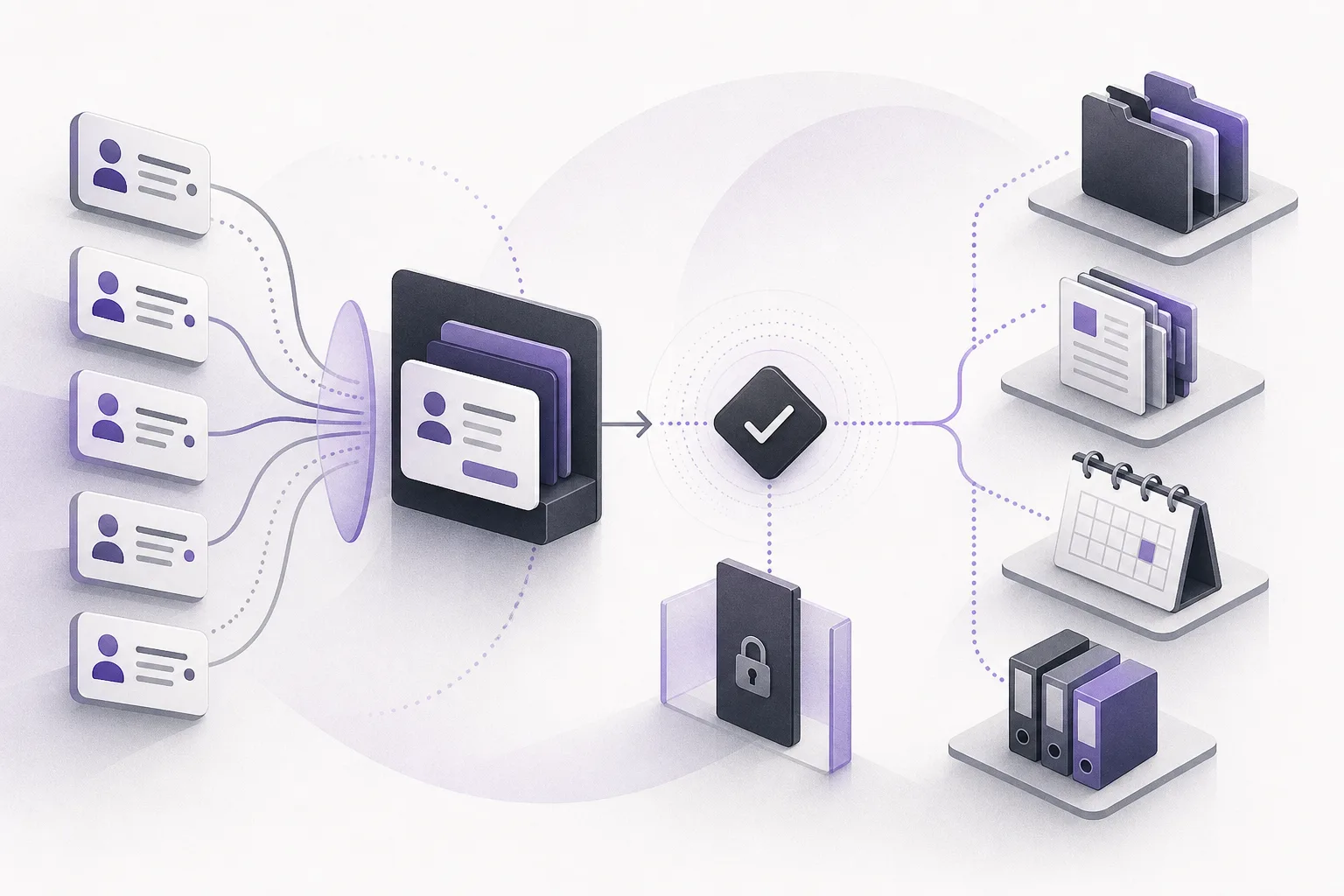
A new request may arrive through a different communication channel, use a different spelling of a name, or contain incomplete information. An intake coordinator focused on recording the request quickly may create a new record without first checking the existing one. Over time, information can become divided between records, making it harder to understand which case files, documents, appointments, or account information are connected to the client.
This is an operational workflow issue, not a legal conclusion about the client or the request. The practical objective is to support a consistent intake step: review the information available to the user, follow the office’s process, and decide whether the new request should be associated with an existing record or handled through another approved procedure.
How OrderTech Legal supports the pre-creation review
A shared workspace for relevant information
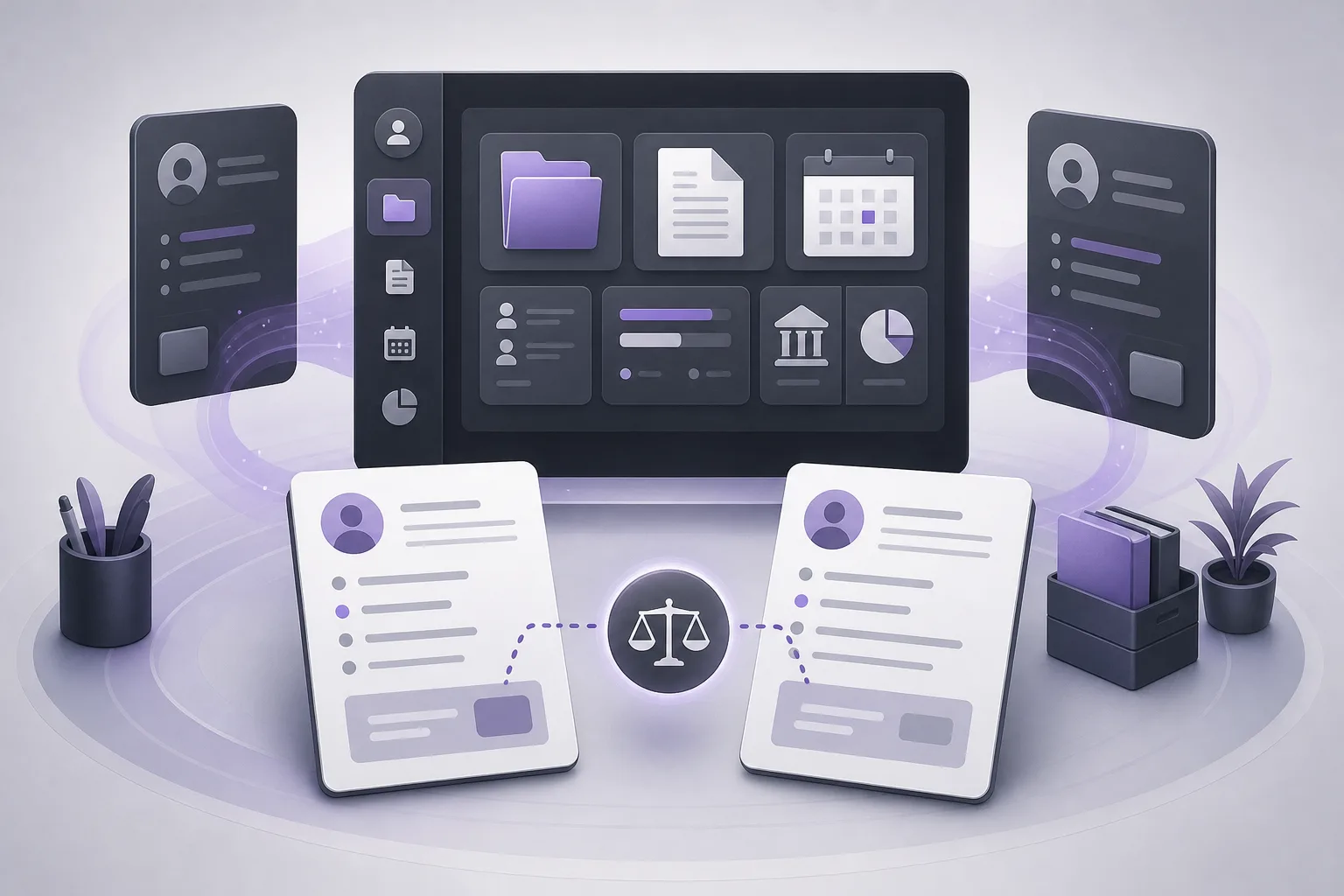
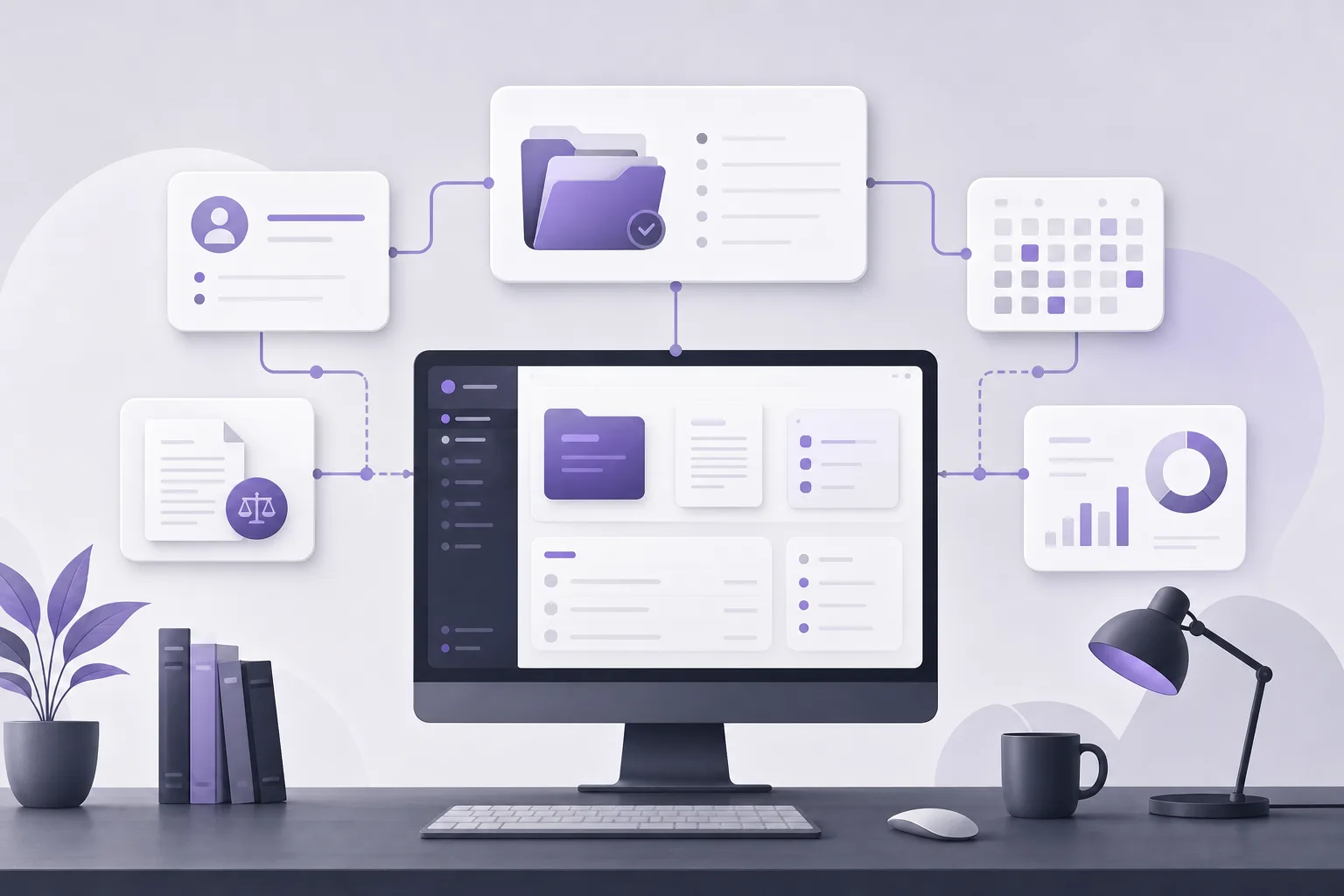
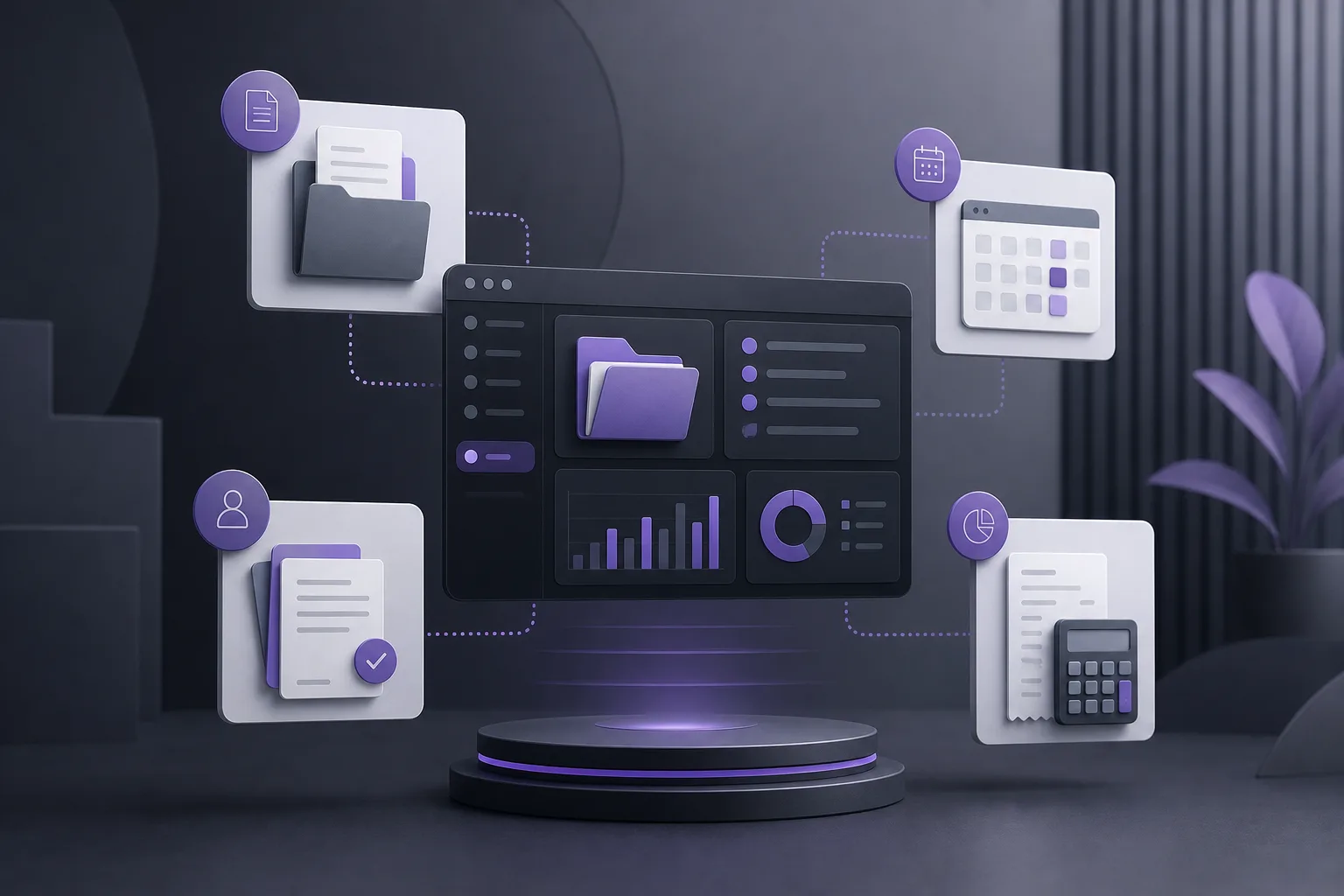
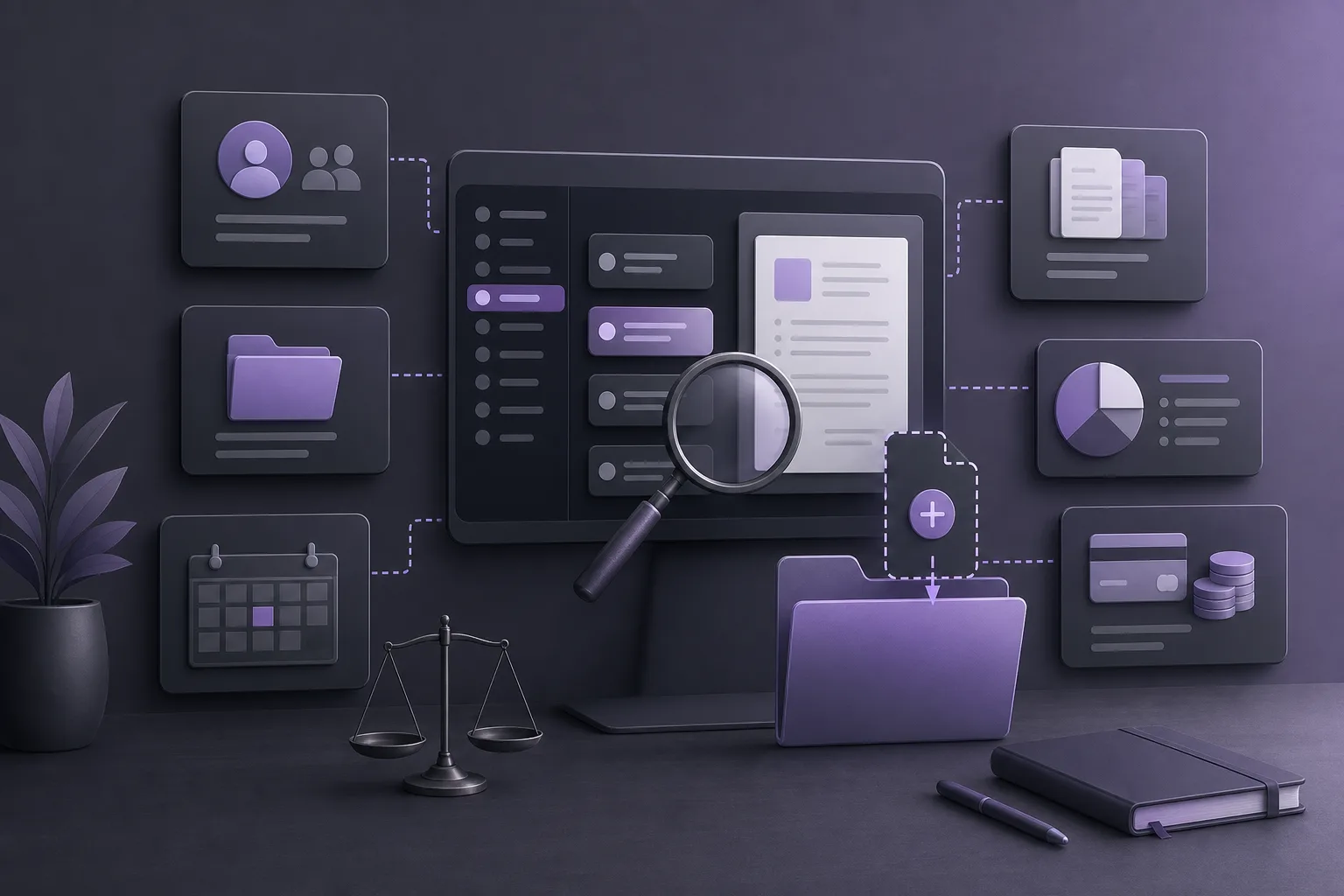
OrderTech Legal combines client and case-file management, documents, appointments, and accounts in an office workspace. Depending on the user’s permissions, an intake coordinator can move from client information to related case files, documents, appointments, or account details available to that coordinator, rather than relying on disconnected sources.
This unified workspace provides context; it does not independently confirm that a new request belongs to a particular record. Before creating anything, the coordinator can follow the office’s process to compare the information supplied by the prospective or returning client with the records visible to the coordinator, then document or escalate the next step as required.
Reviewing prior case files and documents
When a possible existing record appears, the workspace can support a review of the case files, documents, and appointments associated with it, to the extent they are available under the coordinator’s permissions. The review may show that the client has a prior file requiring an update, or that the new request concerns a separate matter that the office handles through its established workflow.
A similar name alone should not be treated as proof. The point is to give the coordinator a practical place to examine the available context before making a record-creation decision. The Office Assistant, when available through the edition’s configuration and service connections, can help summarize files, draft content, or search the legal library. A lawyer reviews the output and confirms any proposed action; the assistant is not a substitute for that review.
Permissions and office procedures
Each office has its own OrderTech Legal instance, identity, accounts, permissions, location, and application connected to its own interface. As a result, one user should not be assumed to have access to every client record or file. The intake coordinator should work within the permissions assigned by the office and use the internal escalation route when confirmation requires a lawyer or another authorized user.
Available services also depend on the instance configuration, service connections, and activation. The Communication Assistant can help receive client inquiries, answer frequently asked questions, and maintain conversation context with the possibility of human intervention, depending on the channel setup and activation. That context can help clarify the incoming request, but it does not make the assistant an independent duplicate-record detector or an autonomous decision-maker.
A suggested intake workflow
- Receive the request: Capture the initial information using the office’s approved process and note whether the contact may relate to a previous interaction.
- Review available client records: Use the workspace to inspect client information and related files visible under the coordinator’s permissions before creating a new record.
- Check the surrounding context: Review available case files, documents, appointments, and account information. Do not rely on a name match alone; treat similarity as a reason to verify.
- Use assistants only when enabled: The Communication Assistant may provide conversation context, while the Office Assistant may summarize an available file. Review all generated output and do not treat it as a replacement for an authorized decision.
- Apply the office procedure: If the existing record is confirmed as the appropriate place, follow the office’s process for updating it or associating the new request. If uncertainty remains, pause or escalate instead of guessing.
- Confirm before saving: Check that the action follows the office’s permissions and procedures and that the information has not been added to the wrong record.
A hypothetical example
An intake coordinator receives a request from someone who has worked with the firm before. The sender uses a different form of the name and does not provide a previous file number. Instead of immediately creating a new client record, the coordinator reviews the available records in the OrderTech Legal workspace and examines the related case files, documents, and appointments visible under the coordinator’s permissions.
The information appears similar, but the coordinator does not treat that similarity as conclusive. If the Communication Assistant is enabled, the coordinator reviews the conversation context and requests the information required by the office’s process. If additional access or confirmation is needed, the coordinator refers the matter to an authorized user. Once the appropriate conclusion is reached, the coordinator follows the office procedure for updating the existing record or recording the request in the correct way. This is a hypothetical workflow example, not a report of a real client experience.
Practical benefits and limitations
Benefits
- A single office workspace for reviewing available client, case-file, document, appointment, and account information.
- More context for intake coordinators before they create a new record.
- Less dependence on memory or disconnected sources, while keeping the decision within the office’s process.
- Access to conversation context or file summaries when the relevant services are configured and enabled.
- A permission-based workflow that supports human intervention when confirmation is needed.
Important limitations
- OrderTech Legal should not be understood to guarantee automatic detection of every duplicate record. The available product information does not establish such an automatic matching feature.
- A coordinator may not see all records or files if the office’s permissions do not grant access.
- The availability of the Communication Assistant and Office Assistant depends on the instance configuration, service connections, and activation.
- Assistant output requires review by a lawyer or authorized staff member and does not replace human judgment or approval.
- The workflow works best when the office has a clear procedure for verification, updating, escalation, and final record creation.
Frequently asked questions
Does the system automatically prevent duplicate client records?
The available product information describes a workspace that brings together client and case-file management, documents, appointments, and accounts. It does not establish a guaranteed automatic duplicate-prevention function. The office should therefore rely on review, permissions, and its approved intake process before creating a record.
Can an intake coordinator see every prior file?
Not necessarily. Visibility depends on the office and user permissions. If the required information is not available, the coordinator should use the internal escalation process rather than bypassing access controls.
Can the Communication Assistant decide which record is correct?
The Communication Assistant helps receive inquiries, answer frequently asked questions, and maintain conversation context with possible human intervention, depending on the channel setup and activation. It should not replace verification or human decision-making about the correct record.
When can the Office Assistant help?
When available, it can help summarize files, draft content, and search the legal library. A lawyer reviews its outputs and confirms proposed actions. Availability depends on the edition configuration and connected services.
Conclusion
OrderTech Legal gives an intake coordinator a unified place to review an existing client record and related files before recording a new request, with communication context and file summaries available when configured. It does not remove the need for clear permissions, office procedures, and human review. Explore OrderTech Legal to see how a connected workspace can support more consistent intake and office file management.
Platform feature references
- OrderTech Legal — إدارة المكتب / Office management — Accessed 2026-10-02
- OrderTech Legal — المساعد الذكي / AI assistance — Accessed 2026-10-02