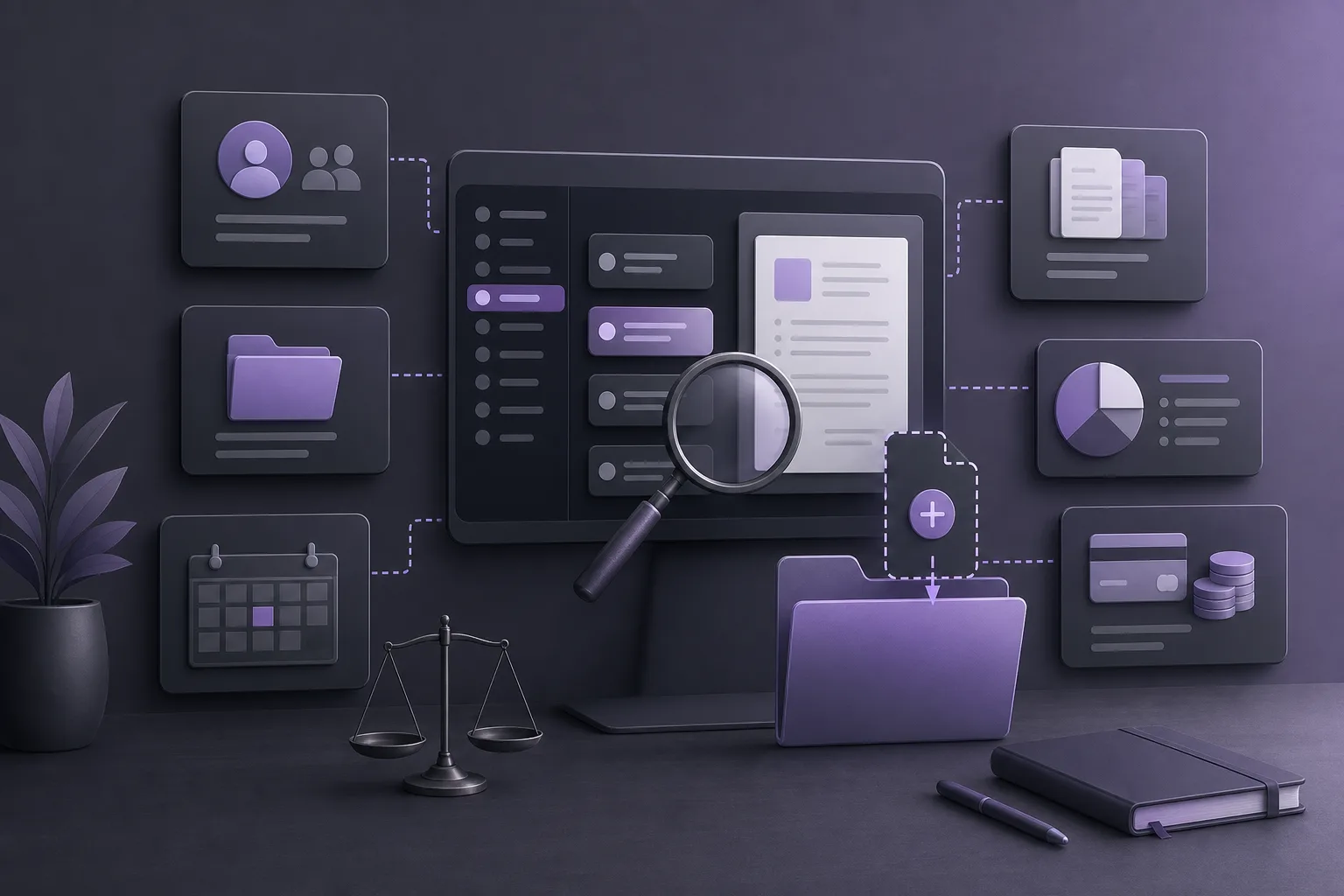
A new message can look straightforward when it contains a familiar client name. Yet similar names, multiple matters for the same client, or limited information in the incoming channel can make it difficult to select the right client record and case file. The practical question is: How can OrderTech Legal help an office coordinator verify the correct client record and case file before assigning a new message?
OrderTech Legal brings client, case, document, appointment, and account management into one workspace for the firm. This gives the coordinator a structured place to review the message and the records that may be relevant to it. The platform is an organizational aid, however—not an independent decision-maker. The final assignment remains with the authorized office employee, subject to the firm’s permissions and procedures.
Why can a message be assigned to the wrong record?
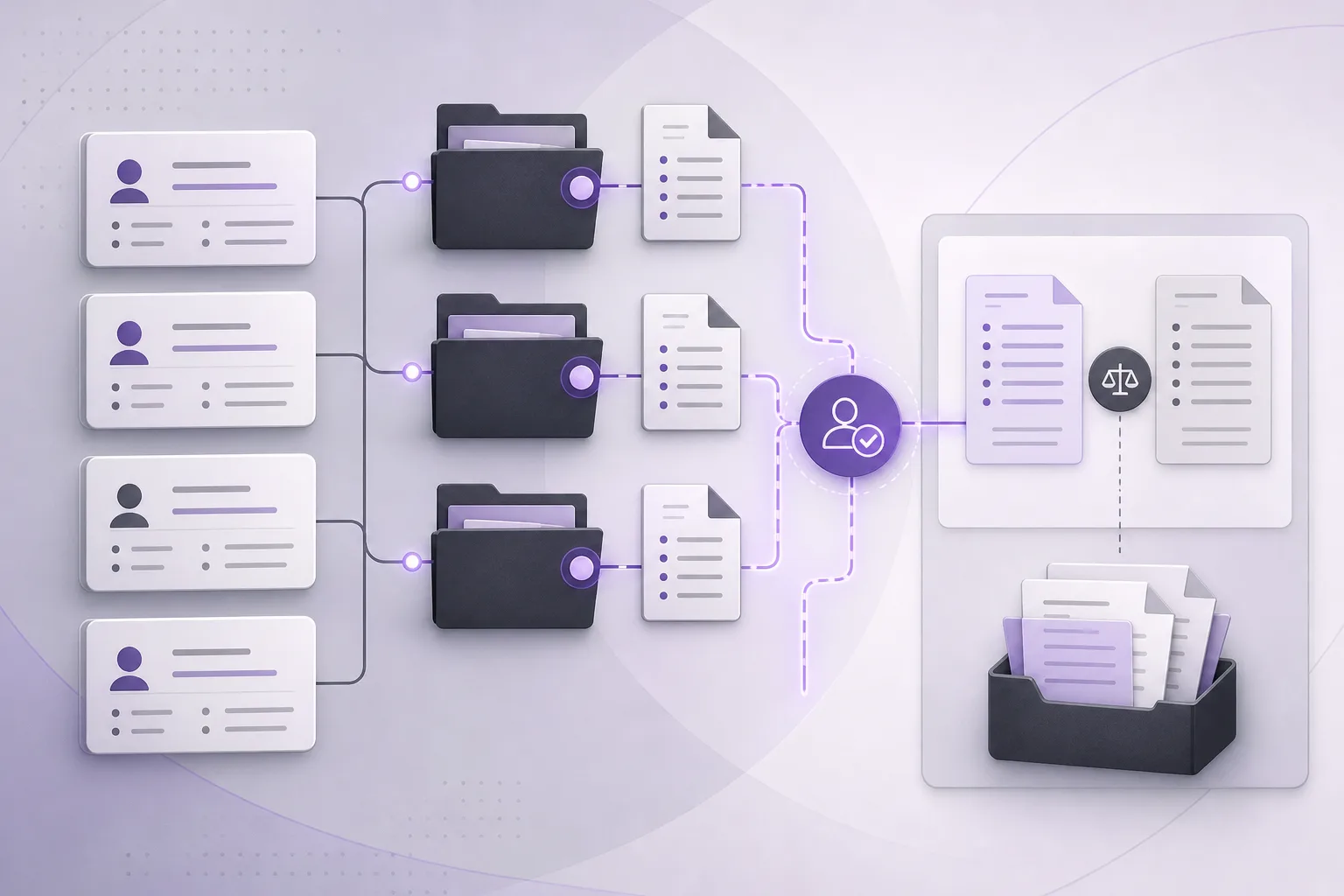
Confusion often starts when two clients have similar names, when one client has more than one case file, or when a message arrives without enough identifying context. A coordinator may recognize a name and select the first matching record without checking whether the message topic, surrounding conversation, and related documents fit that record.
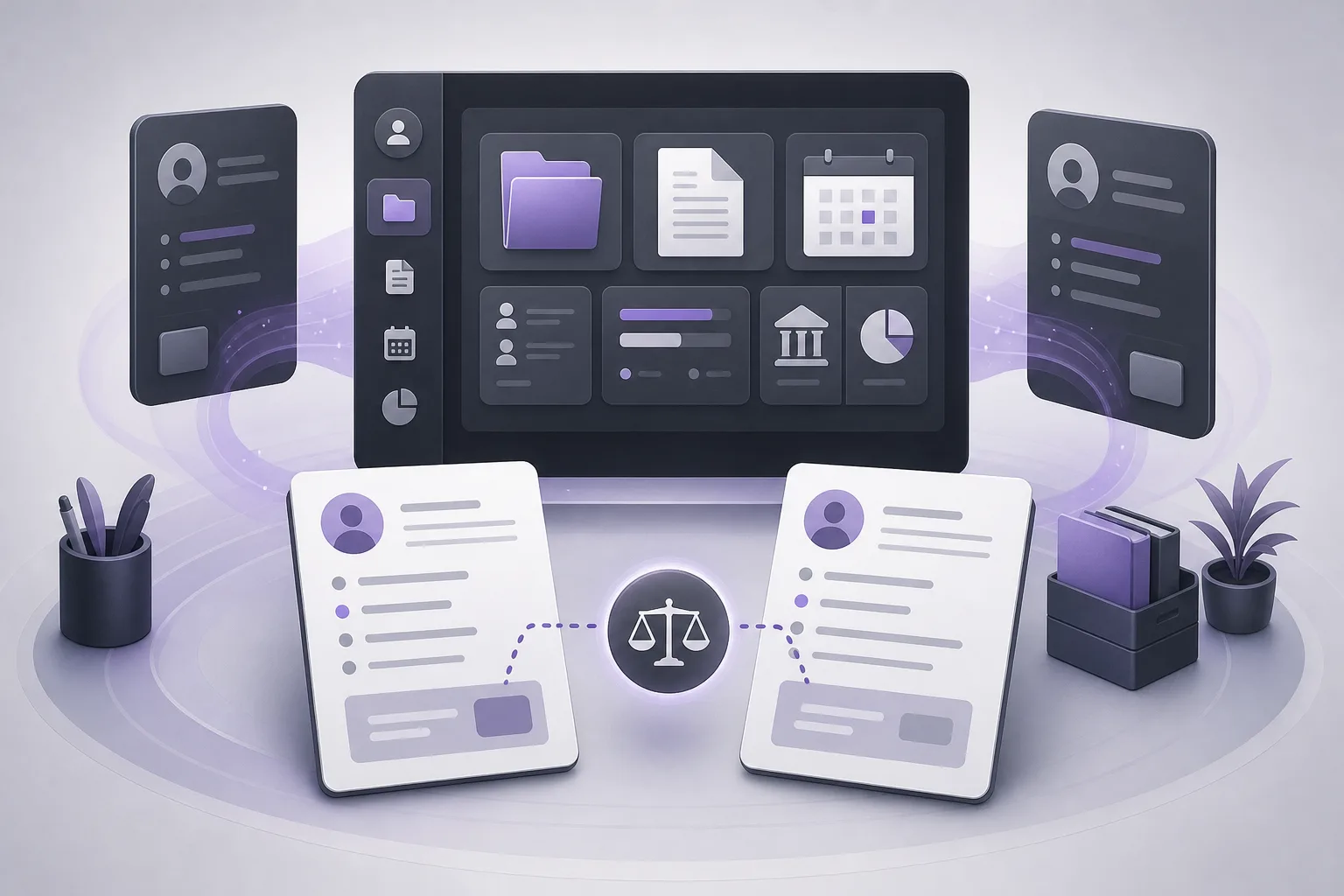
The name alone is therefore not the complete verification point. The coordinator needs to compare the available message context with client records, case files, and related documents. Keeping these management areas in one office workspace can make that comparison more systematic than relying on memory or an isolated message.
How OrderTech Legal supports verification
1. Begin in a unified office workspace
OrderTech Legal combines client, case, document, appointment, and account management in one workspace. When a new message arrives, the coordinator can use the information available in the message as a starting point and then review the potential client record and related case files within the office environment.
This does not mean that the system decides which record is correct. Its value is to place the main review areas in one working context, helping the coordinator follow a repeatable process instead of choosing based only on a familiar name.
2. Compare the client record before assigning
When several records appear plausible, the coordinator can review the candidate client record and compare it with the information and context available in the message. The review may include whether the client has a relevant case file, whether the message fits that file, and whether related documents help distinguish this record from another one.
The key discipline is to treat a name match as a starting point, not as conclusive proof. The coordinator should verify that the selected record aligns with the information managed by the office and with the permissions and procedures that govern the assignment.
3. Review the case file and related documents
After identifying possible client records, the coordinator can examine the case files connected with them. OrderTech Legal’s case and document management can support a practical comparison: Does the message topic fit the proposed case? Are there related documents that provide context? Is another case file a better match?
This review does not create certainty by itself, and it does not replace professional judgment. It gives the coordinator concrete checkpoints before linking the message to a record or file that may not be appropriate.
4. Use communication context when the service is enabled
The communication assistant can help receive client inquiries, handle frequently asked questions, and follow conversation context, with the possibility of human intervention. This is available according to the channel’s configuration and activation. When conversation context is available through the configured service, it may help the coordinator understand what the message concerns before attempting an assignment.
That benefit depends on the channel setup and service activation. Conversation context does not remove the need to review the client record, case file, and related documents. If the message remains ambiguous, the appropriate response is human review rather than assuming that the first possible result is correct.
A practical verification sequence
- Read the message in full: Review its subject, content, and any available conversation context before searching by name alone.
- Identify possible records: If names are similar, do not rely on the first result. Review the plausible records in the firm workspace.
- Compare the client information: Check whether the candidate record is consistent with the details available in the message and with the office’s managed information.
- Review the case files: Confirm that a case file fits the message topic and check whether another file is more consistent with it.
- Examine related documents: Use documents in the workspace as organizational context, not as a substitute for professional judgment.
- Check permissions and procedure: Confirm that the account or role is authorized to assign the message and that the step follows the office’s process.
- Escalate uncertainty: If the identity or case remains unclear, pause the assignment and request human review.
- Confirm only after review: The authorized employee makes the final assignment; the system or assistant does not make it independently.
Hypothetical example
Hypothetical example, not a real client experience: A new message reaches the office from someone whose name resembles the names of two clients in the workspace. The topic is general, and the name alone does not identify the correct file. The coordinator first reviews the available conversation context, then opens both candidate client records and their related case files. One case contains documents and a subject that are consistent with the message, while the other does not show the same context.
Rather than assigning the message automatically, the coordinator compares these indicators, checks the applicable permissions and office procedure, and confirms the assignment only when the review is sufficient. If the information remains inconclusive, the coordinator asks the authorized employee or responsible lawyer to review it. OrderTech Legal helps organize the comparison; it does not turn partial clues or a similar name into a binding automated decision.
Benefits and limitations
What can the office gain?
- A single workspace for managing clients, cases, documents, appointments, and accounts.
- A clearer sequence for reviewing a message before linking it to a record or case.
- Useful conversation context when the communication assistant and relevant channel are configured and enabled.
- Less reliance on name-only searches by considering the relationship between the client, case, and documents.
- A workflow that preserves the authorized office employee’s role in confirming the assignment.
What should the office not assume?
OrderTech Legal does not guarantee that every assignment error will be prevented, and it does not decide the correct client record or case file in place of the coordinator. The practical benefit depends on the accuracy of the information available, the workspace configuration, permissions, service activation, and connected services. The communication assistant does not replace human intervention when a message is unclear. The office assistant may help summarize files, draft content, or search the legal library, but a lawyer reviews its outputs and confirms proposed actions.
Frequently asked questions
Does OrderTech Legal automatically choose the correct case file?
No. It can organize information and help the coordinator review client records, case files, documents, and available context. The final decision remains with the authorized employee or responsible professional.
Is a matching client name enough?
No. When names are similar, the coordinator should compare the message context with the client record, relevant case files, and related documents before assigning the message.
Can the communication assistant determine the client’s identity?
The communication assistant helps receive inquiries, address frequently asked questions, and follow conversation context, with human intervention available according to the channel configuration and activation. It should not be treated as a replacement for human verification of the record and case file.
What if the review does not resolve the ambiguity?
Pause the assignment and request human review from the authorized person under the office’s procedure. Uncertainty is a reason not to rely on a name or an unconfirmed suggestion.
Are these functions configured identically for every office?
Each office has an independent version with its own identity, accounts, permissions, website, and application connected to its own interface. Availability therefore depends on the version’s configuration and on the services that have been connected and enabled.
Conclusion
OrderTech Legal gives an office coordinator a unified place to review client records, case files, documents, and message context before assigning new correspondence. This is especially useful when names are similar or when more than one case could be relevant. The platform does not replace careful human verification: the authorized employee reviews the context and permissions and confirms the final decision. To explore how OrderTech Legal may fit your office’s workflow, learn more about the platform and the services available in your configured version.
Platform feature references
- OrderTech Legal — إدارة المكتب / Office management — Accessed 2026-10-23
- OrderTech Legal — المساعد الذكي / AI assistance — Accessed 2026-10-23