When a new case is opened, the main risk is not always creating the record. It is linking the financial account to the wrong client or case. Similar client names, multiple matters for the same client, or a rushed setup can make the mistake difficult to notice until someone needs to review the file later. This guide explains how OrderTech Legal can help an accounts coordinator organize that review in one office workspace, while keeping the decision and confirmation with the office staff member.
Why do account-linking errors happen when a new case begins?
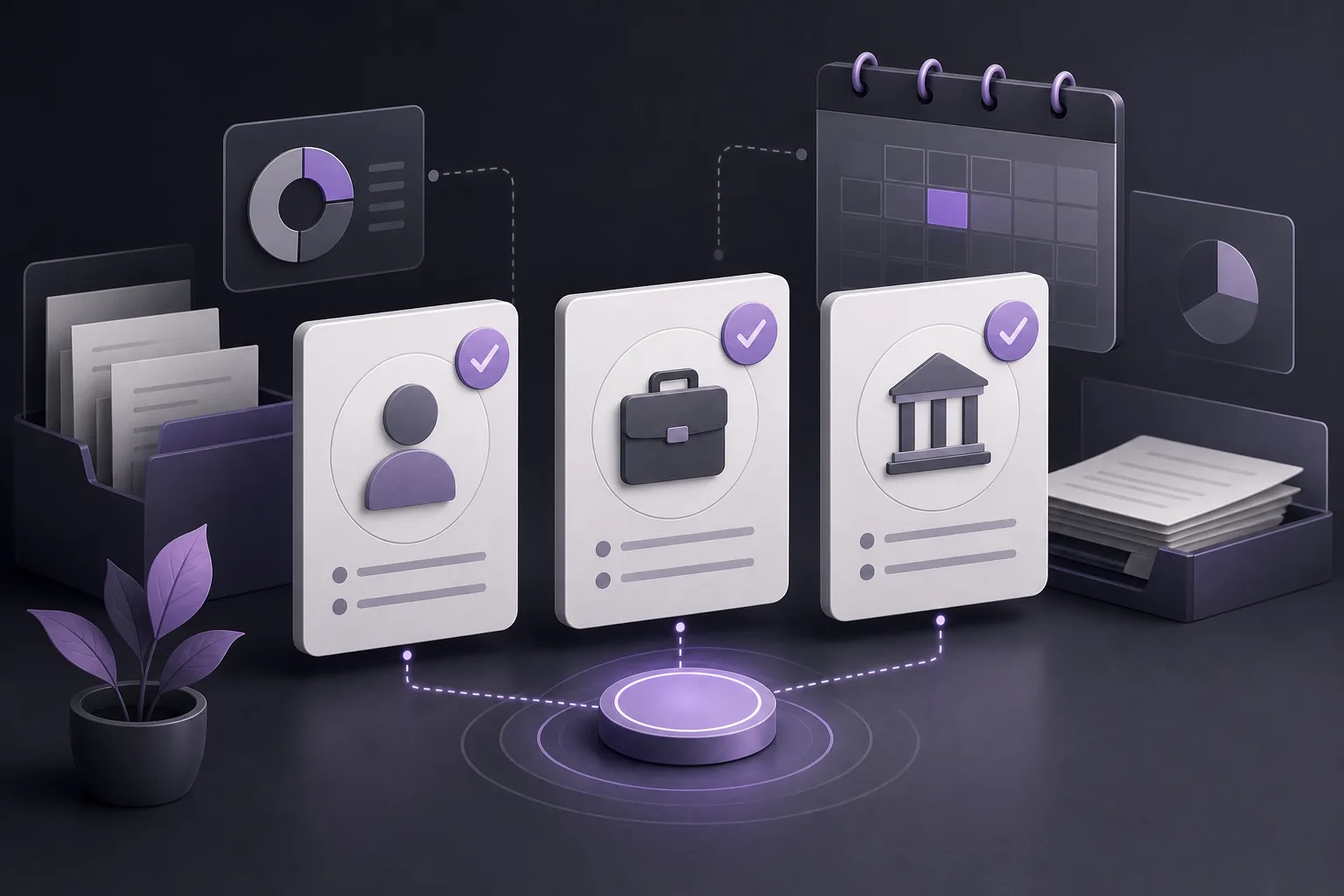
An accounts coordinator may need to move between client information, case details, documents, appointments, and account records. When these items are managed separately, the coordinator may rely on a short name, an old reference, or the first similar record returned by a tool. That can lead to an account being associated with another case or with a different client who has a similar name.
This is more than a minor administrative inconvenience. An incorrect link can complicate internal work and require extra time to reconstruct which account belongs with which case. A better process gives the coordinator a clear opportunity to review related records before confirming the relationship, rather than treating each record as an isolated entry.
How does OrderTech Legal bring the relevant information together?
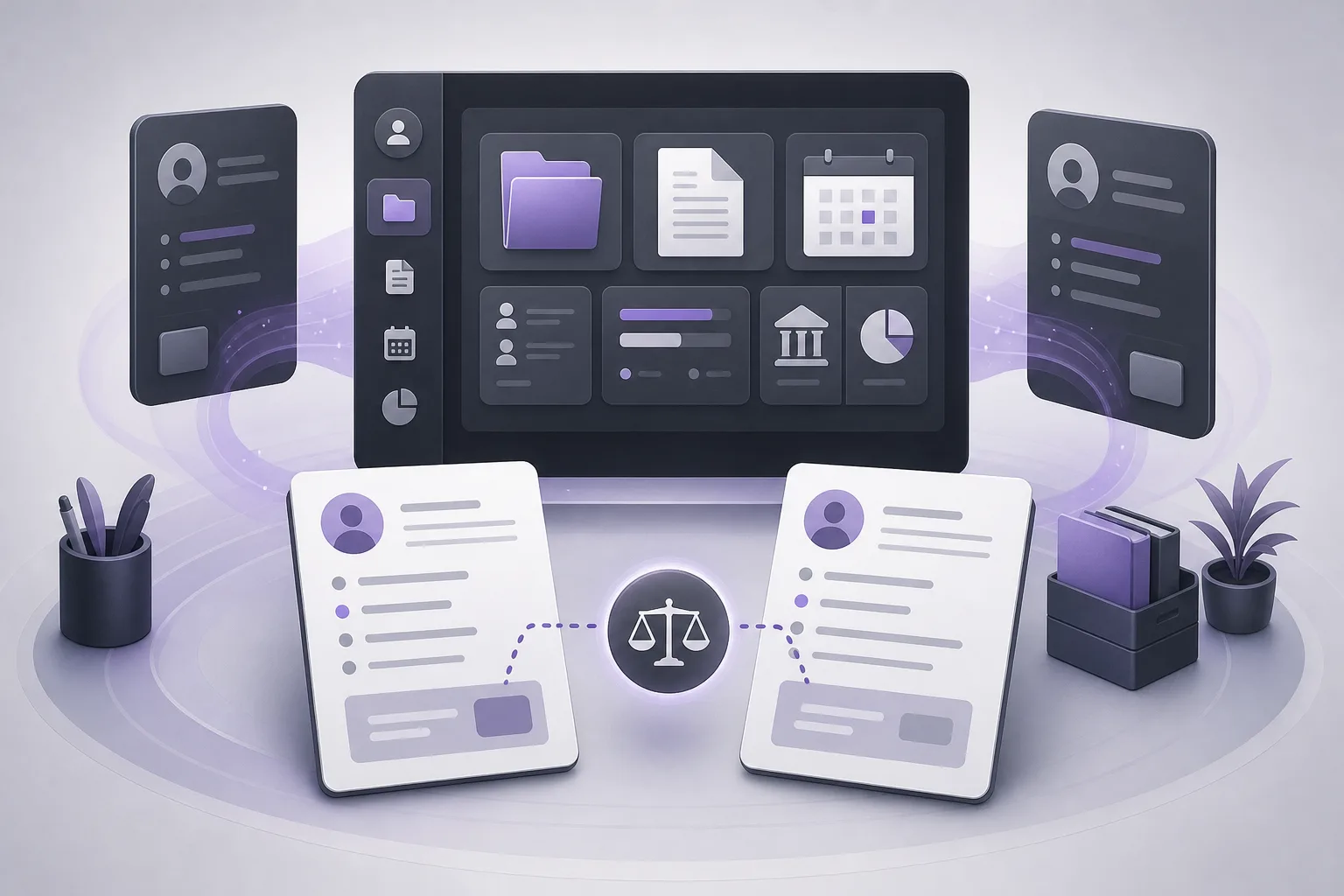
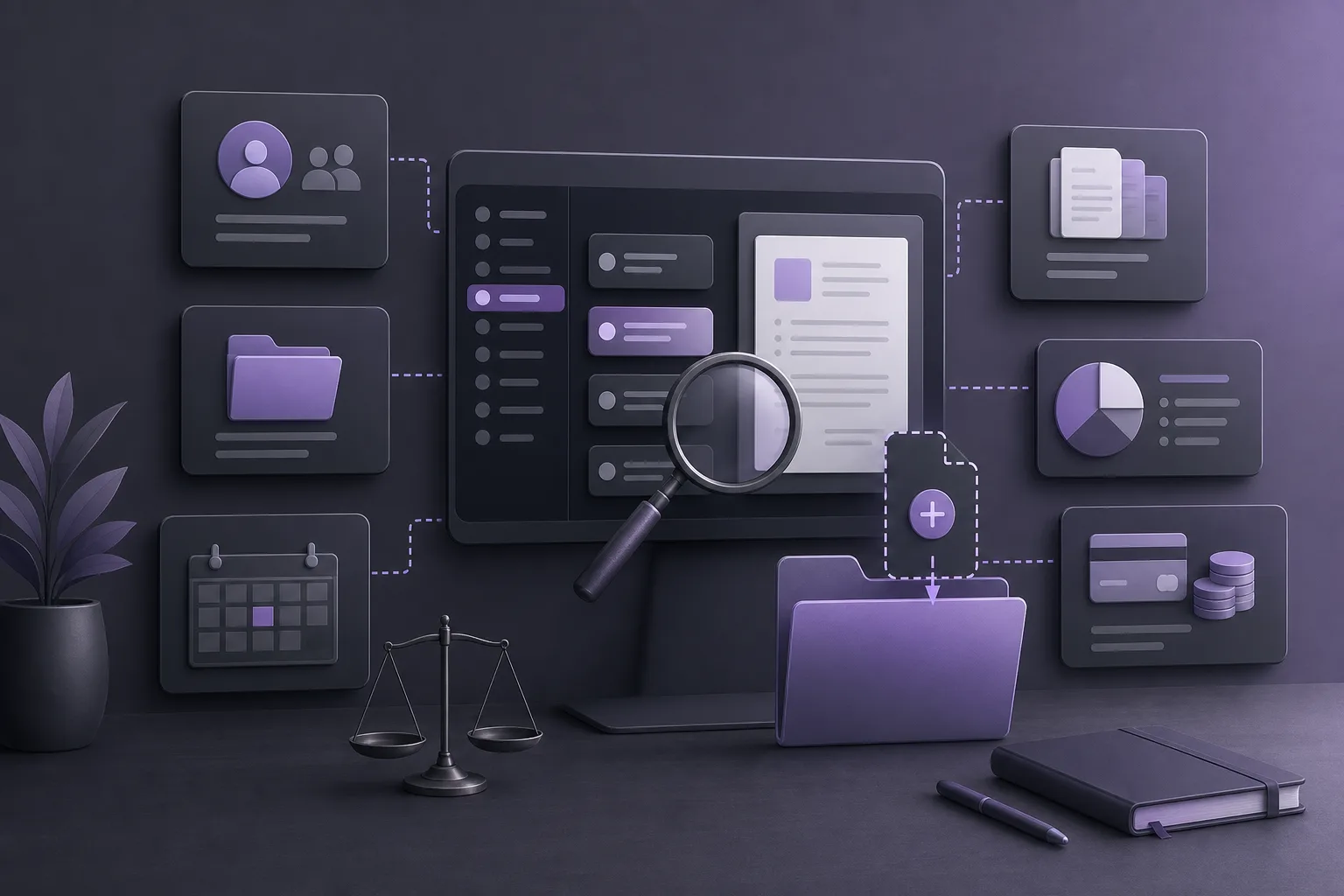
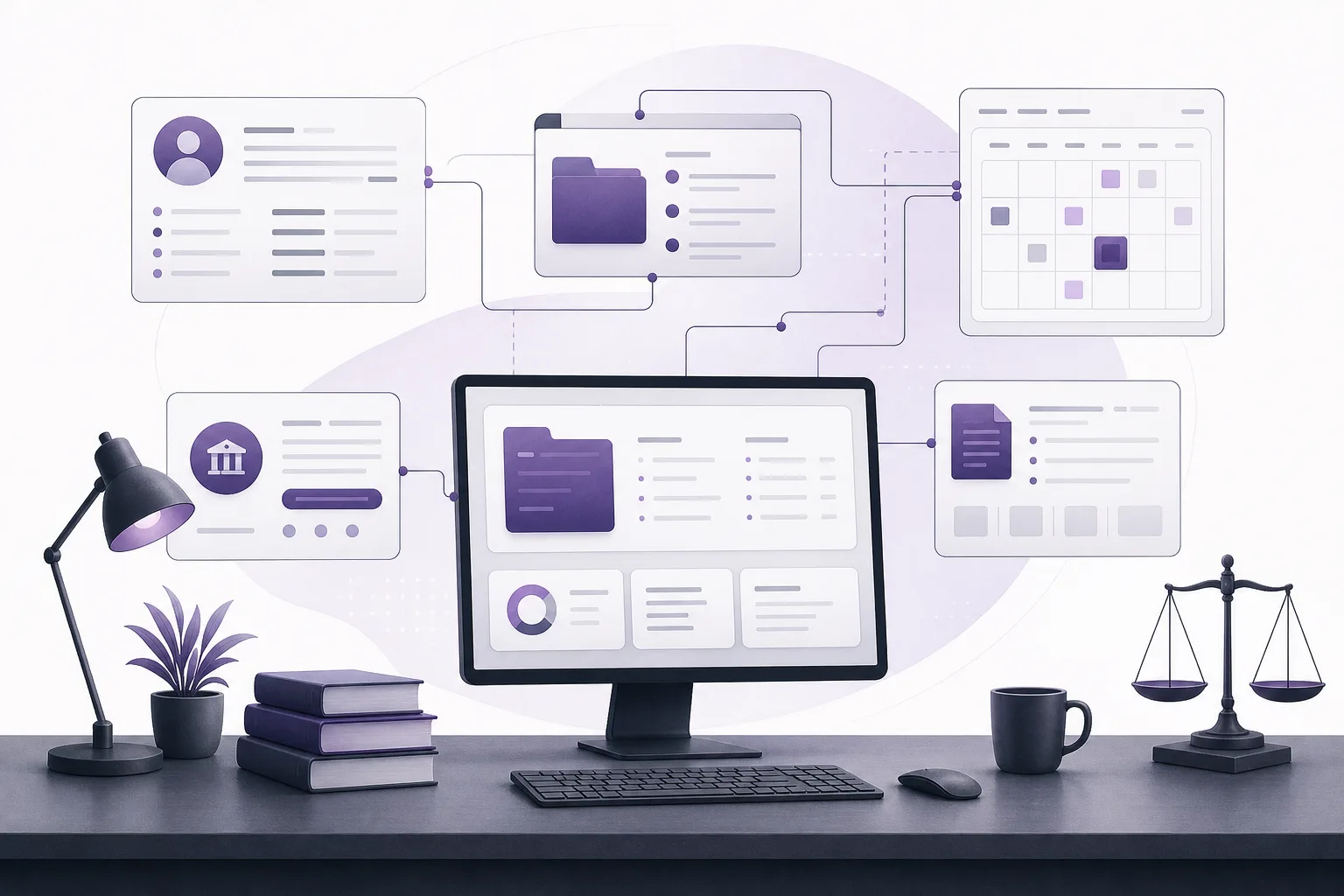
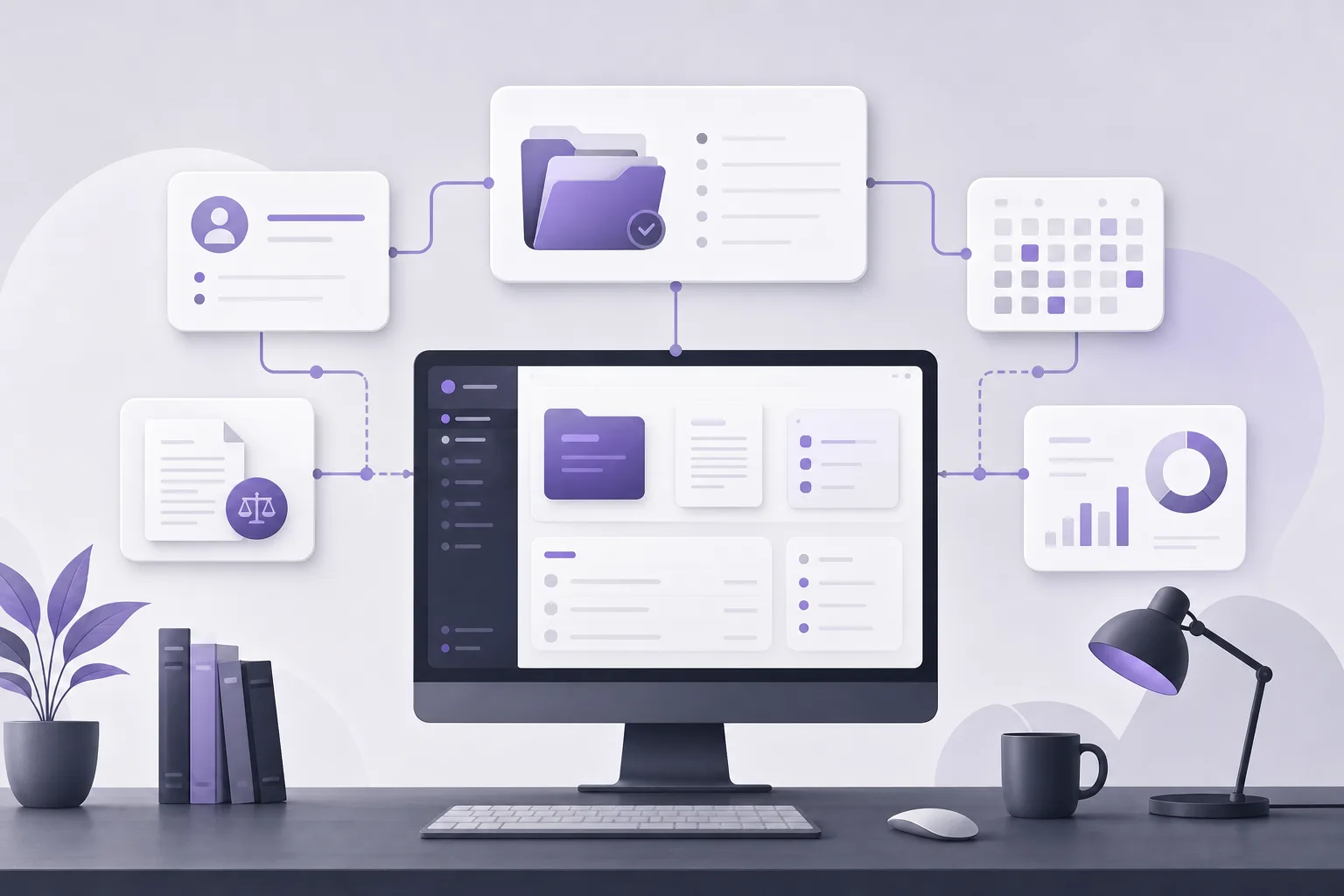
OrderTech Legal combines case-file, client, document, appointment, and account management in an office workspace. This gives an accounts coordinator a single environment in which to review the administrative context around new work, instead of switching between separate tools while trying to identify the correct records.
- Client record: a place to review the client information already held in the office workspace.
- Case record: the new matter that must be checked against the client and the intended account.
- Accounts: records that can be reviewed in the office workspace before the relationship is confirmed.
- Documents and appointments: additional context that may help distinguish a new case from an earlier case for the same client.
Bringing these areas together does not mean the system automatically decides which account is correct or makes errors impossible. Its value is in supporting a more organized review. The office employee remains responsible for selecting the right record and confirming the link according to the office configuration and permissions.
A practical workflow for an accounts coordinator
1. Start in the correct office workspace
Each office has an independent OrderTech Legal instance with its own identity, accounts, permissions, location, and application connected to its own interface. Before reviewing a record, the coordinator should confirm that the correct office instance and authorized user account are being used. This reduces the risk of confusing records from different office environments.
2. Review the client record first
Locate the existing client record and review the available information rather than relying on the name alone. If several records or several cases appear, the first result should not automatically be treated as the correct one. The coordinator can compare the client context with the details of the new work and with available documents and appointments, subject to the enabled setup and the user’s permissions.
3. Examine similar cases
The new case should be treated as a record that needs to be distinguished, not merely as another title in a list. The coordinator reviews the details entered for the new case and compares them with other cases for the same client. This can reveal situations in which the name is similar but the work context or timing is different.
4. Review the account to be linked
Once the intended client and case have been identified, the coordinator reviews the account that is expected to be linked. The purpose is to confirm that the account belongs to the appropriate administrative relationship, not merely that its name looks familiar. If the available information is insufficient or the coordinator lacks the required permission, the safer step is to pause and request an internal review rather than confirm an uncertain link.
5. Use documents and appointments as context, not as a substitute for review
Documents and appointments associated with the case may help distinguish new work from an earlier file. They do not, by themselves, constitute a final decision about whether the account is correctly linked. The employee reviews the available context under the office procedure and then confirms the client, case, and account relationship.
6. Confirm only after the checks are complete
Confirmation should be the final step, not the first. The coordinator records or performs the review permitted by the instance configuration and user permissions, then confirms the link when the records are consistent. If uncertainty remains, the coordinator should refer the matter to the responsible reviewer before taking the action.
Where can the Office Assistant help?
OrderTech Legal includes an Office Assistant that can help summarize files, draft documents, and search a legal library, depending on the instance configuration and service connections. In a new-case workflow, a summary may help organize the information a staff member needs to review, when the relevant service is enabled and available.
However, a generated summary should not be treated as final proof that an account belongs to a particular case. A lawyer or office employee reviews the output, checks the underlying records, and confirms the proposed action. The coordinator should also not assume that the assistant performs the account link unless that function is explicitly available through the instance setup and permissions.
Hypothetical example
Hypothetical example, not a customer experience: An office receives a request to open a new case for a client who already has an earlier file and another open case. The accounts coordinator finds similar names in more than one record and does not select the first result automatically. The coordinator reviews the client record, compares the new case with existing cases, and examines the relevant accounts. The coordinator may use information in the OrderTech Legal workspace and may use a file summary if the Office Assistant is enabled and available, but does not rely on the summary alone. After an office employee reviews the details, the appropriate link is confirmed. If the information remains unclear, the coordinator requests human review before confirmation.
Practical benefits and limitations
Benefits
- Client, case, document, appointment, and account management are brought together in one office workspace.
- The coordinator can review context before confirming a link instead of relying on a name alone.
- Each office has an independent instance that reflects its own identity, accounts, and permissions.
- The Office Assistant may help with file summaries when the relevant service is enabled, connected, and permitted.
Limitations
- The system alone does not guarantee that the correct account will be selected or prevent every data-entry or interpretation error.
- Human review and confirmation remain the responsibility of the office employee or designated reviewer.
- Availability depends on the instance configuration, service connections, and permissions.
- Assistant output should not be acted on without checking the underlying record.
Frequently asked questions
Does OrderTech Legal automatically link the account to the case?
The available product information describes a workspace that brings account, client, and case management together. It should therefore be used as an environment for organized review, not assumed to be an automatic decision-maker or an automatic confirmation of the correct link.
What if the client has more than one case?
Review the details and available context for each case, including relevant documents and appointments, then verify the intended account before confirming. If uncertainty remains, request human review under the office’s process.
Can the Office Assistant decide which account to link?
The Office Assistant can help summarize files, draft documents, and search a legal library depending on the setup. A lawyer or office employee reviews the output and confirms the proposed action. Do not assume that it performs the link unless that capability is explicitly available through the instance configuration and permissions.
Will every user see the same information?
Not necessarily. Each office has an independent instance with its own identity, accounts, and permissions, and service availability depends on the instance configuration and connections. The coordinator should confirm the permissions available to the user before beginning the review.
Conclusion
Reducing account-to-case linking errors begins with organizing the information and giving the coordinator a chance to review related records before confirmation. OrderTech Legal brings client, case, document, appointment, and account management into one office workspace, with optional assistance from the Office Assistant according to the setup. It does not remove the need for human review or turn an uncertain match into a confirmed decision. Explore OrderTech Legal to assess how a unified workspace could support your office’s process when opening new cases.
Platform feature references
- OrderTech Legal — إدارة المكتب / Office management — Accessed 2026-10-21
- OrderTech Legal — المساعد الذكي / AI assistance — Accessed 2026-10-21