Before a client meeting, the difficulty is not always a lack of information. More often, the preparation is divided between an administrative review, case documents, appointment details, and accounting information. Each team member may have part of the picture, while the operations coordinator must confirm that those parts belong to the right case and the right meeting. This article explains how OrderTech Legal can help an operations coordinator review a case file, its documents, appointment, and accounts before a client meeting through a workspace that brings case, client, document, appointment, and account management together.
The problem: one review spread across several roles

An administrative team member may confirm client details, the appointment, and the documents needed for the meeting. An accounting team member may review the account-related information available to the office. When these checks happen separately, the operations coordinator may need to move between different sources or request repeated confirmations.
The issue is not necessarily that the information is missing. The issue is that the pre-meeting review lacks a shared working context. The coordinator needs a practical way to identify the relevant case and client, review related documents, check the appointment, and coordinate the accounting review according to the permissions assigned by the office.
How a unified OrderTech Legal workspace supports the review
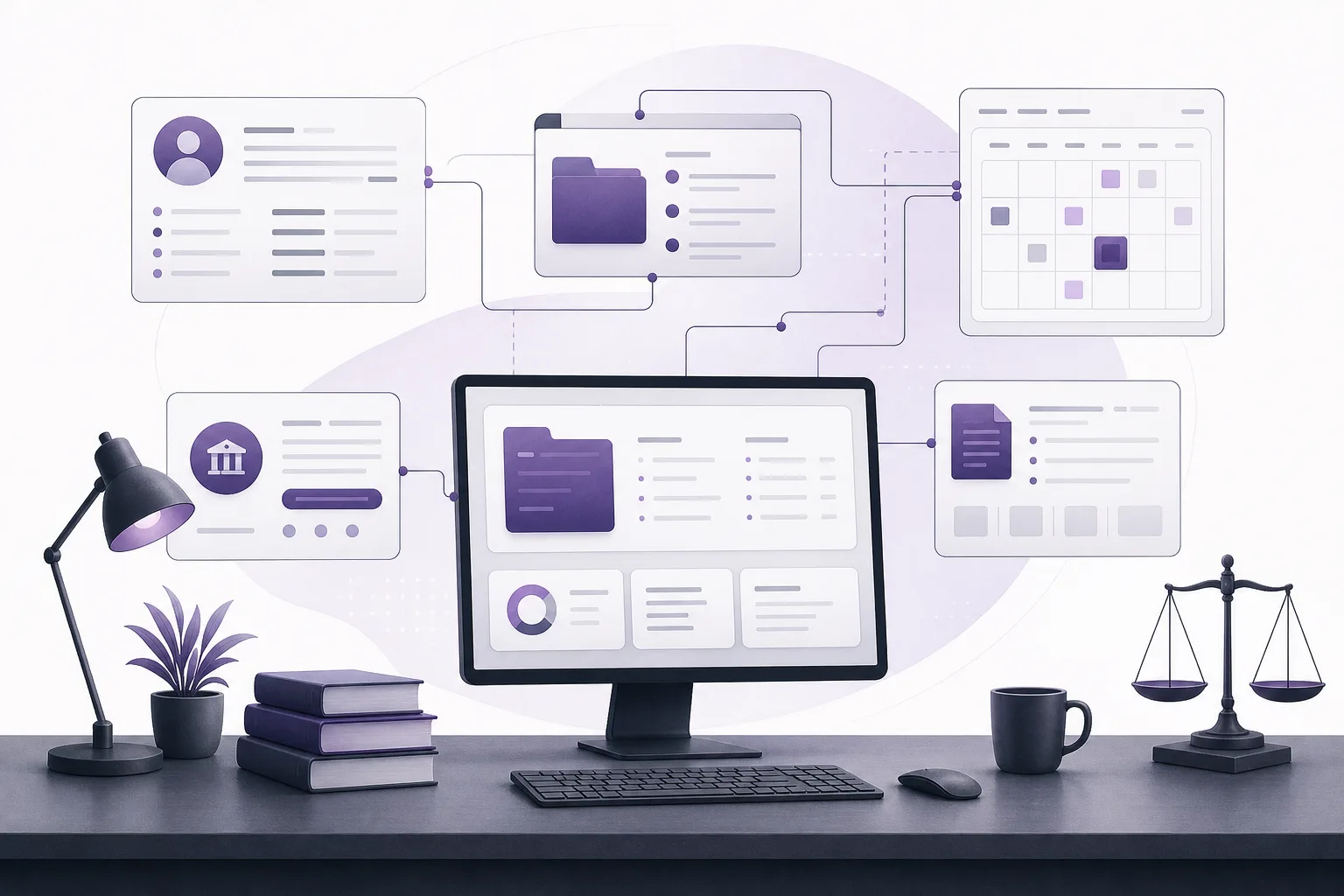
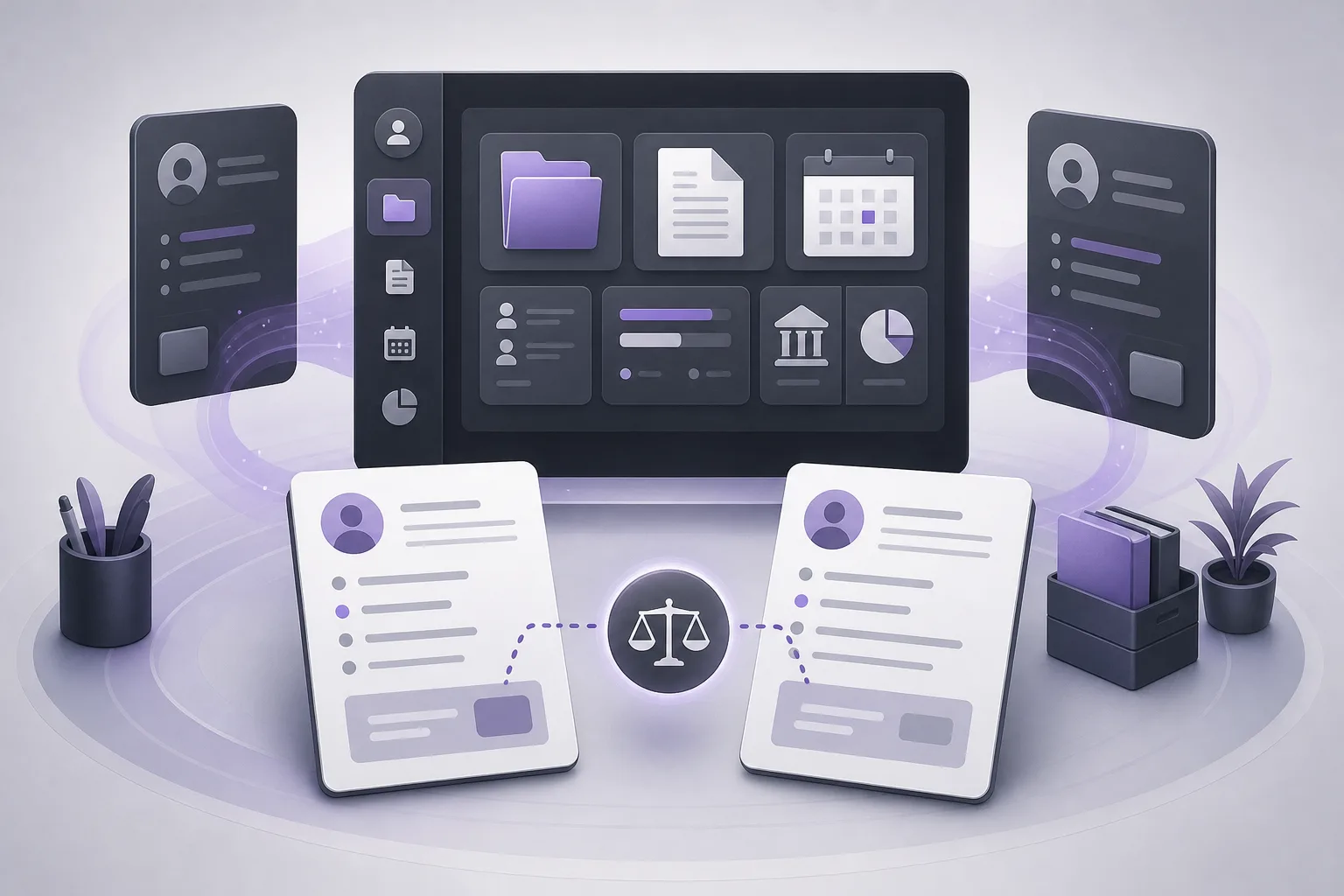
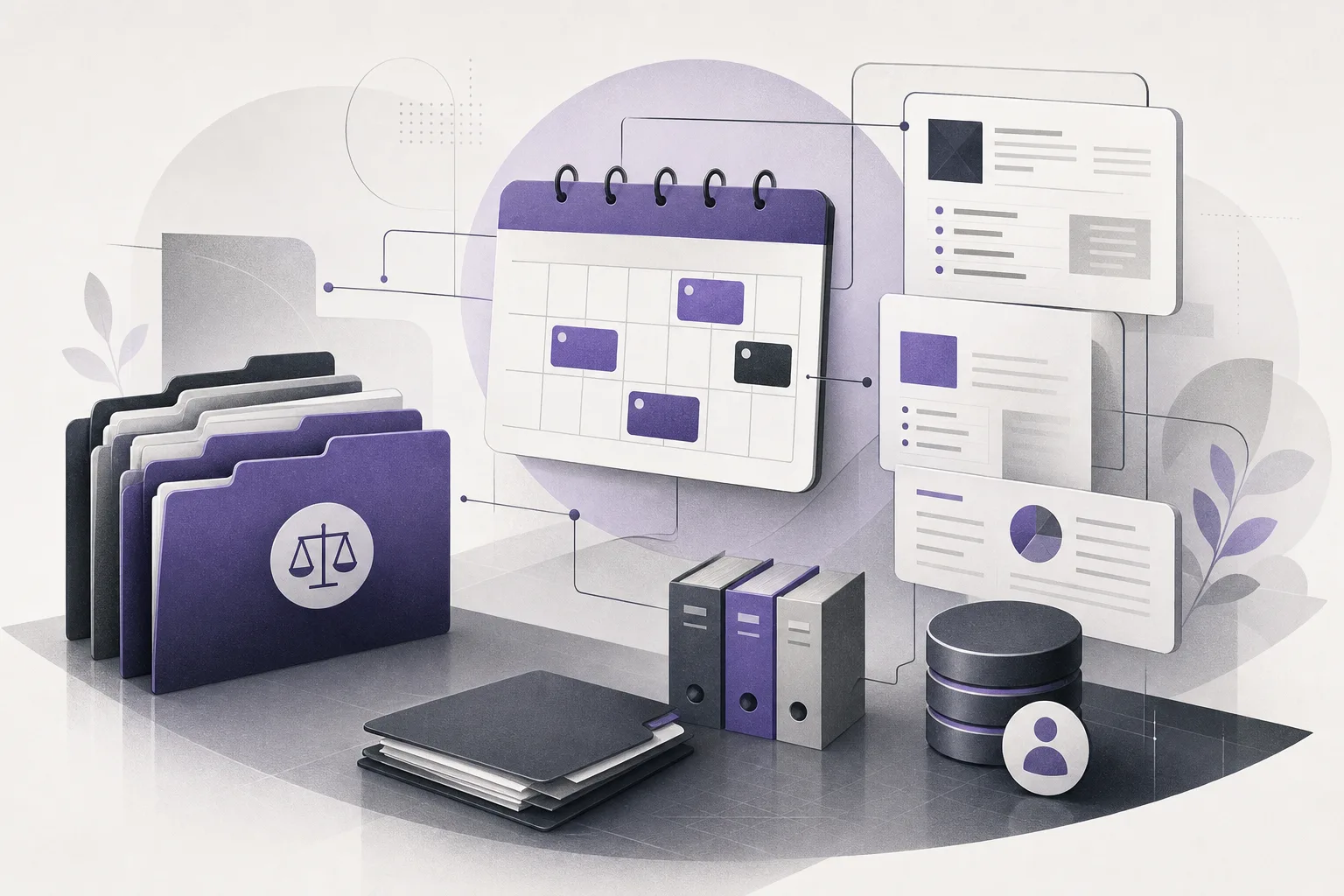
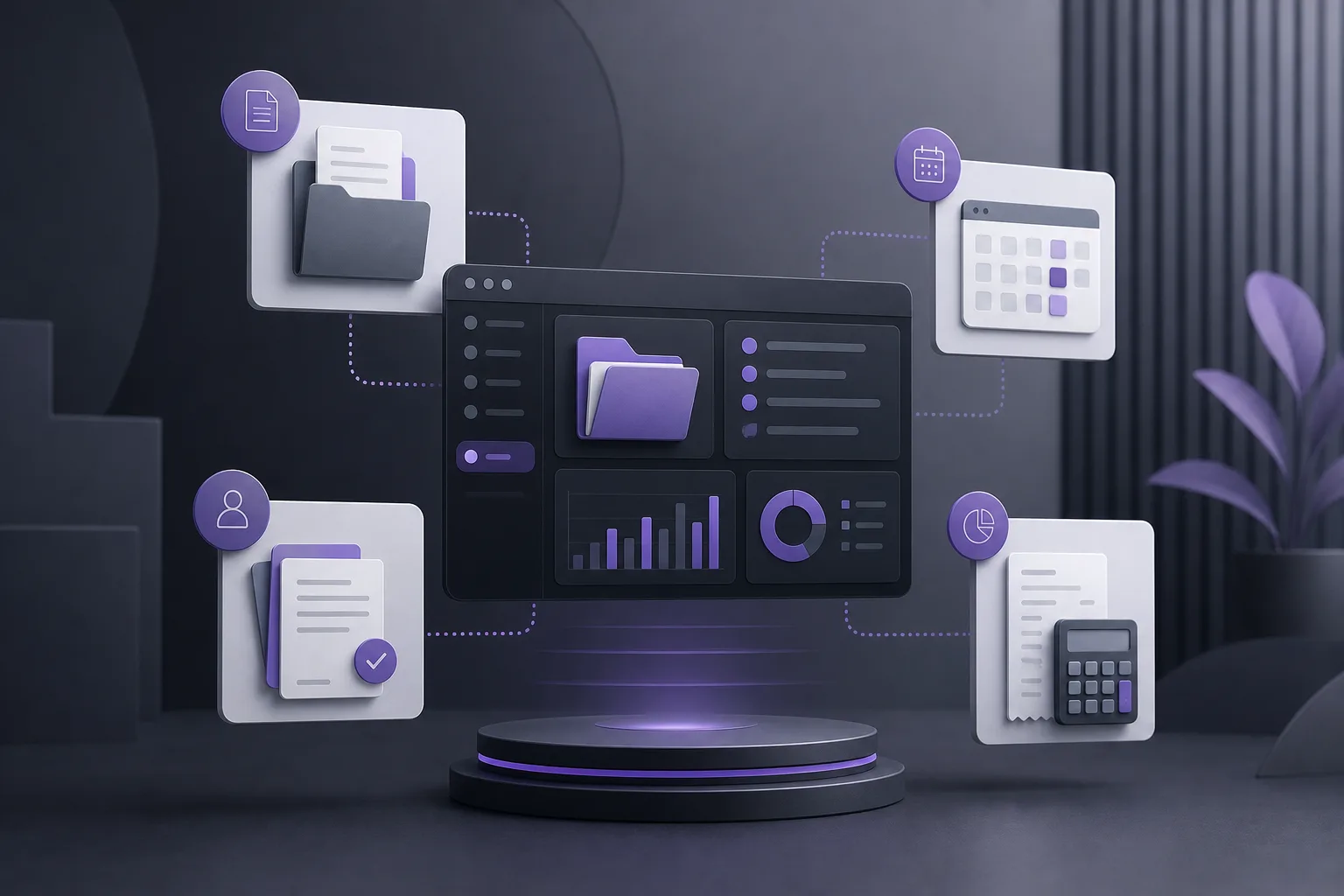
OrderTech Legal brings case and client management, documents, appointments, and accounts into a workspace for the firm. This gives the operations coordinator a shared setting for reviewing items connected to the client meeting instead of treating every item as an isolated task.
Each office has an independent version with its own identity, accounts, permissions, website, and application connected to its own interface. As a result, what a coordinator can view or use depends on the office configuration and assigned permissions. The workspace should not be treated as if every team member automatically has access to every area.
A practical pre-meeting coordination workflow
1. Start with the case and client record
The coordinator first identifies the case and the client connected to the meeting. This establishes the scope of the review: which client is involved, which case must be prepared, and which related items should be checked. Starting from the correct record helps ensure that the documents, appointment, and accounts are reviewed in the context of the relevant matter.
The coordinator should not assume that a visible case is complete simply because it appears in the workspace. The purpose of this step is to establish an organized review path and identify what the administrator will confirm, what accounting must check, and what may require the lawyer’s attention.
2. Review documents connected to the case
Next, the coordinator reviews the documents available in the workspace and associated with the case. The administrative team can use this step to coordinate the document check according to the firm’s own meeting process. If a document raises a question that requires professional interpretation or a decision, it should be referred to the lawyer rather than treated as resolved merely because the document is present.
This separates two responsibilities: an administrative check that documents are available and organized, and the professional review that remains with the lawyer. Based on the available product information, OrderTech Legal does not automatically determine that a file is complete or make a legal decision on the firm’s behalf.
3. Check the appointment in the case context
The coordinator then reviews the appointment associated with the case or client, following the firm’s configured process. Connecting the appointment to the relevant record makes the review more focused: the goal is to prepare for the specific meeting, not to inspect every appointment independently of the case.
The office team remains responsible for confirming that its appointment setup reflects the intended workflow. This description does not assume external calendar synchronization, notifications, or other integrations unless they are enabled and included in the office’s configuration.
4. Coordinate the accounting review
Once the case, appointment, and documents are in view, the coordinator follows up on the account-related portion that is available under the assigned permissions. A clear internal checkpoint can help: what has the accounting team reviewed, what still needs confirmation, and what information should be available to the team before the client meeting?
Keeping accounts in the same workspace helps connect the accounting review to the relevant case. It does not automatically make the coordinator a financial owner, confirm that every accounting action is complete, or grant access beyond the office’s configured permissions.
5. Bring the review status together
At the end of the process, the coordinator reviews the four connected areas: the case and client record, documents, appointment, and accounts. The objective is an operational view that the team can use before the meeting, while clearly distinguishing between items checked under the firm’s process and items that still need human confirmation or professional input.
This can support a short coordination check among the administrator, accounting representative, and lawyer. The information-gathering process does not replace the lawyer’s judgment about the meeting or the appropriate action.
Where the assistants may help
If enabled and available in the office configuration, the office assistant can help summarize files, draft text, and search the legal library. For an operations coordinator, that may support a preliminary operational summary or a draft review list. The lawyer must review the output and confirm any proposed actions.
The communication assistant can help receive client inquiries, handle frequently asked questions, and maintain conversation context, with the possibility of human intervention, depending on channel setup and activation. This may help preserve relevant communication context around an appointment, but it does not replace the team’s review of the case, documents, appointment, and accounts.
Hypothetical example: a coordinated review before a meeting
This is a hypothetical example, not a customer experience. A firm has a client meeting scheduled for the following day. The operations coordinator opens the relevant case and client record in OrderTech Legal, reviews the available documents, and coordinates with the administrator to confirm the items organized for the meeting. The coordinator then checks the appointment connected to the record and asks the accounting representative to confirm the account-related portion visible under the office’s permissions.
If the office assistant is enabled, the coordinator uses it to prepare a preliminary file summary and sends that draft to the lawyer for review. The lawyer identifies a point requiring professional confirmation and determines the appropriate next step before the meeting. In this example, the workspace supports coordination among the roles, while professional review, decisions, and human intervention remain where they belong.
Important limitations
- OrderTech Legal brings information together in an office workspace, but it does not make every preparation step complete automatically or replace staff and lawyer review.
- Access to cases, documents, and accounts depends on the office’s accounts, permissions, and configuration.
- The office assistant supports summaries, drafting, and legal-library searches, but the lawyer reviews its output and confirms proposed actions.
- The communication assistant depends on channel configuration and activation, with human intervention available when needed.
- Assistant and connected-service availability depends on the office version’s setup and service connections. Teams should not assume that an unconfigured function is active.
Frequently asked questions
Can an operations coordinator review the case, documents, appointment, and accounts in one place?
OrderTech Legal brings these areas into an office workspace. What the coordinator can see and use depends on the version’s configuration and permissions. The relevant staff members and lawyer remain responsible for confirming the substance of the review.
Does the system decide that a file is ready for the client meeting?
It should not be treated as a substitute for that decision. The workspace helps organize related items, while the administrator, accounting representative, and lawyer confirm whether the firm’s own requirements have been met.
Can the office assistant replace the lawyer?
No. It can help summarize files, draft text, and search the legal library, but the lawyer reviews the output and confirms proposed actions.
Does the communication assistant handle every interaction without human involvement?
It can help with inquiries, frequently asked questions, and conversation context according to the channel’s setup and activation, with the possibility of human intervention. It does not eliminate the team’s responsibility to review the meeting file.
Conclusion: make preparation a shared workflow
When pre-meeting review is divided between administration and accounting, an operations coordinator needs a workspace that connects the case and client record with documents, the appointment, and accounts. OrderTech Legal provides that framework within an independent office version whose permissions and configuration shape how it is used. Explore the platform to see how a unified workspace can support your firm’s coordination while keeping human review and professional decisions at the center.
Platform feature references
- OrderTech Legal — إدارة المكتب / Office management — Accessed 2026-10-11
- OrderTech Legal — المساعد الذكي / AI assistance — Accessed 2026-10-11