OrderTech Legal can help a lawyer handle a recurring office task: reviewing a case file, identifying the relevant developments, and preparing a clear preliminary update for the client. Although the task may seem straightforward, it often requires checking documents, notes, appointments, and other information connected to the file before a suitable message can be drafted.
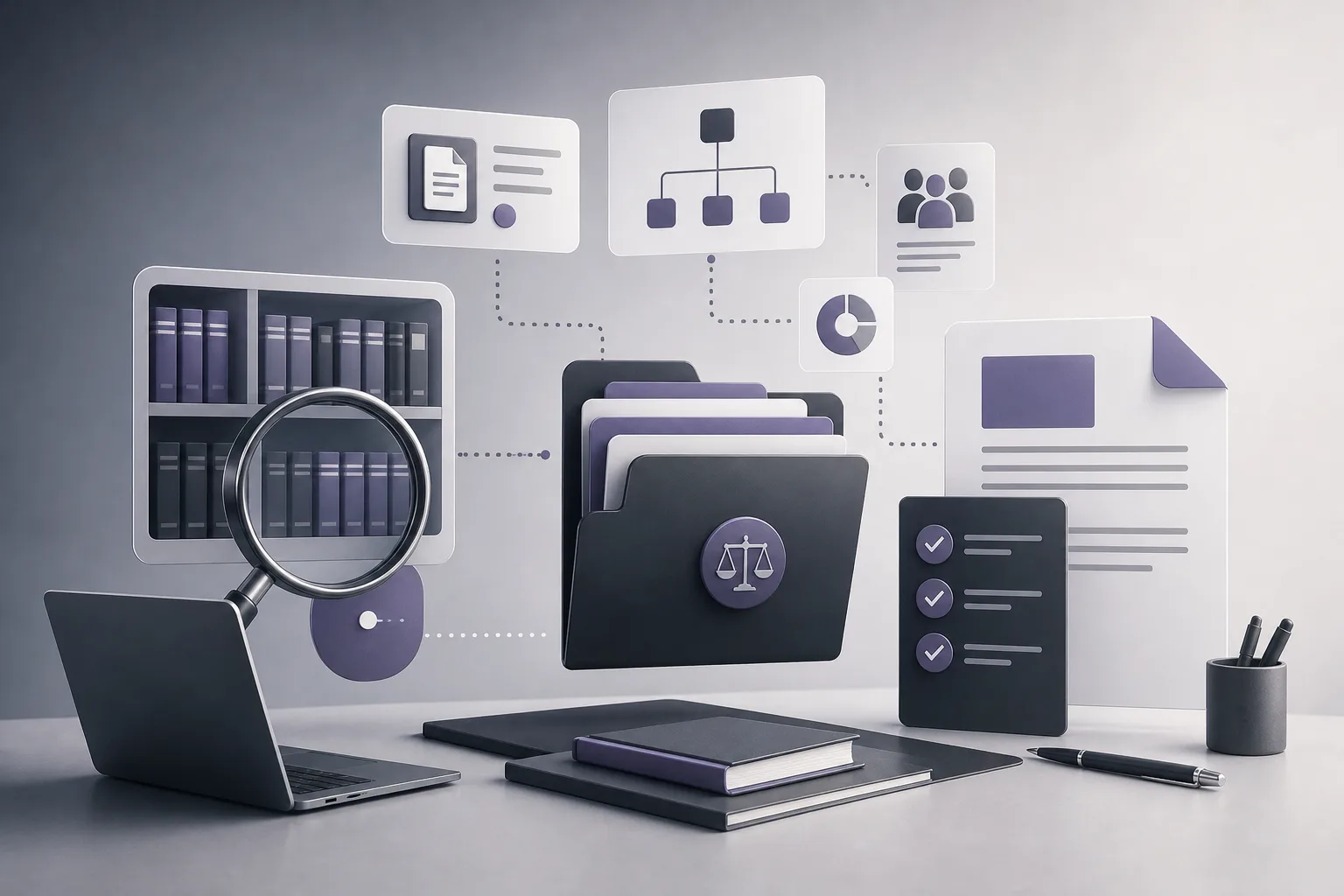
OrderTech Legal brings case and client files, documents, appointments, and accounts together in a workspace for the firm. Its office assistant can help summarize files, draft documents, and search the legal library, depending on the firm edition’s configuration and connected services. The result remains a draft for lawyer review. The assistant supports the lawyer; it does not replace professional review or the lawyer’s decision about what to do or send.
The recurring problem behind client updates
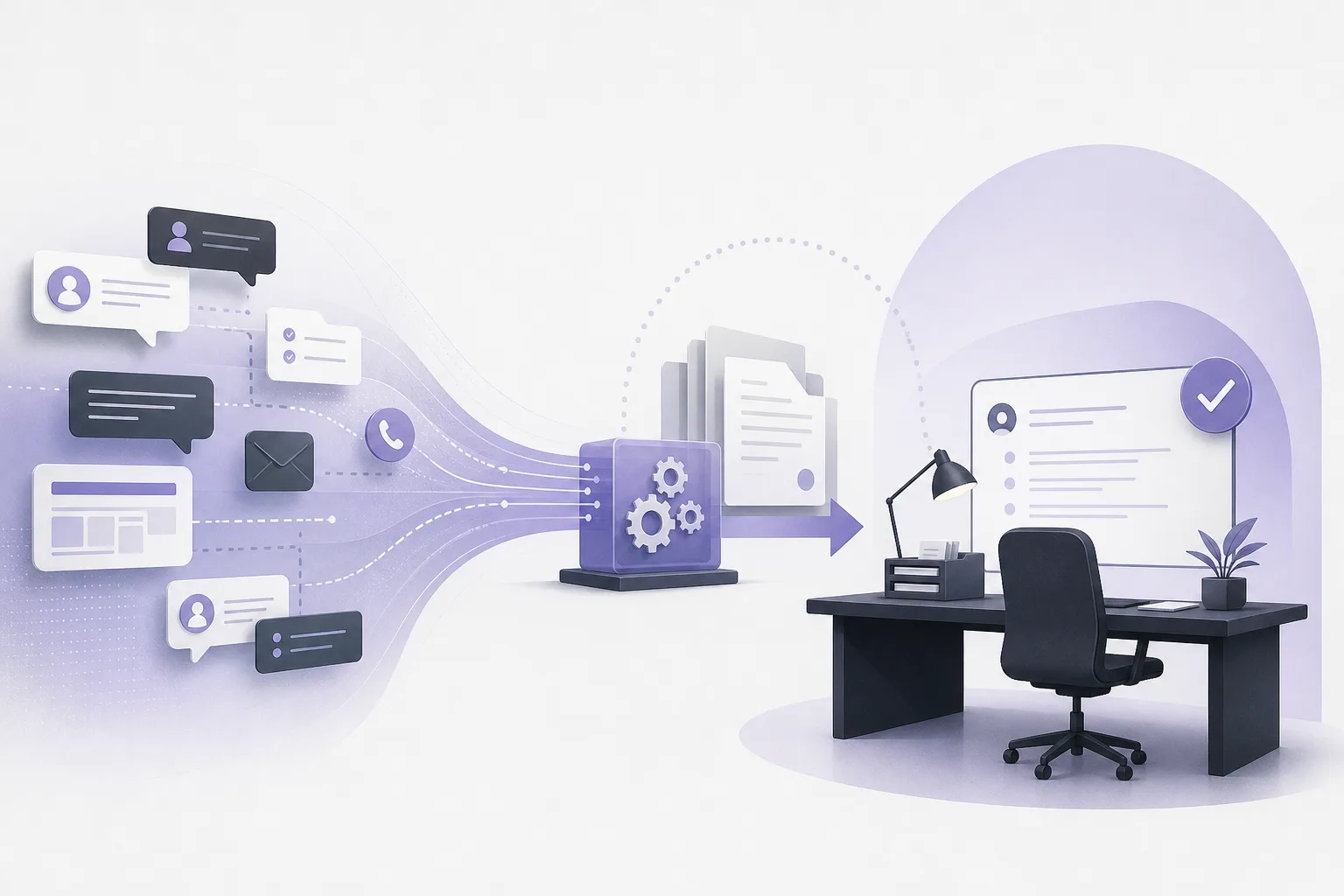
When a client asks what has changed in a matter, the lawyer or office team may need to reconstruct the current picture from the information available in the case file. That can involve opening the file, reviewing relevant documents, checking recorded appointments or other available details, and deciding what can be expressed clearly in a client-facing message. The team then prepares a first draft and reviews it to make sure it reflects the file as understood by the lawyer.
The repetitive part of this work does not mean that every update is identical or that a generated message can be accepted without review. It means that the preparation stage can be organized more efficiently: first produce a working summary, then turn reviewed points into an editable draft. This is where the office assistant can provide support while the lawyer remains responsible for the professional check.
How OrderTech Legal can support the workflow
1. Start from the firm’s workspace
OrderTech Legal combines case and client management, documents, appointments, and accounts in one workspace for the firm. Each firm has an independent edition with its own identity, accounts, permissions, website, and application connected to its own interface. This structure gives the team a defined environment in which to prepare a file update instead of relying on disconnected workspaces.
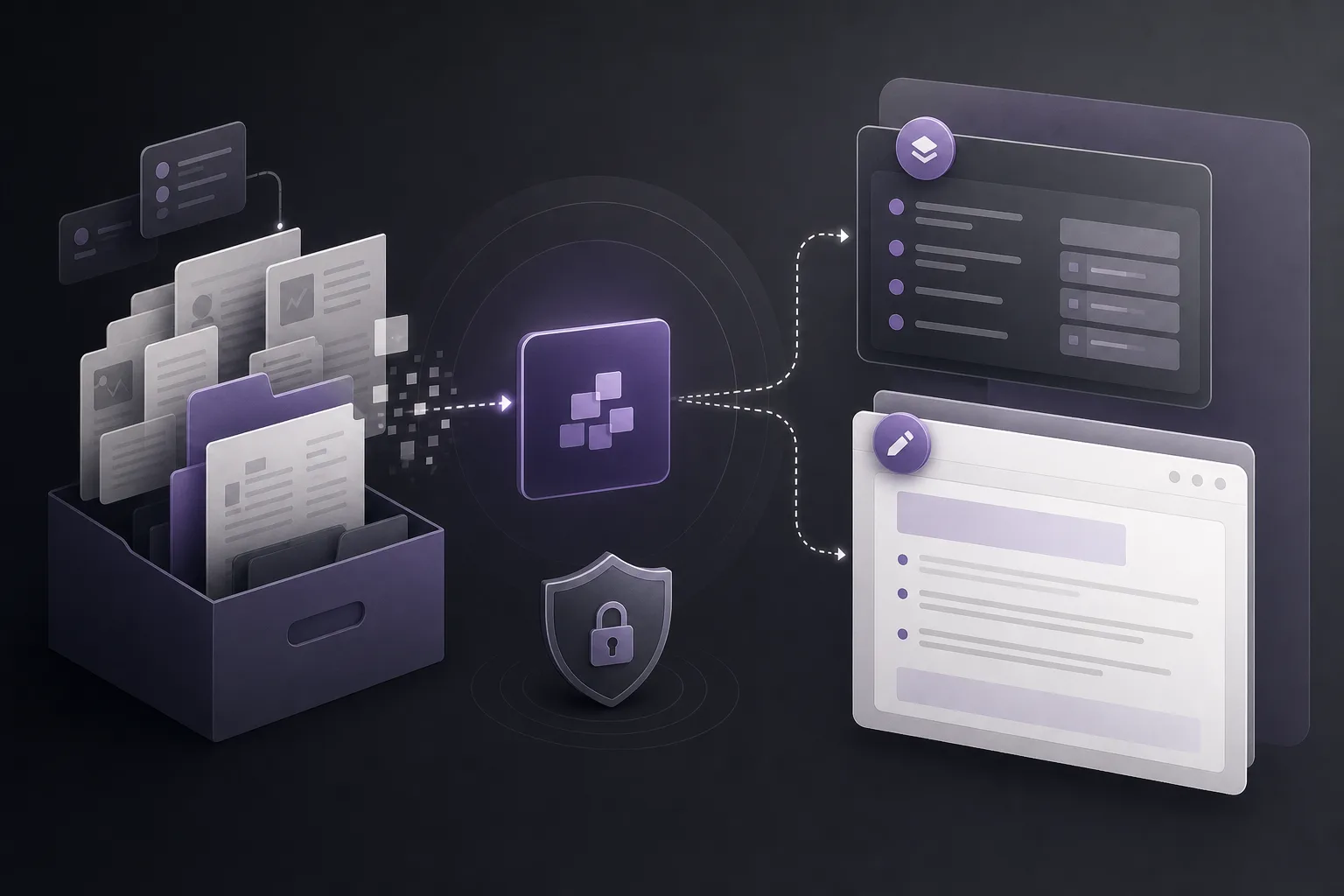
A shared workspace does not mean that every user can access everything or that every service is enabled automatically. Access depends on permissions and the firm’s configuration. The availability of the assistant and connected services also depends on whether they have been configured and connected for that edition.
2. Generate a working summary of the file
The office assistant can help summarize files. A lawyer or authorized user may begin by asking for a summary focused on the purpose at hand, such as recent developments or points to review before drafting a client update. This can provide a starting structure and reduce the time spent organizing initial information.
The summary should be treated as an aid, not as the final record of the matter. The lawyer should review the output, compare it with the available file content, and check whether important points require additional context. The summary should not be assumed to replace direct professional review simply because it is presented in an organized format.
3. Turn reviewed points into a client-update draft
After reviewing the summary and the relevant information, the lawyer can use the office assistant to prepare a draft update. The lawyer may define the purpose of the draft, its intended audience, and the points that should be emphasized. The resulting text can then be edited to match the firm’s approach and the client’s communication needs.
The draft is an intermediate step, not an automatic message. It should reflect only what the lawyer has reviewed and decided is appropriate to include. Any proposed next step should also be checked and confirmed by the lawyer before it is included as an instruction or communicated as a planned action.
4. Review and confirm the proposed action
OrderTech Legal supports drafting, but the lawyer reviews the output and confirms proposed actions. That review can include checking the summary, editing wording, removing information that should not be shared, adding necessary context, and confirming that the update accurately represents the file as reviewed.
This human step matters whenever a draft refers to dates, developments, or possible next steps. The assistant’s wording should not be treated as final approval or as an independently confirmed instruction. The lawyer remains the person who decides whether the draft is suitable and what happens next.
A practical process for a reviewable update
- Open the appropriate workspace: The authorized user starts from the firm workspace and the relevant case or client file, subject to available permissions.
- Define the review scope: The lawyer specifies what should be summarized, such as recent developments or selected file points, rather than relying on an unrestricted request.
- Review the summary: The lawyer checks the result and returns to the file content where necessary. The summary is not a substitute for professional review.
- Request a draft: Reviewed points are used as the basis for a preliminary client-update draft.
- Edit the text: The lawyer adjusts the wording, sequence, tone, and scope so the message fits the intended communication.
- Confirm the final action: Before sending or approving a further step, the lawyer confirms the content and action in line with the firm’s permissions, configuration, and available channels.
Hypothetical example
Suppose a firm wants to prepare a periodic update for a client about an active matter. The lawyer asks the office assistant to summarize relevant developments in the file, then checks the summary against the documents and appointments available in the firm workspace. The lawyer next requests a short draft explaining what has been updated and what requires follow-up.
The assistant produces an initial draft. The lawyer reviews it, checks the description, changes the order of the paragraphs, removes wording that should not be shared, and confirms whether a proposed next step should be mentioned. This is a hypothetical workflow example, not a report of a real client experience and not a guarantee of a particular result.
Practical benefits for lawyers and office managers
- Less repetitive preparation: The team can begin with a working summary and initial draft rather than building every update from a blank page.
- More organized work: The task is connected to a workspace that brings together cases, clients, documents, appointments, and accounts.
- Clear professional control: The lawyer remains responsible for reviewing the output and confirming what may be approved or sent.
- Editable communication: The draft can be adapted to the firm’s style and the purpose of the update instead of being treated as a fixed final text.
Limits and points to consider
Availability depends on the firm edition’s configuration, connected services, activation, permissions, and—where relevant—the setup of communication channels. As a result, the way the assistant is accessed and the scope of its use may differ between firms.
Summarization and drafting also do not remove the need to read the file and review the output. A draft may need correction, additional context, or reorganization. A proposed action should not be treated as confirmed merely because it appears in the generated result, and using the assistant does not mean that a draft is ready to send without human intervention.
Frequently asked questions
Does the office assistant automatically send the update to the client?
The available product information describes the assistant as helping with summaries and drafts, with the lawyer reviewing outputs and confirming proposed actions. The result should therefore be handled as a draft that requires review and approval, subject to the firm’s channels, permissions, and activated services.
Can the lawyer rely on the summary instead of reviewing the file?
No. The summary is a support tool for organizing initial points. The lawyer should review the output and verify its content and context before preparing or approving a client update.
Is this capability available in every OrderTech Legal edition?
Availability depends on the firm edition’s configuration and connected services. The firm should check its enabled services, permissions, and setup.
Can the draft be edited before it is shared?
Yes. The purpose of the draft is to provide editable working material. The lawyer reviews the text, confirms changes, and decides whether the proposed action is appropriate before approval.
Conclusion
OrderTech Legal can help turn a recurring task—summarizing a case file and preparing an initial client update—into a more organized workflow that begins in the firm workspace and ends with a reviewable draft. The value comes from combining structured office management with human judgment: the assistant can support preparation, while the lawyer remains in control of the content, action, and communication.
If your firm is looking for a more organized way to manage cases, clients, documents, appointments, and accounts, explore OrderTech Legal and see how the edition’s configuration, permissions, and enabled services can support your office’s workflow.
Platform feature references
- OrderTech Legal — إدارة المكتب / Office management — Accessed 2026-09-19
- OrderTech Legal — المساعد الذكي / AI assistance — Accessed 2026-09-19