
Drafting often requires a lawyer to move between a case file, client information, documents, and a legal library. An office assistant may help locate relevant material and turn working notes into an initial draft, but a search result is not automatically ready for insertion. It may need to be checked against the file, the purpose of the draft, and the lawyer’s professional judgment. This article addresses the question: How can OrderTech Legal help a lawyer review office-assistant legal-library research before using it in a draft?
The central principle is that the assistant supports the lawyer’s workflow rather than replacing the lawyer’s review or decision. OrderTech Legal can help organize the work, surface research, summarize files, and prepare draft language, while the lawyer remains responsible for evaluating the output and confirming proposed actions.
The problem: research output is not draft-ready by default
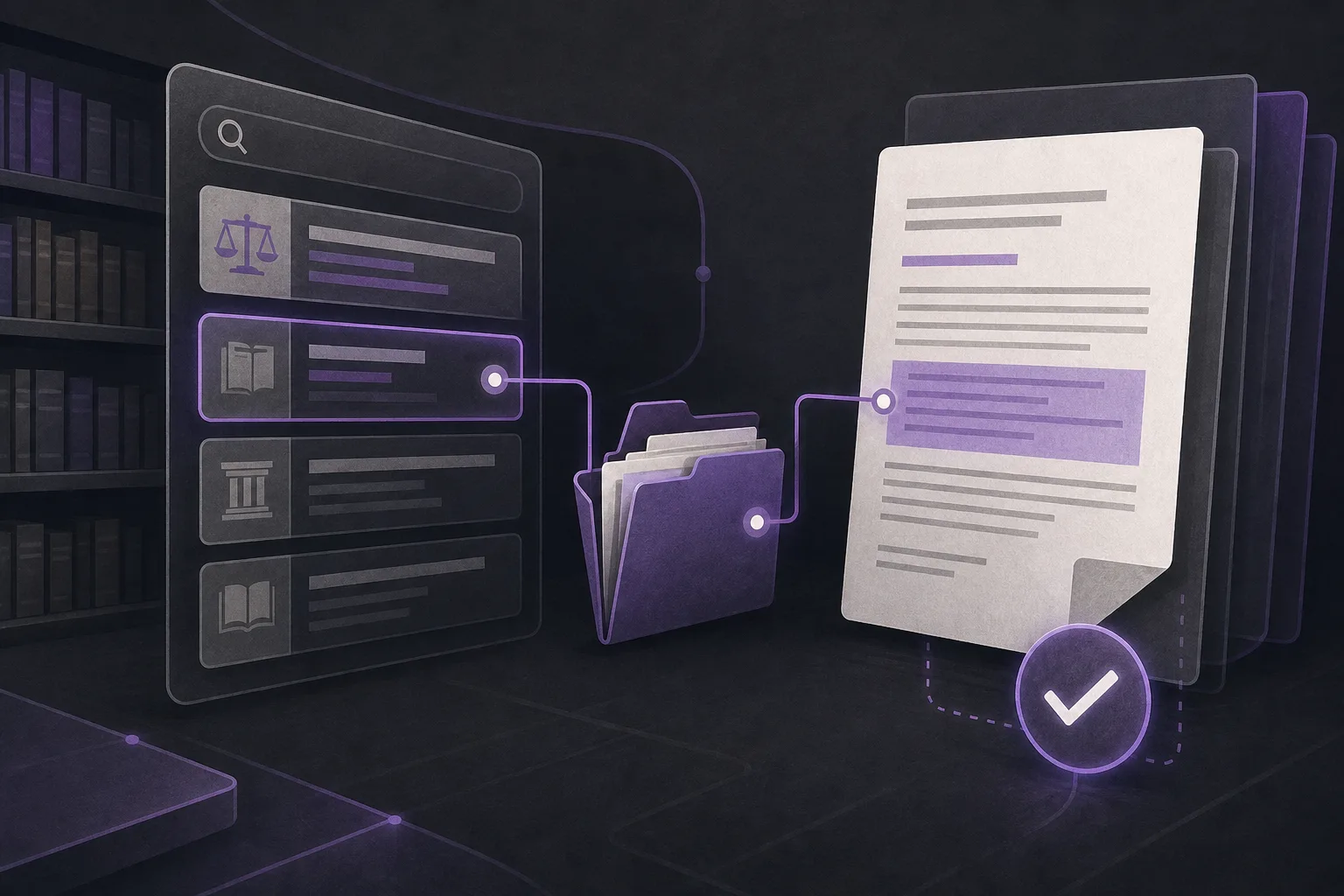
When a lawyer manages several matters, finding the relevant information and connecting it to the current drafting task can take time. A concise search response may be useful, but it does not by itself establish that the suggested material fits the file or the intended section of the draft. The workflow therefore needs a clear distinction between finding possible material, understanding its context, and deciding whether to use it.
This distinction also helps prevent confusion between what the system suggested and what the lawyer approved. The office assistant can support legal-library research, file summaries, and initial drafting, but it does not replace professional review or the lawyer’s decision about the content of a draft or the next action.
How OrderTech Legal supports the review workflow
1. Keeping the work in the office workspace
OrderTech Legal brings case and client file management, documents, appointments, and accounts into one workspace for the firm. This gives the lawyer an environment in which file context, documents, and drafting work can be managed together rather than treated as entirely separate activities.
Each firm has an independent instance with its own identity, accounts, permissions, website, and application connected to its own interface. This supports a firm-specific setup for access and services. The availability of assistant functions still depends on the instance configuration, connected services, activation, and relevant permissions.
2. Searching the legal library
The office assistant helps search the legal library. A lawyer can use that capability as a starting point for locating material related to the question behind a draft. Instead of treating the result as an approved citation or finished paragraph, the lawyer can treat it as a research lead to inspect, refine, accept, edit, or reject.
After receiving the result, the lawyer reviews what the assistant presented and considers whether it serves the actual purpose of the draft. If the result is too broad or not clearly relevant, the lawyer may narrow the research request or decide not to use the suggested material. The system’s presentation of a result does not make it an automatic part of the draft.
3. Summarizing the case file before drafting
The office assistant can summarize files. This may help the lawyer regain an overview before assessing research results, particularly when the working material is spread across multiple documents in the office workspace. A summary can make it easier to compare the subject of the research with the context of the matter.
However, a summary is also an output that requires review. The lawyer should return to the file when needed and confirm that important points have not been separated from their context. The summary should support orientation and review, not become the sole basis for a decision or a statement inserted into a draft.
4. Preparing an initial draft while preserving lawyer control
The office assistant also helps with draft preparation. This can be useful for arranging ideas, turning reviewed points into editable language, or creating a starting structure. Yet suggested legal material does not become approved simply because it appears in an initial draft.
The essential professional step is for the lawyer to review both the wording and the material behind it, then decide whether the language is suitable for inclusion. The lawyer also confirms proposed actions before they are adopted. In this model, the assistant supports the process, while review and decision-making remain with the lawyer.
A practical review sequence
- Define the drafting goal: Identify the section or issue being prepared and the question the research should address.
- Establish file context: Review the relevant information in the case file. Use an assistant-generated summary as an organizing aid, not as a substitute for the underlying file.
- Request research: Ask the office assistant to search the legal library using a focused question connected to the drafting task.
- Inspect the output: Read the response carefully and compare the suggested material with the file context and the purpose of the draft.
- Review proposed wording: Treat any assistant-generated language as editable working text, not as final language.
- Confirm the action: Before adopting the material or proceeding with a suggested step, the lawyer reviews and confirms the decision.
- Edit the draft: Include, revise, or exclude the material according to the lawyer’s assessment.
A hypothetical example
Suppose a lawyer is preparing a draft within a hypothetical matter and needs to organize a section around a defined topic. The lawyer asks the office assistant to summarize the available file information and search the legal library for related material. The assistant returns a summary, search results, and proposed draft language.
The lawyer does not copy the text directly into the draft. First, the lawyer compares the summary with the file, reviews the legal-library results, and considers whether the suggested material fits the purpose and context of the section. The lawyer then edits the language, removes material that does not fit, and confirms the next proposed action before adopting the text. This is a hypothetical workflow example, not a customer case or a claim of a particular outcome.
Benefits and limitations
Benefits
- Provides an organized starting point for searching the legal library.
- Helps the lawyer regain file context through summaries before reviewing research and draft language.
- Turns working ideas into editable initial draft content instead of requiring the lawyer to start from a blank page.
- Keeps file management, documents, and drafting support within the firm’s workspace, subject to the instance configuration and permissions.
Limitations
- Search results, summaries, and initial drafts are not automatically approved professional work product.
- The lawyer must review the assistant’s output and assess its suitability before adding any material to a draft.
- The lawyer confirms proposed actions rather than relying on the output alone.
- Availability depends on the firm’s instance configuration, connected services, and activation, and the experience may vary according to permissions and settings.
- The assistant supports the lawyer; it does not replace the lawyer’s review or decision.
Frequently asked questions
Does the office assistant automatically insert research results into a draft?
That should not be assumed. The assistant can support legal-library research, file summarization, and draft preparation, but the lawyer reviews the output and decides whether and how material should be included.
Can a file summary replace review of the underlying file?
No. A summary can help organize context, but the lawyer should return to the relevant file information when evaluating a research result or draft.
Is the office assistant available in the same way for every firm?
Availability depends on the firm’s instance configuration, connected services, and activation. Each firm has an independent instance with its own identity, accounts, permissions, website, and application, so the experience can vary by setup.
Who confirms a proposed action?
The lawyer reviews the output and confirms the proposed action before adopting it. The assistant supports the workflow but does not replace professional decision-making.
Conclusion
OrderTech Legal gives a firm a structured way to use the office assistant for legal-library research, file summaries, and initial draft preparation. Its value is strongest when the workflow remains explicit: the assistant helps find and organize information, the lawyer reviews the output, and the lawyer decides what to include, revise, or leave out. To learn how these steps can fit within a digital legal-office workspace, explore OrderTech Legal in light of your firm’s configuration, permissions, and connected services.
Platform feature references
- OrderTech Legal — إدارة المكتب / Office management — Accessed 2026-10-25
- OrderTech Legal — المساعد الذكي / AI assistance — Accessed 2026-10-25