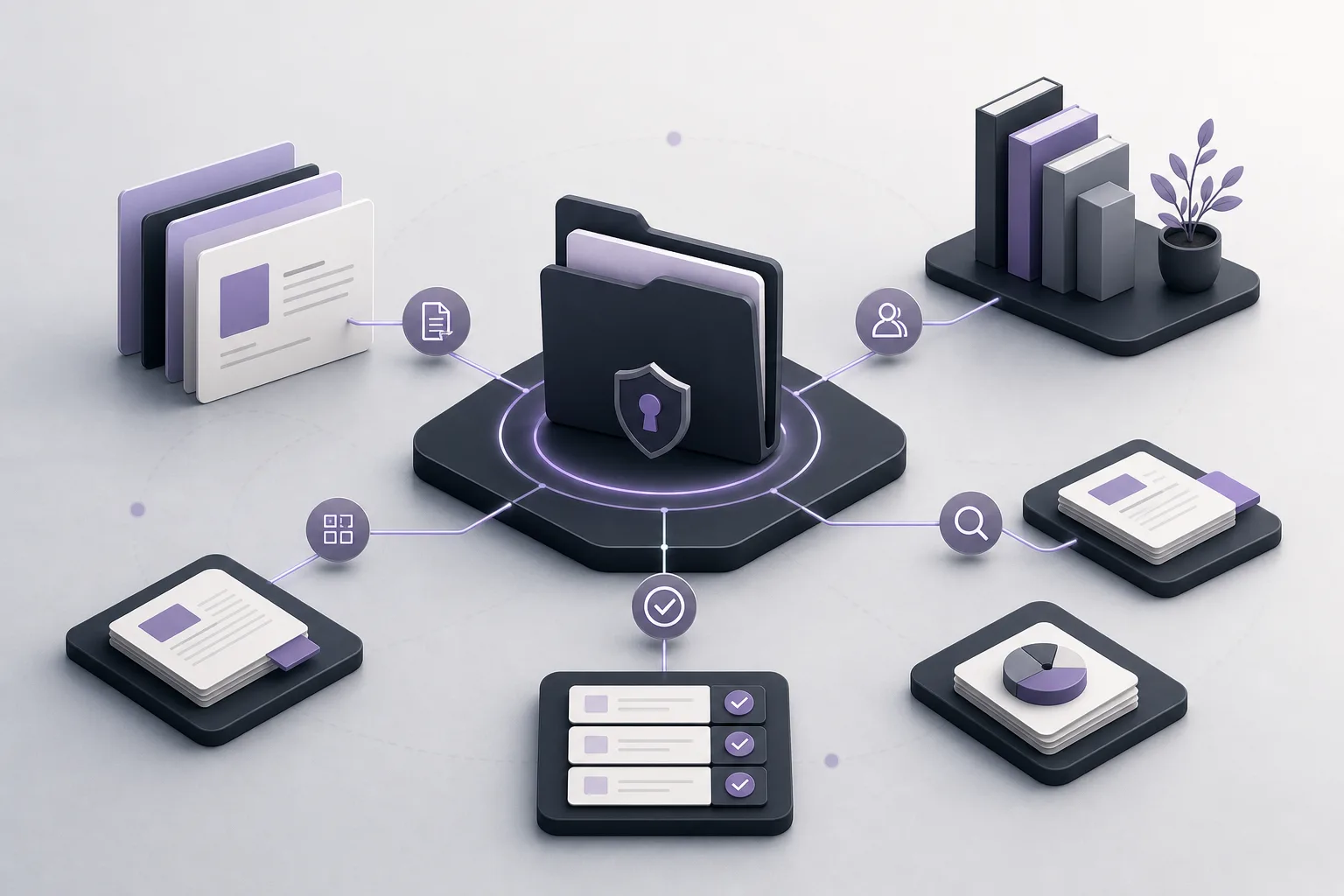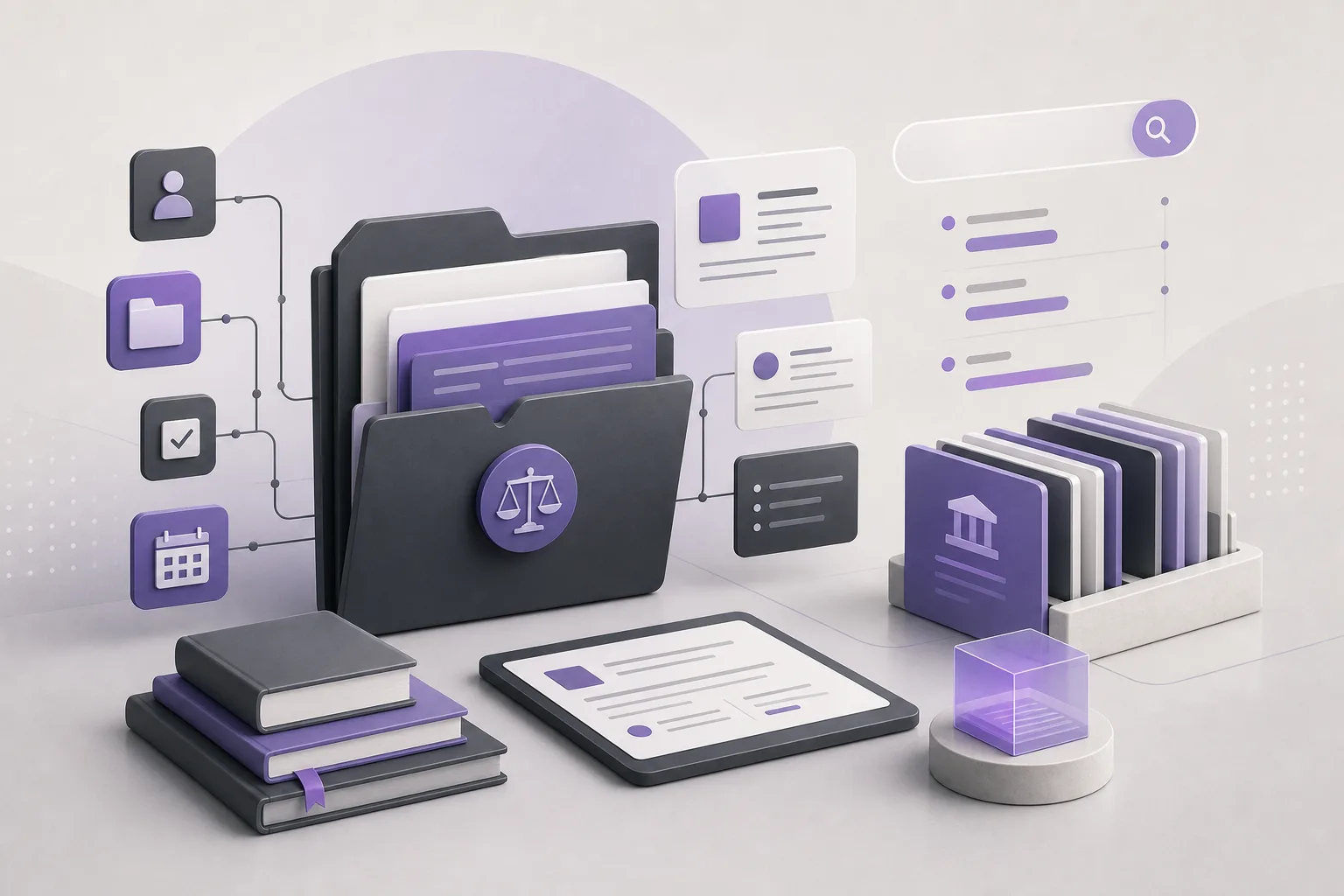
Preparing an initial memo for a new case file can require substantial manual searching. A lawyer may need to move through the office’s legal library, identify potentially relevant materials, compare information, and turn scattered notes into a usable first draft. OrderTech Legal can assist with this early stage by helping the lawyer search the legal library and summarize relevant information through the office assistant, while the lawyer remains responsible for reviewing the output and confirming any proposed action.
This capability is intended to support professional work, not replace legal review or judgment. The usefulness and availability of responses depend on the office edition’s configuration, connected services, activation, and user permissions.
The problem: manual research before drafting
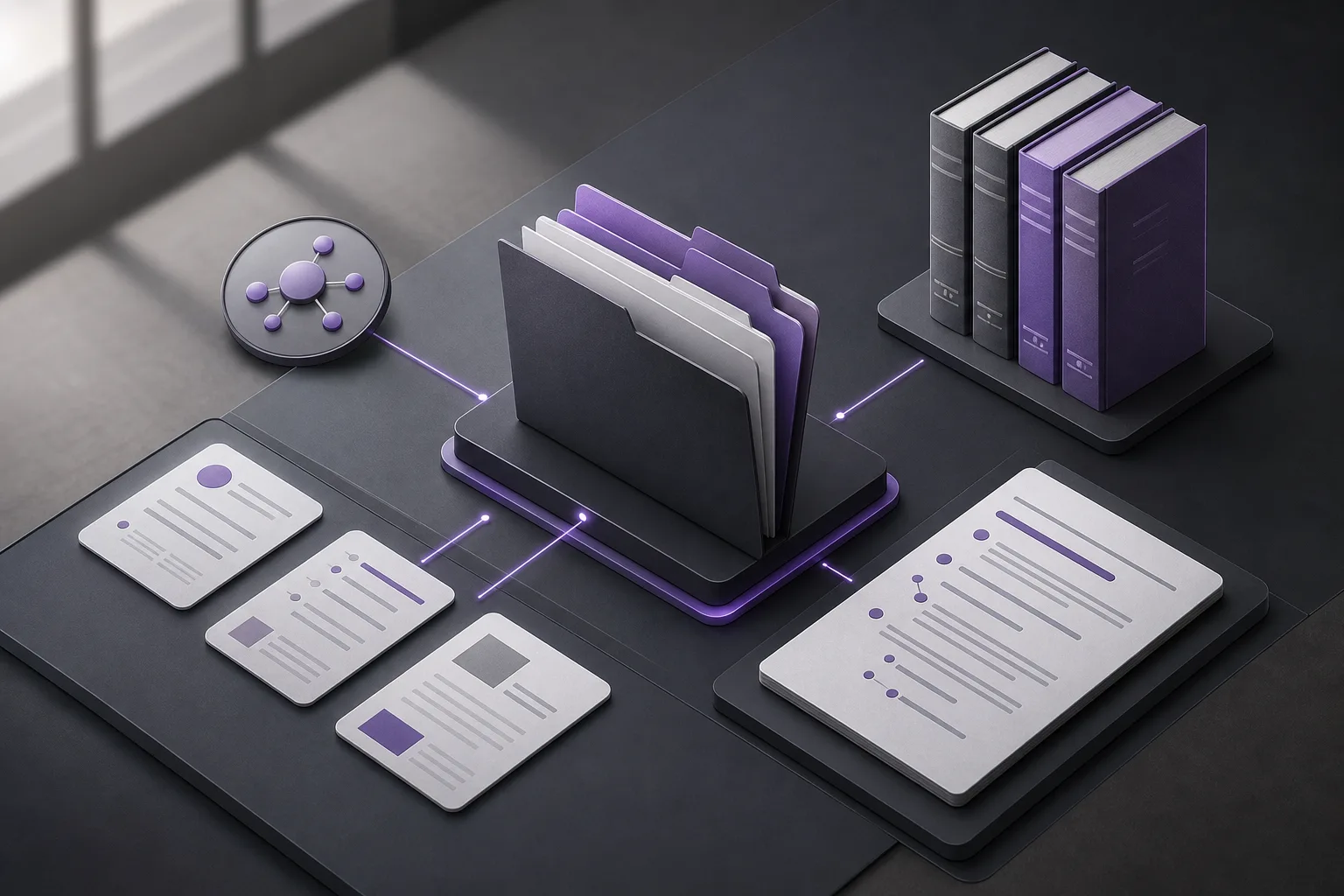
The lawyer assigned to prepare an initial case memo often begins by building a preliminary understanding of the file. That may involve identifying the research question, locating potentially related material, reading across multiple entries, and deciding what belongs in the first internal draft.
The challenge is not simply finding information. It is connecting that information to the question the memo is meant to address. When notes remain spread across many sources, it can be difficult to see what has been reviewed, what needs further checking, and what can reasonably support a draft. The office assistant can help organize this first pass, but it does not replace the lawyer’s assessment.
How OrderTech Legal supports legal-library research
1. Start with the file question
The lawyer can frame a request around the subject of the initial memo or the issue to explore in the legal library. A focused request is generally more useful as a starting point than a broad request because it gives the research and summary a defined purpose.
This work takes place within a broader office workspace that brings together case and client files, documents, appointments, and accounts. Each office has an independent version with its own identity, accounts, permissions, site, and application connected to its own interface. Access therefore remains tied to the office setup and the user’s permissions.
2. Search for potentially relevant material
The office assistant helps search the legal library according to the services and configuration available to the office. The lawyer can use the results to identify materials that appear relevant to the memo’s subject, then inspect those materials directly before relying on any point in the draft.
The assistant does not independently determine that a particular material resolves the issue in the file. Its role is to reduce the initial effort involved in locating potentially relevant information and presenting it in a form that helps the lawyer continue the review.
3. Summarize information for preparation
After potentially relevant material has been identified, the office assistant can help summarize it. A summary may provide an initial list of topics for the memo, bring related points together, or highlight areas that require closer reading.
The summary should remain a review aid rather than an independent source. The lawyer should compare it with the original material and check its context, completeness, accuracy, and suitability for the purpose of the memo.
4. Move from research to a first draft
The office assistant also helps with drafting. A lawyer may use the research summary as a starting point for an initial memo structure, then reorganize the text, add professional analysis, and correct or remove content before sharing it internally.
The resulting document is still a draft. Any proposed action included in the output must be reviewed and confirmed by the lawyer before it is adopted or carried out.
A practical workflow for the assigned lawyer
- Define the memo’s purpose: State the internal question clearly and identify what you want to find in the legal library.
- Check access and setup: Confirm that the office version, connected services, activation, and permissions support the intended research activity.
- Request research and a summary: Ask the office assistant to locate potentially relevant material and summarize the initial points connected to the file question.
- Review the original material: Read the underlying material yourself, compare it with the summary, and mark anything that needs further verification.
- Prepare the draft: Use the summary or drafting assistance to create an initial structure, then revise it to reflect your own understanding of the file.
- Review and confirm: Check the memo before internal use and do not rely on a proposed action until you have reviewed and confirmed it.
Hypothetical example
Suppose a lawyer is assigned to prepare an initial memo for a new file and wants to identify material in the office’s legal library related to a particular topic. The lawyer asks the office assistant to search for relevant material and summarize the points that may help structure the memo.
The assistant returns results or a summary based on the office’s available configuration. The lawyer then reviews the original material, removes items that do not relate to the file question, and identifies points that need additional checking. The lawyer may use drafting assistance to create a first outline, but reviews the wording and information before treating the document as an internal draft.
This is a hypothetical use case intended to illustrate a workflow. It is not a description of a customer experience or a guaranteed outcome.
Benefits and limits
Potential benefits
- Less initial manual effort when searching the legal library.
- A consolidated summary that helps the lawyer begin the memo.
- A starting point for drafting instead of working from a blank page.
- Research and preparation within a workspace that also organizes the office’s files, documents, and other management elements.
Important limits
- Output does not replace the lawyer’s review or professional judgment.
- The lawyer should verify summaries against the original material before relying on them.
- Availability depends on the office version’s configuration, connected services, and activation.
- Access to information is affected by office accounts and user permissions.
- No proposed action should be carried out until the lawyer has reviewed and confirmed it.
Frequently asked questions
Can the office assistant search any legal library without setup?
Availability depends on the office configuration, connected services, and activation. The office should therefore confirm the relevant setup and permissions before using this workflow.
Can the lawyer use the summary directly in the memo?
The summary should be treated as a starting point for review. The lawyer should consult the original material and verify its accuracy, context, and relevance before including it in the memo.
Does the assistant prepare the final memo?
The office assistant helps with draft preparation, but the draft requires the lawyer’s review and revision. The assistant does not replace the lawyer’s decision or professional review.
Is this workflow about responding to client inquiries?
No. This workflow focuses on the office assistant, legal-library research, summarization, and preparation of an initial memo. The communication assistant addresses inquiries, frequently asked questions, and conversation context according to the channel’s configuration.
Conclusion
OrderTech Legal can help turn initial legal-library research into a more organized workflow: define the file question, search for potentially relevant material, summarize it, and use the result as a starting point for an initial memo. The practical value still depends on human review, office configuration, permissions, and connected services.
Explore OrderTech Legal to learn how these capabilities may fit your office’s preparation workflow and the assistant setup available in your environment.
Platform feature references
- OrderTech Legal — إدارة المكتب / Office management — Accessed 2026-09-17
- OrderTech Legal — المساعد الذكي / AI assistance — Accessed 2026-09-17