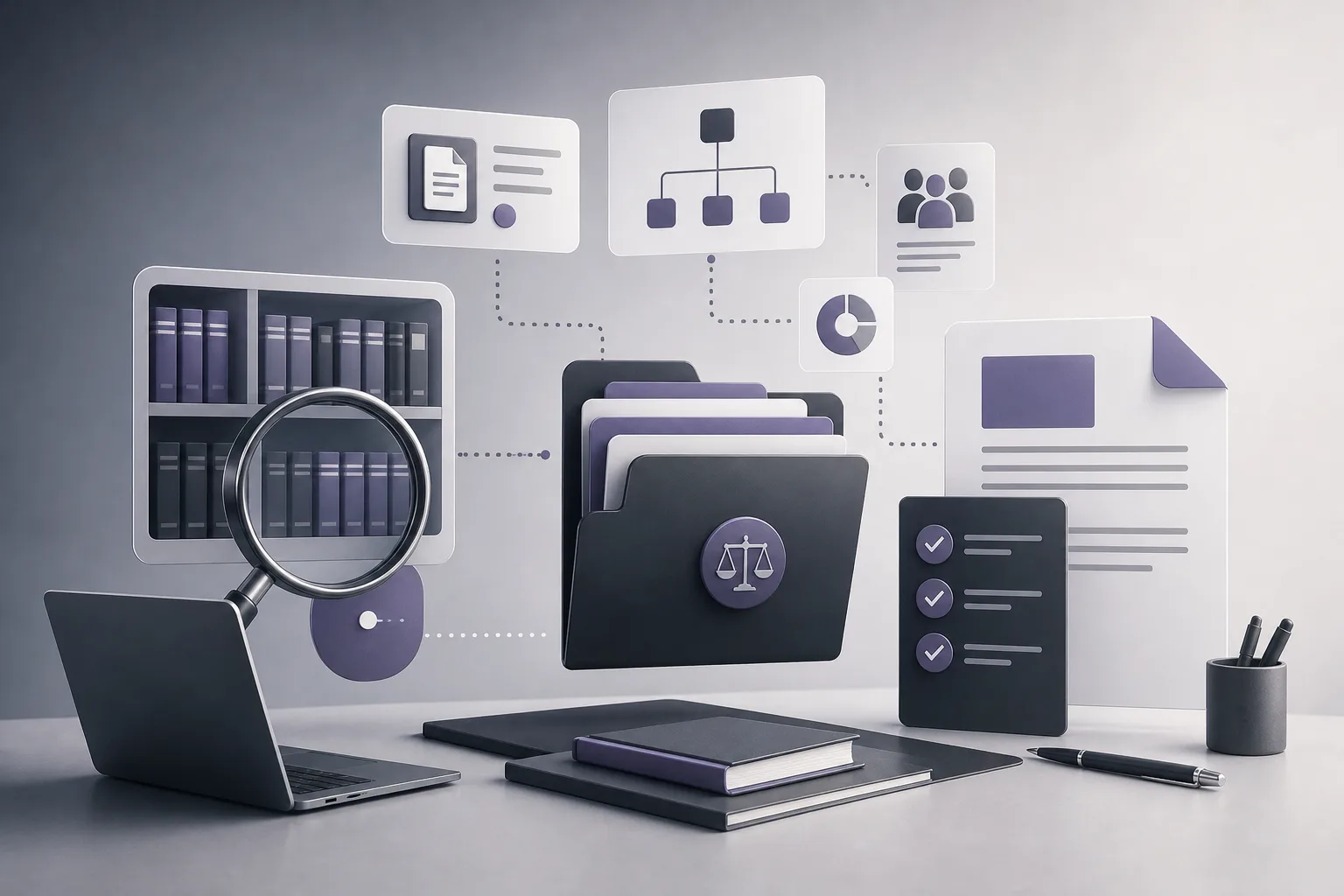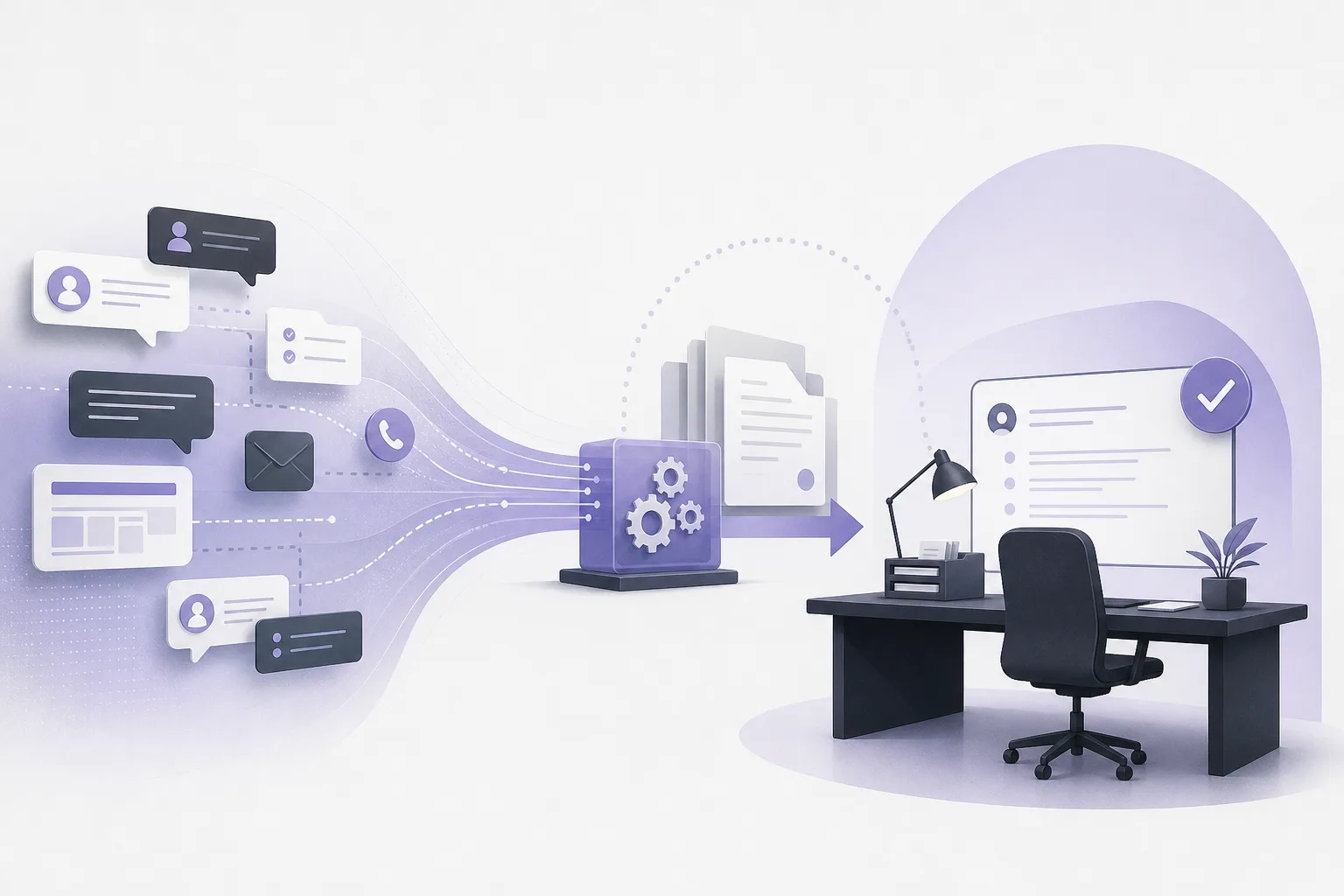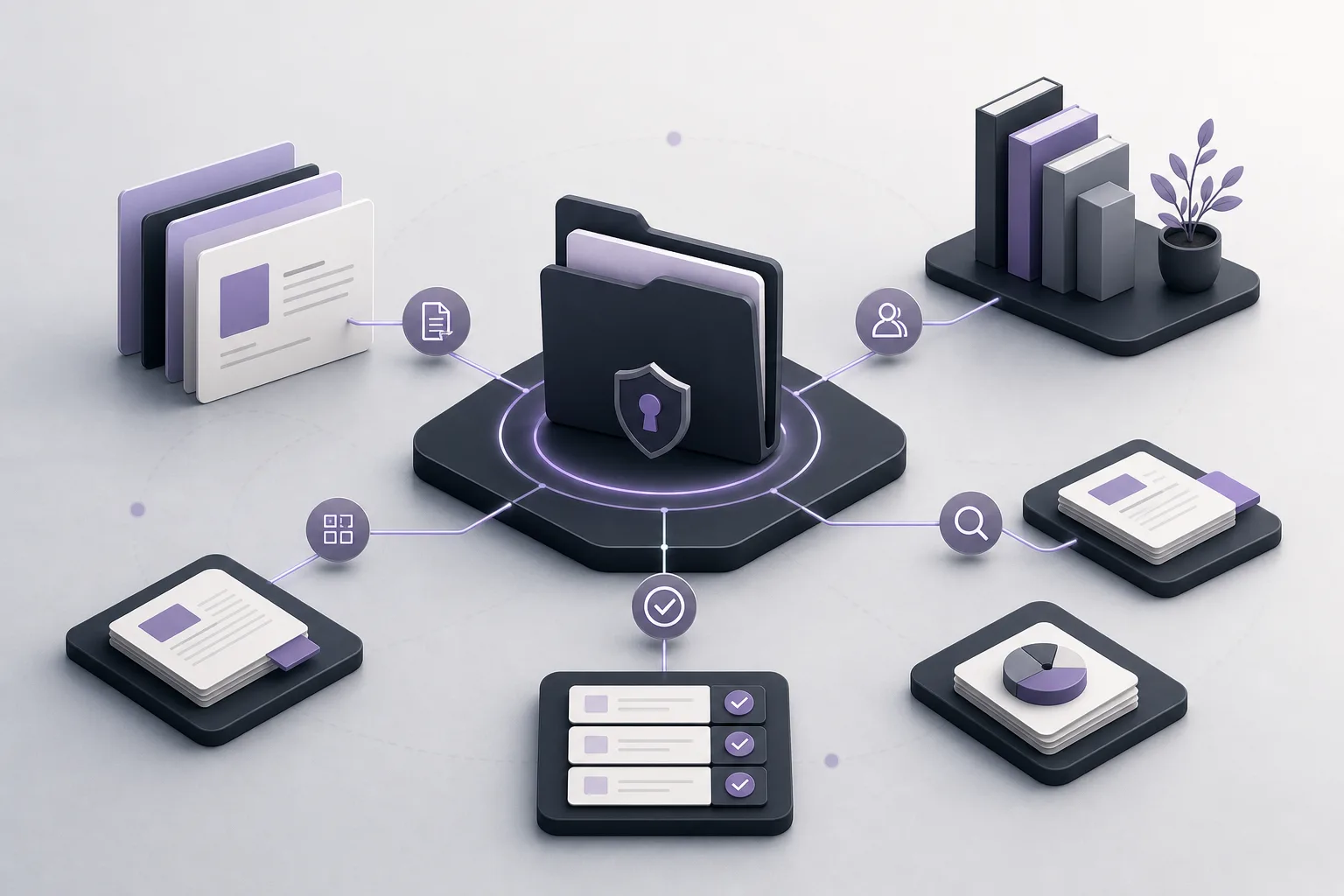
Before preparing a new draft, a lawyer often faces a more basic question: which document connected to the case should be reviewed and used as the working reference? When files are spread across different places, an older or unsuitable document can be carried into a new draft without enough context. This article explains how OrderTech Legal can help a lawyer review case-linked documents before drafting, while keeping professional review and decision-making with the lawyer.
The problem: identifying the right case-linked document
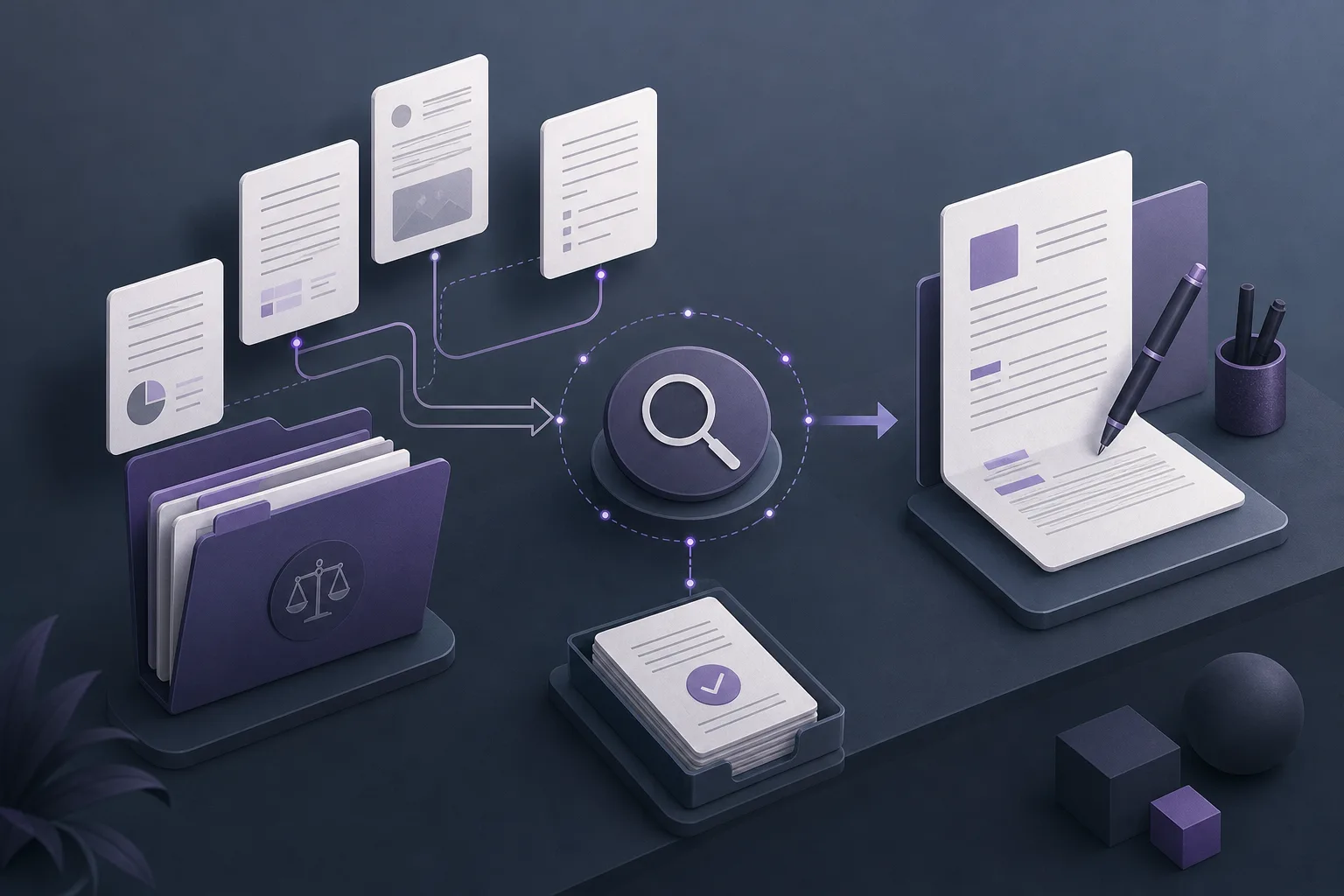
Legal office work brings together case files, client information, documents, appointments, and accounts. If these elements are managed separately, a lawyer may need to move between different sources before beginning a draft. Finding a document in one of those sources does not, by itself, prove that it is the appropriate document for the current task.
OrderTech Legal brings case, client, document, appointment, and account management into one workspace for the office. This gives the lawyer a central starting point for reviewing the case and its connected documents. It does not remove the need to verify the document’s relevance, but it can make the review process more structured and easier to follow.
How OrderTech Legal supports the review
1. Start with the correct case file
The review begins by opening the intended case file in the office workspace and looking at the documents connected to it. The purpose is not to assume that the first document shown is the newest or most suitable one. Instead, the case file provides a shared context for reviewing the available material before a new draft is requested.
The lawyer should confirm that the case is correct, that the documents relate to that case, and that the material fits the purpose of the planned draft. Access can depend on the office’s separate instance, user accounts, permissions, and service configuration. The system should therefore not be treated as if every user automatically has access to the same information.
2. Review before asking for a draft
A short review checklist can help prevent an unsuitable document from becoming the basis of a new draft:
- Is this the intended case file?
- Are the documents connected to the correct case?
- Has the lawyer personally read the key documents?
- Are any facts, instructions, or materials missing?
- Is the purpose of the new draft clear?
- Does the lawyer know what action, if any, needs to be considered?
This process should not be confused with an automatic feature that identifies and selects the “latest document.” The available product information describes a shared workspace and office assistance, not an automatic decision about which document is the correct one to use.
3. Use the office assistant after the initial review
The office assistant helps with file summaries, draft preparation, and research in the legal library. Once the lawyer has reviewed the case-linked material, the assistant can support a summary of the file or help produce an initial draft based on the information and direction provided by the user.
A summary can make it easier to identify points that deserve closer attention, but it is not a substitute for reading the underlying documents. A generated draft is also a working draft, not a final professional decision. The lawyer must compare the output with the case-linked documents and decide whether it is accurate, relevant, and suitable for the intended purpose.
A practical workflow before preparing a new draft
- Open the case: Select the intended case file in the office workspace.
- Check the document relationship: Review the documents connected to that case and confirm that they fit the task.
- Read the key material: Personally review the documents that will inform the draft.
- Define the drafting request: State the purpose, desired structure, and any known gaps or questions.
- Request assistance: Use the office assistant for a file summary, initial drafting support, or legal-library research.
- Compare the output: Check the summary or draft against the underlying case-linked documents.
- Confirm the next step: Review and confirm any proposed action before it is adopted or followed.
This workflow treats the assistant as part of a controlled review process rather than as an independent source of authority.
Hypothetical example: avoiding an unsuitable source document
This is a hypothetical example, not a customer case or reported experience. A lawyer needs to prepare a new draft and finds several documents connected to the same case file. Instead of copying one document immediately, the lawyer opens the case in OrderTech Legal, reviews the connected material, and reads the documents that appear relevant to the purpose of the draft.
The lawyer then asks the office assistant to summarize the file and prepare an initial draft based on specific instructions. After receiving the output, the lawyer compares it with the underlying documents, checks whether important information was omitted, and confirms that the assistant did not rely on an unsuitable item. If the assistant suggests an action, the lawyer reviews and confirms it personally. If the correct document remains unclear, the lawyer pauses the drafting process until the issue is resolved through human review.
Benefits and limitations
Potential benefits
- A single office workspace for reviewing the case and its connected documents.
- Less movement between disconnected places when preparing for a drafting task.
- Faster initial orientation through file summaries and drafting assistance.
- A clearer checkpoint for verifying documents and assistant output before adoption.
- Separate office accounts and permissions that support the office’s configured working environment.
Important limitations
- The assistant does not independently decide which document is the latest or the correct one to use.
- A summary, research result, or draft does not replace the lawyer’s review and judgment.
- The quality of the output depends on the material available, the instructions provided, and the office configuration.
- Assistant availability depends on the setup of the office instance, connected services, and permissions.
- A proposed action should not be adopted until the lawyer reviews and confirms it.
Frequently asked questions
Does OrderTech Legal automatically identify the latest document in a case?
The available product information does not describe a standalone feature that automatically identifies or selects the latest document. OrderTech Legal provides a workspace for case-linked documents, but the lawyer must verify which document is appropriate before using it in a new draft.
Can the office assistant prepare the draft without lawyer review?
The office assistant supports file summaries, draft preparation, and legal-library research. The lawyer remains responsible for reviewing the output, making the decision, and confirming any proposed action. The assistant supports the lawyer; it does not replace professional review.
Will every office user see the same documents?
Not necessarily. Each office has its own instance, identity, accounts, permissions, location, and application connected to its own interface. Available content and services depend on the office configuration and the user’s permissions.
What is the role of the communication assistant?
The communication assistant supports customer inquiries, frequently asked questions, and conversation context, with possible human intervention depending on channel configuration and activation. File summaries and drafting support are functions of the office assistant.
Conclusion
OrderTech Legal helps create a more structured starting point for reviewing case-linked documents by bringing case and document management into one office workspace. Its office assistant can then support file summaries, initial drafting, and legal-library research. The key safeguard remains human review: confirm the case, inspect the relevant documents, compare the assistant’s output with the source material, and approve any proposed action. To see how OrderTech Legal may fit your office workflow, explore the platform and the services, permissions, and configuration available for your office instance.
Platform feature references
- OrderTech Legal — إدارة المكتب / Office management — Accessed 2026-10-19
- OrderTech Legal — المساعد الذكي / AI assistance — Accessed 2026-10-19