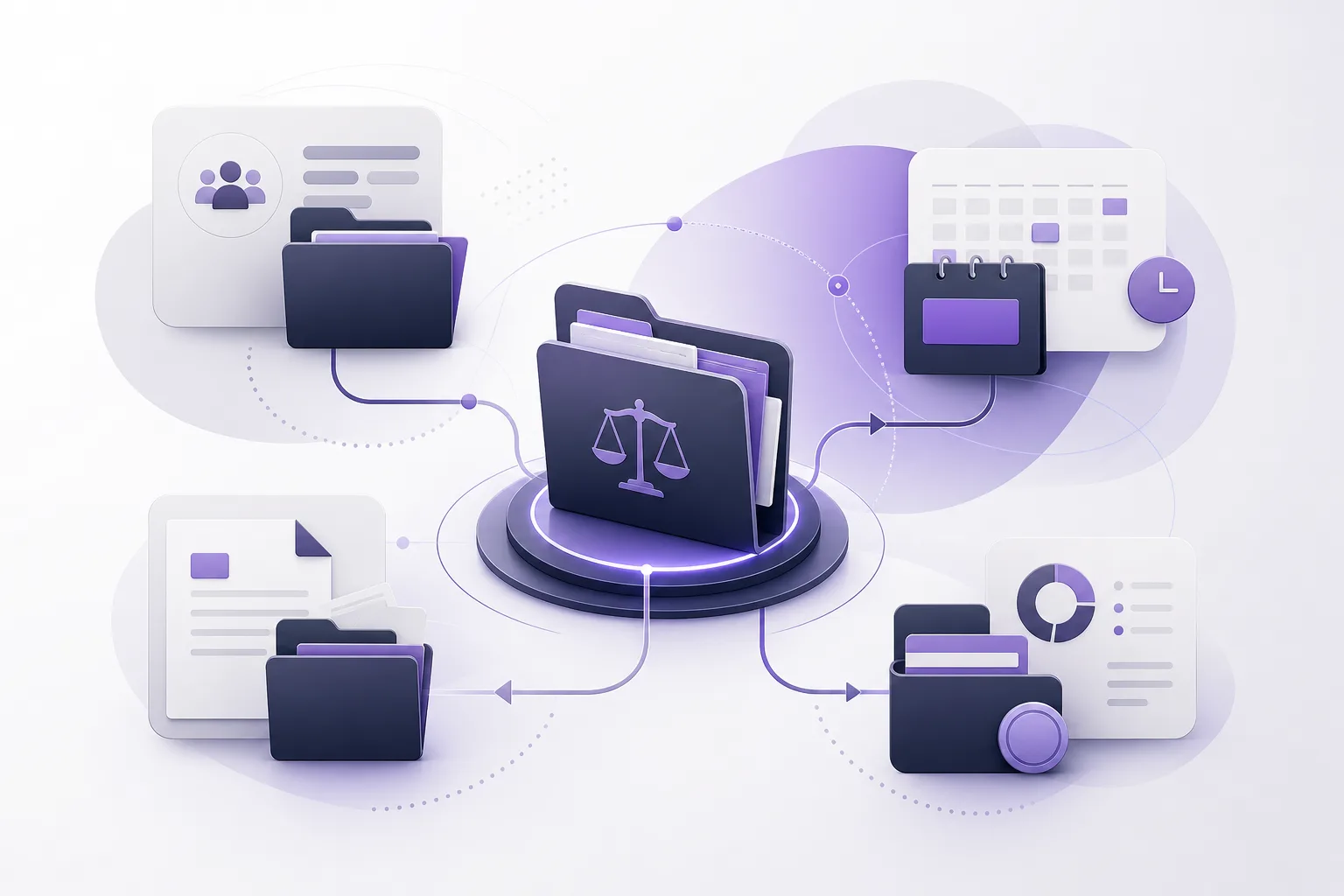
When one client is connected to several case files, finding the right context can become a daily task for lawyers and office staff. Client information may sit in one record, documents in a case file, and appointments or account details somewhere else. The practical question is: How can OrderTech Legal help a law office manage a client with multiple case files without repeatedly searching separate records?
OrderTech Legal provides a law-office workspace that brings together client, case, document, appointment, and account management. It is not intended to make decisions in place of a lawyer. Instead, it helps the team organize information and return to the relevant context before following up or taking action. The usefulness of the connection, what each user can see, and which services are available depend on the office setup, permissions, service activation, and human intervention.
The problem: one client, several contexts
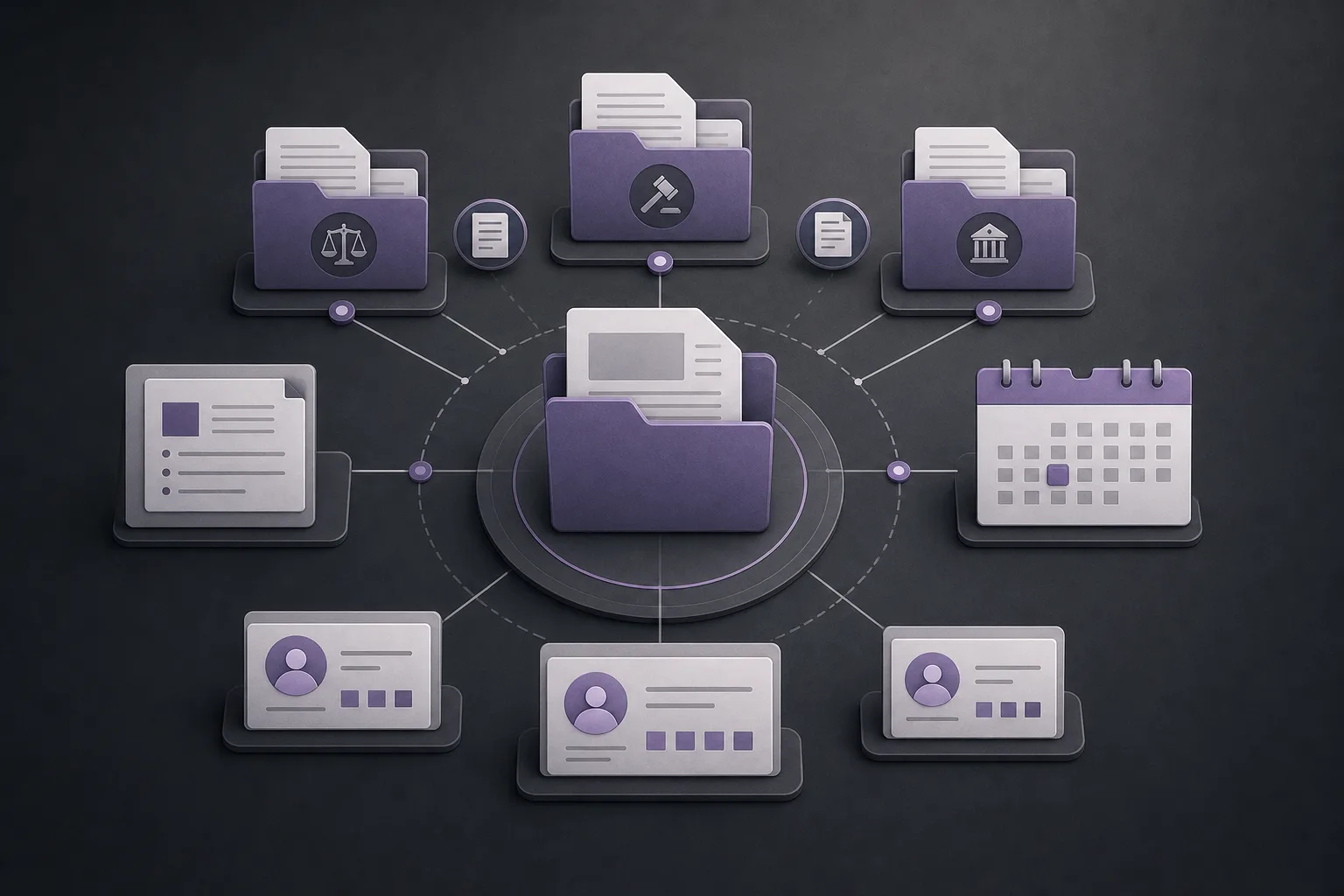
A client with multiple cases does not have one identical context across every file. The office may need to review documents for one case, an appointment connected to another, or account information while still maintaining an overall view of the client relationship. When these elements are separated, staff may have to search several records or locations before they can understand what is needed.
This fragmentation is more than an inconvenience. It can make it harder to move between office tasks and increase the chance of opening the wrong file or overlooking earlier conversation context. Managing a multi-case client therefore requires a workspace that brings related information together while preserving the distinction between each case and its related materials.
How OrderTech Legal brings the information together
Connecting the client record with case files
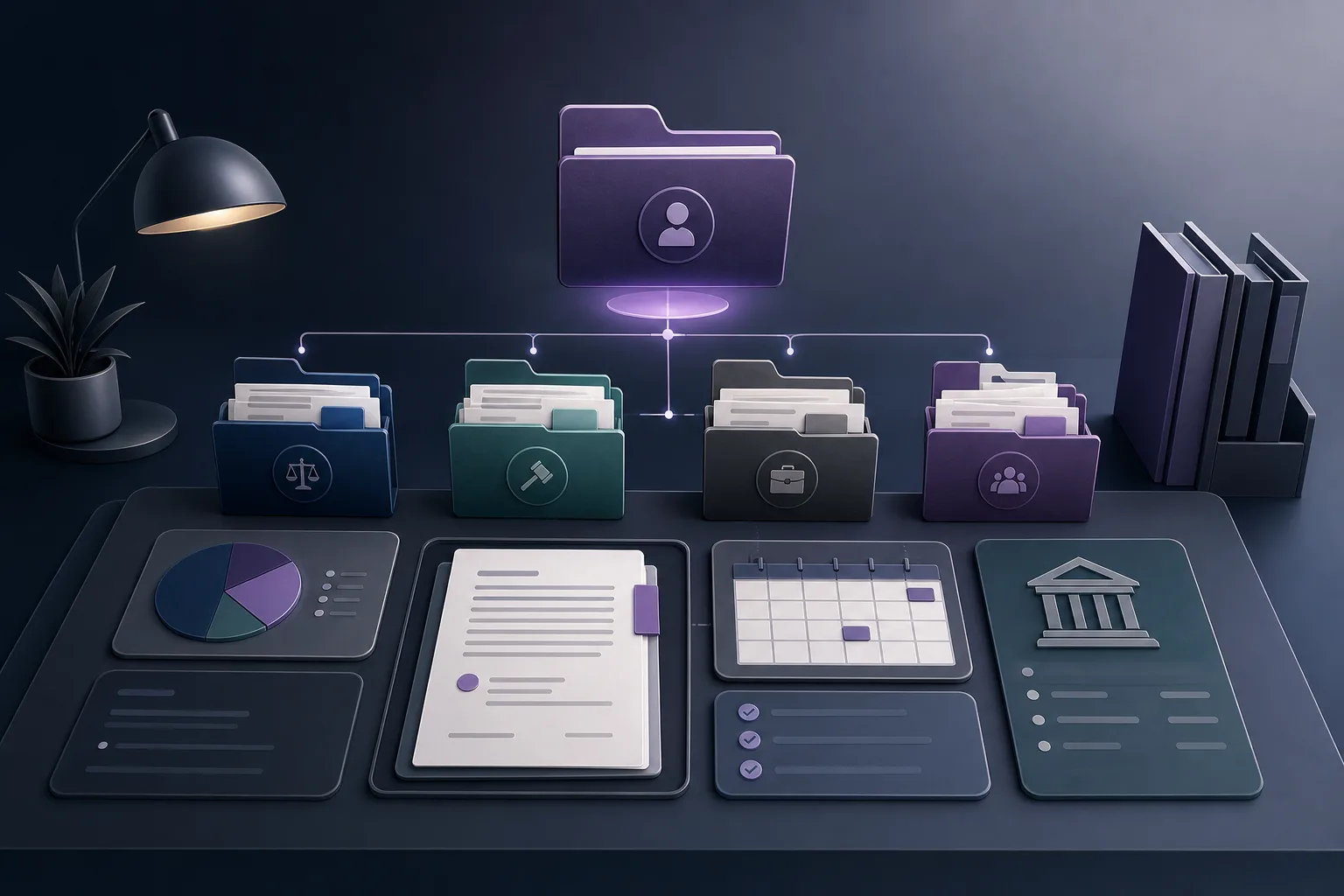
OrderTech Legal lets the office manage client and case files within one workspace. The team can start with the client as part of the office’s overall work context and then work with the case files associated with that client. The purpose is not to merge separate cases into one undifferentiated file. It is to provide a practical starting point for reaching the relevant context instead of restarting a search across separate records.
Before following up, a lawyer or staff member can return to the client record and identify the case that requires attention. The user should still confirm that the selected file is the intended one and that the displayed information relates to the current task.
Documents, appointments, and accounts in the same workspace
The platform also brings document, appointment, and account management together with clients and cases. This supports a clearer workflow: begin with the client, select the relevant case, and then review the documents, appointments, or account information connected to that context. Each data type remains part of the office workspace rather than requiring the team to treat it as an entirely separate destination.
That does not remove the need for classification or review. The office still needs to maintain the correct connection between every document, appointment, account, and case. Users also need to pay attention to the permissions that determine what they can view or manage.
A practical workflow for a client with several cases
- Start in the office workspace: The user enters the office’s independent OrderTech Legal instance, which has its own office identity, accounts, permissions, website, and application connected to its own interface.
- Identify the client: The team goes to client management and starts from the client record instead of searching separately through every possible case.
- Review the related cases: The user selects the case file connected to the current task while keeping the client’s different cases distinct.
- Check the relevant context: The lawyer or staff member reviews the documents, appointments, and account information related to the selected case before communicating, preparing a draft, or taking an internal step.
- Confirm permissions and setup: The user verifies that the required data and services are available under the office instance and the user’s permissions.
- Act after review: The team uses the organized information to determine the next step, while the lawyer retains the decision and professional responsibility.
The role and limits of the AI assistants
The office assistant may support the office by summarizing files, drafting, and searching the legal library. For a multi-case client, a summary or search can help reduce the time needed to understand available materials. However, the lawyer must review the output and confirm that it relates to the correct case and context. The lawyer also confirms any proposed actions before they are adopted.
The communication assistant helps receive client inquiries, handle frequently asked questions, and maintain conversation context, with the possibility of human intervention. Its usefulness depends on the channel configuration and activation. The office should not assume that every channel will receive inquiries or maintain context in the same way, or that an automated response replaces a staff member or lawyer when human involvement is needed.
Availability for both assistants depends on the office instance setup and service connections. The assistant supports the lawyer; it does not replace the lawyer’s review or decision. Linking a client to the correct case, checking a summary or draft, and choosing an appropriate response all require human verification.
A hypothetical office example
Suppose a hypothetical client has three case files with the office. A staff member needs to organize a follow-up related to the second case, while a new message from the client concerns an appointment in the third case. In the OrderTech Legal workspace, the staff member starts from the client record, selects the appropriate case for each task, and reviews the documents, appointments, and account information connected to the relevant context.
If the lawyer needs a concise view of the second file, the office assistant may be used to summarize available materials or prepare an initial draft. The lawyer then reviews the summary and draft, confirms that they relate to the second case, and confirms the appropriate action. For the incoming message, the communication assistant may help receive the inquiry or maintain its conversation context if the channel is configured and activated, with human intervention available. This is a hypothetical use case, not a real client experience.
Practical benefits for lawyers and office staff
- A clearer starting point: The team begins with the client and moves to the relevant case instead of searching randomly across disconnected records.
- More organized context: Document, appointment, and account management are available within the same office workspace, while users still need to confirm the correct case connection.
- An independent office instance: Each office works within an instance with its own identity, accounts, permissions, and configuration.
- Support for recurring work: When available and activated, the assistants can support summaries, drafts, or common inquiries, subject to human review.
Frequently asked questions
Does the platform merge all of a client’s cases into one case?
No. The goal is to manage the client and cases in one workspace while keeping the case files distinct. The user must select the appropriate file before working.
Can the system choose a legal action for the lawyer?
No. The assistant supports the lawyer, and its outputs and proposed actions require the lawyer’s review and confirmation. The platform does not replace professional review or decision-making.
Can every office user see all information?
What each user can see depends on the office instance configuration and permissions. The office should therefore configure permissions and review access before adopting the workflow.
Is the communication assistant automatically available to every office?
Availability depends on the instance setup, channel activation, and service connections. The office should not assume that it is available or operates identically in every configuration.
Conclusion
OrderTech Legal helps a law office manage a client with multiple case files through one workspace for clients, cases, documents, appointments, and accounts. Instead of repeatedly searching separate records, the team can start with the client, select the relevant case, and review the connected context before following up. The value still depends on proper organization, permissions, service configuration, and human review. Explore OrderTech Legal to learn how its office workspace can support your daily file-management workflow.
Platform feature references
- OrderTech Legal — إدارة المكتب / Office management — Accessed 2026-09-24
- OrderTech Legal — المساعد الذكي / AI assistance — Accessed 2026-09-24