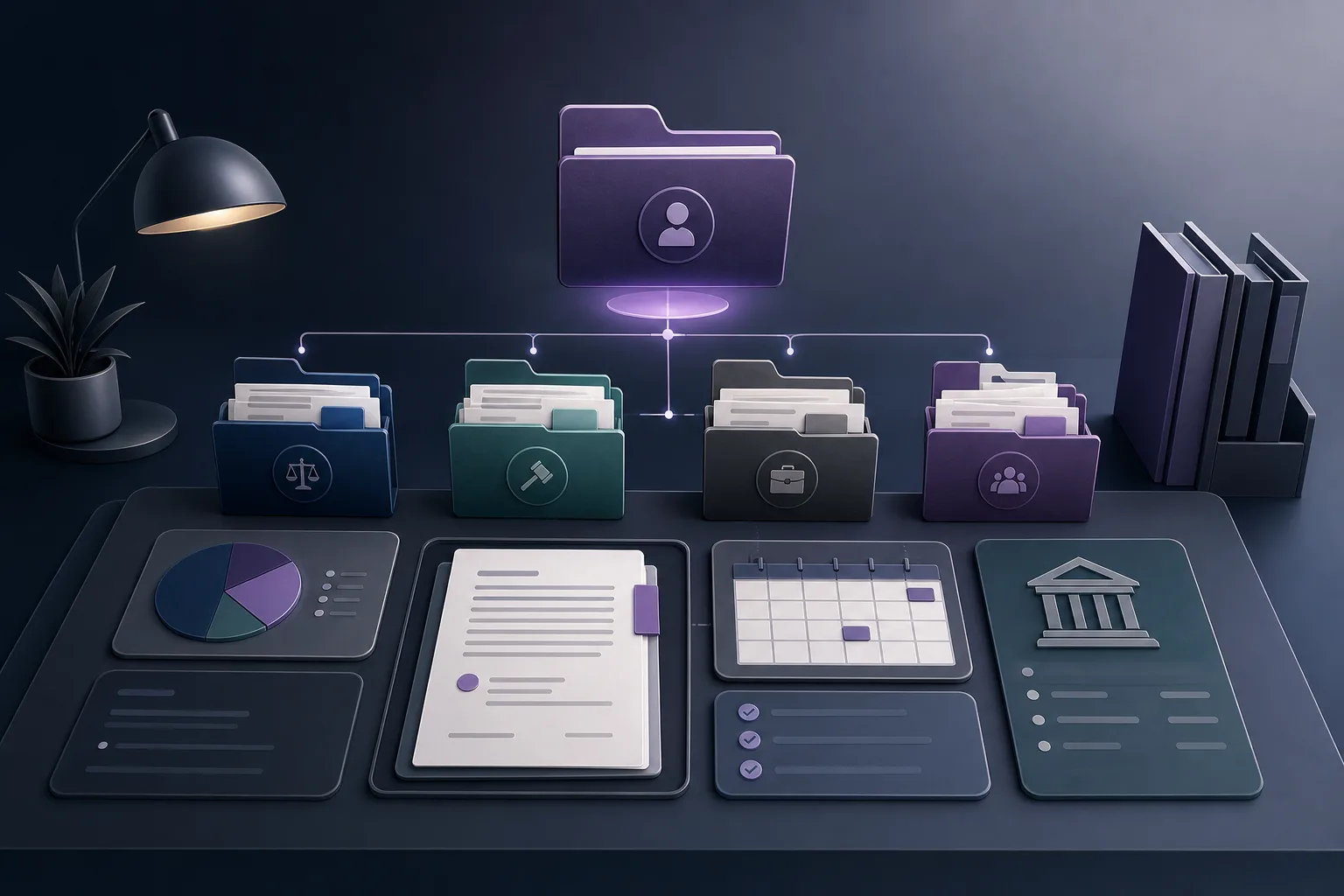
A weekly case-file review often starts with a manual preparation exercise. The office manager may need to look for client information, open separate documents, check appointments, and connect those details with the case and account context before the meeting can even begin. When information is scattered, preparation can take attention away from organizing the discussion and identifying what attorneys need to review. This article explains how OrderTech Legal can help a law office manager prepare a weekly case-file review through a unified office workspace and the office assistant’s file-summary capability. The assistant provides a starting point; it does not replace attorney review or decision-making.
Why is a weekly review difficult to prepare?
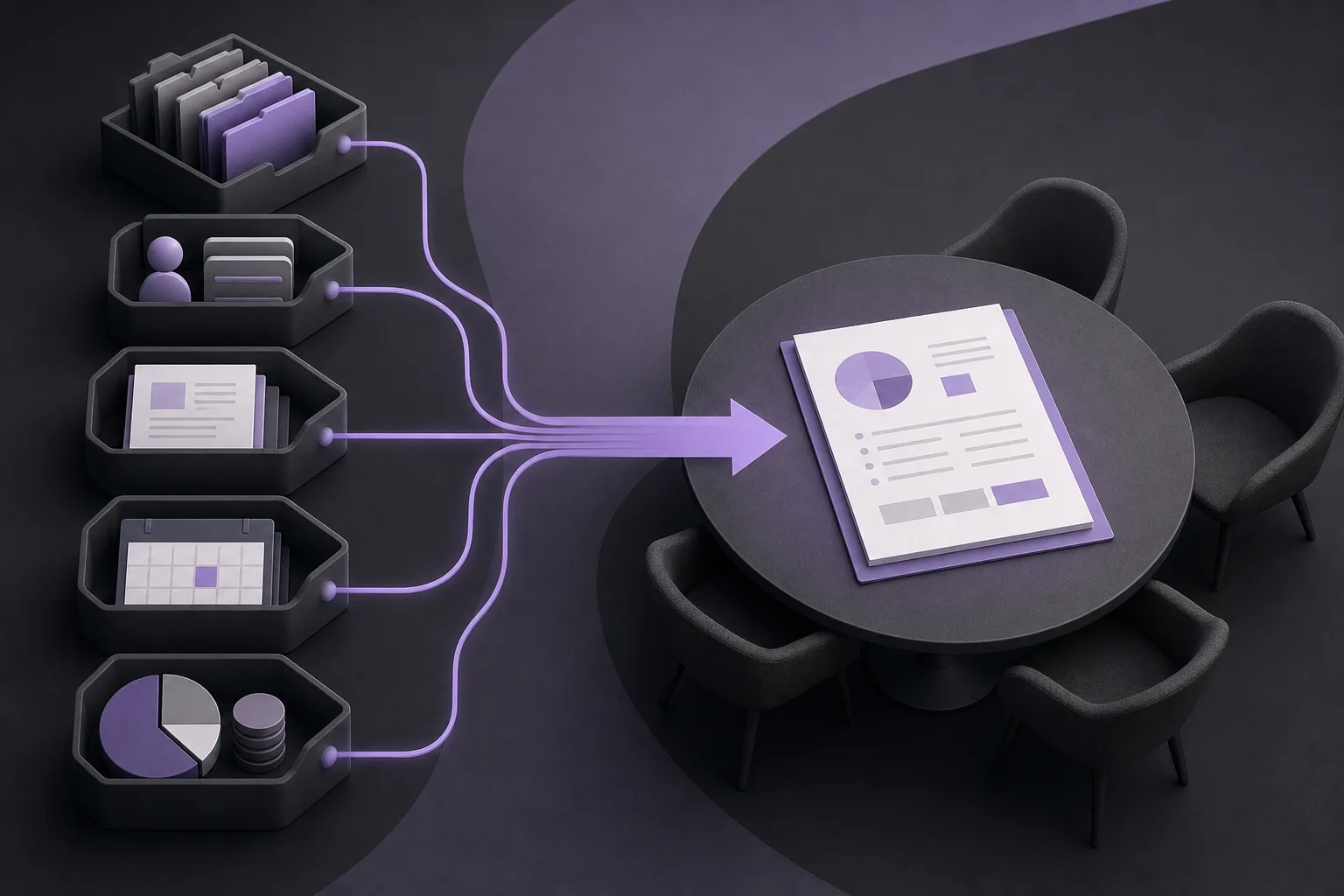
A case file can involve several types of office information: cases, clients, documents, appointments, and accounts. If these elements are handled as separate sources, the manager may spend time moving between them and reconstructing the context of each file. The challenge is not necessarily the absence of information. It may be the work required to locate it, connect it, and present it consistently before the weekly meeting.
The practical goal is to prepare an organized starting point for discussion. It is not to produce a final legal conclusion or make a decision on behalf of the attorney. This distinction is important when considering how OrderTech Legal can support the preparation process.
A unified workspace for review preparation
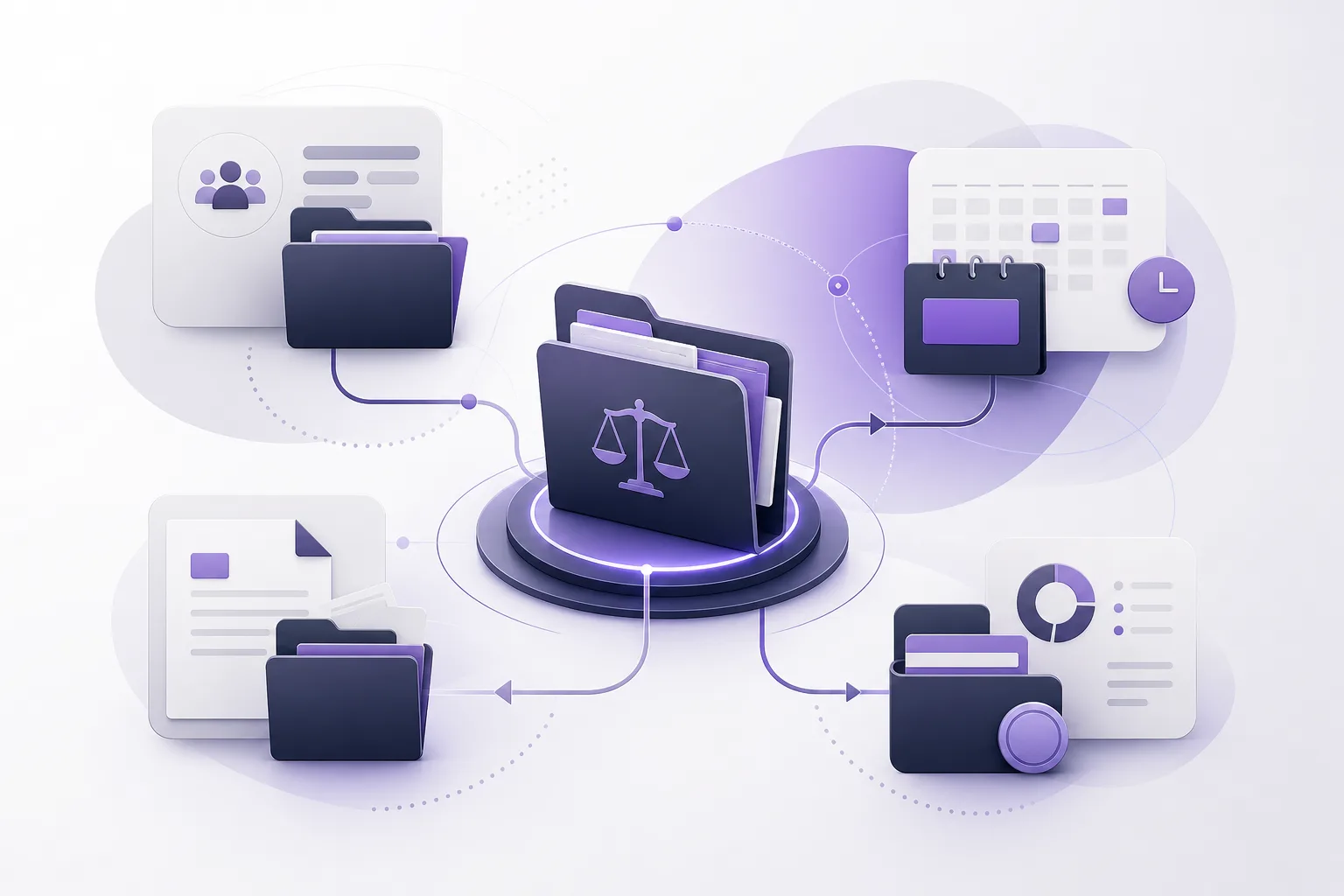
OrderTech Legal brings case, client, document, appointment, and account management together in one workspace for the office. For a manager preparing a weekly review, having these areas in the same working environment can reduce the need to treat every information type as a separate destination. It can also make it easier to build a clearer operational view of each file, provided the office’s services and connections have been configured appropriately.
A practical preparation sequence
- Identify the files for discussion: Select the cases to include according to the office’s working process and the user’s available permissions.
- Review the client and case context: Use the case and client information available in the workspace, while recognizing that access depends on office accounts and permissions.
- Check documents, appointments, and accounts: Consider the available information as part of the file’s operational picture, not as a substitute for a final professional assessment.
- Prepare discussion points: Turn the available information into topics for attorney confirmation rather than treating every item as an approved action.
Each office has an independent OrderTech Legal instance with its own identity, accounts, permissions, location, and application connected to its own interface. Accordingly, the way information is accessed and used depends on the configuration of that office instance. A general description of the platform should not be treated as a promise that every office has the same setup.
Using the office assistant to summarize files
The office assistant helps with file summaries, draft preparation, and research in the legal library. For a weekly review, its file-summary capability can give the manager and attorney an initial outline of the file and help identify what should be read or discussed. Instead of beginning with an unstructured review of many pages, the team can begin with a summary and then verify its points against the relevant information and documents.
Steps for using the assistant as a review starting point
- Define the purpose: Ask for a summary to prepare for a weekly file review, rather than asking for a final opinion or an approved action.
- Work within the office environment: Use the file available to the user under the office’s account, permissions, and configured services.
- Read the summary as a draft: The manager and attorney examine the output and compare it with the available file information and documents.
- Mark verification points: Identify questions and items requiring attention during the meeting without treating them as final decisions.
- Confirm any proposed action: The attorney reviews the output and confirms a proposed action before it is treated as an approved next step.
The assistant’s usefulness depends on the information available to it and on how the office instance has been configured. A summary does not guarantee that every relevant context has been included, and it does not eliminate the need to review the underlying documents. Its role is to make preparation more focused, not to replace professional review.
A hypothetical weekly-review example
Hypothetical example, not a client experience: A law office manager is preparing a group of files for the end-of-week review. Before the meeting, the manager opens the files available under the office’s permissions and reviews the case, client, document, appointment, and account information in the workspace. The manager then uses the office assistant to create an initial summary for each file and presents the attorney with points that require verification, such as documents worth reviewing or appointments that should be discussed.
During the meeting, the team does not treat the summary as a final record or a ready-made decision. The attorney compares the points with the original file content, corrects anything that needs correction, and confirms any proposed action. If a piece of information is unavailable or a service has not been enabled in the office instance, the manager should not assume that the assistant can access it or include it in the summary.
Benefits and boundaries
What can the platform contribute?
- A unified workspace for the information used to prepare the review.
- Less manual movement between case, client, document, appointment, and account management areas.
- An initial file summary that helps structure reading and discussion.
- A more consistent starting point for the weekly meeting while leaving decisions with the attorney.
What should the office not assume?
- The office assistant does not replace attorney review or judgment.
- A unified workspace does not mean that every user can view every item; accounts and permissions matter.
- A summary cannot be expected to include information or services that are unavailable or not connected.
- A proposed action is not approved merely because it appears in assistant output.
Availability also depends on the configuration of the office instance and the connections between services. A useful implementation discussion should therefore begin with what is actually enabled, who can access it, and how outputs will be reviewed before the weekly meeting.
Frequently asked questions
Can OrderTech Legal prepare the entire weekly review without human involvement?
The available product information describes a workspace for office management and an assistant that can summarize files. It does not mean that the meeting or its decisions are handled automatically. Use depends on configuration, permissions, and service connections, and attorney review and confirmation remain necessary.
Does an office-assistant summary replace reading the file?
No. The summary is a starting point for directing review and discussion. Its points should be checked against the original information and documents available in the file.
Can every member of the office access the files?
Access is tied to the office’s accounts, permissions, and instance configuration. The office should not assume that all users have general access.
Can the assistant suggest actions?
Outputs may include proposed actions depending on the context and configuration, but the attorney reviews and confirms them before they are treated as approved next steps.
Conclusion
OrderTech Legal gives a law office manager a more connected way to prepare for a weekly case-file review by bringing case, client, document, appointment, and account management into one office workspace. Its office assistant can provide an initial file summary to help organize the meeting and identify verification points. The value comes from using that summary to focus the discussion—not from treating it as a replacement for reading, professional review, or attorney decisions. Explore OrderTech Legal to understand how the platform may fit your office’s configuration, permissions, and connected services.
Platform feature references
- OrderTech Legal — إدارة المكتب / Office management — Accessed 2026-09-15
- OrderTech Legal — المساعد الذكي / AI assistance — Accessed 2026-09-15