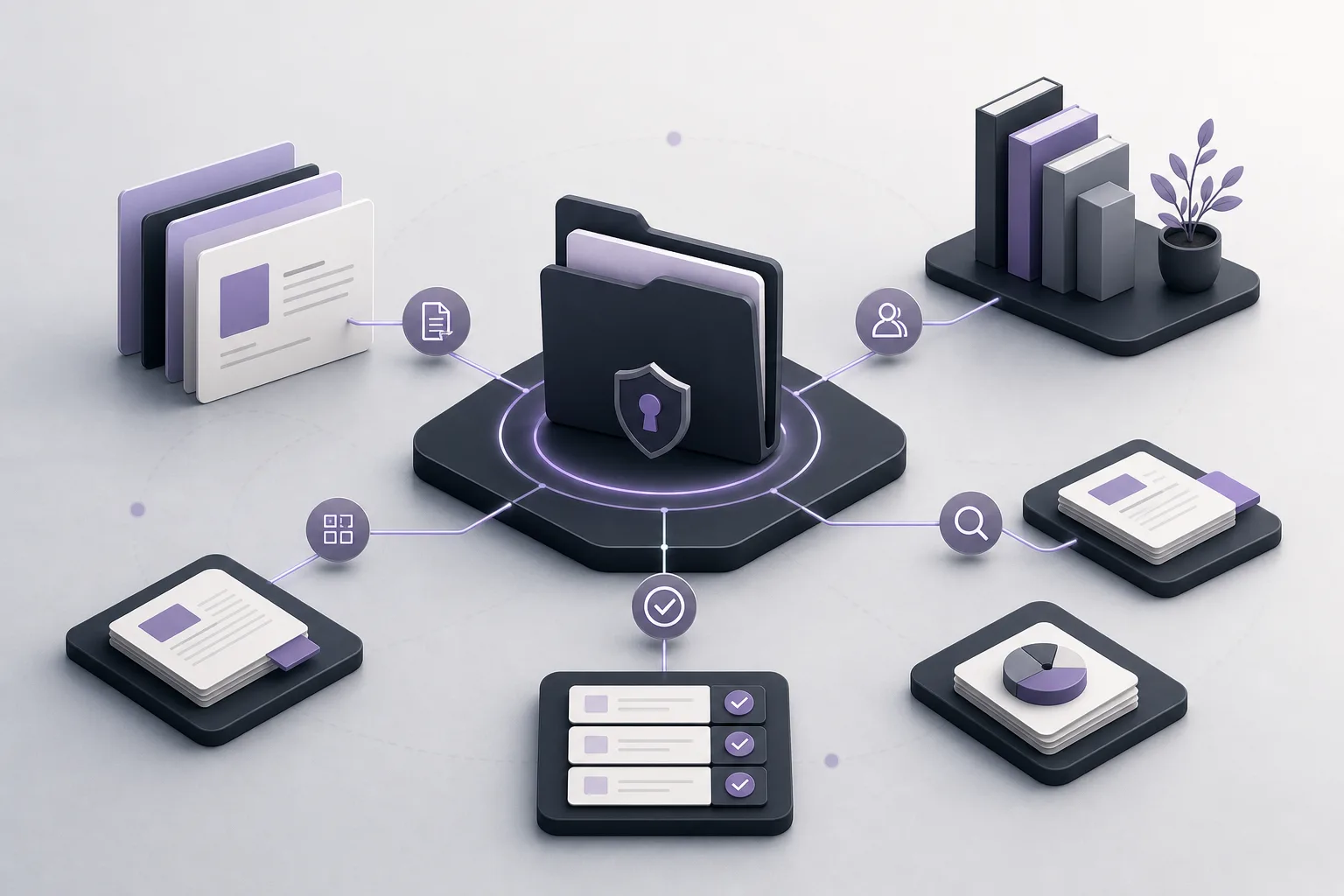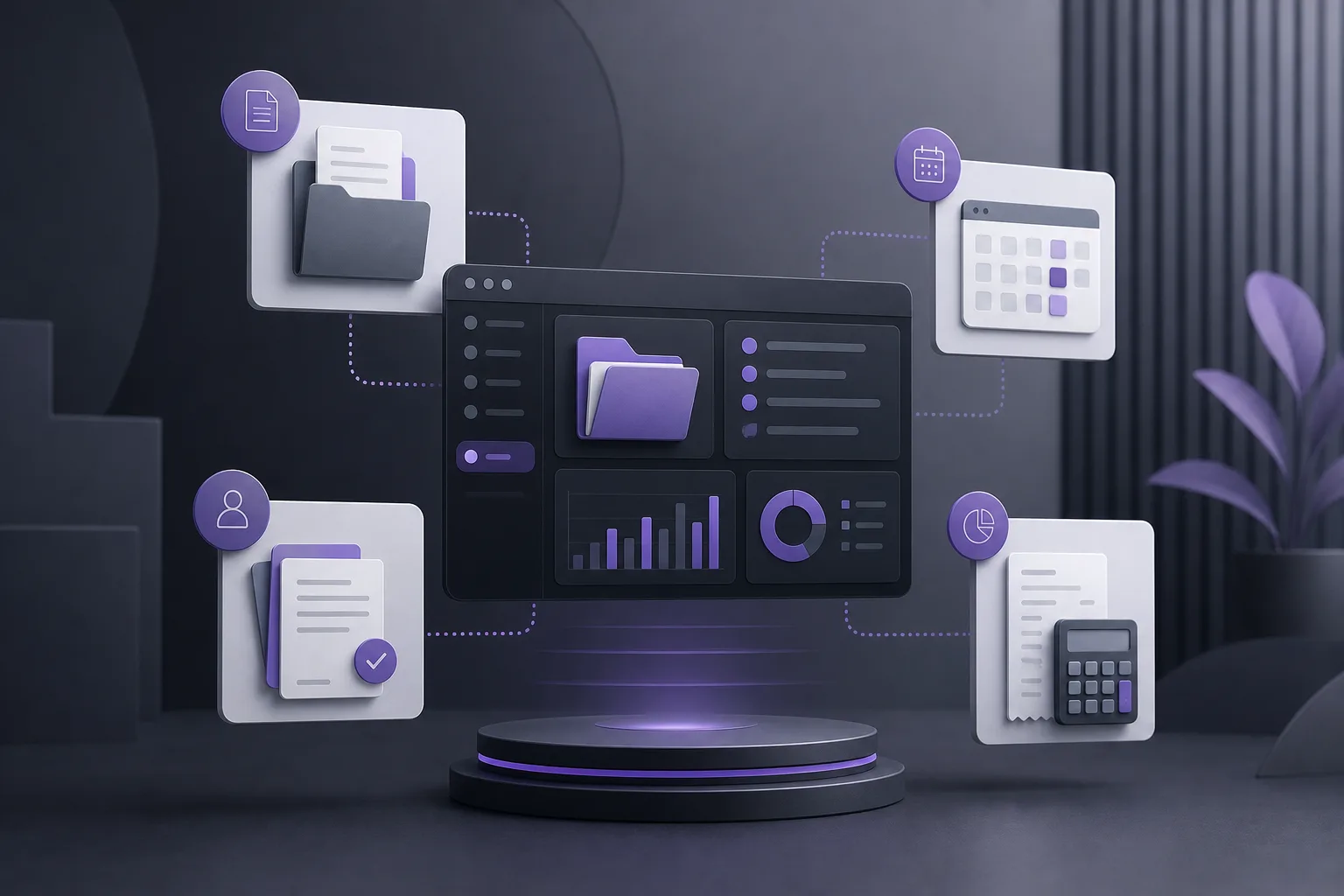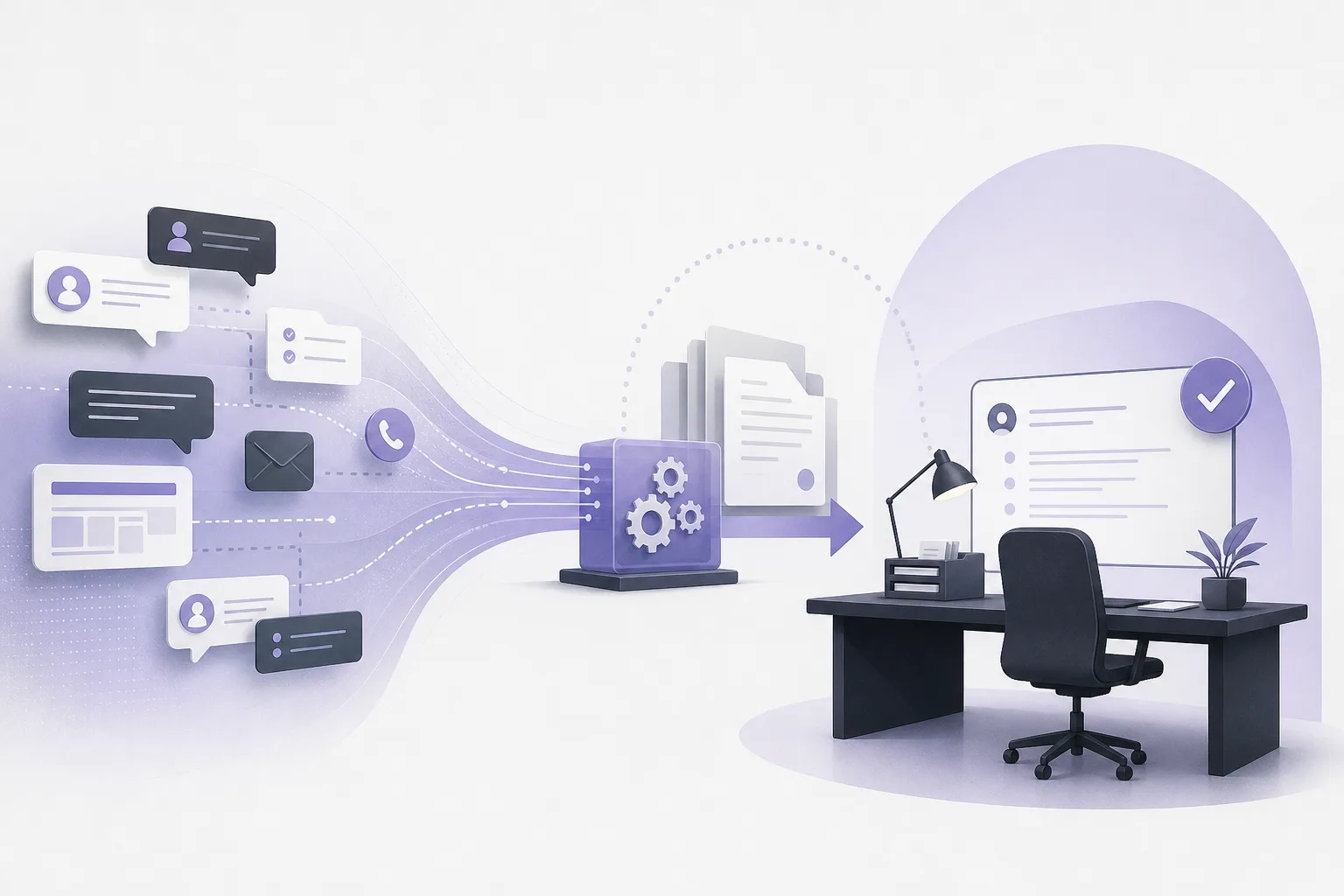
Preparing an internal status report often requires an operations coordinator to move between the case record, client information, documents, appointments, and accounts. When these details are scattered, the coordinator may spend more time locating context and checking whether one part of the file matches another. OrderTech Legal helps bring these review points into one office workspace before the report is drafted and reviewed.
The problem of fragmented case information
An internal status report depends on more than a quick summary. It requires the office to assemble relevant information and present it in a form that the team can review. Depending on the office’s process, the coordinator may need to confirm the correct case and client, inspect related documents, review scheduled appointments, and consider account information connected with the file.
When each item is kept in a separate record or tool, an update can be missed and context can be incomplete. OrderTech Legal does not remove the need for professional review or make decisions on behalf of the lawyer. Instead, it provides a workspace in which the team can access and review the relevant parts of the file, subject to the office configuration and user permissions.
How OrderTech Legal brings the review together
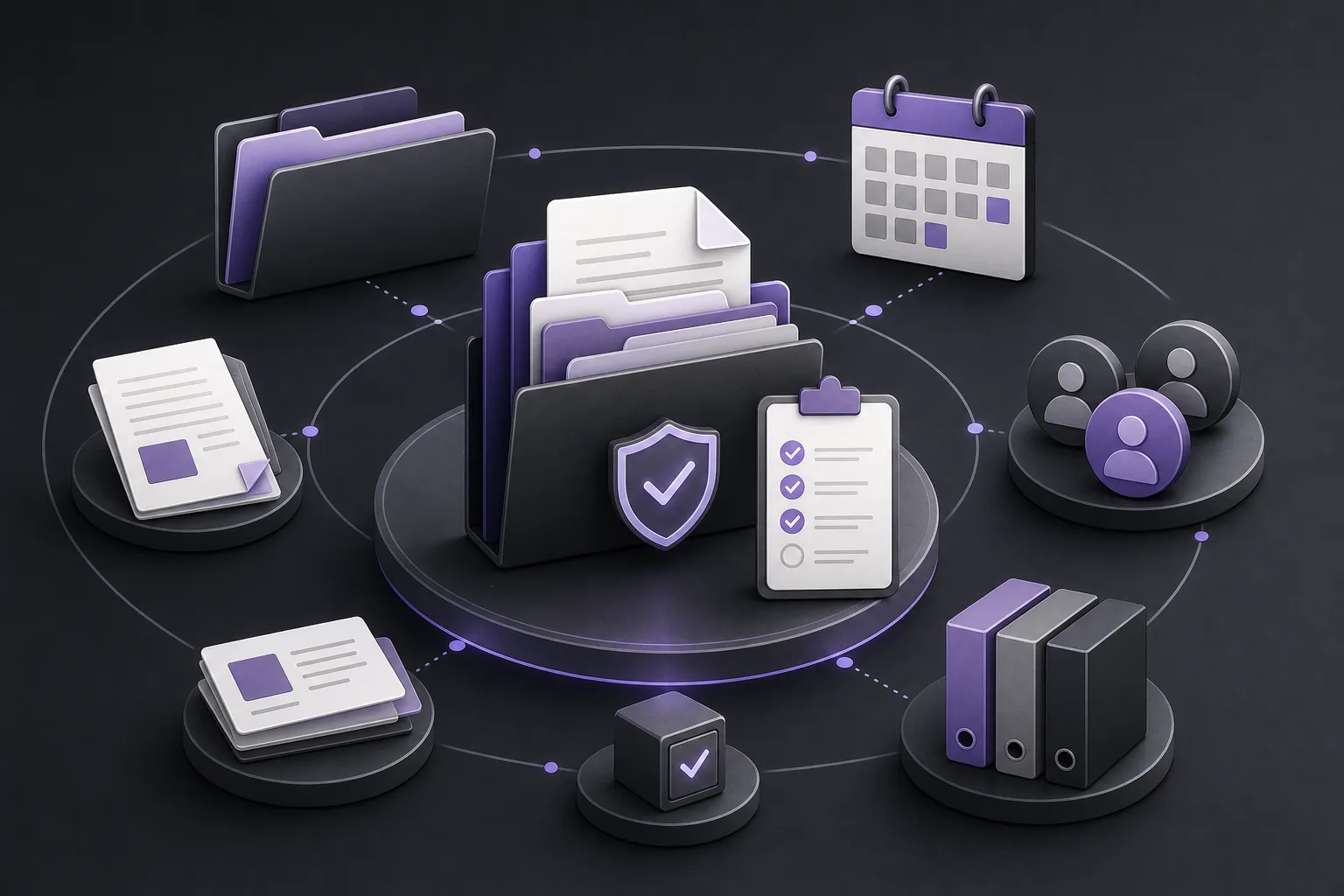
OrderTech Legal combines case and client management, documents, appointments, and accounts in one workspace for the office. This gives an operations coordinator a central starting point for the review rather than requiring each item to be located independently. The exact availability and presentation depend on the office’s configured version.
Reviewing the case and client record
The matching process begins by identifying the relevant case and associated client in the workspace. The coordinator reviews the available records and confirms that the intended file is being used before moving through its related items. This step does not, by itself, prove that every detail is correct. It establishes a clear review starting point and can reduce the risk of mixing information from different files.
Checking related documents
Once the file is identified, the coordinator reviews the documents available in connection with it. This can help determine which materials should be considered when describing the internal status and which points require additional confirmation. Reading the documents and deciding what they mean for the report remain human responsibilities. The platform does not turn document review into automatic approval of the content.
Reviewing appointments
Appointments can provide an important part of the file’s operational picture. With appointment management in the same workspace, the coordinator can compare the scheduled information with the other parts of the file while preparing the report. This may help organize the internal timeline, but it does not mean the system independently determines the significance of every appointment or makes a professional decision about it.
Considering accounts
Account management allows the office to include this aspect in the same pre-report review. The coordinator can gather the account information available for the file according to office procedures and permissions, then separate confirmed information from points that need a question or further review. Information appearing in the system should not be treated as an independent financial audit or final approval of the underlying data.
A practical workflow before drafting
- Define the report scope: Identify the case, client, period, and elements the internal report should cover.
- Open the file workspace: Start with the case record and review the available sections or connections for documents, appointments, and accounts.
- Collect matchable points: Note information that appears across more than one area, such as the file name, a document description, or a scheduled appointment.
- Flag gaps: List unclear or incomplete items that require input from an authorized person instead of filling them with assumptions.
- Use the office assistant when available: Depending on the configured version and connected services, the office assistant may help summarize files, draft text, or search the legal library. Its output is a working aid, not a final report.
- Complete human review: The lawyer or appropriate responsible person reviews the information and draft and confirms any proposed actions before internal circulation.
- Draft the report: Prepare the report according to the office’s process, distinguishing reviewed information from items that remain subject to follow-up.
How the office assistant can support the process
When enabled and available within the office configuration and connected services, the office assistant may help summarize files, prepare a first draft, or search the legal library. For an internal status report, this can give the coordinator an organized starting point instead of requiring the scattered information to be converted into a draft from scratch.
It is important to distinguish organizing information from approving information. The lawyer reviews the output and checks whether it accurately reflects the file, while also confirming proposed actions. Results may vary according to the available data, user permissions, service configuration, and the way the task is requested.
A hypothetical matching example
Hypothetical example, not a customer experience: An operations coordinator needs to prepare an internal status report for a particular case. The coordinator opens the case and client record in OrderTech Legal, reviews the related documents, compares the appointments with the timeline that will appear in the report, and checks the relevant account information within the permissions available to the coordinator. One item requires confirmation from the responsible person.
Rather than writing an unsupported conclusion, the coordinator adds the item to a follow-up list. If the office assistant is available, the coordinator may ask it to prepare an initial file summary or an organized draft. The lawyer then reviews the output and the underlying information and confirms what can be included and what action should follow. The system is therefore used to assemble context while the team retains responsibility for professional review and decisions.
Practical benefits and important limits
Benefits
- A single workspace for reviewing cases, clients, documents, appointments, and accounts.
- A more consistent checklist for an operations coordinator to use before drafting.
- Less movement between separate records while information is being collected.
- Optional assistance with summaries, drafts, and legal-library searches when the assistant and relevant services are enabled.
- An independent office version with its own identity, accounts, permissions, website, and application connected to its own interface.
Limits to keep in mind
- The assistant supports the lawyer; it does not replace the lawyer’s review or decision.
- An automated summary or draft should not be adopted without checking the original information.
- Access to data and functions depends on the office configuration, permissions, and connected services.
- A unified workspace does not guarantee that every record is complete or current, so matching and human review remain necessary.
- The assistant does not turn an internal status report into an automatic professional opinion or decision.
Frequently asked questions
Does OrderTech Legal write the entire internal status report?
When available, the office assistant can help summarize files and prepare drafts. The report still requires human review, and the lawyer or responsible person confirms the information and proposed actions before the text is adopted internally.
Can I review appointments and accounts together with documents?
OrderTech Legal brings management of these elements into one workspace. Access to each element remains dependent on the office version, user permissions, and the accounts and services that have been enabled.
What should we do when two pieces of information do not match?
Record the discrepancy as an item requiring verification and refer it to the appropriate lawyer or authorized person before including a conclusion in the report. Neither the assistant nor the coordinator should fill a gap with an assumption.
Is the communication assistant the right tool for a status report?
The communication assistant helps with customer inquiries, frequently asked questions, and conversation context, with human intervention available according to channel configuration and activation. File summaries, drafting, and legal-library searches are functions of the office assistant when that service is available.
Conclusion
OrderTech Legal gives an operations coordinator a central workspace for reviewing a case and client, related documents, appointments, and accounts before preparing an internal status report. Its value is strongest when the office uses it as a review and coordination step, not as a substitute for reading the file or exercising professional judgment. Explore the platform to see how its workspace can be configured around your office’s processes, permissions, and enabled services.
Platform feature references
- OrderTech Legal — إدارة المكتب / Office management — Accessed 2026-10-15
- OrderTech Legal — المساعد الذكي / AI assistance — Accessed 2026-10-15