An initial inquiry may arrive as a short question, a message with partial details, or a conversation that moves between an automated channel and a staff member. If the information remains scattered, the transition from that first contact to a clear client record can require repeated searching and manual reconstruction. This article explains how OrderTech Legal can help a law office organize that transition, addressing the question: “How can OrderTech Legal help a law office organize the transition from an initial inquiry to a clear client record?”
The operational problem behind the first inquiry
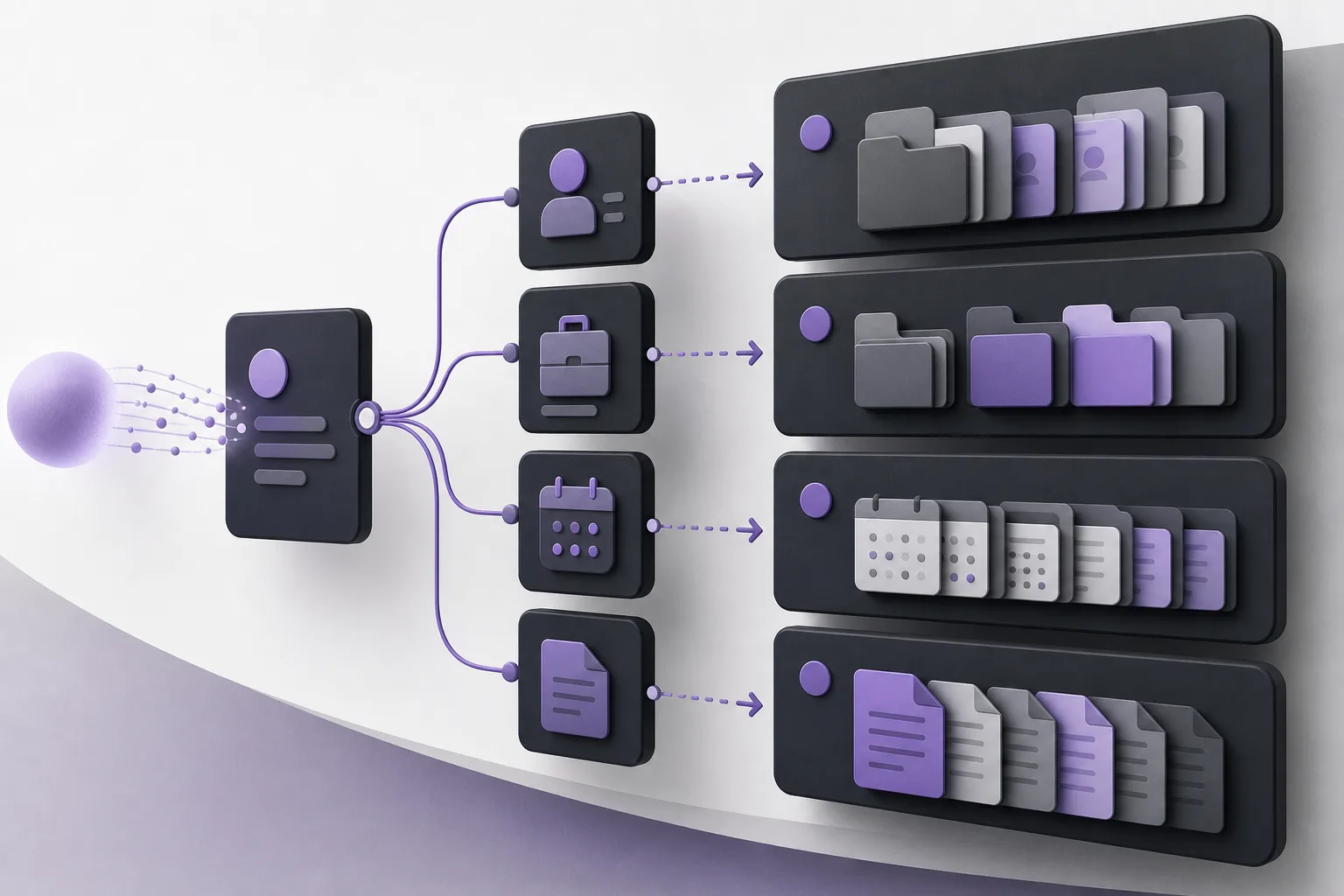
Early conversations are rarely structured like a finished office record. A person may provide a name in one message, describe the subject in another, and mention a preferred follow-up time later. Without a shared workspace, a staff member may need to reread the conversation, locate related documents, and reconstruct the next step before the information can be organized.
This is not only a communication issue. The office needs to preserve the conversation context, identify what has been provided, note what still needs clarification, and place relevant client, matter, appointment, and document information within the office’s chosen structure. OrderTech Legal can support that process, but it does not mean that every inquiry automatically becomes a complete client or matter record. Setup, permissions, and human review remain part of the workflow.
Where OrderTech Legal fits
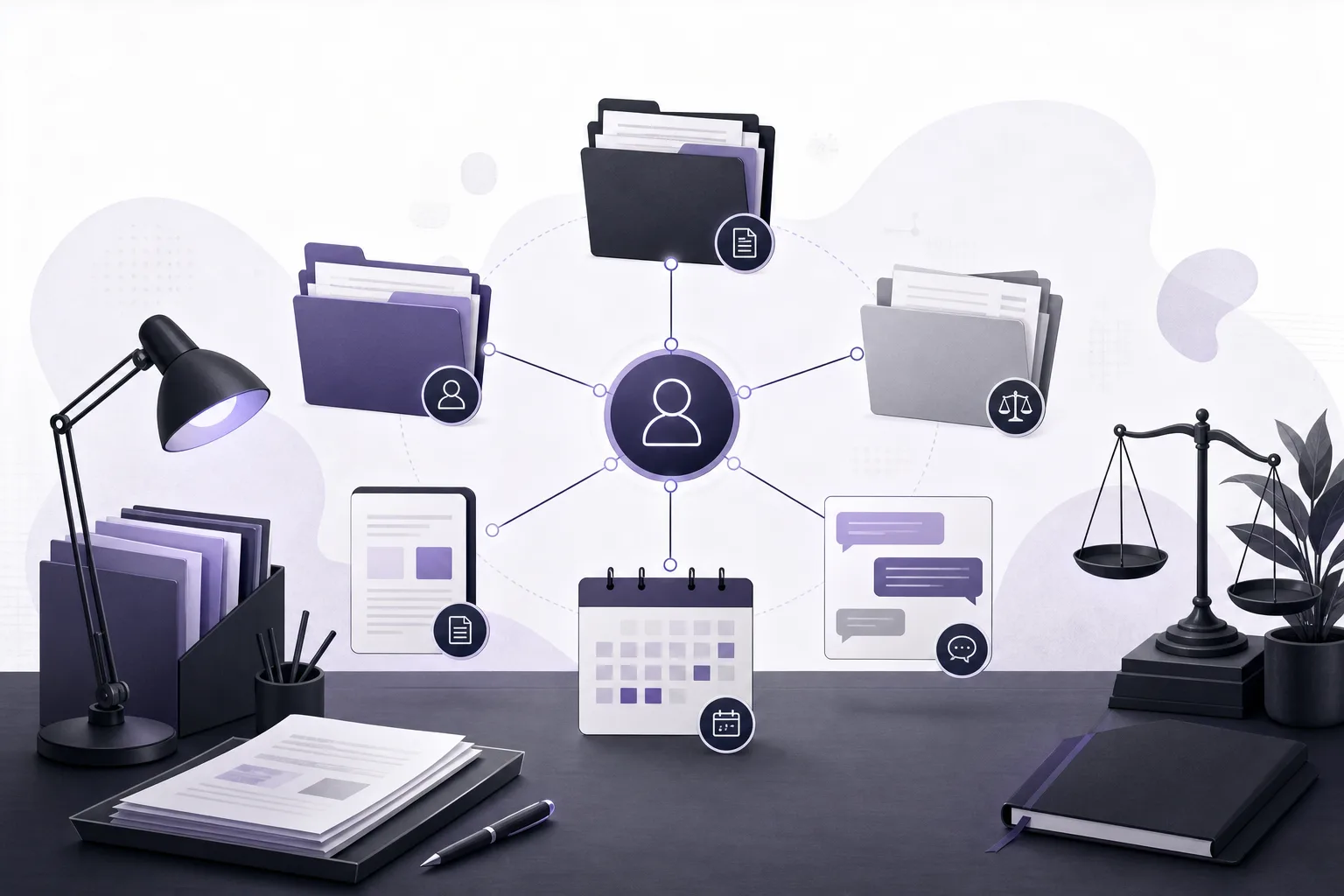
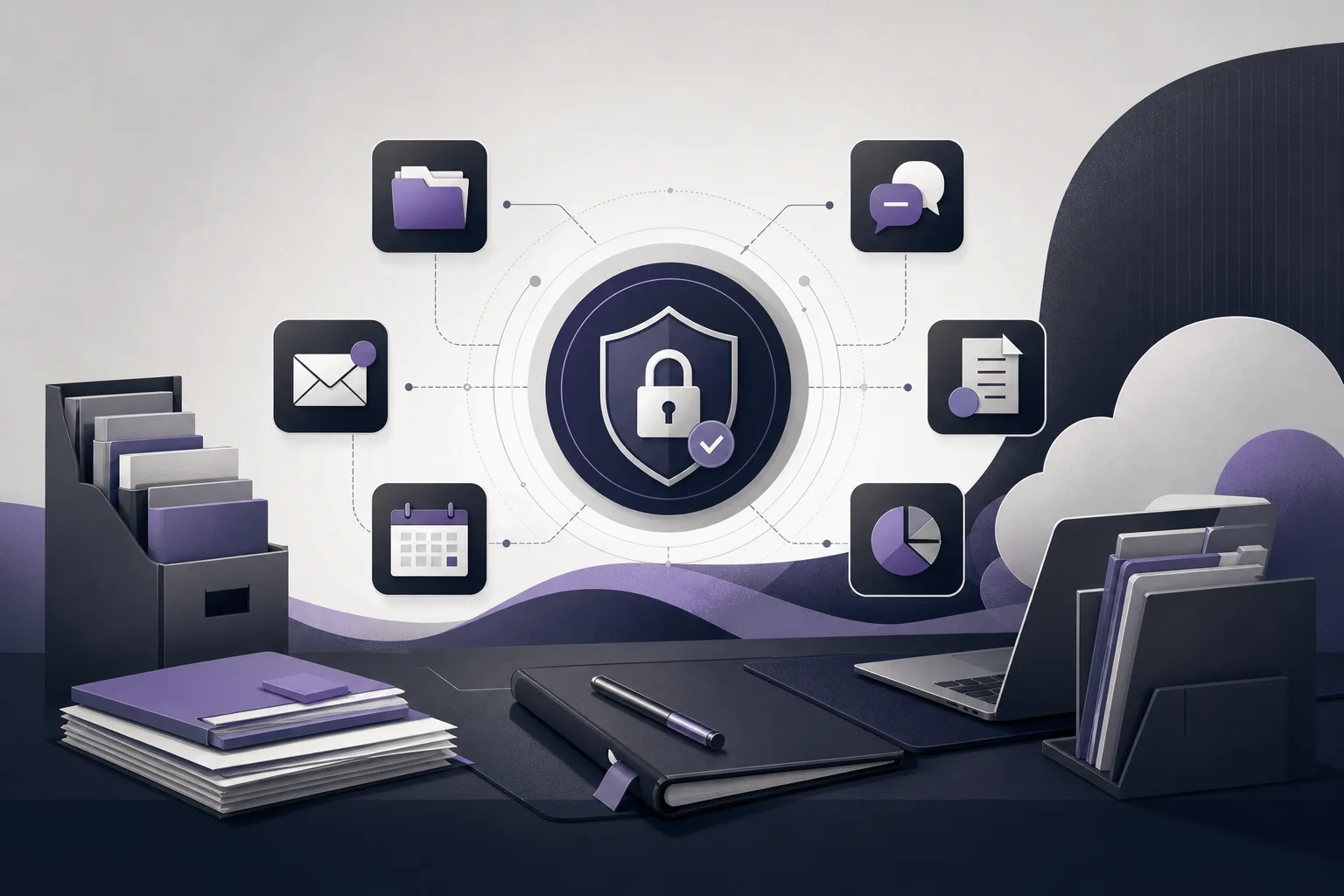
OrderTech Legal brings together management of cases, clients, documents, appointments, and accounts in a workspace for the office. Each office has an independent version with its own identity, accounts, permissions, website, and application connected to its own interface. This gives the office a place to organize follow-up items alongside the rest of its work rather than treating the initial conversation as a separate activity.
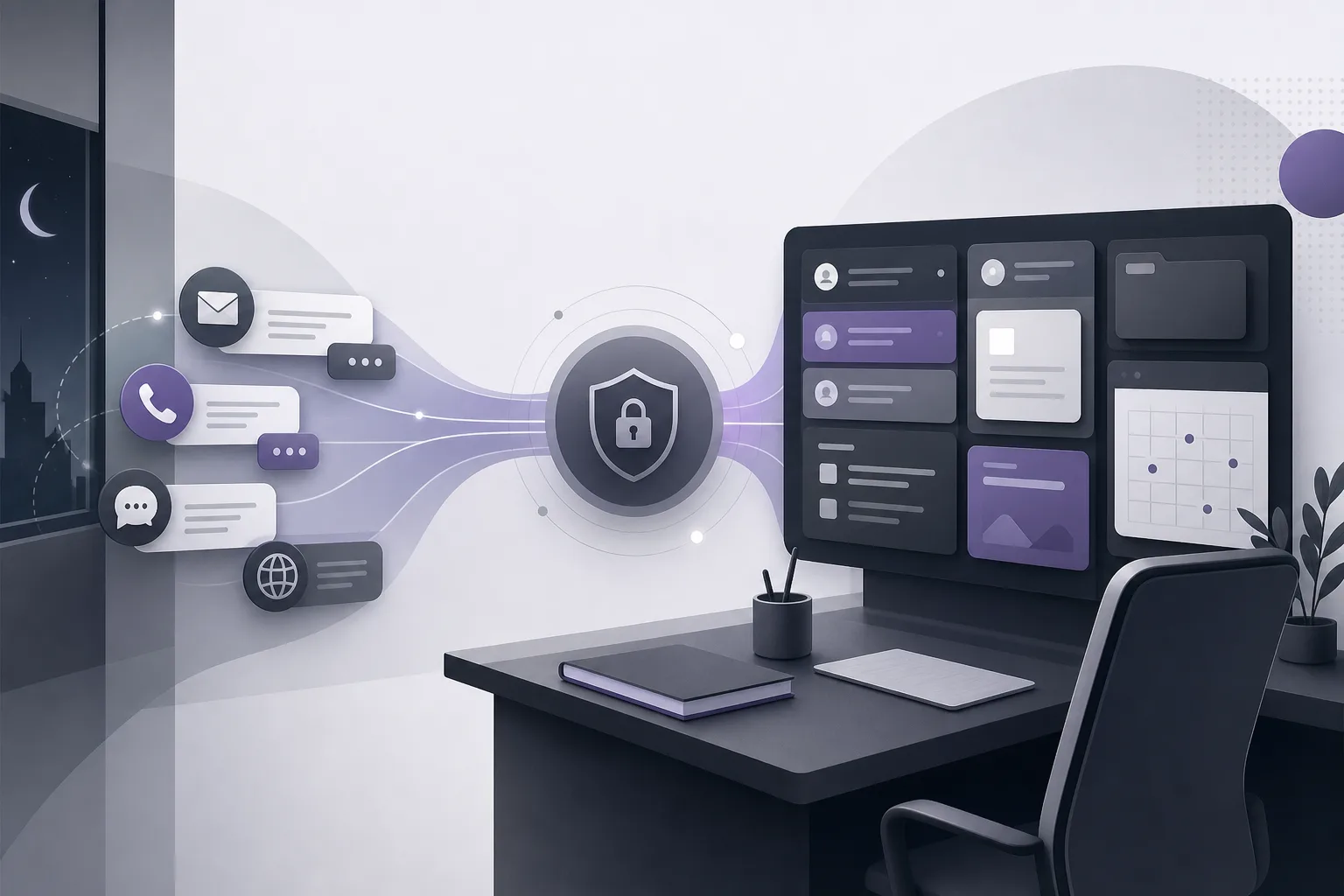
The communication assistant can help receive client inquiries, address frequently asked questions, and maintain conversation context, with the option for human intervention. Its availability and behavior depend on the channel’s configuration and activation. Its role is to support intake and continuity; it does not replace a staff member or attorney in deciding whether information is sufficient or what professional action should follow.
A practical workflow from inquiry to organized record
1. Configure the intake channel
The office first determines which channel will receive inquiries and activates the relevant services according to the version’s setup. It should also clarify internal responsibility: who reviews incoming conversations, who intervenes when necessary, and who decides whether the available information is ready to be organized as a client or matter record.
This step matters because the communication assistant depends on channel configuration and activation. Having an OrderTech Legal workspace does not by itself mean that every channel or service is enabled in the same way.
2. Receive the inquiry while preserving context
The communication assistant can help receive inquiries, respond to frequently asked questions, and follow the thread of a conversation. That allows the office to review the exchange as a connected interaction instead of treating each message as an unrelated item.
Human involvement remains important. The office may need a staff member to join the conversation, clarify information, or handle a situation outside the configured responses. The assistant’s role is to support the communication process, not to guarantee that an inquiry is complete or suitable for a particular next step.
3. Review before creating a clear record
Once the initial exchange has reached the appropriate point, a staff member reviews the conversation and separates available information from missing or uncertain details. This prevents the office from treating a brief first message as a finished record. It also helps the office organize information under the permissions and practices it has established.
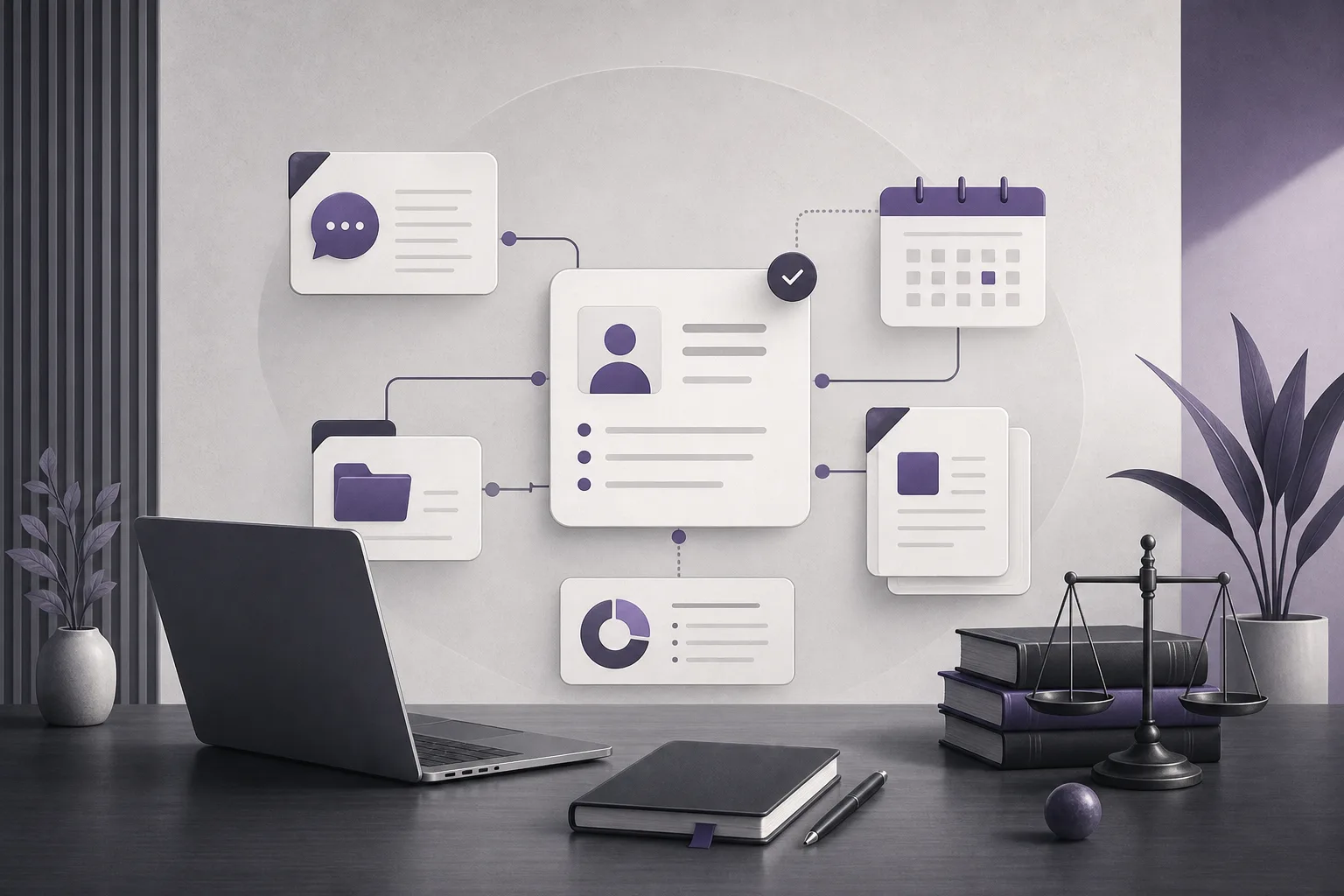
The relevant information can then be organized within OrderTech Legal’s client and case management areas, according to the office’s setup. This should not be understood as an automatic creation of a professional relationship, a matter, or a completed record. The office remains responsible for deciding what should be recorded and how it should be handled.
4. Connect appointments and documents to follow-up
If the office decides that an appointment is appropriate, it can manage that appointment within the workspace that also contains the other office activities. If documents are provided or needed for follow-up, they can be managed through the document area under the office’s permissions and organizational practices. Keeping these elements in the same workspace can reduce the gap between the original inquiry and the next internal task.
Organization does not remove the need to verify that documents belong to the correct record or that the right people have access to them. It also does not guarantee that the information in the conversation is accurate, complete, or sufficient.
5. Use the office assistant for summaries or drafts
After the available material has been organized, the office assistant can help summarize files, draft text, and search the legal library. These functions may reduce manual effort when preparing internal working material. They do not turn generated content into a final decision or approved action.
The attorney reviews the outputs and confirms the proposed actions. Availability depends on the version’s configuration and connected services, so the office should treat these functions as dependent on its particular setup rather than assuming that they are enabled for every office, channel, or workspace.
A hypothetical workflow example
Hypothetical example only, not a customer experience: A person sends a general inquiry through a channel activated by a fictional law office and includes a preferred way to follow up. The communication assistant receives the inquiry, handles configured frequently asked questions, and maintains the conversation context. A staff member intervenes when the exchange requires human review.
The staff member reads the conversation, distinguishes confirmed information from details that still need clarification, and organizes the relevant material in OrderTech Legal. If the office decides to schedule a follow-up, the appointment is managed in the workspace. Any available documents are placed in the appropriate document area under the office’s permissions. If the attorney needs a working summary, the office assistant may help prepare one, after which the attorney reviews the result.
This example does not assume an automatic or guaranteed conversion from a message into a client or matter record. The outcome depends on channel activation, service configuration, user permissions, staff intervention, and attorney review where appropriate.
Benefits and boundaries
What the office may gain
- Conversation continuity: The communication assistant can help maintain context across an inquiry instead of treating every message as an isolated item.
- A unified workspace: OrderTech Legal brings client, case, document, appointment, and account management together for the office.
- Clearer handoffs: Human intervention and review can make it easier to identify when an inquiry needs staff attention before it moves forward.
- Office-specific administration: Each office has an independent version with its own identity, accounts, permissions, website, and connected application interface.
- Support for office work: When available in the configured version, the office assistant can help with file summaries, drafts, and legal-library searches, while the attorney remains responsible for review.
What the office should not assume
- That every inquiry will automatically become a client or matter record.
- That the communication assistant replaces a staff member or attorney in verification, judgment, or review.
- That every channel and service is available without configuration, activation, or service connections.
- That a generated summary or draft is approved without attorney review.
- That organizing information proves its accuracy or completeness.
Frequently asked questions
Does OrderTech Legal automatically create a client record from the first message?
That should not be assumed. The platform can support inquiry intake and office organization through activated services, but the creation and review of a record depend on the office’s setup, user permissions, and human involvement.
Can the communication assistant answer every question?
It can help receive inquiries, address frequently asked questions, and maintain conversation context. The scope of its responses depends on the channel configuration and activation, and a staff member can intervene when needed.
When is staff intervention important?
It is important when information needs clarification, when the conversation must be reviewed before being organized, when the inquiry falls outside configured responses, or when the office needs to determine the appropriate next step.
Can the office assistant be used after the record is organized?
If available through the version’s configuration and connected services, it can help summarize files, prepare drafts, and search the legal library. The attorney reviews the outputs and confirms proposed actions.
Does every office use the same setup?
No. Each office has an independent version with its own identity, accounts, permissions, website, and connected application interface. Service availability also depends on the version, channel, and connected services.
Conclusion
OrderTech Legal can support the transition from an initial inquiry to a clearer working record by combining the communication assistant with a workspace for clients, cases, documents, appointments, and accounts. The practical value depends on clear intake rules, appropriate configuration, permissions, staff intervention, and attorney review. The assistant supports the office and the attorney; it does not replace their judgment or decisions.
If your law office wants to examine how this workspace could fit its channels, services, and permission structure, explore OrderTech Legal to learn more about organizing the path from the first conversation to a clearer office record.
Platform feature references
- OrderTech Legal — إدارة المكتب / Office management — Accessed 2026-09-20
- OrderTech Legal — المساعد الذكي / AI assistance — Accessed 2026-09-20