
When an organization operates more than one law office environment, a simple operational mistake can create confusion: a client inquiry may be opened, reviewed, or followed up from the wrong office workspace. This leads to the practical question: How can OrderTech Legal help an operations manager verify the correct office environment before following up on a client inquiry? The issue here is not a legal assessment of the inquiry. It is the operational review of the workspace in which the inquiry appears before a staff member continues the conversation.
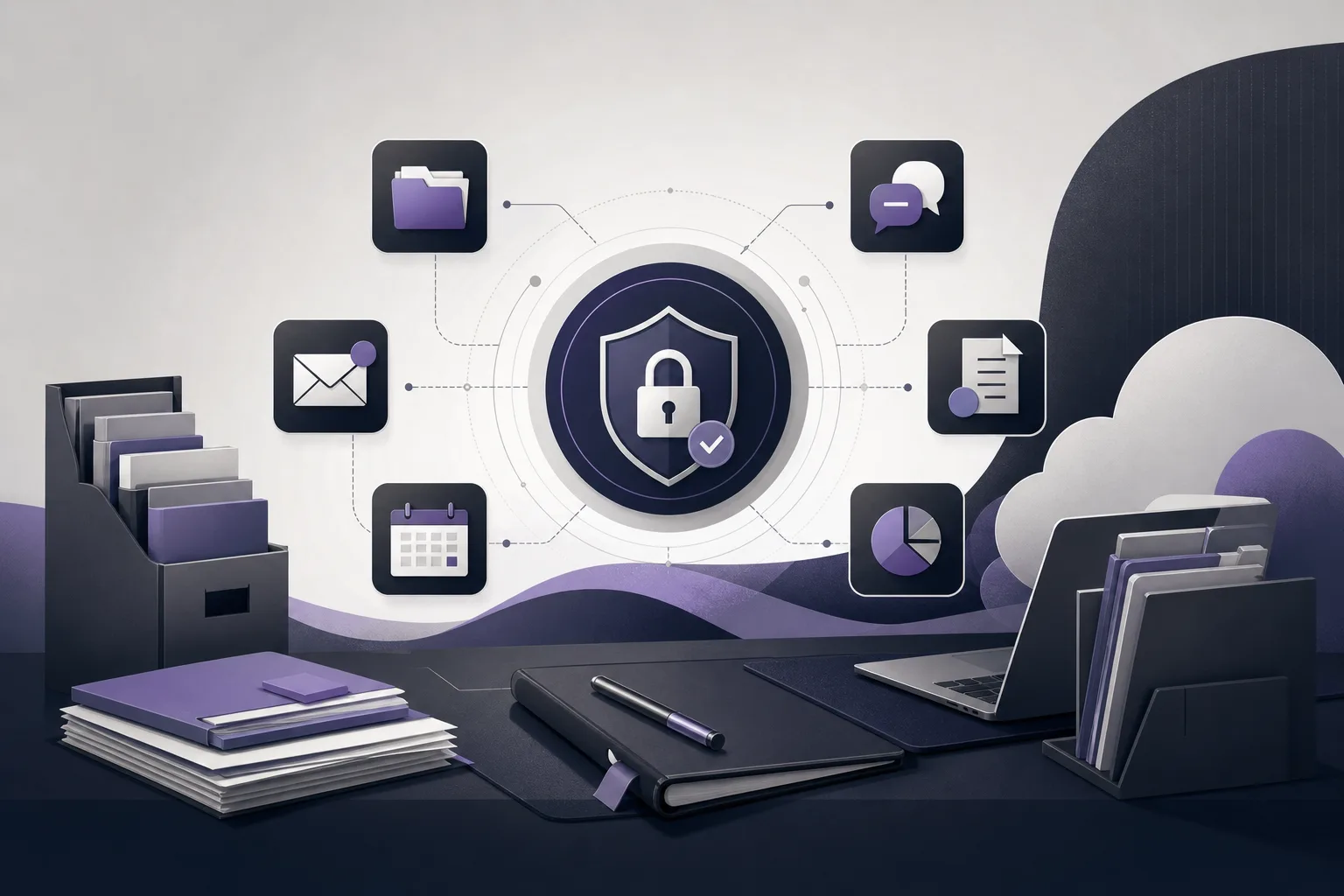
OrderTech Legal brings case, client, document, appointment, and account management into an office workspace. Each office has an independent instance with its own identity, accounts, permissions, location, and application connected to its own interface. That structure gives an operations manager a useful checkpoint: is the inquiry in the correct office environment, under the appropriate account and permissions, before follow-up begins?
Why the workspace matters first
In a multi-office organization, services and inquiry types may look similar even when different offices are responsible for follow-up. If a staff member does not verify the environment where the inquiry appears, the inquiry may be treated as part of another office’s workflow. OrderTech Legal does not automatically decide which office is responsible or eliminate every operational mistake. Instead, it provides an independent environment for each office while leaving final verification to the authorized employee under the configured permissions and settings.
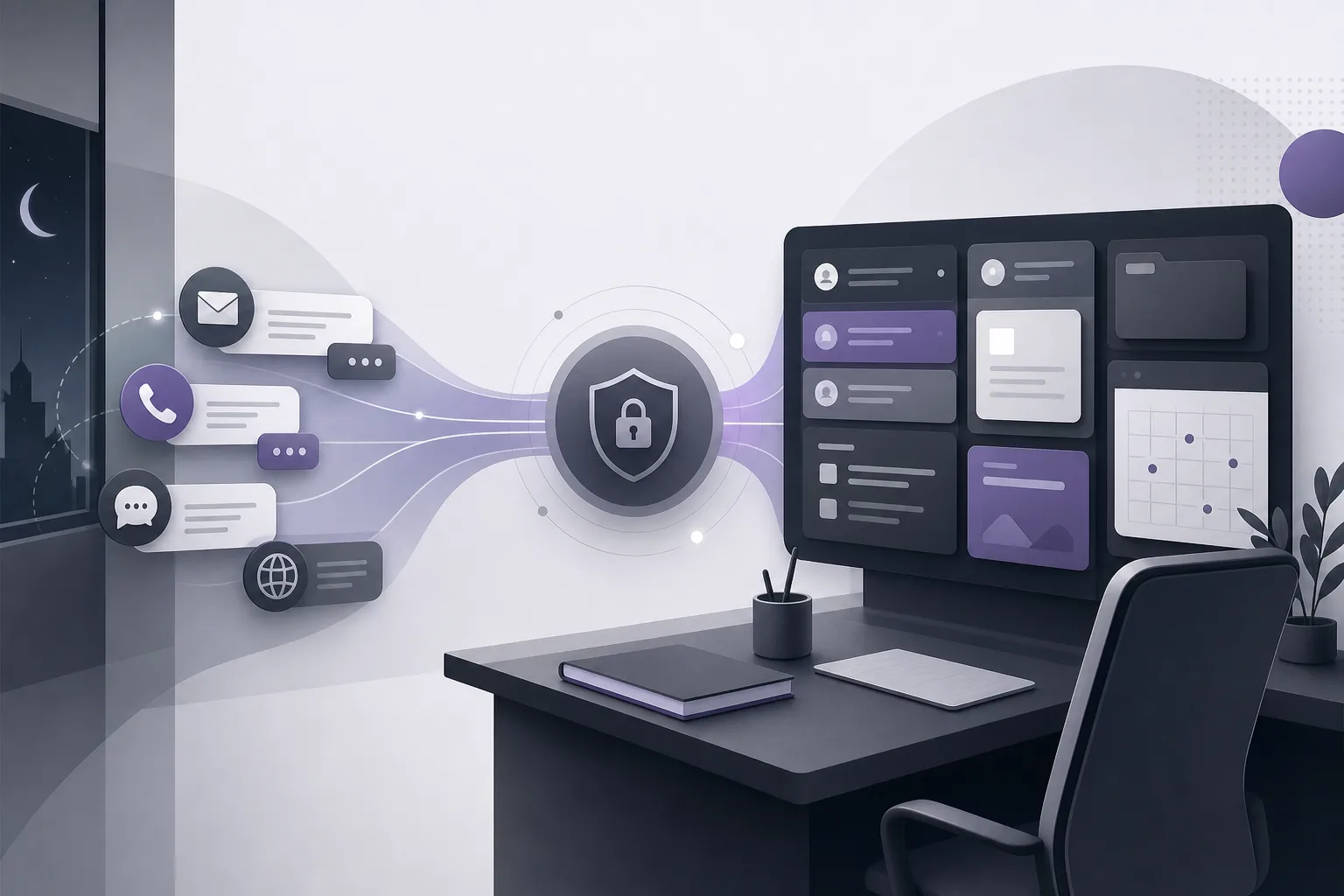
This review is especially relevant when inquiry intake is enabled through a particular channel. The communication assistant can help receive client inquiries, answer frequently asked questions, and follow conversation context, with the possibility of human intervention, depending on channel configuration and activation. The operations manager should therefore treat an inquiry as an input requiring human review before follow-up, not as a final routing decision.
How independent office instances support verification
A separate identity for the first check
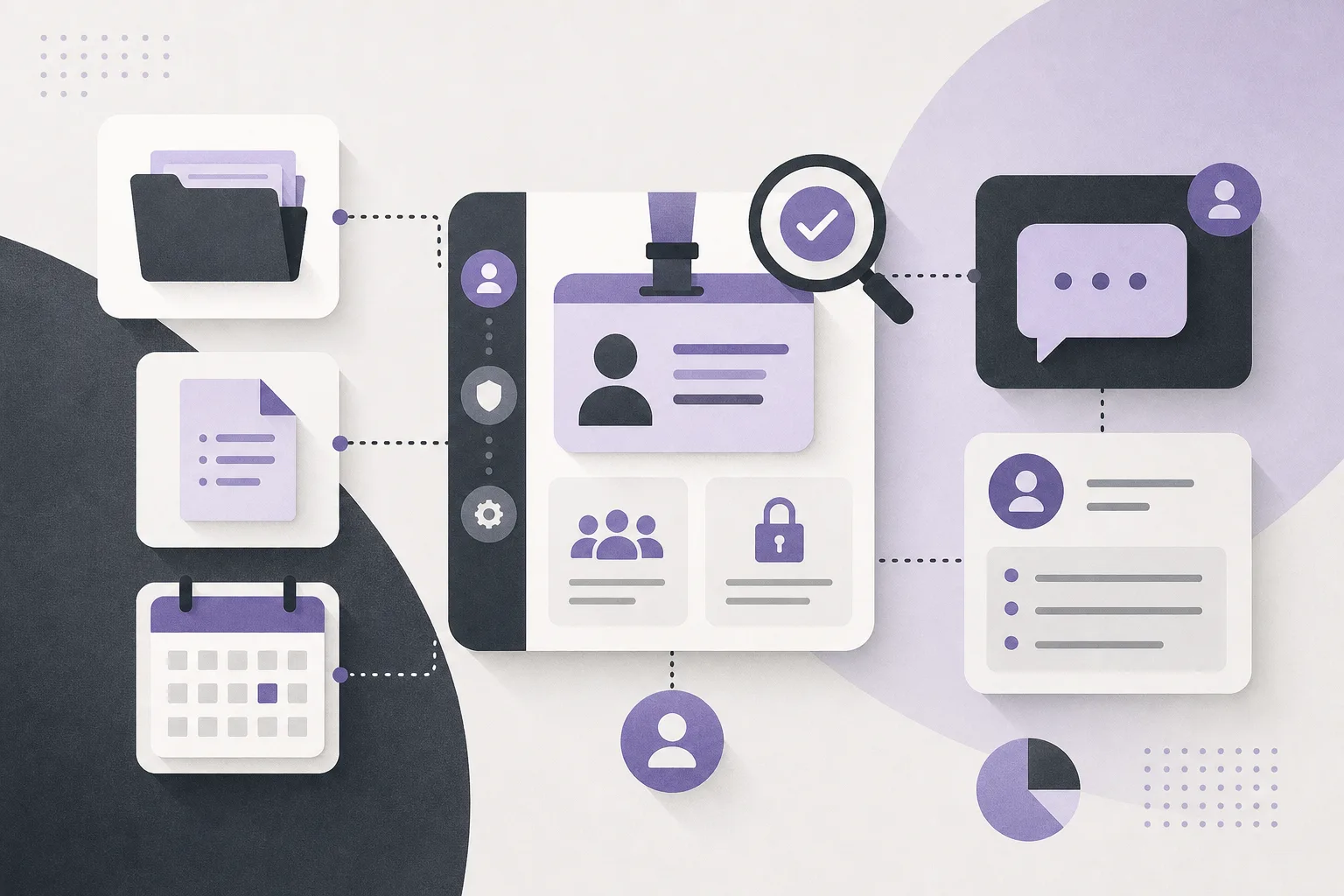
Each office has its own identity. When the operations manager opens a workspace, the office identity shown in that instance can form part of the initial checklist: does this environment correspond to the office expected to handle the inquiry? This does not infer information that is absent from the inquiry. It simply helps reduce confusion caused by working in an unintended interface.
Office-specific accounts and permissions
Each instance has its own accounts and permissions. Before continuing an inquiry, the employee can confirm that the active account belongs to the correct office environment and that the account has the appropriate ability to work there. Permissions do not mean that the system decides who should contact the client. They are part of the configured office environment and define the scope of access and work. If the account or access scope is unclear, the safer operational step is to pause and ask the responsible person to confirm.
A connected office location and application
The independent instance includes the office location and an application connected to its own interface. The operations manager can compare these indicators with the office expected to handle the inquiry. This check remains dependent on correct configuration and service connections. The presence of an application or location should not, by itself, be treated as conclusive proof of inquiry ownership or client identity.
A practical pre-follow-up checklist
- Open the intended office environment: Start with the independent instance expected to receive the inquiry. Do not rely only on a similar office name or inquiry type.
- Review the displayed identity: Compare the instance identity with the office assigned for follow-up. Check the location and connected interface as operational indicators, not as a substitute for employee judgment.
- Confirm the active account: Make sure the account in use belongs to the correct office environment. If the account or access scope is unclear, do not move or act on the inquiry based on assumption.
- Review permissions and settings: Confirm that the authorized employee can work with the inquiry in that instance and that the communication channel is enabled as configured for the office. Assistant availability and service connections depend on the instance setup and linked services.
- Read the conversation context: If the communication assistant is enabled, review the conversation before responding. The assistant can help maintain context and address frequently asked questions, but the employee remains responsible for understanding the exchange and deciding whether human intervention is needed.
- Make the next decision manually: After verification, the employee decides whether to continue the inquiry, request an internal review, or correct the follow-up path. The assistant should not be treated as a replacement for human review or decision-making.
A hypothetical workflow example
Hypothetical example, not a real client experience: An operations manager oversees two independent law office environments, and a message arrives through a channel enabled in one of them. Before responding, the manager notices that the identity of the open instance does not match the office expected to handle the inquiry. Instead of copying the conversation into another environment or replying from the current account, the manager pauses, reviews the account, permissions, and channel configuration, and asks the responsible employee to confirm the intended office. After confirmation, the employee opens the correct instance, reads the conversation context, and decides whether to answer a frequently asked question or intervene personally. The example shows how independent workspaces support a controlled review while still requiring a clear human action.
What this approach does not guarantee
- An independent instance alone does not guarantee that every inquiry was sent to the correct office. Outcomes depend on configuration, information, and employee behavior.
- The communication assistant does not decide on behalf of the lawyer or operations manager which office should handle an inquiry.
- A similar identity or interface is not enough to establish that follow-up is appropriate. The account, permissions, channel settings, and conversation context should be reviewed.
- Assistant outputs and drafts should not be used without human review. When available, the office assistant helps summarize files, draft content, and search the legal library; the lawyer reviews the outputs and confirms proposed actions.
- Assistant availability and service connections depend on the instance configuration and linked services, so the practical workflow may differ between offices.
Frequently asked questions
Do independent instances prevent an inquiry from reaching another office?
They provide organizational separation for each office through its own identity, accounts, permissions, location, and application connected to its own interface. They are not an automatic guarantee against human error or incorrect configuration. Verification before follow-up remains necessary.
Can the communication assistant automatically assign an inquiry?
The available product information describes its role in receiving inquiries, handling frequently asked questions, and following conversation context with possible human intervention, depending on channel configuration and activation. It should not be assumed to replace the employee’s decision about office responsibility or assignment.
What should we do if the environment identity or permissions are unclear?
Pause the follow-up, review the instance, account, and channel settings, and request confirmation from an authorized person. Do not move inquiry content or make a decision based only on similar names.
Can the office assistant support the review?
When available under the instance configuration and linked services, the office assistant helps summarize files, prepare drafts, and search the legal library. The lawyer must review the outputs and confirm proposed actions.
Conclusion
OrderTech Legal can help an operations manager establish a clear checkpoint before following up on a client inquiry: open the independent office instance, review its identity, location, and interface, confirm the account, permissions, and channel settings, then read the conversation context and make the appropriate human decision. The main benefit is a more organized office environment and less operational ambiguity, while accurate configuration and human intervention remain essential. Explore OrderTech Legal to learn how an office workspace can bring case, client, document, appointment, and account management together in an environment dedicated to each office.
Platform feature references
- OrderTech Legal — إدارة المكتب / Office management — Accessed 2026-11-07
- OrderTech Legal — المساعد الذكي / AI assistance — Accessed 2026-11-07