
How can OrderTech Legal help a law office manager identify scheduling conflicts linked to case files? The question reflects a familiar operational problem: a lawyer may have more than one commitment in the same period, or a new appointment may be recorded without reviewing the case file and preparation it requires. When appointments, client information, and case records are kept apart, finding and reviewing a conflict before confirming an internal assignment becomes harder.
OrderTech Legal provides a law office workspace that brings together case-file, client, document, appointment, and account management. This does not mean that the platform decides how an appointment should be reassigned or replaces a lawyer’s review. Its practical value is in bringing related information closer together for human review. Availability and workflow depend on the office version, account setup, permissions, and enabled services.
Why connect a scheduling conflict to a case file?
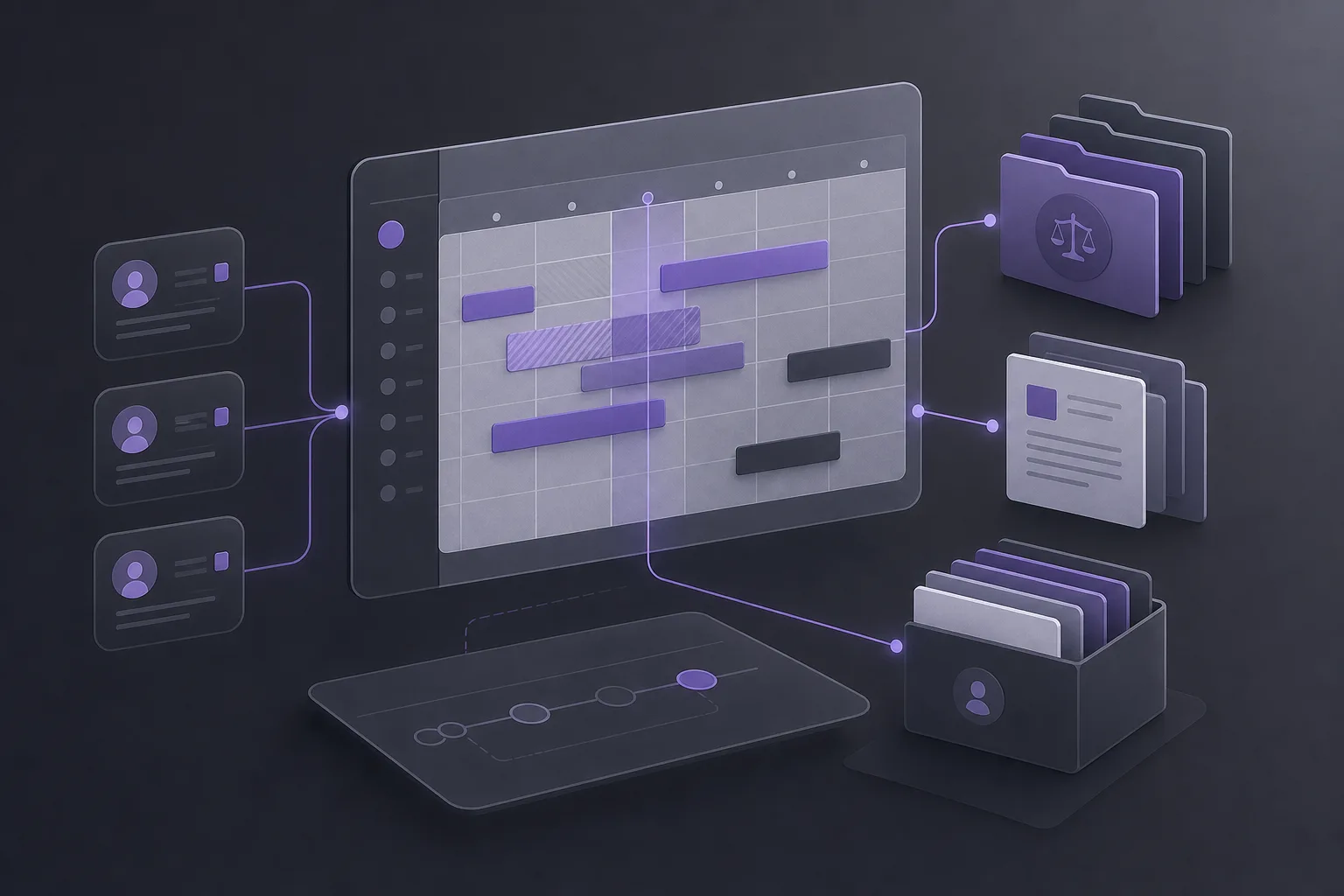
A scheduling conflict is not only a collision between two time entries. Each appointment may relate to a case, a client, documents, and preparation work. Knowing that two commitments overlap is therefore only the starting point. The office manager also needs to understand what each commitment concerns before proposing an internal reassignment or asking the responsible lawyer to intervene.
A connected workspace can support practical questions such as:
- Which case files are linked to the appointments that overlap or are close together?
- Is each appointment associated with the correct lawyer or file?
- Does either commitment require document review, preparation, or client follow-up?
- Should a possible reassignment be reviewed by a lawyer or another authorized user?
How an office manager can use OrderTech Legal
1. Keep office information in one workspace
The process begins with the workspace that brings together case files, clients, documents, appointments, and accounts. Instead of viewing an appointment as an isolated calendar entry, the manager can review the administrative context connected with it within the office’s own version. Each office has an independent version with its own identity, accounts, permissions, location, and application connected to its own interface. The available setup can therefore differ between offices.
2. Review the appointment schedule
The manager reviews lawyers’ recorded appointments and identifies periods that may overlap or require closer attention. The purpose is to find situations for review, not to assume that every close or overlapping entry is a confirmed conflict. One commitment may be movable, another may require the responsible lawyer’s decision, or the appointment information may need clarification.
3. Connect each appointment to the relevant case or client
Once an appointment needs review, the manager can look at its connection to the relevant case file and client. This provides context for the operational priority, preparation, and documents associated with the commitment. It also reduces the risk of treating a calendar entry as separate from the legal-office work it supports.
4. Compare commitments before confirming an internal assignment
The combined view helps the manager compare overlapping or closely timed commitments and refer the situation to the responsible lawyer or authorized user when needed. The outcome might be to keep the appointment, suggest a different internal assignment, or request clarification before recording a change. The system’s display of an overlap should not by itself trigger a change; the appropriate action still requires human review of the circumstances and applicable permissions.
5. Confirm the decision through the permitted workflow
After review, the authorized user confirms the appropriate action according to the office’s setup. The platform’s role is to bring appointment and case information closer together, not to replace the office’s internal policy or a lawyer’s judgment. Accurate appointment and file data also remain important to the quality of the review.
Benefits for the office manager and lawyer
For the office manager, connecting appointments with case files and clients creates a clearer basis for sorting and internal follow-up. Rather than beginning each review by searching across separate records, the manager can examine the relationship between a commitment and its case before requesting a decision from the appropriate person.
For the lawyer, the same context can make scheduling questions more useful. Instead of receiving a general question about availability, the lawyer can review the commitments alongside the related case information. This may make it easier to identify what requires personal attention, while preserving the lawyer’s responsibility to review and decide. OrderTech Legal does not decide whether an appointment should be moved or who should take over a file.
Hypothetical example
Assume that an office records an appointment for a lawyer linked to one client file and later adds another commitment in the same period linked to a different file. The office manager reviews the appointment schedule in OrderTech Legal, then checks the case and client connection for each commitment, along with the relevant documents. The review shows that one commitment requires preparation by the lawyer, while the other requires a decision about internal assignment.
The manager does not treat this result as an automated decision. Instead, the situation is referred to the lawyer or authorized user, who confirms the appropriate next step before any internal assignment is changed. This is a hypothetical usage example, not a customer story or a guarantee of a particular outcome.
The role of the assistants and important limits
Depending on the office version and connected services, the office assistant can help summarize files, draft content, and search the legal library. That support may help prepare an administrative summary or a draft message about a scheduling issue, but the lawyer reviews the outputs and confirms proposed actions. The assistant supports the lawyer; it does not replace professional review or decision-making.
The communication assistant can help receive client inquiries, handle frequently asked questions, and maintain conversation context, with human intervention available according to the channel setup and activation. This may be relevant when an office is organizing an inquiry about an appointment, but it does not mean that every channel is enabled or that responses occur without human involvement.
Practical limitations
- Feature availability depends on the office version, service connections, and activation.
- Do not assume that every office has automatic alerts or a fully automated conflict decision unless that capability is available and configured in the office version.
- Review quality depends on accurate appointment records and correct links to files and permissions.
- A lawyer or authorized user remains responsible for reviewing outputs and confirming the action.
Frequently asked questions
Does OrderTech Legal automatically detect every conflict?
It brings appointments together with case and client files in one workspace, supporting review of overlapping commitments. A universal automated detection or alert should not be assumed without checking the office version and enabled services.
Can an appointment be reassigned without the lawyer’s approval?
The answer depends on the office’s permissions and workflow. The platform supports users but does not replace the lawyer’s or authorized user’s decision, so the action should be confirmed before it is adopted.
Can appointments be connected with documents?
OrderTech Legal combines management of appointments with case files, clients, and documents in the office workspace. The practical benefit of those connections depends on how the office configures its data and permissions.
Are the assistants available in every office?
Availability depends on the office version, connected services, and activation. Office-assistant outputs require lawyer review, and human intervention in the communication assistant depends on the channel setup.
Conclusion
OrderTech Legal can help a law office manager reduce the operational risk of overlapping lawyer appointments by bringing appointments, case files, clients, and documents into one workspace. The main benefit is context-based review before confirming an internal assignment, while preserving permissions and the lawyer’s role. Learn more about OrderTech Legal to explore how its workspace can be configured around your office’s operating method and enabled services.
Platform feature references
- OrderTech Legal — إدارة المكتب / Office management — Accessed 2026-09-26
- OrderTech Legal — المساعد الذكي / AI assistance — Accessed 2026-09-26