Month-end closing can become difficult when account information linked to cases and clients is kept apart from the case files, documents, and appointments that provide its context. A law office manager may have to move between separate records to understand which information is relevant to a particular account, while access to those records may vary across the office.
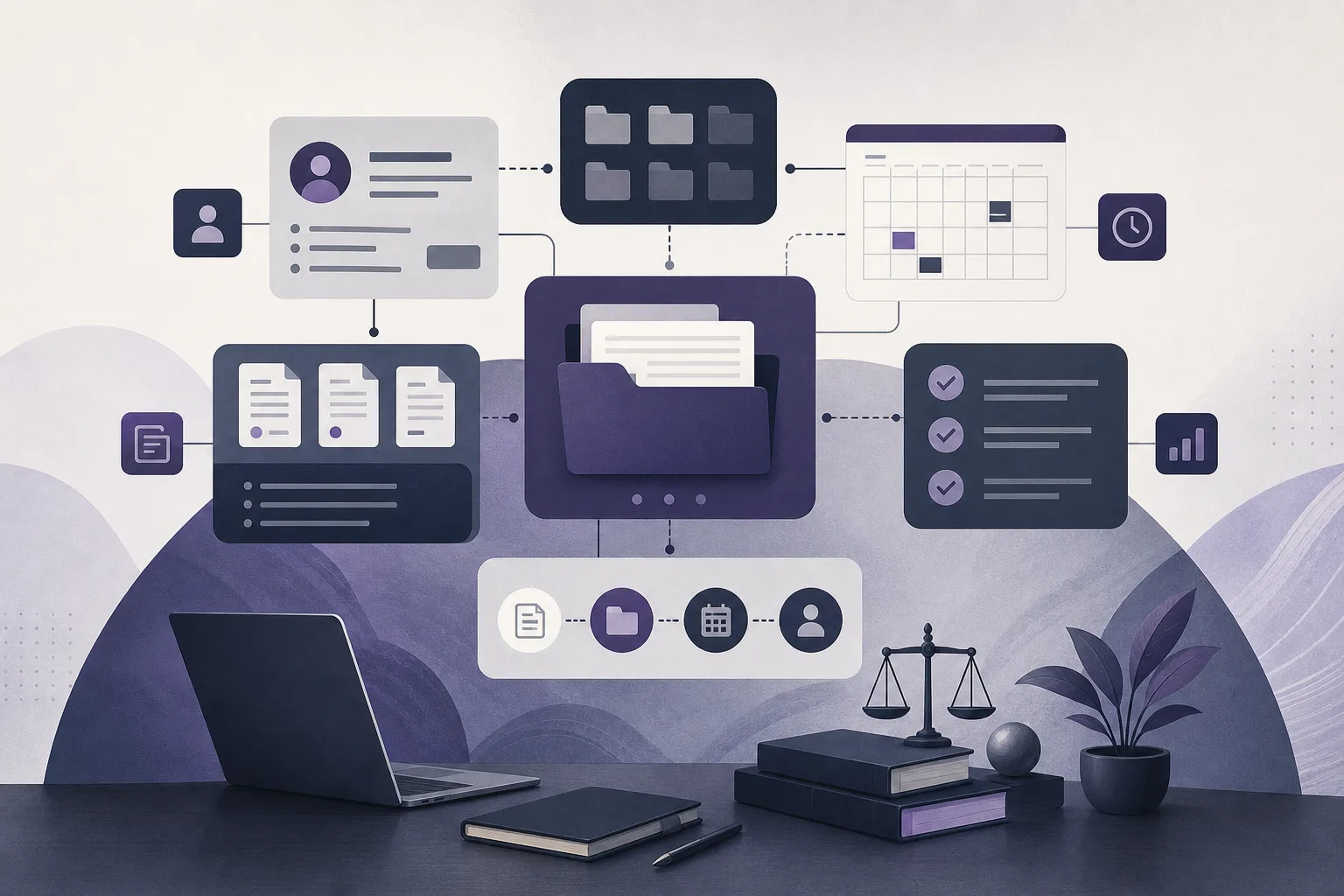
OrderTech Legal addresses this operational challenge by bringing case files, clients, documents, appointments, and accounts together in one workspace for the office. That is the practical answer to “How can OrderTech Legal help a law office manager review accounts linked to case files before month-end closing?” It helps organize related information for review; it does not replace professional judgment, approve accounts, or close the month on its own.
Why month-end account review becomes fragmented
When accounts and case records are managed separately, the manager must search across multiple sources to understand the relationship between an account, a client, and a case. Supporting documents or appointment information may sit elsewhere, making it harder to assemble the relevant context before an internal review is completed.
Access can add another layer of complexity. Different members of the office may have different permissions for accounts, case files, client records, or documents. A useful review process therefore needs both organized information and an appropriate permission structure. OrderTech Legal provides an office workspace for this organization, while the office remains responsible for setting access and deciding who reviews or approves each step.
How OrderTech Legal supports the review
1. Keeping accounts connected to case context
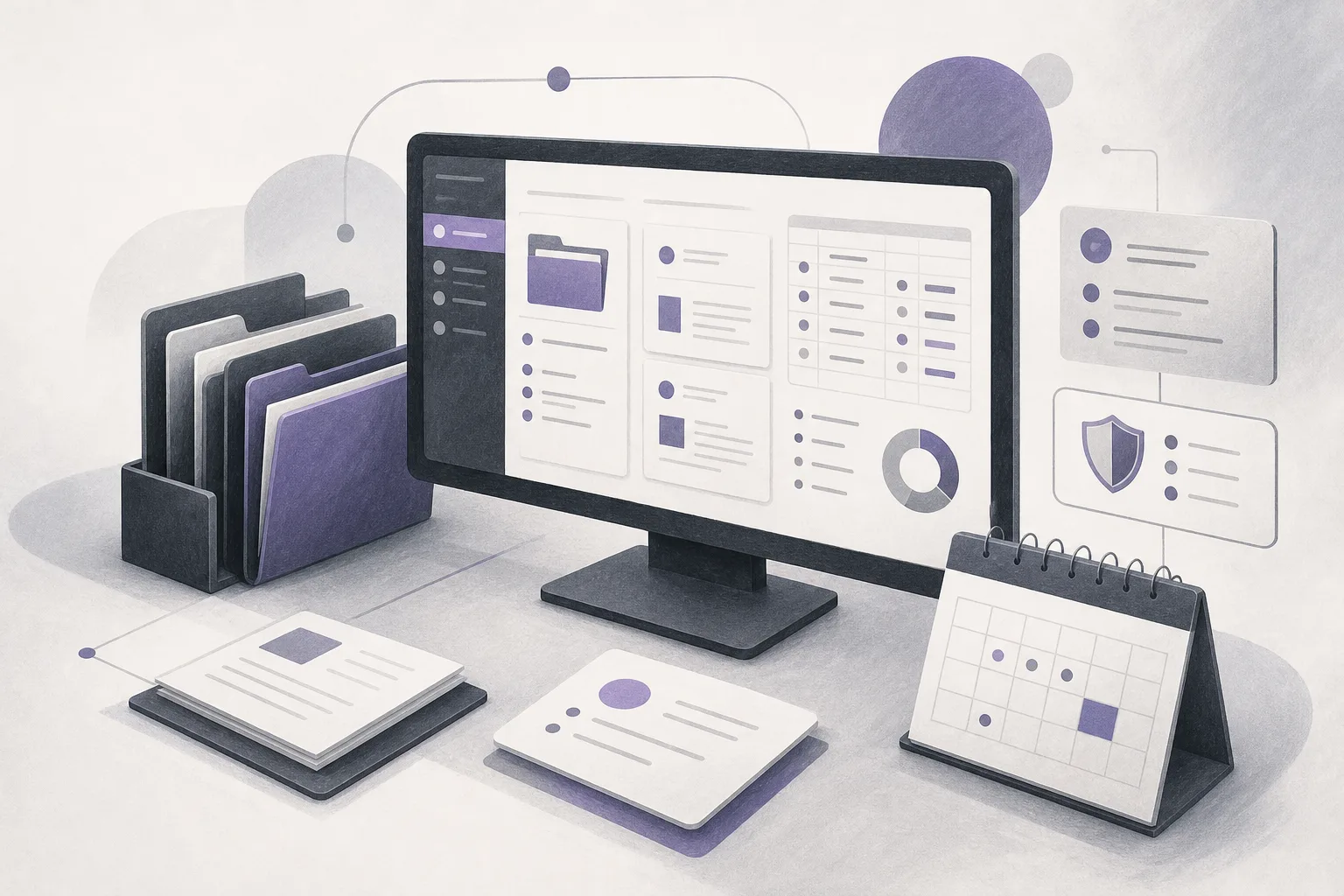
OrderTech Legal combines account management with case files, clients, documents, and appointments in one office workspace. A manager can work from an account record toward the related case or client information, then review the available documents and appointments according to the office setup and the user’s permissions.
This helps reduce the need to treat an account as an isolated record. The manager can examine the account in the context of the matter it is linked to and identify which information requires confirmation or follow-up under the office’s internal process.
2. Working within the office’s separate environment
Each office has its own OrderTech Legal instance, with its own identity, accounts, permissions, location, and application connected to its own interface. This separation supports work within the correct office environment and makes permissions an important part of the review process.
Before beginning a month-end review, the office should confirm that its instance reflects its operating structure and that each team member has the appropriate access. The platform helps organize information inside the office workspace, but it does not decide who should review an account or who has authority to approve a final internal action.
3. Moving through related records in one workspace
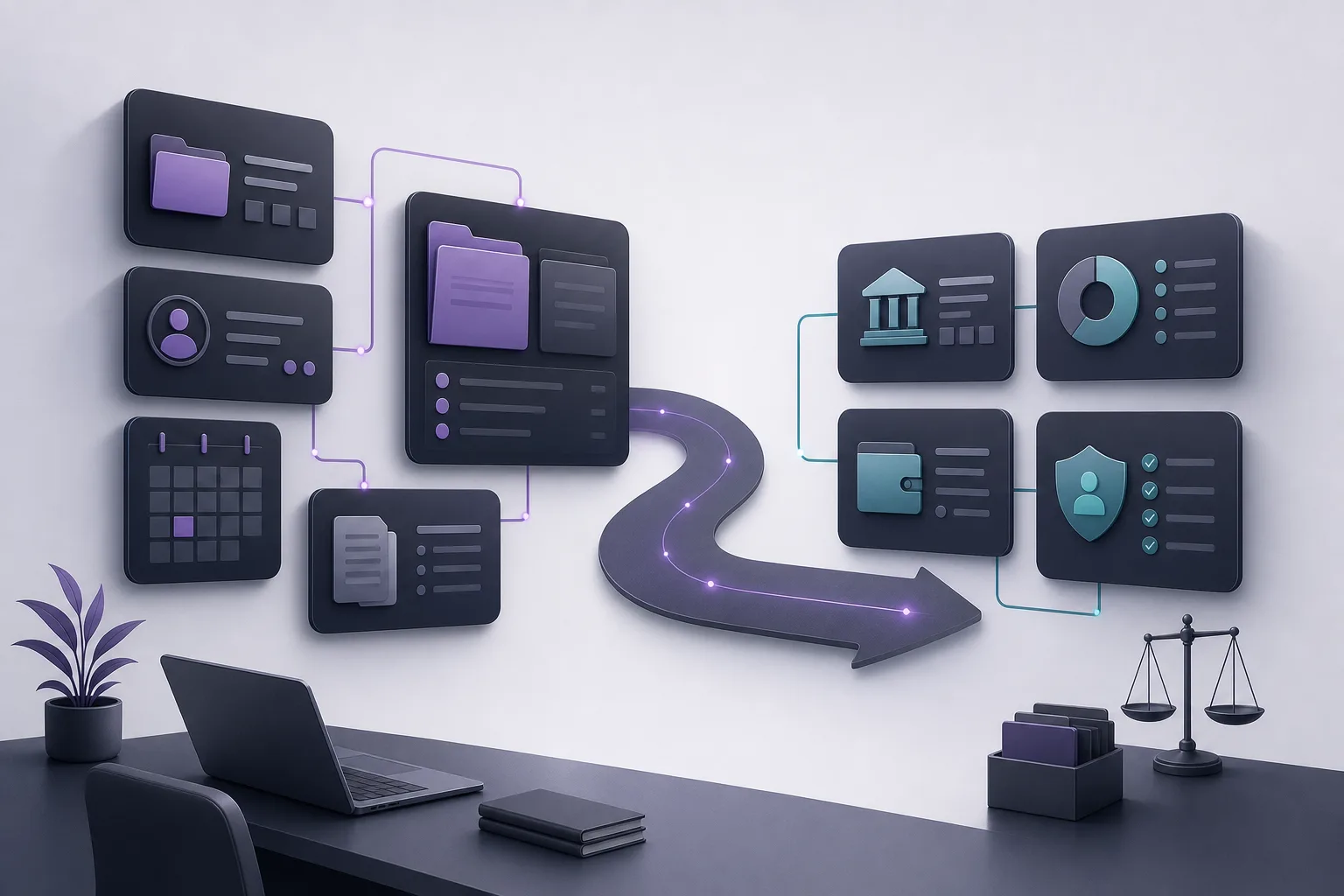
Because cases, clients, documents, appointments, and accounts are managed together, the manager can follow a more structured path: identify the relevant account, open the linked case or client record, review the available supporting context, and flag the next internal step for the authorized team member.
This does not mean the system determines whether an account is correct or automatically completes the month-end closing. Its role is to make related records easier to find and organize. Interpreting the information, checking whether it is complete, and confirming an action remain human responsibilities.
A practical review workflow
- Define the review scope: Identify the accounts, clients, or case files included in the office’s month-end process.
- Open the correct office workspace: Confirm that the user is working in the right OrderTech Legal instance and has the permissions required for the review.
- Review the account in context: Move from the account to the linked case or client, then examine the available documents and appointments relevant to the review.
- Flag items requiring attention: Record which records need confirmation or additional information, without treating their presence in the platform as proof that they are accurate.
- Route the next step: Ask the authorized person to review the flagged items and determine whether the internal process can continue or whether the records need clarification.
- Complete a human final check: Before the office closes the month, the responsible person confirms the final decision rather than relying on an automated conclusion.
Where the office assistant may help
The office assistant can help summarize files, draft materials, and search the legal library. During a month-end review, a file summary may help the team understand the relevant case context more quickly, while a draft may help organize internal follow-up points for discussion.
These outputs still require review. The lawyer reviews the assistant’s work and confirms proposed actions. Availability also depends on the configuration of the office instance and connected services. A summary or draft should not be treated as final account approval or as a substitute for checking the underlying records.
Hypothetical example
Hypothetical example, not a real client experience: A manager at a fictional law office is preparing for month-end closing and sees that several accounts are linked to different case files. Instead of reviewing the account list in isolation, the manager opens each relevant record in OrderTech Legal, moves to the related case and client information, and reviews the available documents and appointments within the user’s permissions.
The manager then creates an internal follow-up list for the authorized reviewer. In this example, the shared workspace brings the relevant context together, but it does not determine that an account is correct or close the month automatically. The office’s responsible personnel remain accountable for verification and the final internal decision.
Benefits and limits to keep in mind
- Benefit: Accounts are managed alongside case files, clients, documents, and appointments in one office workspace.
- Benefit: Managers can review related records within the context of the case, rather than relying only on disconnected account entries.
- Benefit: Each office works in a separate instance with its own identity, accounts, permissions, location, and connected application interface.
- Limit: The usefulness of the review depends on the completeness of the records and the office’s configuration and permissions.
- Limit: OrderTech Legal does not replace a lawyer’s review or the office manager’s decision, and it does not independently approve month-end closing.
- Limit: The office assistant’s availability depends on instance configuration and connected services, and its outputs require human review.
Frequently asked questions
Does OrderTech Legal review accounts instead of the office manager?
No. It helps bring account records together with related cases, clients, documents, and appointments. The authorized people in the office remain responsible for review and final decisions.
Can every office member see the same accounts and case files?
Not necessarily. Access depends on the office’s permissions and instance configuration. The office should confirm that each user has the appropriate access before the review begins.
Can the office assistant approve a month-end action?
No. It may help summarize files, draft materials, and search the legal library, but the lawyer reviews the output and confirms proposed actions.
Is one workspace enough if the underlying records are incomplete?
No. A shared workspace improves organization, but it cannot compensate for missing or outdated information. The team must verify and complete records according to its internal procedures.
Conclusion
OrderTech Legal gives a law office manager a single workspace for reviewing accounts linked to case files by bringing account management together with cases, clients, documents, and appointments. Its value depends on accurate records, suitable permissions, proper configuration, and human review. To learn how OrderTech Legal may fit your office’s workflow, explore the platform and consider the services and permissions your team needs.
Platform feature references
- OrderTech Legal — إدارة المكتب / Office management — Accessed 2026-09-25
- OrderTech Legal — المساعد الذكي / AI assistance — Accessed 2026-09-25