A missed appointment can create a practical problem for a law office: the appointment may be recorded in one place, the client conversation in another, and the relevant case file or documents somewhere else. When that happens, a staff member may have to rebuild the background before sending a follow-up. The useful question is: How can OrderTech Legal help a law office follow up with a client after a missed appointment while preserving case context?
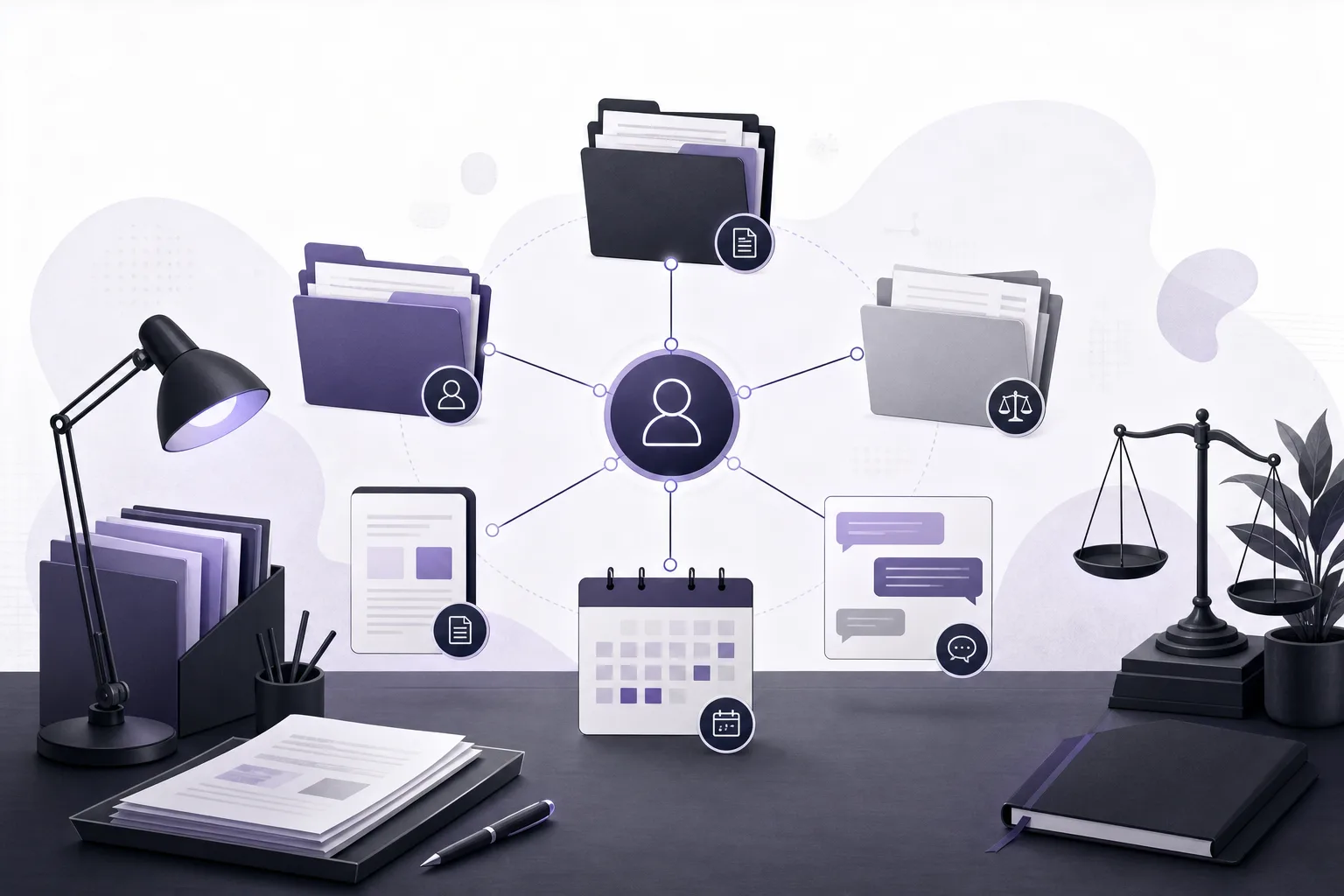
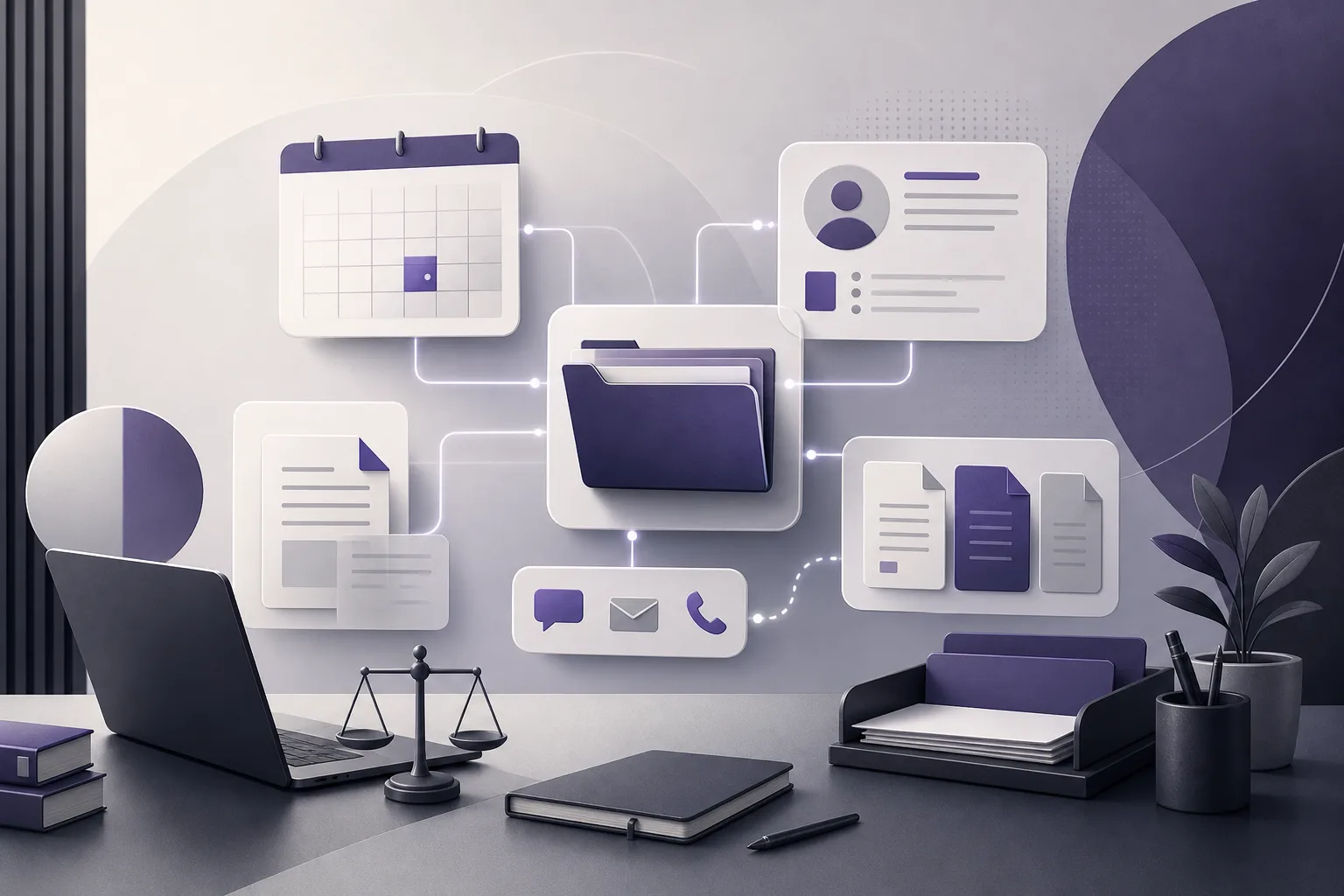
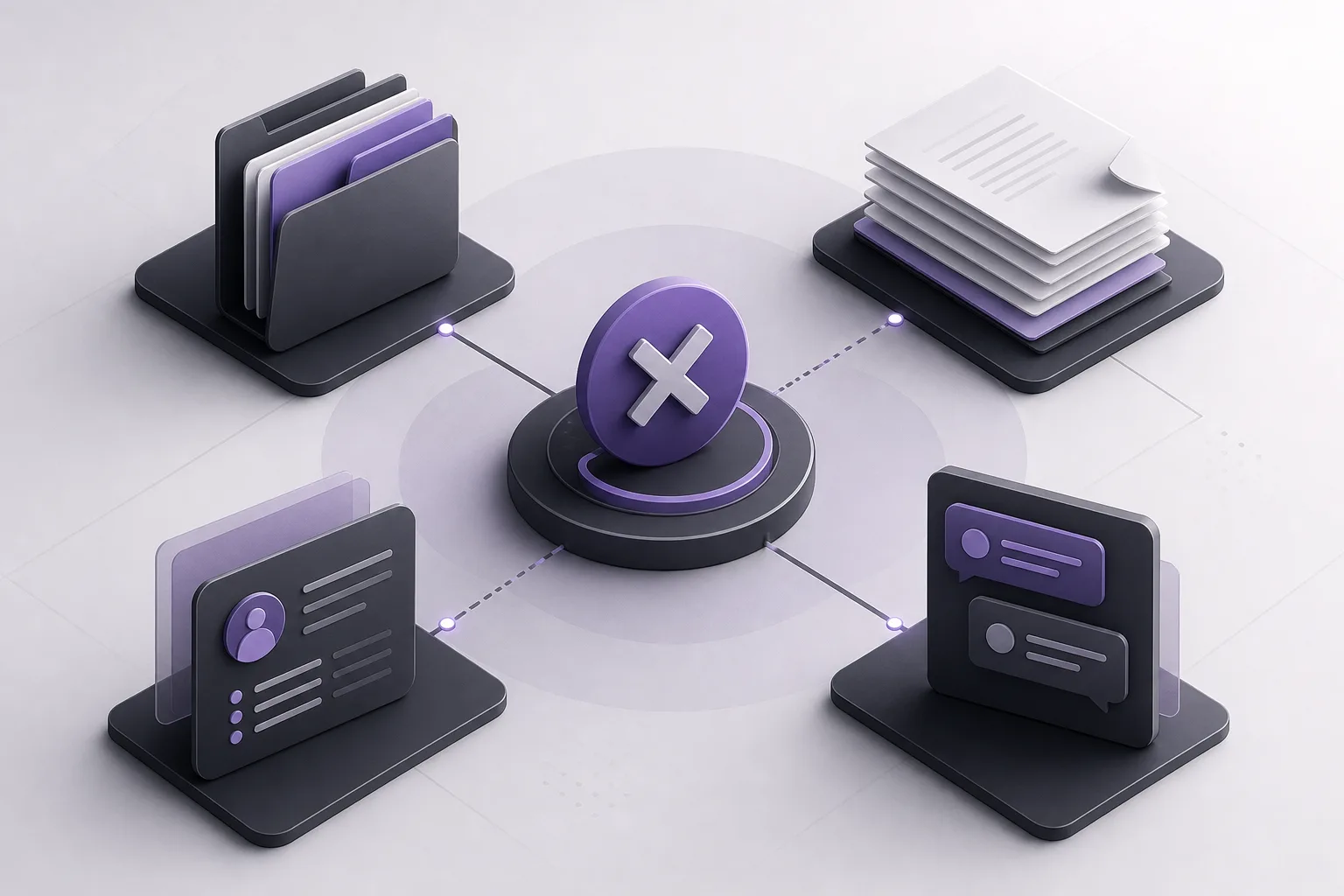
OrderTech Legal is designed to bring case and client file management, documents, appointments, and accounts into one workspace for the office. This gives the team a shared starting point for follow-up instead of treating a missed appointment as an isolated event. It does not replace a lawyer’s review or the office’s decision, and it does not mean that every response or action is automatically handled without human involvement. The practical result depends on the office setup, permissions, connected services, and enabled communication channel.
Why context is often lost after a missed appointment
A meeting may have been scheduled to review a document, discuss a case-related next step, or answer an initial question. If the client does not attend, a useful follow-up is more than a generic request to reschedule. The staff member may need to know which client and case were connected to the appointment, what documents are available, and what information was already part of the conversation.
The problem becomes more visible when several people share responsibility for client communication. One person may see the appointment, another may see the client record, and a third may have access to the relevant documents. This can lead to repeated questions, inconsistent messages, or unnecessary requests for the client to explain the situation again. A shared workspace does not remove the need for careful administration, but it can reduce dependence on personal memory and scattered searches.
How OrderTech Legal supports the follow-up process
1. Start with the appointment record
The first step is to open the recorded appointment in the office workspace and review the information attached to it. If the office has recorded or connected the appointment to a client and case, that connection can provide the starting point for the follow-up. The purpose is to understand what the appointment was about before drafting a message.
The available record may include the appointment status, its time, and the case or client selected by the office. What appears in the workspace depends on how the office records information and on the permissions assigned to the user. The system should therefore be treated as a structured source of office information, not as a substitute for checking the underlying record.
2. Review the client and case records
Because OrderTech Legal brings case and client management into the same workspace, an authorized user can move from the appointment to the related records and review the available context before contacting the client. This can help the office write a message that reflects the purpose of the appointment rather than sending a vague follow-up.
This does not mean that the system automatically infers every detail of a case or that every user can see everything. The quality of the context depends on how consistently the office enters and organizes information, while access depends on permissions. The responsible staff member or lawyer should confirm that the information used in the follow-up is appropriate and current.
3. Check relevant documents
Documents are part of the same office workspace, so an authorized team member can review the documents available in the case before following up. This may help clarify what was expected to be reviewed or discussed, without immediately asking the client to send the same material again simply because the appointment was missed.
The office should not assume that every needed document is present or that the available document is the latest version. The file and its contents still need to be checked before they are mentioned in a message. OrderTech Legal provides a place to manage these elements, but it does not replace professional verification of whether information is complete or suitable for the communication.
4. Use the communication assistant where enabled
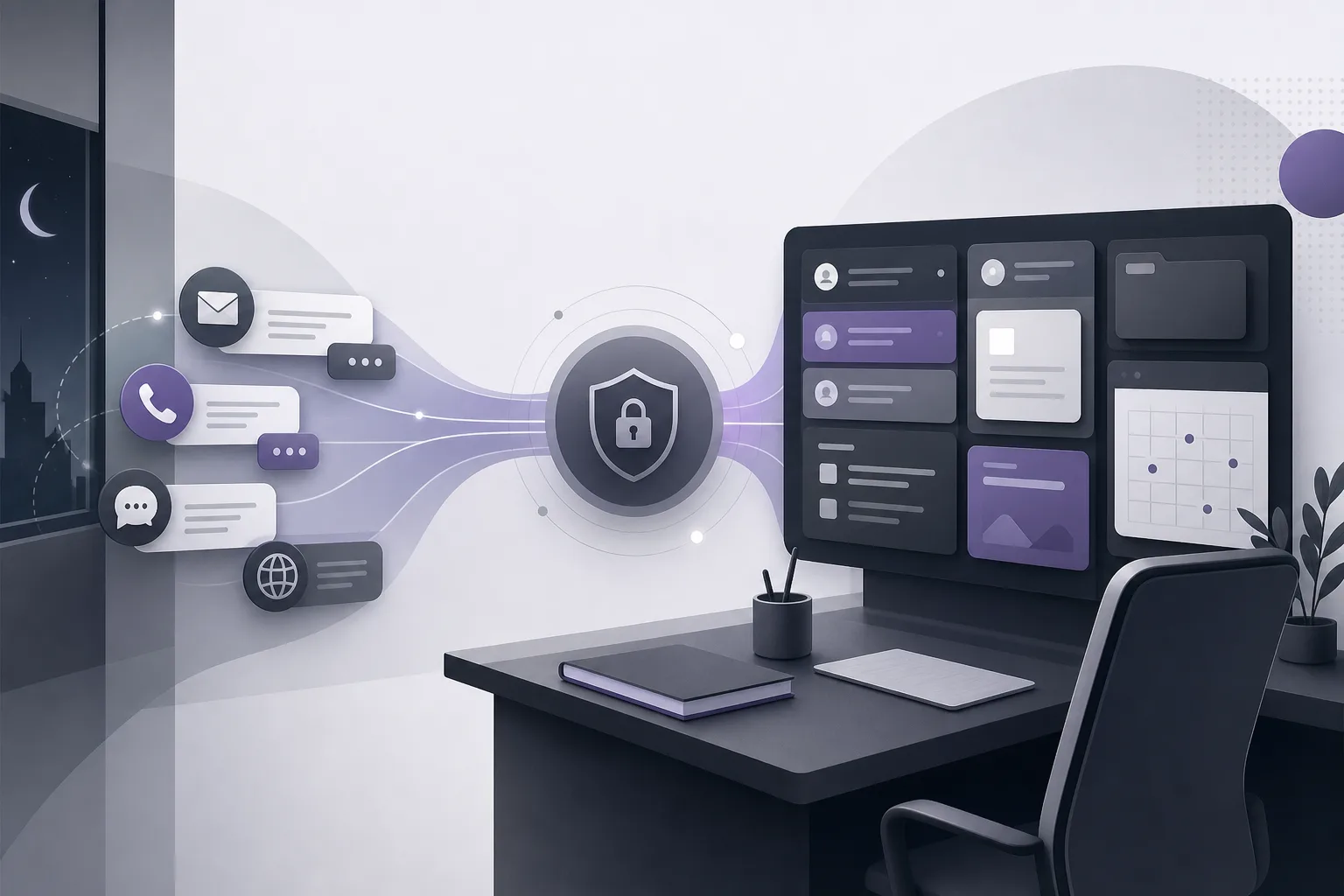
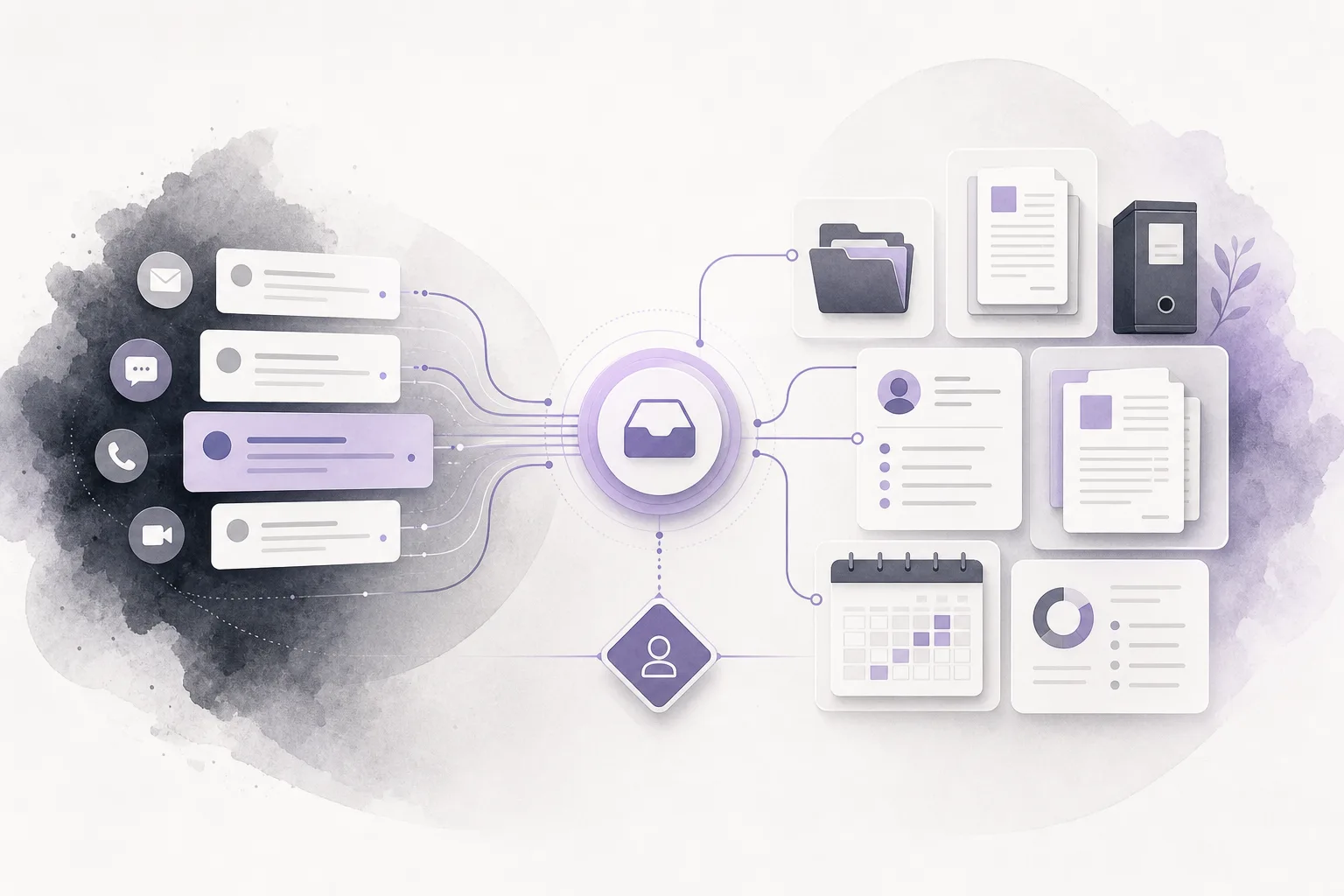
The communication assistant helps receive client inquiries, handle frequently asked questions, and continue conversation context, with the possibility of human intervention. In a missed-appointment workflow, it may help continue a conversation within the context available to it, receive the client’s response, or handle a recurring question before a staff member steps in when necessary.
The assistant should not be presented as a replacement for the office team or the lawyer. If the client asks about a matter specific to the case, if the available information conflicts, or if the response requires an office decision, a human should intervene. Availability also depends on the office edition’s configuration, service connections, and channel activation. It should not be assumed that the same capability is available through every channel.
5. Review the draft and confirm the next step
The office may prepare a follow-up message that acknowledges the missed appointment and asks whether the client wants to continue the conversation or arrange another appointment, according to the office’s process. Before sending it, the responsible user reviews the wording, the case context, and the intended recipient. If the system provides a suggested draft, the human reviewer should check it before approval.
The office can then record the follow-up or update the appointment status according to its configuration. This helps keep the communication connected to the client, case, and appointment rather than leaving the next step in a separate channel that is difficult to revisit.
A hypothetical workflow
This is a hypothetical example, not a real customer experience. A law office schedules an appointment with a client to review documents already available in a case file. The client does not attend. A staff member opens the appointment in OrderTech Legal, checks its connection to the client and case, and reviews the available documents within the permissions assigned to that user.
The office then uses its enabled communication channel to follow up. The message may briefly note that the appointment did not take place and ask whether the client would like to continue the conversation or arrange another time. If the client sends a recurring question, the communication assistant may help respond within the channel settings and available context. If the client asks about a case-specific issue or needs a decision, the staff member or lawyer takes over and reviews the response before it is sent.
In this scenario, the staff member does not have to rely solely on memory or ask the client to recreate the background from the beginning. At the same time, the system has not decided the best action automatically. The office still verifies the information and determines the appropriate follow-up.
Practical benefits for the office
- Less scattered searching: Cases, clients, documents, appointments, and accounts are managed in one office workspace, giving the team a common starting point.
- More continuous communication: The team can refer to the available conversation context instead of restarting every exchange without background.
- Clearer responsibility: Organized information and permissions help staff understand what they can review and when another team member or lawyer should intervene.
- More consistent drafts: A message can be prepared from the available context and reviewed before sending rather than improvised without reference to the appointment.
Limits and checks to keep in mind
- The system does not guarantee that every appointment is automatically connected to the correct case. That depends on how the office records and links information.
- The communication assistant does not replace human review. Case-specific or sensitive exchanges may require staff or lawyer involvement.
- Availability depends on the edition setup, service connections, and enabled communication channel.
- Permissions determine what each user can access. The existence of information in the workspace does not mean every office member is authorized to view it.
- The office assistant can help summarize files, draft text, and search the legal library where available, but the lawyer reviews the output and confirms proposed actions.
Frequently asked questions
Does OrderTech Legal automatically send a message after every missed appointment?
Not necessarily. This depends on the office configuration, the communication channel, and whether the relevant services are enabled. The office should also define when human review is required before sending.
Can the communication assistant see the entire case file?
The assistant works with the context available through the relevant configuration, permissions, and connected services. The office should not assume that it can see every record or infer details that were never entered.
Can the office prepare a follow-up draft?
Where the relevant assistance is available, the office can use drafting support and then have a staff member or lawyer review the text before approval, especially when it includes case-specific information.
What if the client asks a question specific to the case?
A human staff member can intervene according to the communication setup. The lawyer remains responsible for reviewing matters that require professional judgment or an office decision.
Conclusion
Following up after a missed appointment should not require the office to reconstruct the reason for the meeting from scattered messages. OrderTech Legal gives the office a workspace that brings together case and client records, documents, appointments, and accounts, with the option to use the communication assistant for inquiries within the available context. The quality of the result still depends on accurate records, appropriate permissions, channel configuration, and review by the responsible staff member or lawyer.
If your office wants a more connected way to manage this everyday step, explore OrderTech Legal and learn how its workspace can be configured around your office operations while keeping review and decision-making with the appropriate team members.
Platform feature references
- OrderTech Legal — إدارة المكتب / Office management — Accessed 2026-10-27
- OrderTech Legal — المساعد الذكي / AI assistance — Accessed 2026-10-27