When an employee moves from case-file work to account-related duties, or the other way around, permissions connected to the previous assignment may remain in place unless they are reviewed. This raises a practical question for office managers: how can OrderTech Legal help a law office manager review an employee’s permissions when their role changes between case and account work? The answer is to use the office’s independent workspace to organize cases, clients, documents, appointments, accounts, and permissions, then confirm the appropriate access scope before the employee continues in the new role.
This guide does not assume that a particular permission level or role structure exists in every office version. Each office has an independent OrderTech Legal instance with its own identity, accounts, permissions, location, and application connected to its own interface. Availability also depends on the instance configuration. The platform can support an organized review, but it does not replace the office manager’s decision, the authorized person’s confirmation, or a lawyer’s review where professional work is involved.
The problem: a new duty does not automatically mean a new access scope
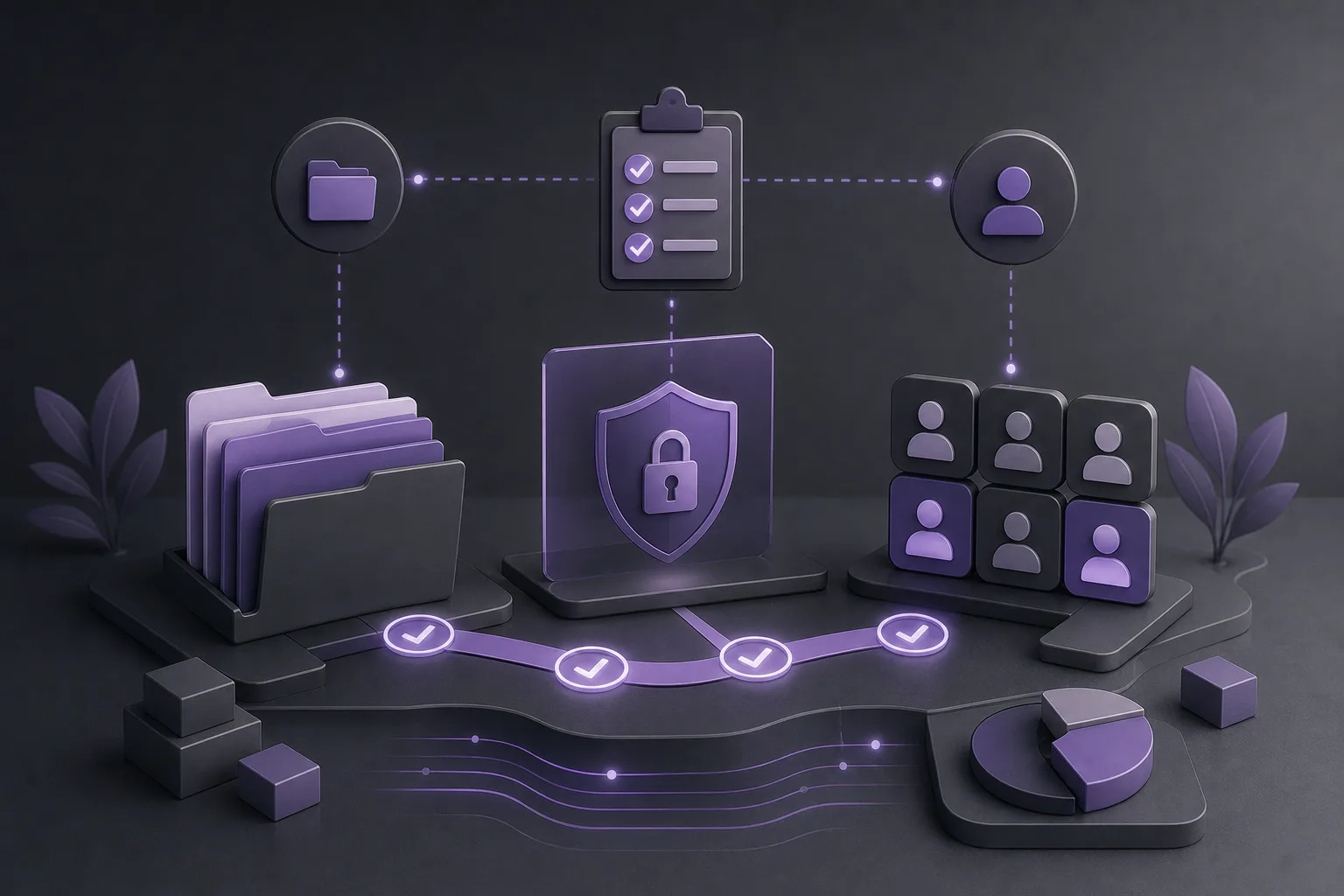
A law office may manage case files, clients, documents, appointments, and accounts as part of its daily operations. An employee may first work with case-related information and later move to account tasks, or may move in the opposite direction. If the same account continues to be used without a deliberate review, the employee’s access may no longer reflect the current assignment, and the manager may have difficulty identifying what is actually needed.
This is an operational review, not a legal determination. The practical objective is to create a clear checkpoint whenever duties change: What is the new assignment? Which work areas does it require? What permissions are available in the office configuration? What should be confirmed before the employee resumes work?
How OrderTech Legal supports the review
1. Work inside the office’s independent workspace
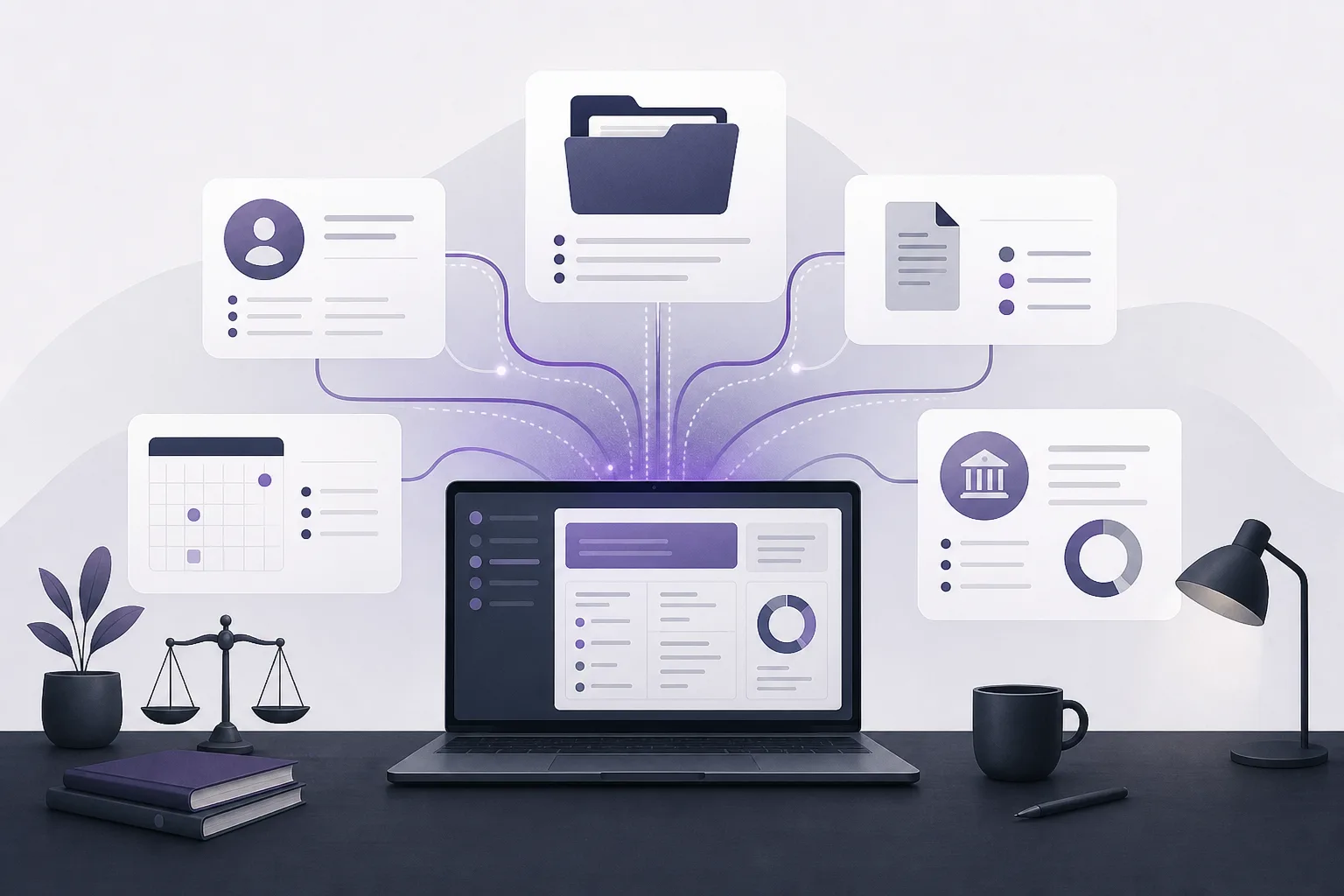
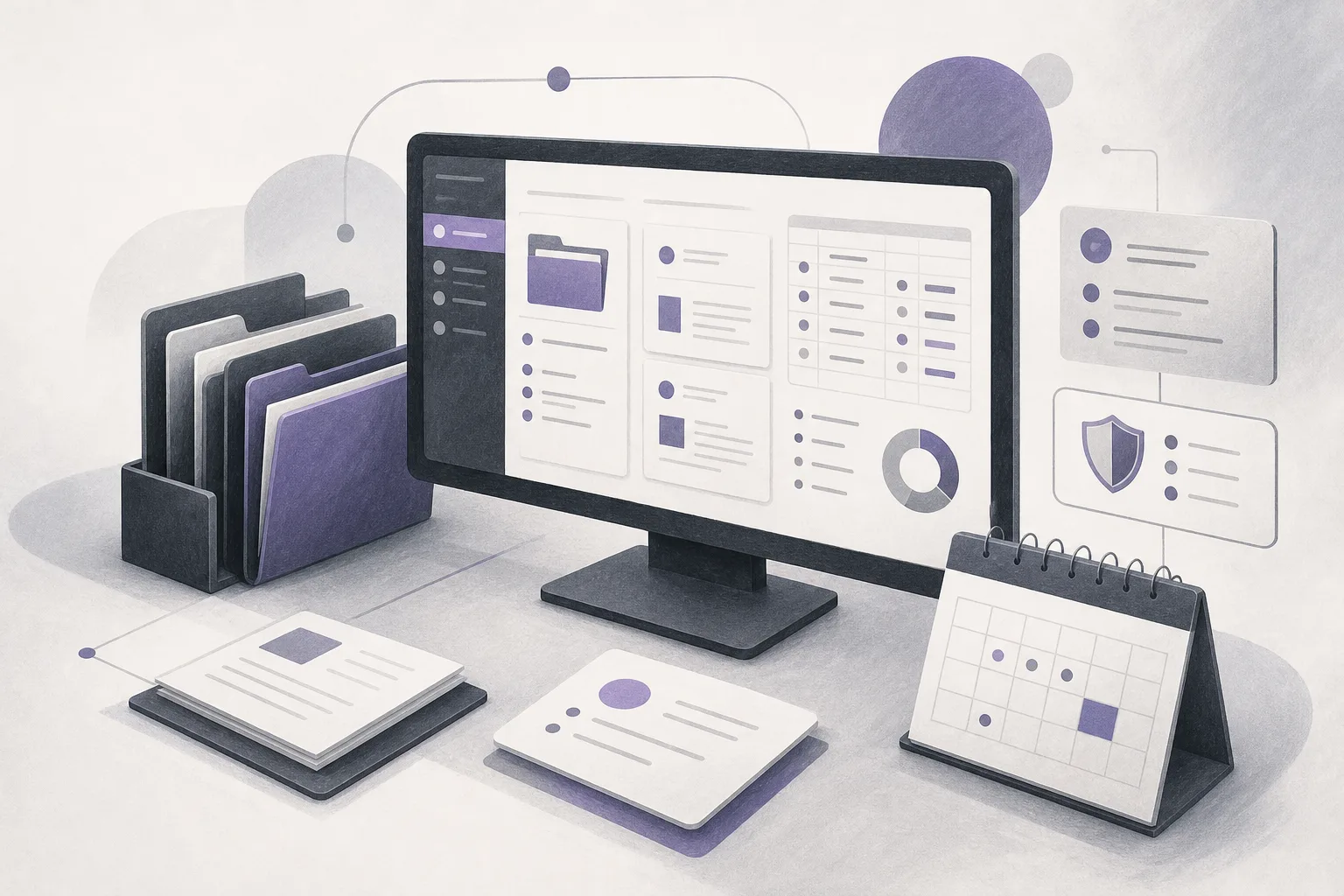
OrderTech Legal brings case and client file management, documents, appointments, and accounts into a workspace for the office. This allows the manager to consider an employee’s transition within the same operating environment rather than relying on disconnected lists that do not reflect the rest of the office’s work.
The review begins by confirming that the relevant account and information belong to the correct office instance. The independent instance provides a clear context for the office’s identity, accounts, permissions, location, and application connected to its own interface. It does not, however, decide automatically which access level is appropriate for a particular employee. That decision remains tied to the instance configuration, office procedures, and authorized human review.
2. Connect the new duty to the relevant work areas
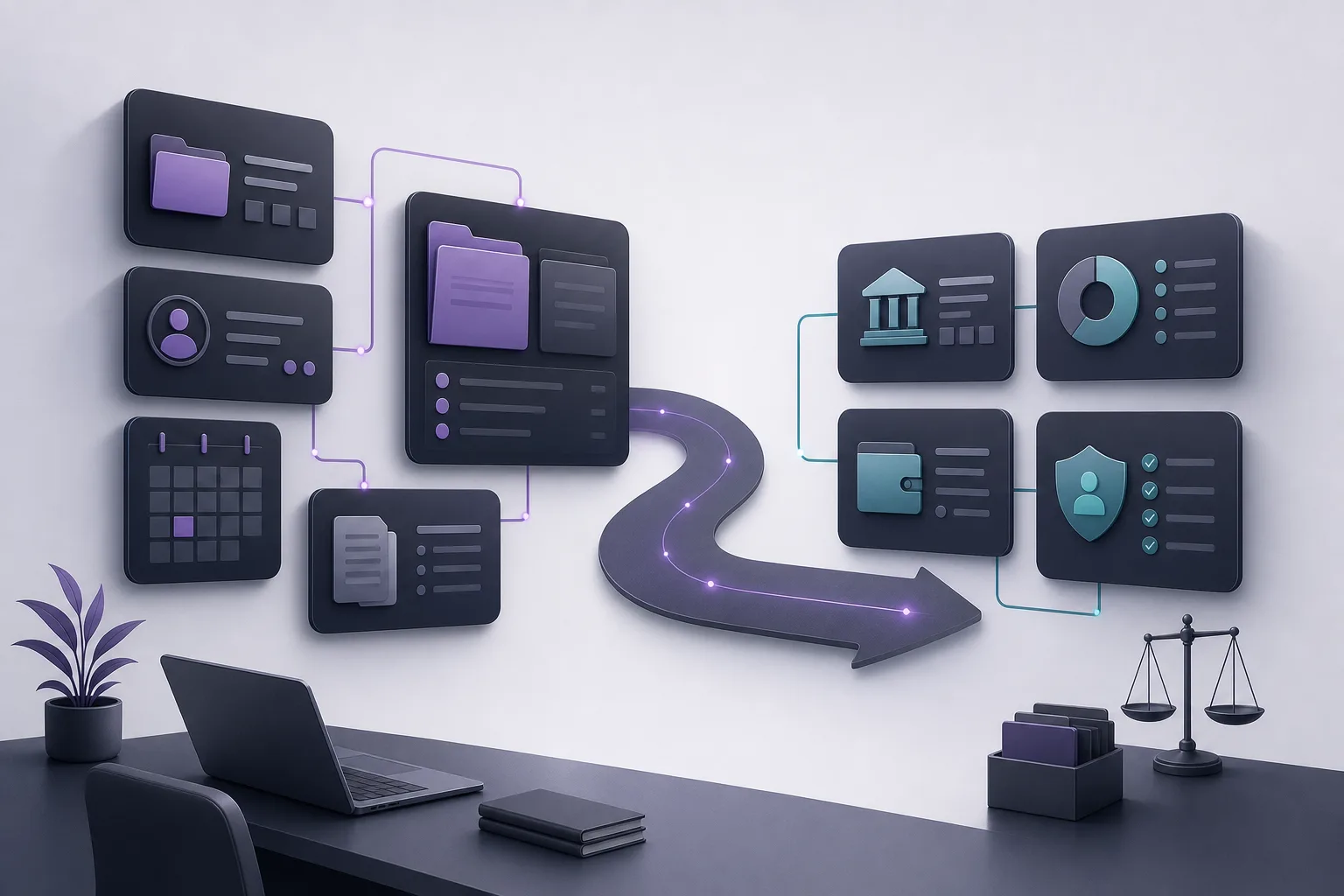
When an employee moves from case management to account work, or from account work to case management, the manager can structure the review around the work areas brought together by the platform: case files, clients, documents, appointments, and accounts. This is not an assumption that the employee should access all of them. It is a checklist for identifying what needs to be examined.
- Define the employee’s current assignment, such as case-file follow-up or account-related work.
- Compare the new assignment with the permissions associated with the employee’s account in the office instance.
- Check whether the current scope still reflects responsibilities from the previous assignment.
- Confirm the appropriate scope according to the office configuration before work resumes.
These steps make the review repeatable whenever responsibilities change. They should not be read as a list of specific roles or permission tiers supplied by the platform unless those settings are available and defined in the office’s instance.
3. Review accounts and case information in the same context
A move into account work may still involve information connected to clients, documents, or appointments. Likewise, a return to case-file work may require the manager to confirm that the relevant case access does not extend beyond what the assignment requires. Because OrderTech Legal brings these work areas into one office workspace, the manager can review the transition as part of the broader workflow.
The practical benefit is less reliance on memory or informal handling when responsibilities change. The limitation is equally important: the platform does not decide by itself whether access is necessary, and it does not establish office policy on the manager’s behalf. The result depends on the accuracy of the account and instance configuration and on the involvement of authorized people.
A suggested workflow for the office manager
Before the transition
Record that the employee’s work scope will change, and identify whether the transition is temporary or ongoing according to office procedures. Describe the new assignment in practical terms: does it involve case files, accounts, or both within a defined scope? This prevents a broad, unstructured change that is not tied to the employee’s actual work.
During the review
Open the appropriate office workspace and review the employee’s account and the permissions available in the instance configuration. Use the platform’s main areas—case files, clients, documents, appointments, and accounts—as a review checklist. Separate what the employee needs for the new assignment from what may have remained from the previous one. If the configuration or service connections are unclear, involve the authorized human decision-maker before confirming an action.
Before work resumes
The office manager or authorized person confirms that the scope aligned with the new assignment has been reviewed. The employee can then be informed of the new working boundaries under office procedures. When the temporary assignment ends, or the duties change again, the review should be repeated. A change in an organizational title alone should not be treated as proof that permissions changed automatically.
A hypothetical example
Suppose an employee previously followed documents and appointments connected to case files and is then assigned, for a period, to account-related work. Before the new assignment begins, the office manager reviews the employee’s account inside the office’s independent instance. The manager compares the previous and current duties across case files, documents, appointments, and accounts, and checks the permissions available in the instance instead of assuming a particular level.
If the account still reflects the former assignment, the manager identifies what needs review under office procedures and confirms any proposed action with the authorized human decision-maker. When the temporary assignment ends, the manager reviews the account again before the employee returns to case-file work. This is a hypothetical illustration, not a customer experience or a description of a specific live configuration.
How do the assistants relate to this review?
Depending on the instance configuration and connected services, the office assistant can help summarize files, draft materials, and search the legal library. That may help a lawyer or office manager organize information during the work, but the lawyer reviews the outputs and confirms proposed actions. The assistant should not be treated as a replacement for permission review or for the decision to grant access.
When a communication channel is configured and enabled, the communication assistant can help receive client inquiries, answer frequently asked questions, and maintain conversation context with the option for human intervention. Its connection to an employee transition may relate to how communication duties are assigned, but availability and scope depend on the channel and connected services. Enabling the communication assistant does not mean that employee permissions are changed or determined automatically.
Benefits and limitations
- Benefit: One workspace helps the manager connect a permission review with case files, clients, documents, appointments, and accounts.
- Benefit: An independent office instance keeps the review within the relevant office identity, accounts, permissions, location, and connected application.
- Benefit: A repeatable review process can reduce reliance on informal assumptions when duties change.
- Limitation: The available information does not define specific permission tiers or detailed roles, so the office instance must be consulted.
- Limitation: Availability depends on enabled services and connections, and human intervention remains necessary for decisions and proposed actions.
Frequently asked questions
Does OrderTech Legal automatically change an employee’s permissions when their duties change?
That should not be assumed. The platform helps organize the office workspace and review accounts and permissions within the instance configuration. Any actual change depends on the available settings and permissions and on confirmation by an authorized person.
Can an account employee automatically be assumed to need case-file access?
No. The manager determines the need according to the assignment and office configuration. Keeping case files and accounts in one workspace supports review, but it does not prove that access to every area is required.
Do the AI assistants replace the manager’s or lawyer’s review?
No. The office assistant supports summarization, drafting, and legal-library search, while the communication assistant supports inquiries when its channel is enabled. Human review and confirmation of proposed actions remain necessary.
What should the manager do if the available permissions are unclear?
Do not assume a change. Review the office instance configuration with the authorized person. Availability, connections, and permissions depend on the office setup, so an unspecified level should not be inferred.
Conclusion
OrderTech Legal helps place an employee transition within an organized office workflow that brings together case files, clients, documents, appointments, and accounts. By reviewing the employee’s account and permissions against the new assignment, an office can make a clearer operational decision without confusing review support with automatic permission changes. To learn how OrderTech Legal may fit your office’s workflow, explore the platform and its available configuration, starting with the checkpoints your team needs whenever responsibilities change.
Platform feature references
- OrderTech Legal — إدارة المكتب / Office management — Accessed 2026-10-24
- OrderTech Legal — المساعد الذكي / AI assistance — Accessed 2026-10-24