When a legal organization manages more than one office, the operational challenge is not simply volume. It is the risk of mixing environments. Office identities may look too similar, accounts may be difficult to distinguish, and managers may have to review files, documents, appointments, and accounts that belong to different offices. This leads to a practical question: How can OrderTech Legal help a legal operations manager maintain a separate environment for each law office?
OrderTech Legal is designed around a separate version for each office, with that office’s own identity, accounts, permissions, website, and app connected to its own interface. This gives an operations manager a way to assess each office as its own working environment rather than automatically bringing every office into one shared workspace. It does not make operational decisions on the manager’s behalf, and the usefulness of each setup depends on configuration, connected services, and human review.
The operational problem: multiple offices, mixed environments
A legal group may operate several offices with different teams, identities, accounts, and day-to-day arrangements. If all of those elements are considered as one undifferentiated space, routine oversight can become harder. Common questions include:
- Which office identity is associated with a particular working environment?
- Which accounts and permissions should be reviewed for that office?
- How should matters, clients, documents, appointments, and accounts be considered without blending offices together?
- Which website and app belong to the office’s own interface?
The answer is not necessarily to force every office into the same operating model. A separate environment gives the operations manager a clearer basis for evaluating each office according to its own identity and configuration.
How OrderTech Legal structures each office environment
A separate version for every office
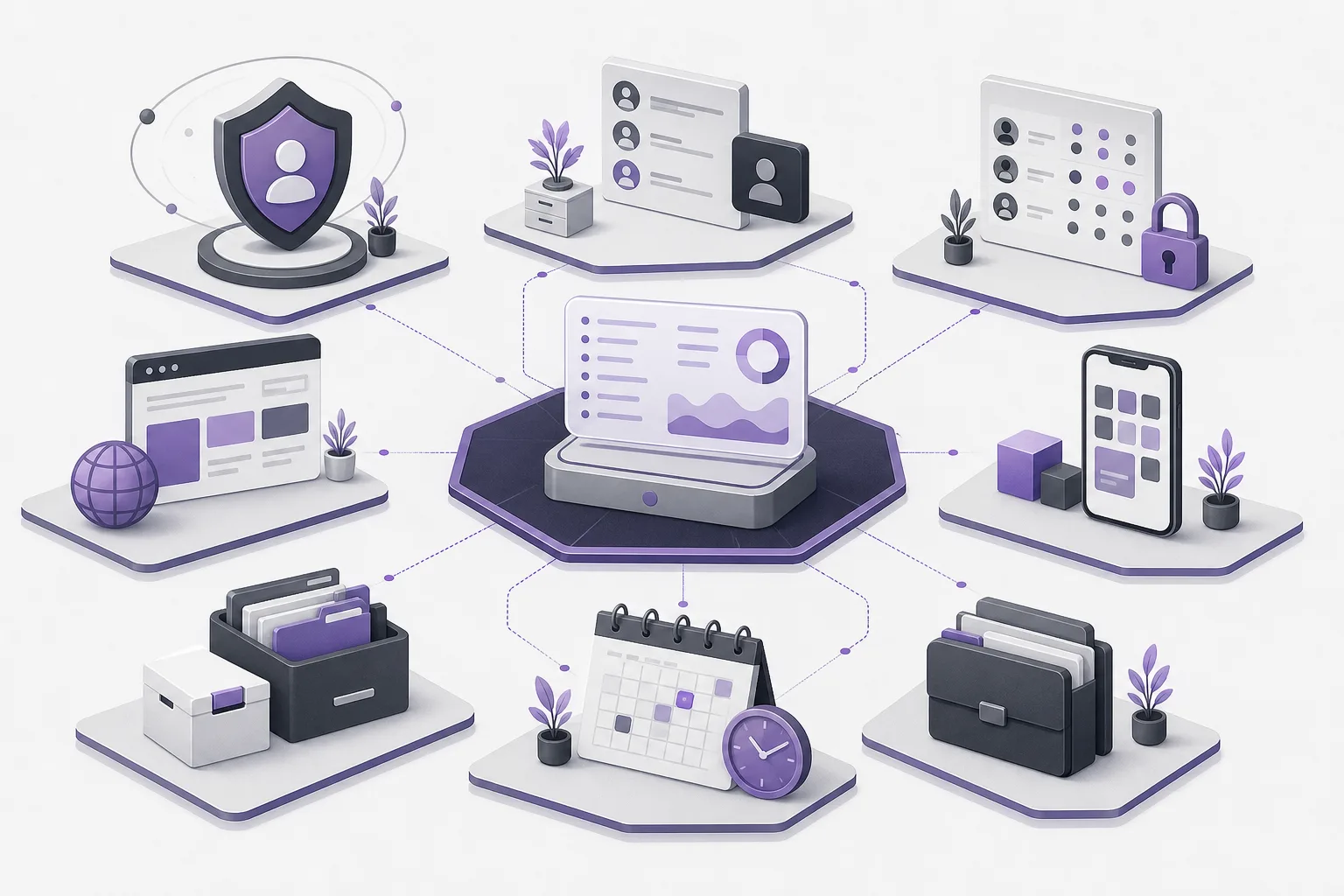
OrderTech Legal provides a separate version for each office. This makes the office the starting point for operational review: what belongs to this office, which accounts are associated with it, and which permissions need attention? The system supports that organization, while the exact result depends on how the version and services are configured.
Office-specific identity, accounts, and permissions
The separation is not limited to an office name or visual identity. The model includes the office’s identity, accounts, and permissions. For a legal operations manager, this supports reviewing access and account organization within the relevant office environment rather than treating all offices as one account structure.
However, the platform does not independently decide who should have a particular permission. Permission design and review remain administrative responsibilities. The manager must confirm that the configured accounts and permissions reflect the office’s actual operating structure.
A website and app connected to the office interface
Each office also has its own website and an app connected to its own interface. This is relevant when several offices need distinct identities and front-end environments. It allows the manager to assess each office’s digital presence as part of that office’s environment, while recognizing that availability depends on the version setup and service connections.
What the office workspace brings together
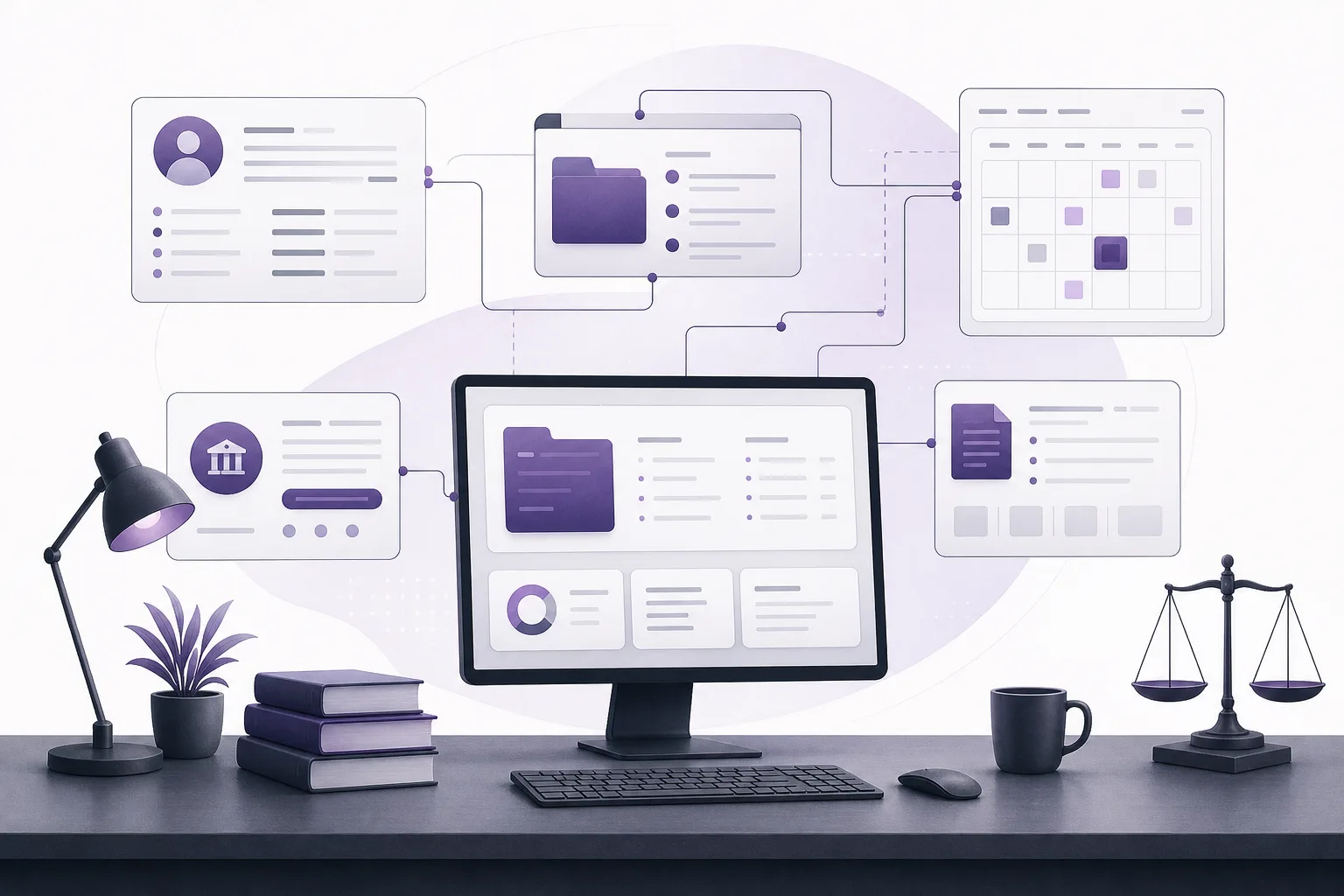
OrderTech Legal brings matter, client, document, appointment, and account management together in an office workspace. For a multi-office organization, the separate-version model allows the operations manager to review these areas in the context of each office rather than automatically combining them in one space.
- Matters and clients: organize work associated with the office within its own version.
- Documents: handle documents in the context of that office’s workspace.
- Appointments: review the office’s appointments in its dedicated environment.
- Accounts: assess accounts associated with the office, subject to the configured permissions and settings.
This structure can make operational assessment clearer, but it does not remove the need for internal naming rules, responsibility assignments, permission reviews, and decisions about which services should be enabled for each office.
A practical process for reviewing multiple office environments
1. Define the scope of each office
Start with one office and identify its identity, accounts, permissions, website, and app connected to its own interface. Do not assume that the configuration of one office should automatically be copied to another.
2. Review the workspace areas
Assess how matters, clients, documents, appointments, and accounts are organized within that office’s version. The goal is to give the manager a clear office-level view instead of an ambiguous shared space.
3. Check accounts and permissions
Review the accounts used in the version and the permissions configured for them. This is a human and administrative review. OrderTech Legal helps organize the environment, but it does not decide who should receive access without the office’s configuration and management decisions.
4. Confirm the connected interface
Review the office website and the app connected to its own interface. Confirm that the required services and connections have been configured and enabled. Availability depends on the version setup and service connections.
5. Repeat the method for every office
Use the same review method for other offices while preserving each environment’s separate identity and configuration. Consistency in the review process does not require putting every office into one workspace.
The role of the two assistants
Communication assistant
The communication assistant can help receive client inquiries, handle frequently asked questions, and maintain conversation context, with the possibility of human intervention. This may support the review of a communication channel for a particular office, but availability depends on channel configuration and activation. The team should remain able to intervene when the situation requires human attention.
Office assistant
The office assistant can help summarize files, draft documents, and search the legal library. Within a separate office environment, those capabilities may support the office’s work according to the version configuration and connected services. A lawyer reviews the outputs and confirms proposed actions. The assistant supports the lawyer; it does not replace professional review or decision-making.
Hypothetical example
Hypothetical example, not a customer case: A legal group operates two offices with different identities, teams, and account arrangements. Instead of reviewing matters, documents, appointments, and accounts in one combined workspace, the operations manager uses a separate version for each office.
For the first office, the manager reviews its identity, accounts, permissions, website, and app connected to its interface. The same review is then performed for the second office without assuming that its configuration should be identical. The manager also checks whether the communication assistant’s channel is configured and activated for each office, and whether human intervention is available as intended.
When the office assistant produces a summary, draft, or library search result, the lawyer reviews the output and confirms any proposed action. The outcome is not a promise of complete automation. It is a clearer method for assessing separate office environments while keeping operational judgment with the people responsible for the work.
Important limits
- A separate version does not automatically create internal policies or determine the correct permission for every person.
- The communication and office assistants depend on version configuration, service connections, and activation.
- Office assistant outputs require lawyer review and confirmation of proposed actions.
- Multi-office management still requires human oversight of identity, accounts, permissions, websites, apps, and service settings.
- A separate environment supports operational organization; it is not a substitute for management planning or review.
Frequently asked questions
Does OrderTech Legal put all offices into one workspace?
The described model provides a separate version for each office, with its own identity, accounts, permissions, website, and app connected to its own interface. This allows the operations manager to assess environments office by office rather than treating them as one shared space.
Can different offices have different configurations?
Each version has its own setup, and service availability depends on version configuration and service connections. Managers should therefore review each office separately instead of assuming that every channel or service is enabled in the same way.
Does the system decide permissions for the manager?
No. The platform helps organize the office environment, while permission decisions and reviews remain administrative and human responsibilities.
Does the assistant replace lawyer review?
No. The office assistant supports summarization, drafting, and legal-library search. The lawyer reviews the outputs and confirms proposed actions.
Conclusion
For organizations managing multiple law offices, distinct environments can make it easier to review identity, accounts, permissions, websites, apps, and workspace operations without blending every office together. OrderTech Legal provides a separate version for each office and brings matter, client, document, appointment, and account management into the office workspace. Explore the platform to assess how its configurable environments may fit your offices, while keeping human review and operational decisions where they belong.
Platform feature references
- OrderTech Legal — إدارة المكتب / Office management — Accessed 2026-10-05
- OrderTech Legal — المساعد الذكي / AI assistance — Accessed 2026-10-05