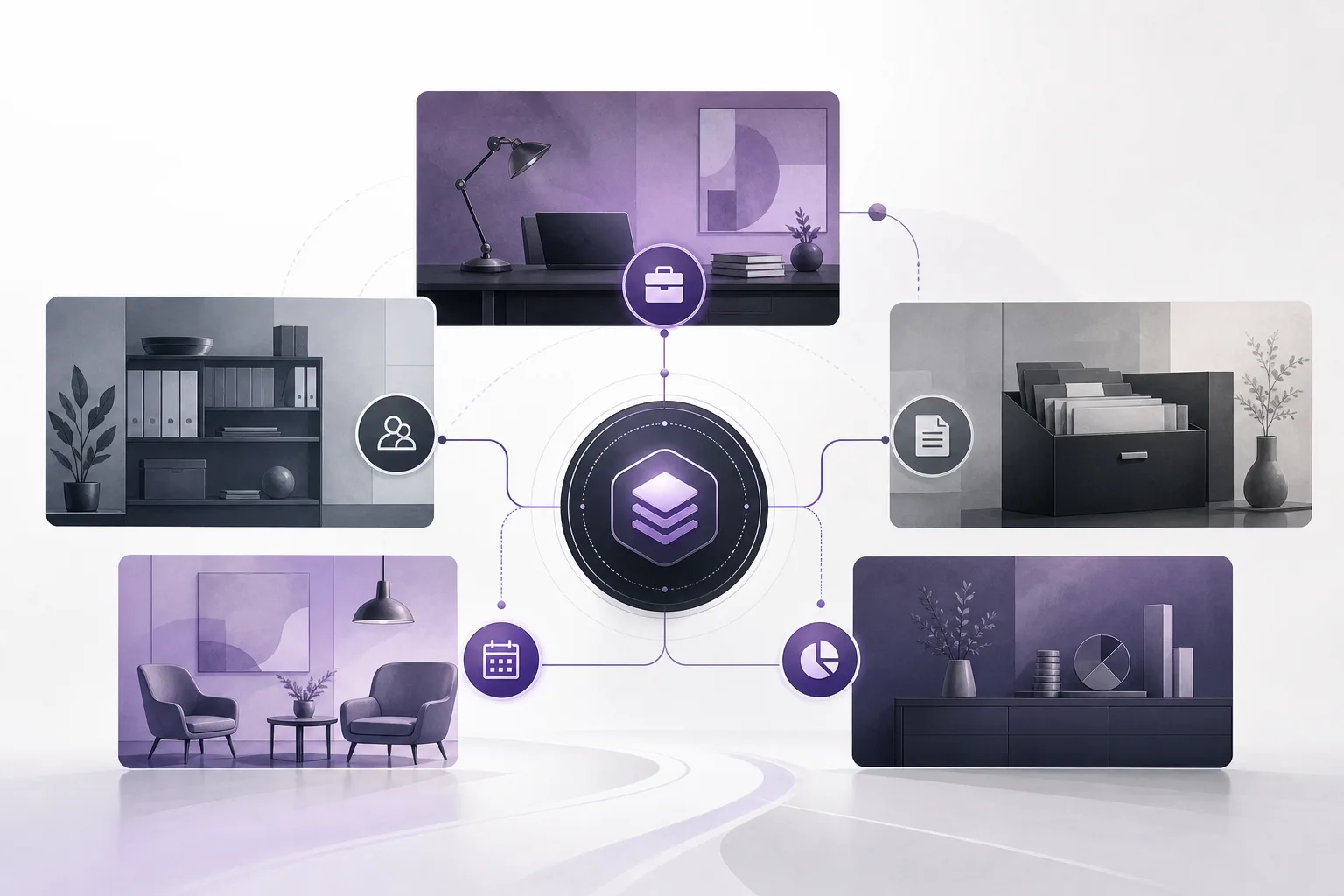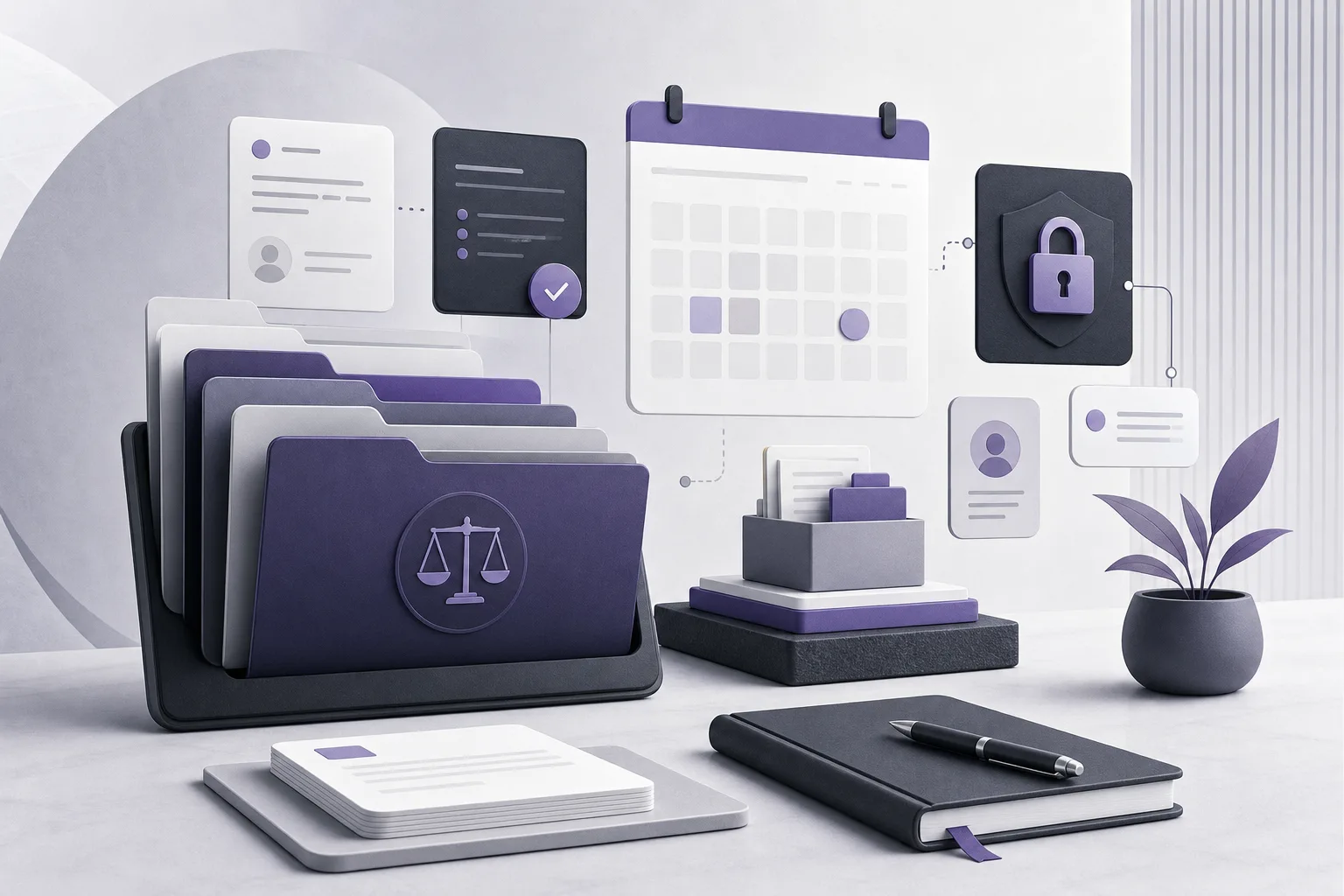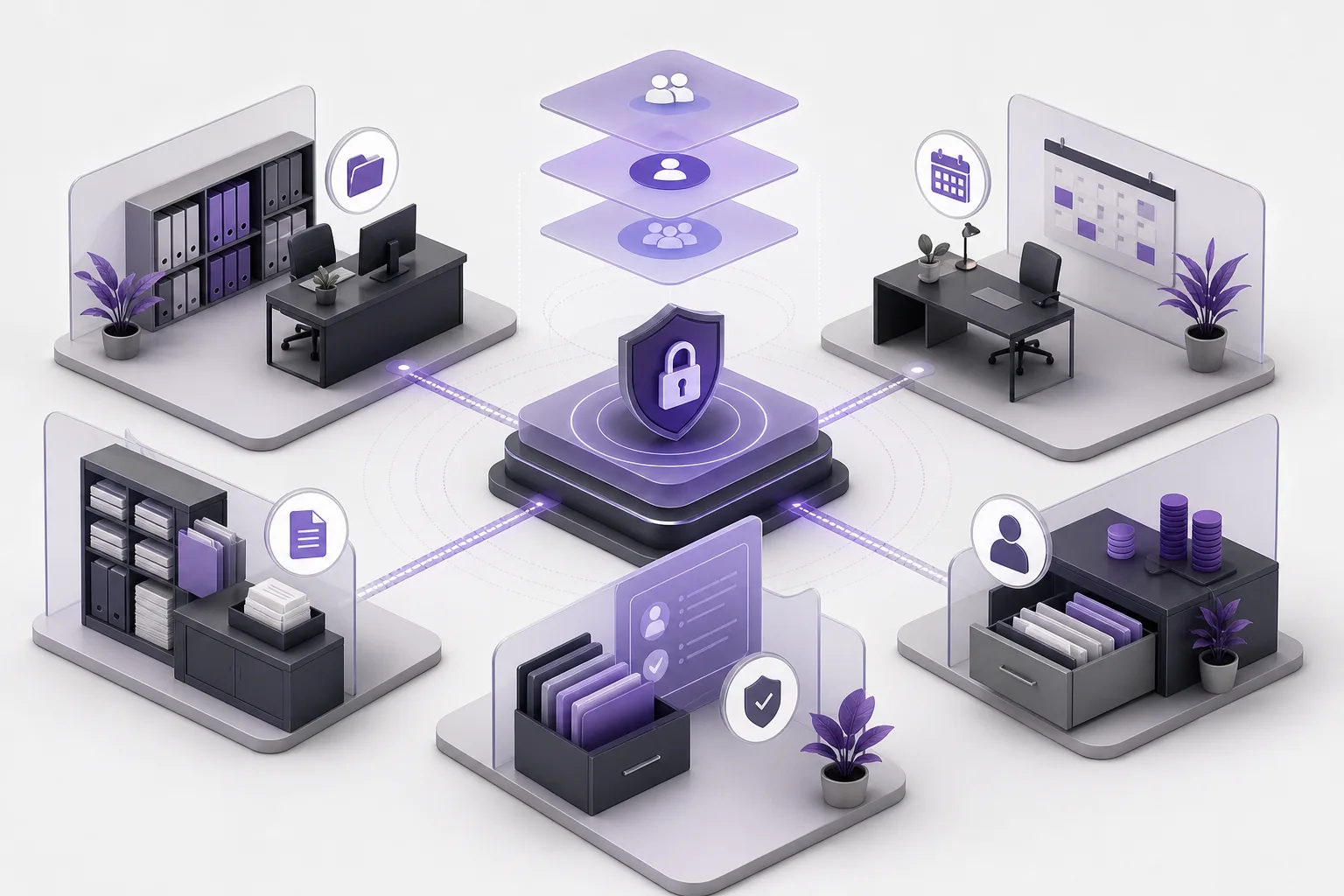
When a legal organization manages more than one office or operating environment, the risk does not begin only with the task a staff member performs. It can begin with the digital environment the staff member enters. Selecting the wrong office workspace, account, or permission may create operational confusion: a team may work in an unintended environment, rely on settings that have not been reviewed, or see an application interface that does not match the office it is meant to serve. This raises a practical question: How can OrderTech Legal help a legal operations manager verify office-environment separation before granting staff access?
OrderTech Legal approaches this issue through an independent version for each office. Every office has its own identity, accounts, permissions, location, and application connected to its own interface. This gives an operations manager a defined workspace to review instead of treating the organization as one undifferentiated account. It does not remove the need for human review, however. Confirming configuration and deciding whether to grant access remain management responsibilities.
What Does Office-Environment Separation Mean?
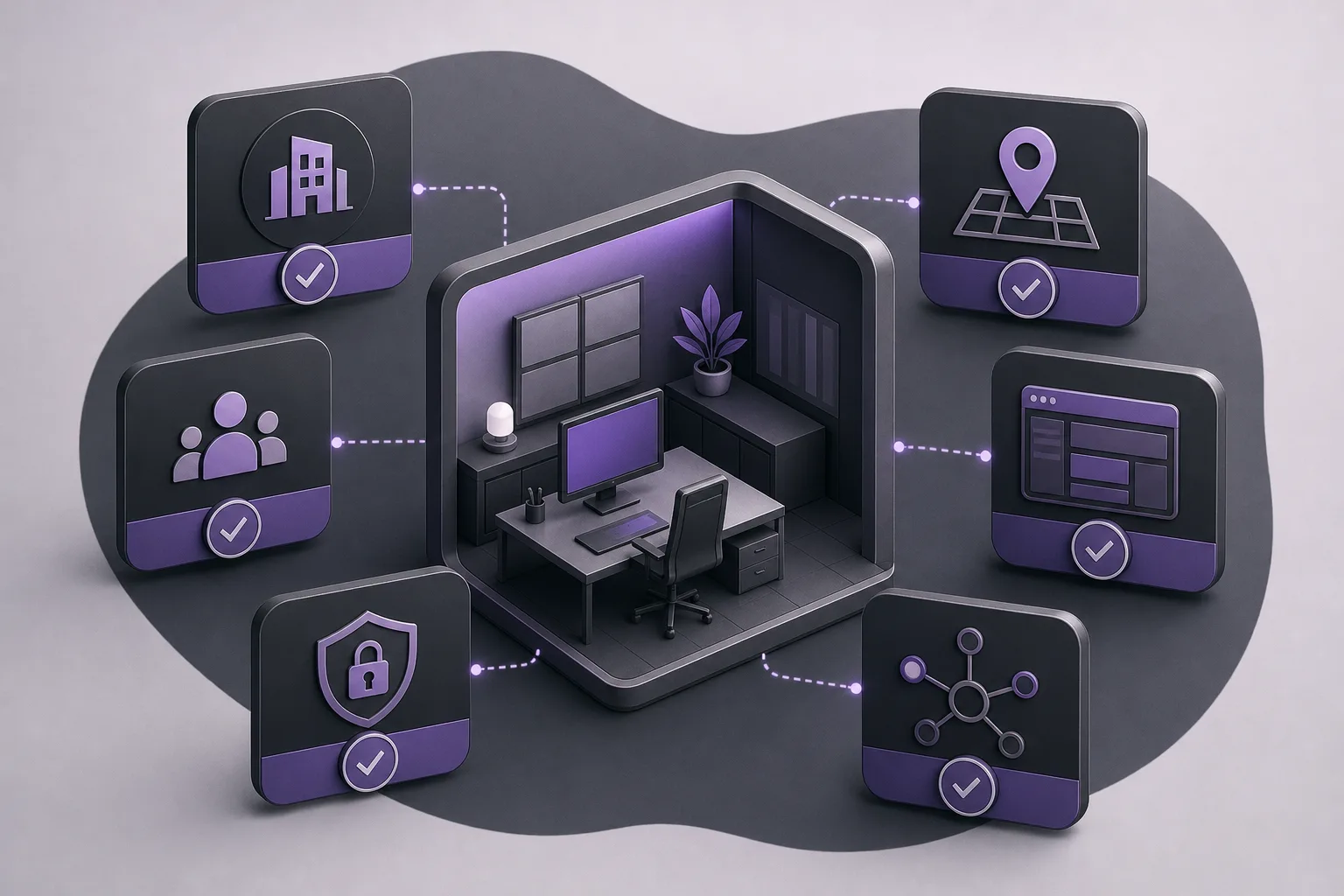
In this context, separation means checking that an office is using its own OrderTech Legal version and that the related work is associated with that office’s identity, accounts, permissions, location, and application interface. It does not mean that the platform makes an automatic access decision, and it does not mean that an independent version alone replaces a review of permissions and service settings.
OrderTech Legal brings case, client, document, appointment, and account management into the office workspace. As a result, an environment review should go beyond the sign-in screen. The manager should consider the operational workspace the staff will use and confirm that its access configuration matches the intended office before work begins.
How Can an Operations Manager Use the Platform Before Granting Access?
1. Identify the Intended Office and Version
Start by identifying the office for which the staff will work and confirming that the process is taking place inside the OrderTech Legal version associated with that office. Review the version’s identity, location, and dedicated interface. Confirm that they correspond to the environment prepared for that office’s cases, clients, documents, appointments, and accounts.
- Define the office and intended operating environment before inviting staff.
- Check that the version reflects the office’s identity and dedicated interface, rather than another environment.
- Treat account creation and access approval as separate steps; the account must be created or used in the correct environment.
2. Review Accounts and Permissions
Once the correct version has been identified, review the accounts and permissions configured for the office. The objective is not to assume that every staff member requires the same access level. Instead, confirm that each person will work with the accounts and permissions prepared for the relevant office and role. This review can reveal incomplete or unsuitable settings before staff start working.
An operations manager may maintain an internal review record showing the intended staff member, office, environment, and permission approved. This is an administrative method for documenting the decision, not a separate OrderTech Legal feature being assumed here.
3. Check the Interface and Location
Each office version is connected to its own location, application, and interface. The manager should therefore inspect what appears when entering the environment. Does it reflect the office identity? Is the intended location clear? Is the connected application the one associated with this version? This practical check can reduce the chance that staff begin work from an unintended access point.
4. Review the Workspace Scope
Because OrderTech Legal combines case, client, document, appointment, and account management in the office workspace, the manager should verify that the team’s intended work belongs to the relevant office workspace. This review should take place before sending start-up instructions and within the limits of the configuration and permissions available to the manager.
5. Confirm the Readiness of Connected Services
Some services depend on version configuration and service connections. Checking the base environment is therefore not enough; the manager should also determine whether the services the team needs are enabled and configured. If a service is not enabled or connected, it should not be presented to staff as ready. Availability depends on version configuration and service connections, not on the platform name alone.
How Do the Assistants Fit Within the Reviewed Environment?
After the environment and access settings have been reviewed, the team may use the communication assistant to receive client inquiries, handle frequently asked questions, and maintain conversation context, with the possibility of human intervention. This depends on channel configuration and activation. The operations manager should therefore review the channel setup before directing staff to use it and ensure that human intervention remains available where the workflow requires it.
The office assistant can also help summarize files, draft documents, and search the legal library. It does not become the decision-maker. A lawyer reviews the outputs and confirms proposed actions. Similarly, checking office separation does not replace a lawyer’s or manager’s review of access settings, assistant outputs, or proposed steps.
A Hypothetical Review Example
Consider a legal operations manager responsible for two separate office environments who needs to give a new team access to one of them. Before inviting staff, the manager identifies the version associated with the intended office and checks its identity, location, interface, and connected application. The manager then reviews the team’s accounts and permissions and confirms that the workspace they will use belongs to the intended office. Finally, the manager checks the services the team needs, such as communication-assistant channel configuration or office-assistant availability, according to the version setup and connected services.
If an account was configured in the wrong environment or a required service is not enabled, the manager postpones access and corrects the settings first. Once work begins, the manager and lawyers remain responsible for ongoing review, including confirmation of proposed actions and review of outputs produced with assistance features.
Practical Benefits and Limitations
Benefits
- Provides a clear review point before staff access is granted.
- Connects office work to a dedicated identity, accounts, permissions, location, and interface.
- Brings cases, clients, documents, appointments, and accounts together in the office workspace.
- Helps distinguish the intended environment from another office environment.
- Allows assistants to be used according to channel, version, and service-connection settings.
Limitations
- The platform does not replace the operations manager’s access decision.
- An independent version does not eliminate the need to review accounts, permissions, and configuration.
- Assistant availability depends on version setup, channel activation, and connected services.
- Office-assistant outputs require lawyer review, and proposed actions must be confirmed before adoption.
- A service or function should not be assumed to be available unless it is enabled and configured in the relevant version.
Frequently Asked Questions
Is an independent version enough to guarantee that staff will not use the wrong environment?
An independent version provides a clear foundation for separating an office’s identity and workspace, but it does not eliminate review. The manager should check the identity, location, interface, application, accounts, and permissions before granting access.
Can OrderTech Legal automatically give each staff member the right permission?
Access depends on configured accounts and permissions and on the responsible manager’s decision. The operations manager should review and confirm the settings rather than assume that the correct permission will be selected without human involvement.
Can the communication assistant be used immediately after creating an environment?
Not necessarily. The communication assistant can receive inquiries, answer frequently asked questions, and maintain conversation context with human intervention, but availability depends on channel configuration, activation, and connected services.
Should the operations manager rely on the office assistant to decide access?
No. The office assistant supports file summaries, drafting, and legal-library research. A lawyer reviews its outputs and confirms proposed actions, while access approval remains the responsibility of the appropriate managers.
Conclusion
OrderTech Legal can help a legal operations manager establish a structured pre-access review through an independent version for each office, with its own identity, accounts, permissions, location, and application connected to its dedicated interface. The review is strongest when it combines environment checks, account and permission review, and confirmation of enabled services while keeping human judgment at the center. To learn how OrderTech Legal may fit your firm’s digital office-management process, explore the platform and the configuration suited to your environment.
Platform feature references
- OrderTech Legal — إدارة المكتب / Office management — Accessed 2026-10-31
- OrderTech Legal — المساعد الذكي / AI assistance — Accessed 2026-10-31