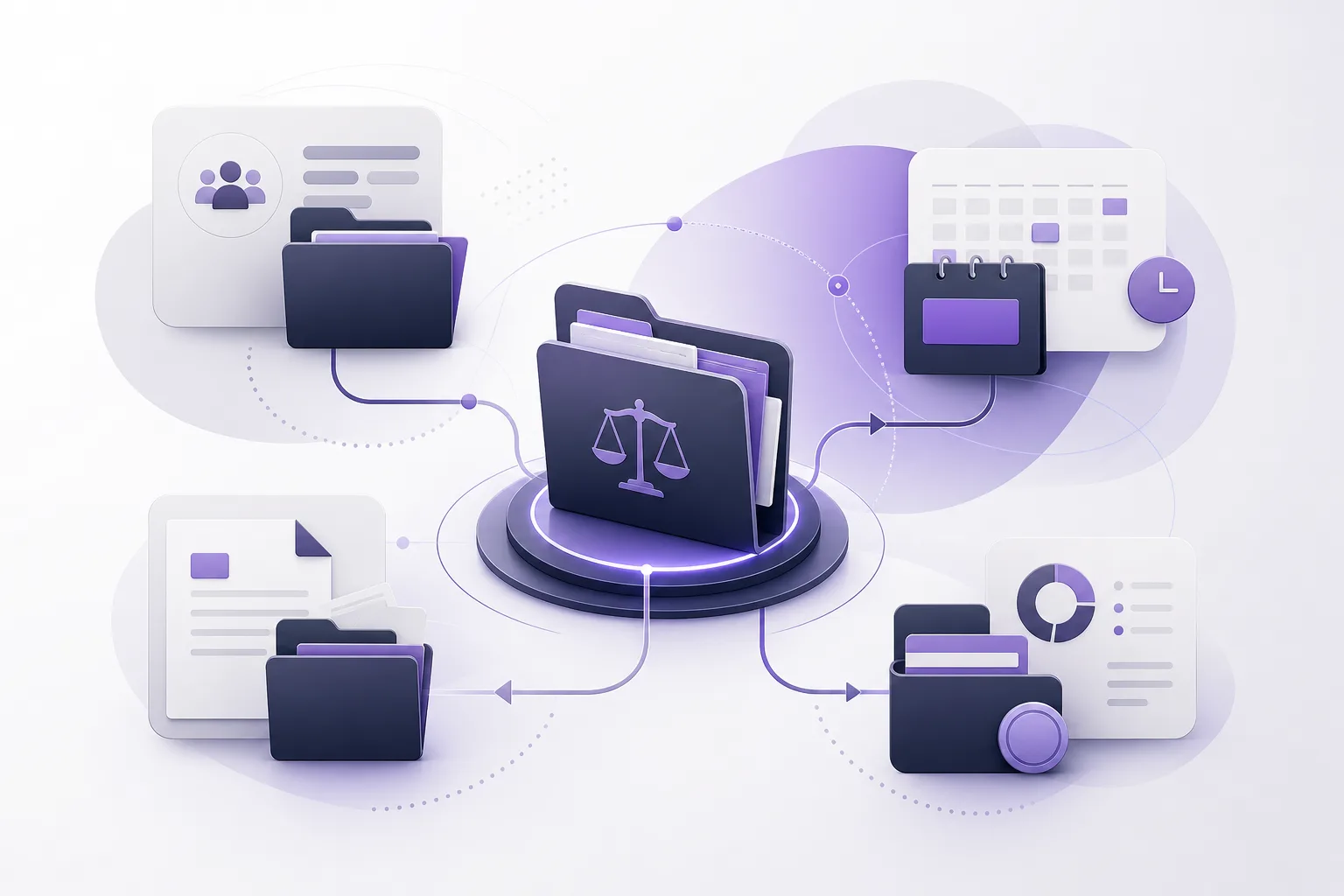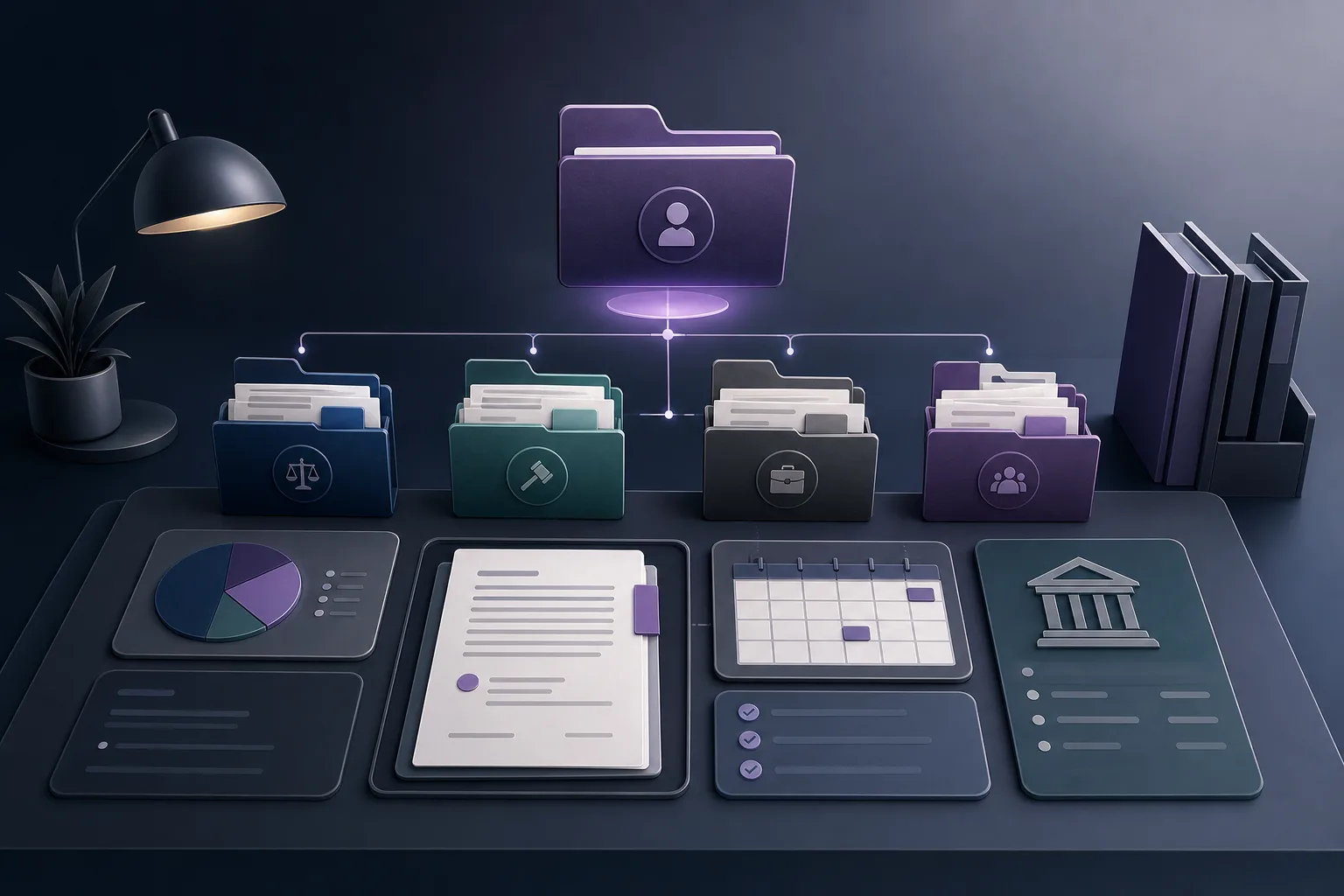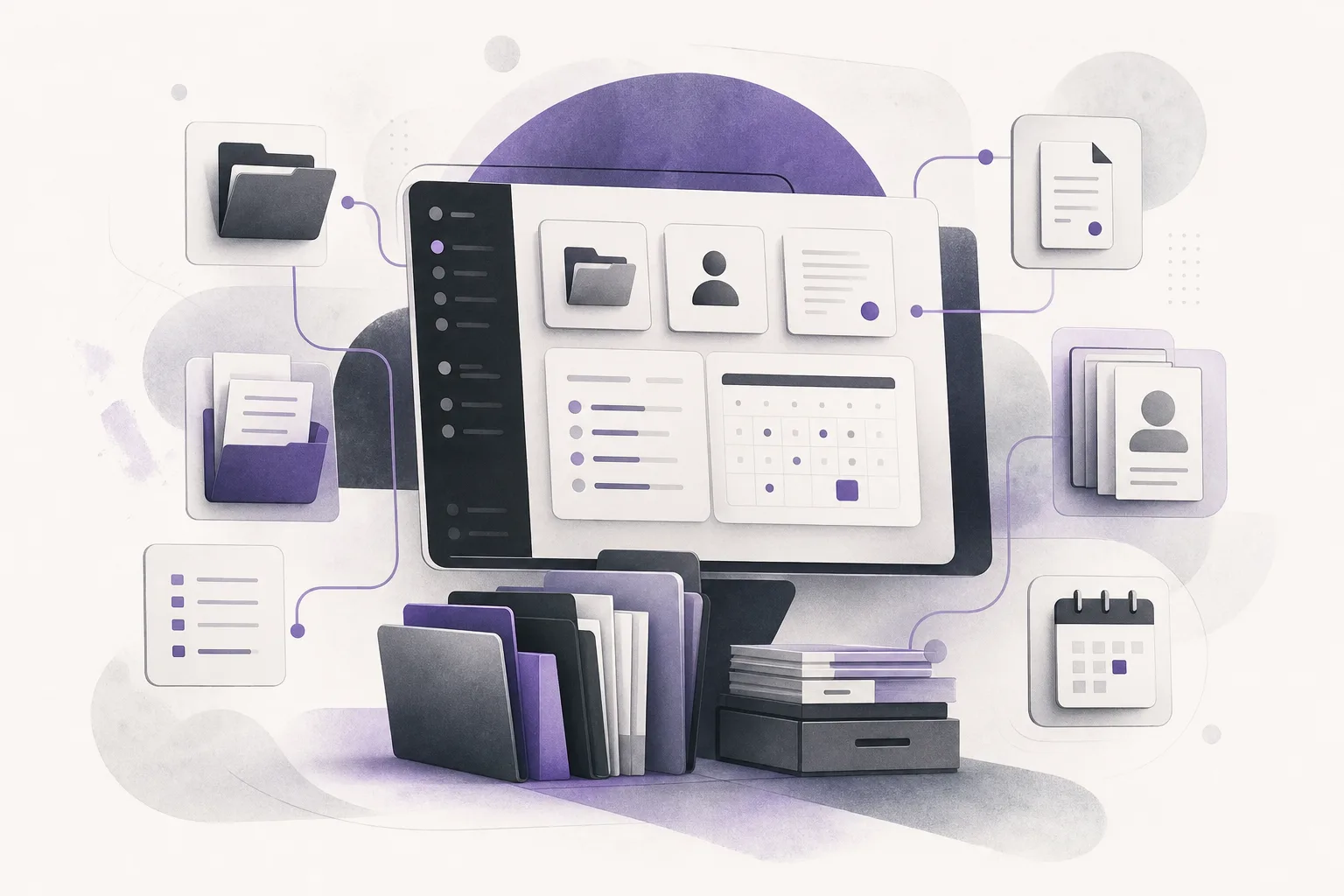
How can OrderTech Legal help a lawyer prepare for a client meeting without searching across scattered sources? The starting point is a unified workspace for the firm, where case files, client records, documents, appointments, and accounts are managed together. Instead of treating each item as an isolated source, the lawyer can use the workspace to build a clearer meeting context. OrderTech Legal supports that preparation; it does not replace the lawyer’s review, judgment, or final confirmation of the information and next steps.
Why can client-meeting preparation become difficult?
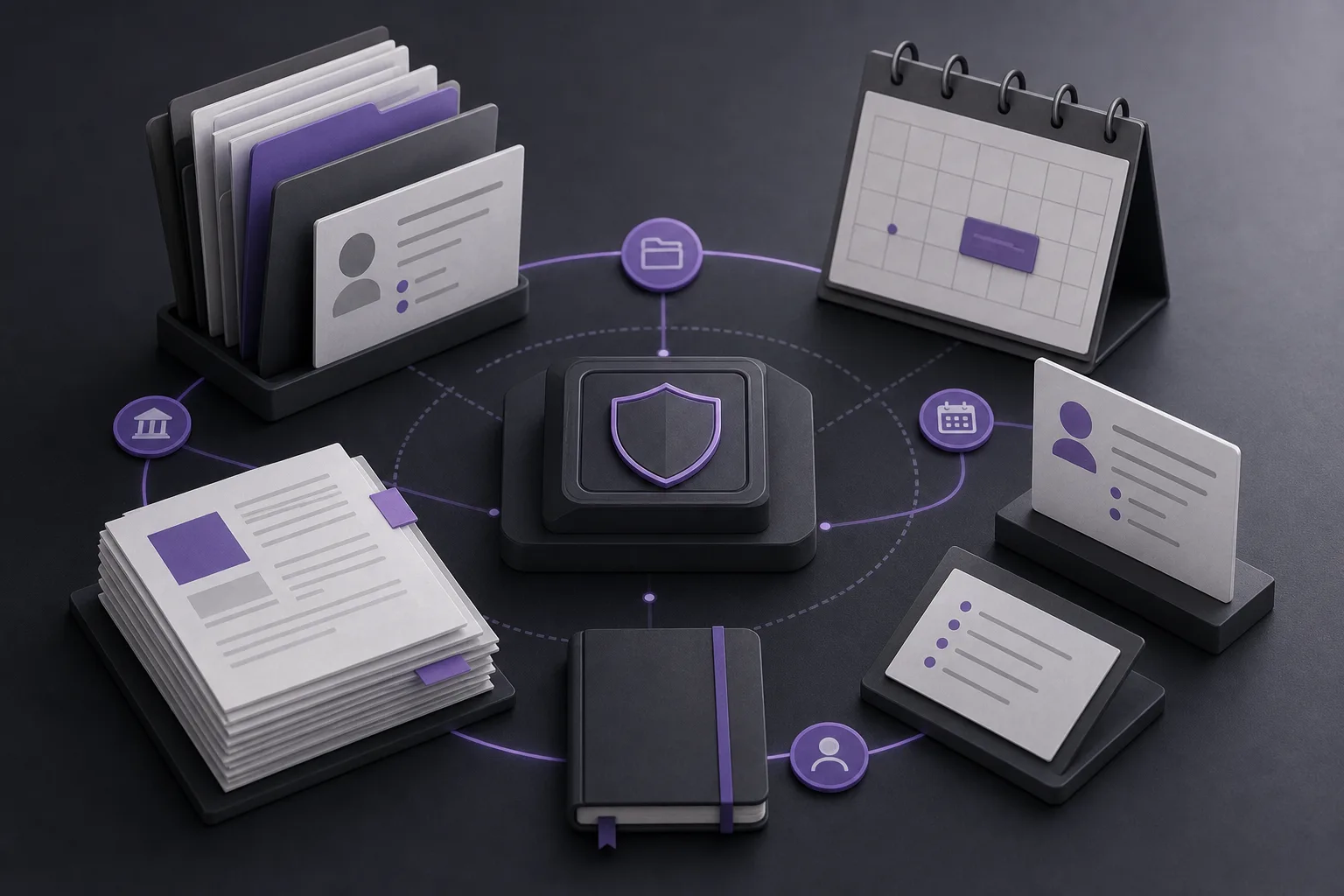
Preparing for a meeting often means building a practical view of the matter before the conversation begins. The relevant view may include the case file, client information, related documents, the appointment, and questions or context from earlier communication. When these elements are kept in separate places, preparation can require repeated searching and switching between sources. It can also be harder to tell which information has been reviewed and which item still needs attention.
The challenge is not simply finding information. It is connecting the right information to the meeting. A lawyer usually does not need to review everything held by the firm. The goal is to identify the material relevant to the matter, verify it, and use it to prepare discussion points while retaining access to the underlying records.
How does OrderTech Legal bring the preparation elements together?
OrderTech Legal combines case, client, document, appointment, and account management in one workspace for the firm. This gives the lawyer a structured starting point instead of requiring an unplanned search through separate sources. The practical result depends on how the firm’s version is configured, including its permissions and enabled services.
1. Start with the case and client record
The lawyer can begin with the relevant case file or client record, depending on the firm’s working method. The purpose is to place the matter at the center of the review and then examine the related information available in the workspace. This can reduce unnecessary movement between separate records, while the lawyer still needs to confirm that the correct matter and client information are being reviewed.
2. Review the related documents
Once the matter is identified, the lawyer can review documents associated with it through the workspace’s document management. A document being present in a record does not, by itself, establish that it is complete, current, or suitable for discussion. The lawyer should therefore check its relevance, content, and status before relying on it in the meeting.
3. Put the appointment in context
Appointment management helps connect the preparation process to the specific meeting rather than treating the meeting as an event separate from the matter. The lawyer can use the available case and client records to organize what should be reviewed before the appointment. The exact workflow depends on the firm’s setup and how its team uses the system.
4. Use the Office Assistant when enabled
The Office Assistant helps with file summaries, draft preparation, and research in the legal library. For a client meeting, a summary can provide a starting point for review, while a draft may help organize questions or discussion topics. These outputs are not a substitute for reading and verification. The lawyer reviews the results and confirms any proposed actions before using them in work or communication.
A practical preparation workflow
- Identify the meeting and matter: Select the relevant client, case, and appointment.
- Review the connected record: Examine the available case and client information and confirm that it relates to the intended meeting.
- Check the documents: Review the associated documents rather than relying only on a file name or summary.
- Use assistance when appropriate: If the Office Assistant is available and enabled for the firm’s version, request a summary or an initial draft to structure the review.
- Perform human verification: Compare the output with the underlying information and identify anything that needs correction or completion.
- Prepare discussion points: Turn the verified information into questions and meeting topics, while keeping the final decision about what to discuss with the lawyer.
A hypothetical example
Suppose a lawyer is preparing for a meeting about an ongoing matter. Rather than searching through separate sources, the lawyer opens the case in OrderTech Legal, reviews the connected client record and documents, and checks the scheduled appointment. If the Office Assistant is available in the firm’s configuration, the lawyer requests an initial file summary. The lawyer then compares that summary with the underlying documents, resolves any gaps or ambiguity, and prepares internal discussion points for the meeting.
This is a hypothetical use case, not a client experience or a guaranteed outcome. The assistant does not decide what should happen in the matter, and the system does not establish that every relevant item is automatically present in the record. The usefulness of the result depends on the organization of the data, the firm’s service configuration, permissions, and human involvement.
Benefits and limitations
Potential benefits
- Less need to move between separate sources during preparation.
- A shared workspace for case, client, document, and appointment management.
- A more organized starting point for the lawyer’s review.
- Optional support through file summaries and draft preparation when the Office Assistant is enabled.
Important limitations
- OrderTech Legal does not replace the lawyer’s professional review or decision.
- Generated outputs must be reviewed and verified before use.
- Assistant availability depends on the firm’s version setup and service connections.
- Access to information depends on firm permissions and configuration.
- Centralizing records does not remove the need to confirm that the record and documents are complete and accurate.
Frequently asked questions
Does the system automatically show everything related to a client?
The system brings case, client, document, and appointment management into the firm’s workspace, but what is available and visible depends on the version setup, permissions, and enabled services. The lawyer should confirm the scope of the record before the meeting.
Can the Office Assistant prepare the meeting on the lawyer’s behalf?
When available, the Office Assistant can help summarize files, prepare drafts, and search the legal library. It does not replace the lawyer. The lawyer must review the outputs and confirm proposed actions and decisions before using them.
Does the Communication Assistant prepare the meeting?
The Communication Assistant helps receive client inquiries, handle frequently asked questions, and maintain conversation context with the possibility of human intervention, depending on channel configuration and activation. Reviewing the matter and preparing meeting topics remain dependent on the workspace and the lawyer’s review.
Will every firm use the system in the same way?
Each firm has an independent version with its own identity, accounts, permissions, website, and application connected to its interface. The experience therefore varies according to the version setup, service connections, permissions, and the firm’s organization of its information.
Conclusion
OrderTech Legal provides a structured foundation for preparing client meetings from a unified record that brings together case, client, document, and appointment management. Its role is to support preparation, not replace it: the lawyer reviews the record, verifies the documents, uses available assistance appropriately, and confirms what will be discussed and what action is proposed. Explore OrderTech Legal to see how a firm workspace can support your meeting preparation within your own configuration and permissions.
Platform feature references
- OrderTech Legal — إدارة المكتب / Office management — Accessed 2026-09-16
- OrderTech Legal — المساعد الذكي / AI assistance — Accessed 2026-09-16