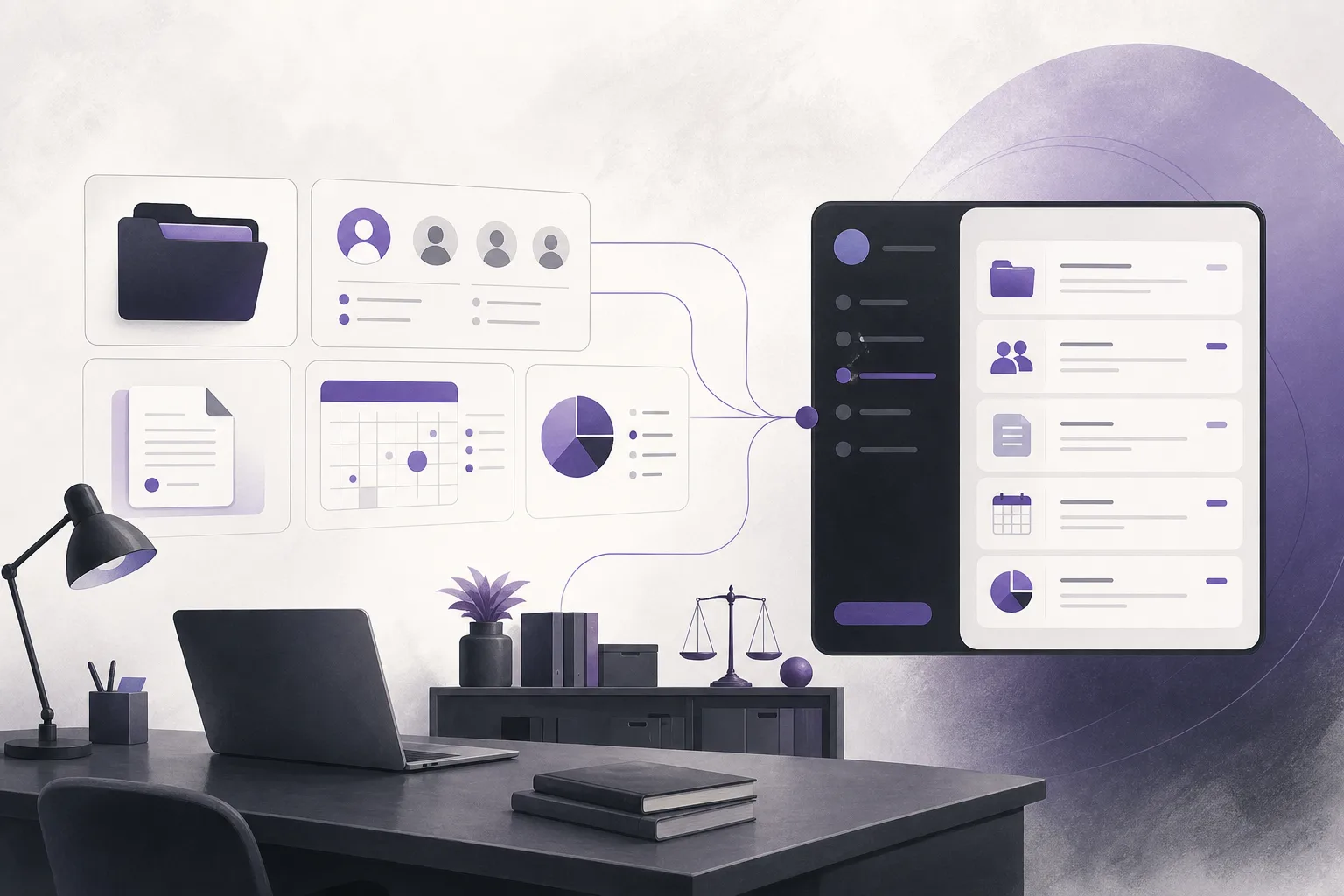
Sharing a branded app can appear to be a straightforward administrative step. Yet if the interface presents an incomplete or outdated office name, identity, or location, the client may receive unclear information before the relationship has even begun. That is why office managers ask: How can OrderTech Legal help a law office manager review the office identity and location before sharing its branded app with clients?
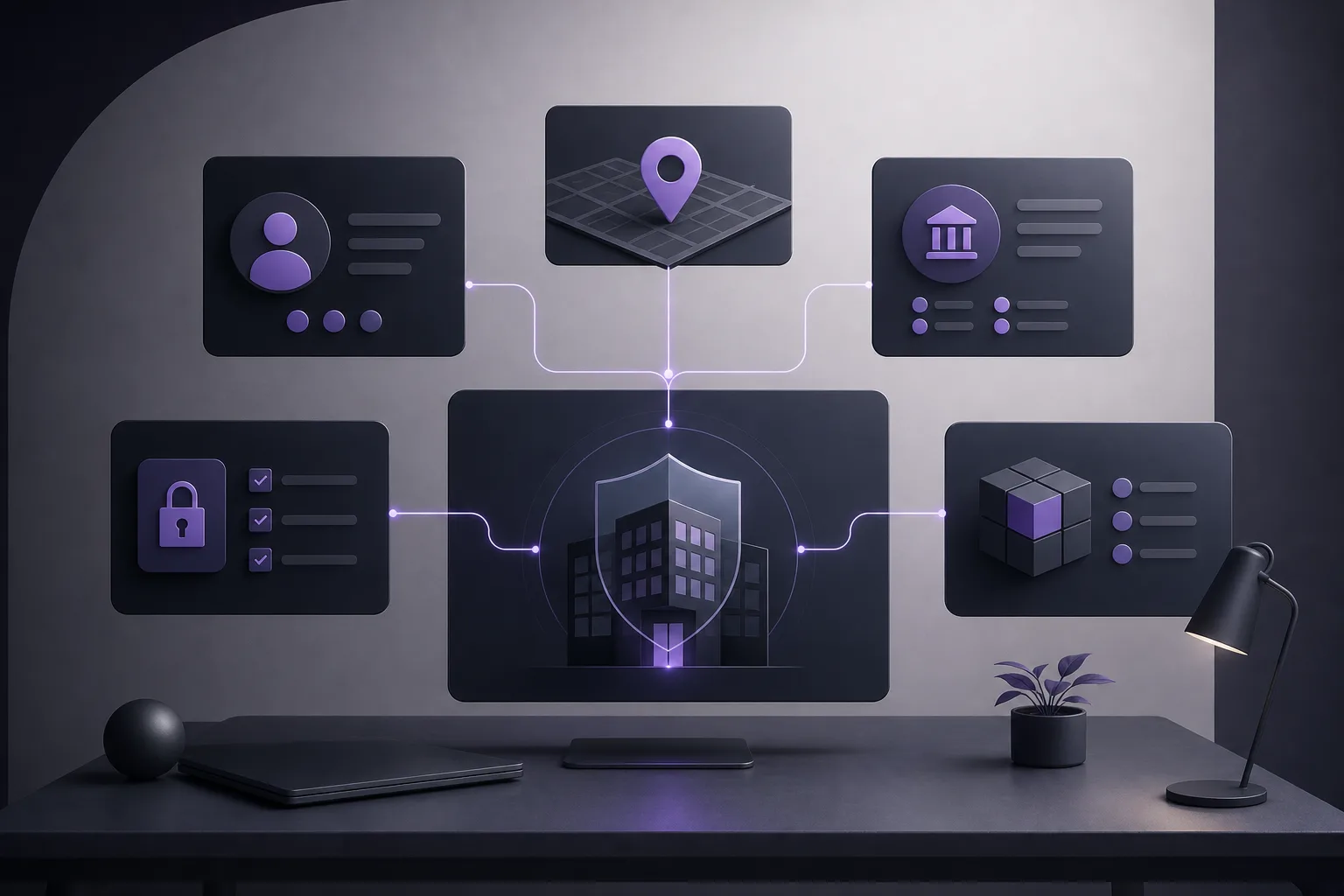
OrderTech Legal gives each office an independent version with its own identity, accounts, permissions, location, and app connected to its own interface. This structure gives the manager a defined workspace in which to review the office setup before sharing it. It does not mean that the platform automatically validates every detail or makes the final publication decision for the office.
The underlying problem: internal information and client-facing information can diverge
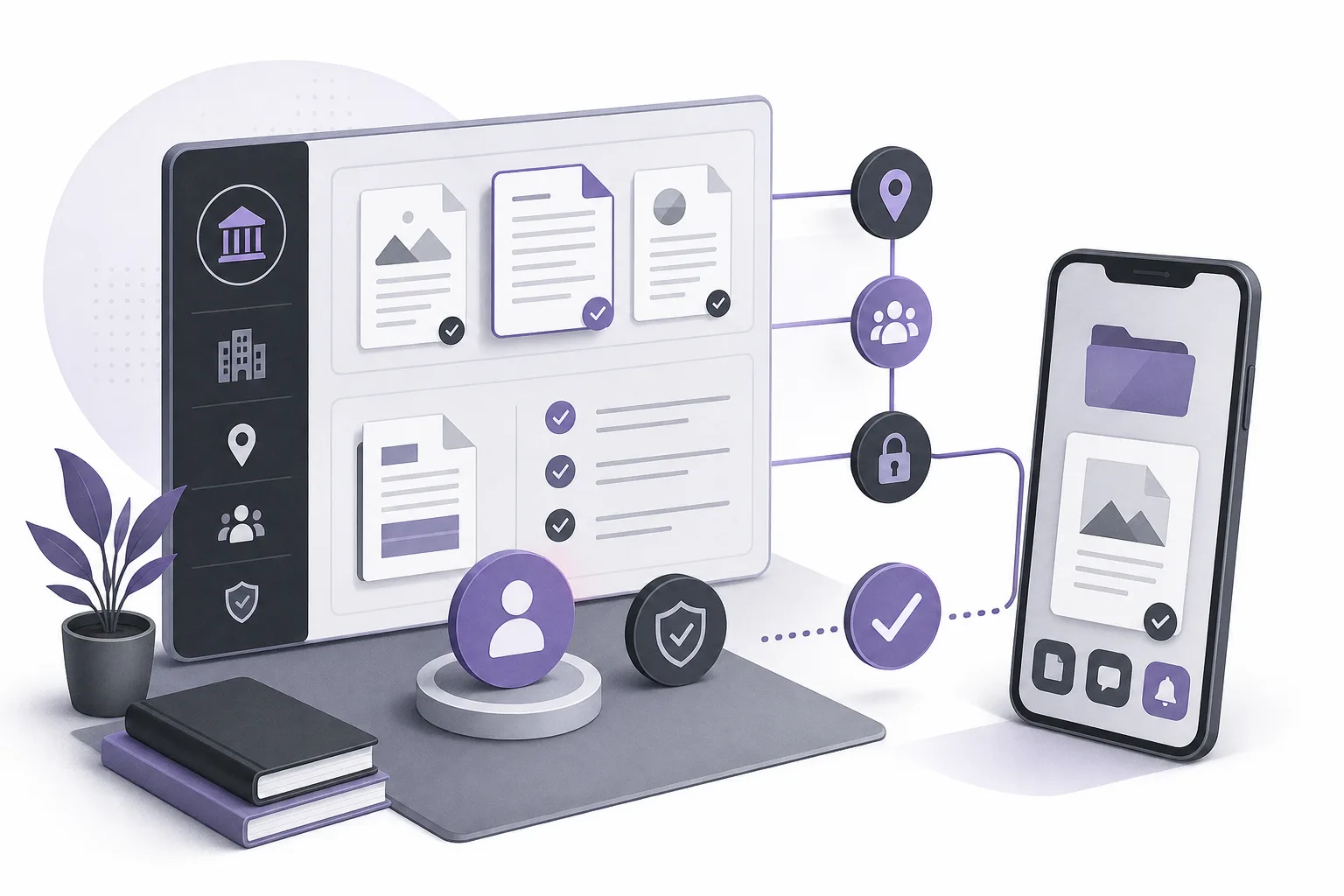
A law office may update information in one place while the information associated with its client-facing interface still requires attention. The issue may involve the office name, identity, location, account ownership, or permissions. It is an operational review problem, not a question of legal outcomes. The manager needs a clear way to identify the relevant office workspace, review its configuration, and retain responsibility for the final confirmation.
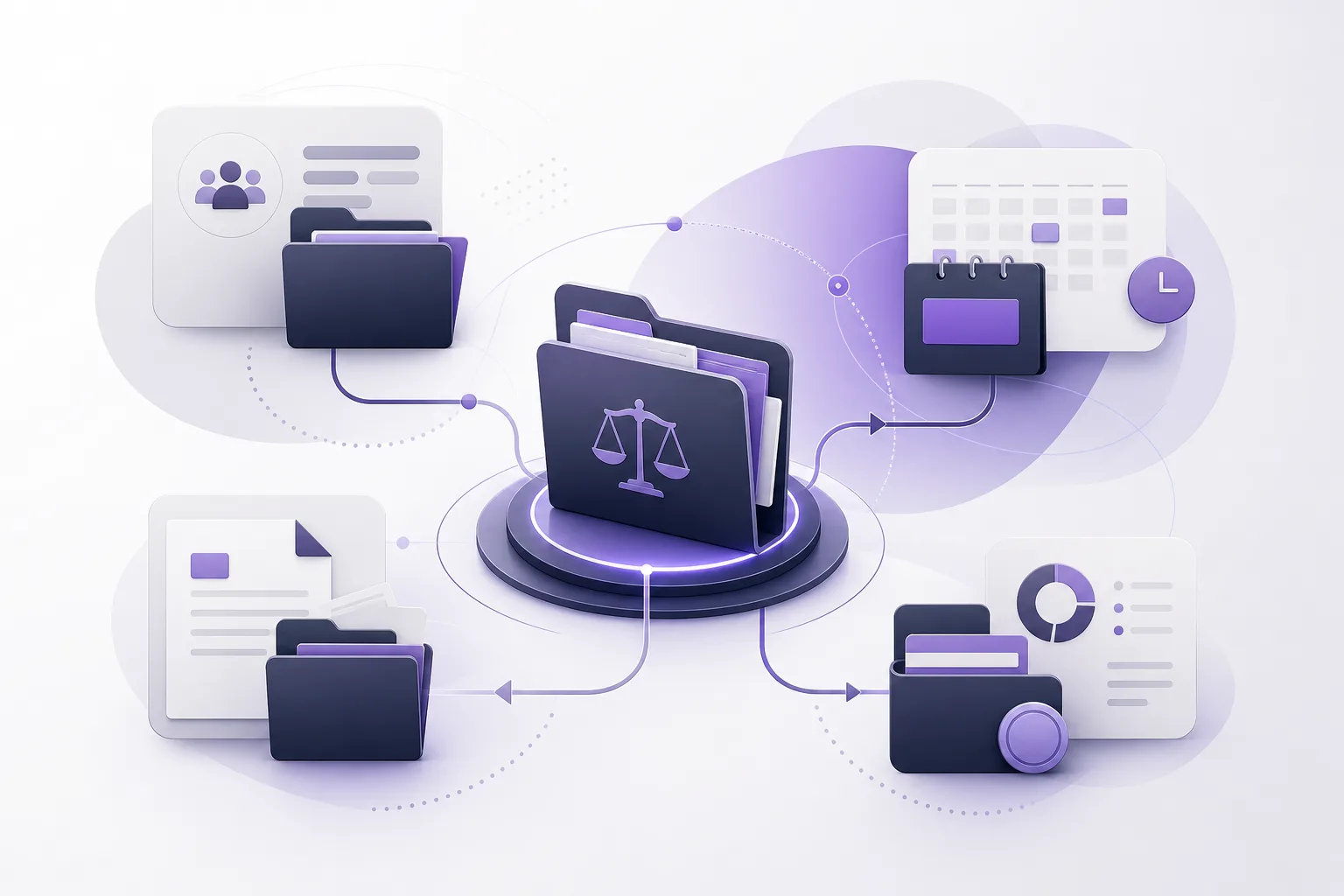
OrderTech Legal brings case and client file management, documents, appointments, and accounts into an office workspace. Each office has an independent version with its own identity, accounts, permissions, location, and app connected to its own interface. This separation helps the manager treat the office version as the scope to review before directing clients to the app.
How an office manager can use OrderTech Legal for the review
1. Start with the correct independent office version
First, identify the office version that represents the office whose app will be shared. Confirm that the review is taking place in the intended workspace and that the identity, accounts, permissions, and location belong to that office version. The purpose is not to assume that a separate version creates accurate information automatically. It is to ensure that the manager is reviewing the right office context.
This matters particularly when an office needs clear separation between users or operational contexts. An independent version defines the relevant workspace, but it does not remove the need for human review or replace the office’s own approval process.
2. Review the office identity before sharing the interface
Treat the office identity as information that requires a careful human read. Review the identifying information available in the office version and compare it with the identity the office intends clients to see through the connected app and interface. If information is incomplete or outdated, pause sharing until the authorized office personnel update and confirm it.
OrderTech Legal provides a structured office workspace; it does not guarantee that every detail matches information held elsewhere or identify every discrepancy automatically. The office remains responsible for entering, reviewing, and approving the information it chooses to present.
3. Check the office location
Review the office location within the office version and confirm that it represents the location the office intends to communicate through its interface. Check that the information is complete and consistent with the office’s internally approved information. If the office has more than one location or needs a particular clarification, do not assume that the app will select or explain the preferred version automatically. The manager should confirm the information before sharing.
This is a review of office information and interface configuration. It is not an independent geographic verification service, and the presence of a location in the office version does not prove that it is current outside the platform.
4. Review the relevant accounts and permissions
Because each office version includes accounts and permissions, identify who is authorized to review the office identity and location and who approves sharing the app. This can make responsibility clearer, but it does not replace the office’s internal governance. If permissions are unclear or the reviewer lacks the appropriate authority, postpone sharing until the review is handled by the right person.
5. Understand what is configured and what depends on activation
The connected app is part of the office setup, but the services available to users depend on the version’s configuration and service connections. The manager should therefore avoid assuming that every function is available in the same way for every office. Before sharing, review what the office has actually configured and whether the intended channel or service has been enabled.
If the office uses the communication assistant, it can help receive client inquiries, handle frequently asked questions, and maintain conversation context, with the possibility of human intervention, depending on channel configuration and activation. This does not mean that the assistant verifies office identity or location on the manager’s behalf, nor that its responses should be treated as final without appropriate oversight.
A practical review checklist
- Are you working in the correct independent office version?
- Does the office identity match the information the office intends to share?
- Is the office location complete and current according to the office’s approved information?
- Does the reviewer have the appropriate permission?
- Are the active services and channels in this version understood?
- Is any information still unconfirmed before the app is shared?
- Will human intervention remain available when client communication requires it?
This list is not presented as a separate product feature. It is a suggested way to organize the review of the office workspace and its configuration responsibly.
Hypothetical example: an office reviews its interface before sharing
Imagine a hypothetical law office preparing to send its connected app to clients. The office manager opens the independent office version and confirms that the displayed identity belongs to the intended office. The manager then reviews the location and compares it with the information approved internally. The review reveals that the location details need an update, so the manager delays sharing until the authorized person completes the correction and confirmation.
The manager then reviews the relevant accounts, permissions, and the channel intended for client communication. If the communication assistant is active, the office confirms that human intervention can occur and that responses remain subject to suitable oversight. This is a hypothetical example, not a report of a real client experience and not a promise of a particular operational result.
Feature boundaries and human responsibility
OrderTech Legal helps an office organize its workspace, identity, accounts, permissions, and location within an independent office version. It does not replace the manager’s responsibility to confirm that the information is accurate. Nor should the connection between the app and the office interface be understood as automatic approval of every detail or as an independent audit of its truth.
The office assistant can help summarize files, draft content, and search the legal library. The lawyer reviews the outputs and confirms proposed actions. This reflects the broader principle that the assistant supports the lawyer but does not replace professional review or decision-making. Availability also depends on the office version’s configuration and service connections.
Frequently asked questions
Does OrderTech Legal guarantee that the office location is accurate?
No. It provides an organized office version and configuration context. The office remains responsible for entering, reviewing, and confirming its information.
Does every office use the same app and configuration?
Each office has an independent version with its own identity, accounts, permissions, location, and app connected to its own interface. Available services depend on the version’s configuration and service connections.
Can an office share the app before reviewing its identity and location?
The office may decide according to its own procedures, but a cautious process is to review the information, permissions, and enabled services first, and delay sharing when details remain unconfirmed.
Does the communication assistant respond without human involvement?
It can help with inquiries, frequently asked questions, and conversation context, with human intervention available depending on channel configuration and activation. It does not remove the need for human oversight.
Conclusion
OrderTech Legal helps an office manager place the review of office identity and location inside an independent office version that brings case and client files, documents, appointments, and accounts into one workspace. Sharing the connected app becomes a more organized step when the office reviews the correct version, approved information, permissions, and active services, while keeping final confirmation and responsibility for accuracy with the office.
Explore OrderTech Legal to learn how an independent office workspace can support law office administration, with assistants used according to the office’s configuration and under human review.
Platform feature references
- OrderTech Legal — إدارة المكتب / Office management — Accessed 2026-11-05
- OrderTech Legal — المساعد الذكي / AI assistance — Accessed 2026-11-05