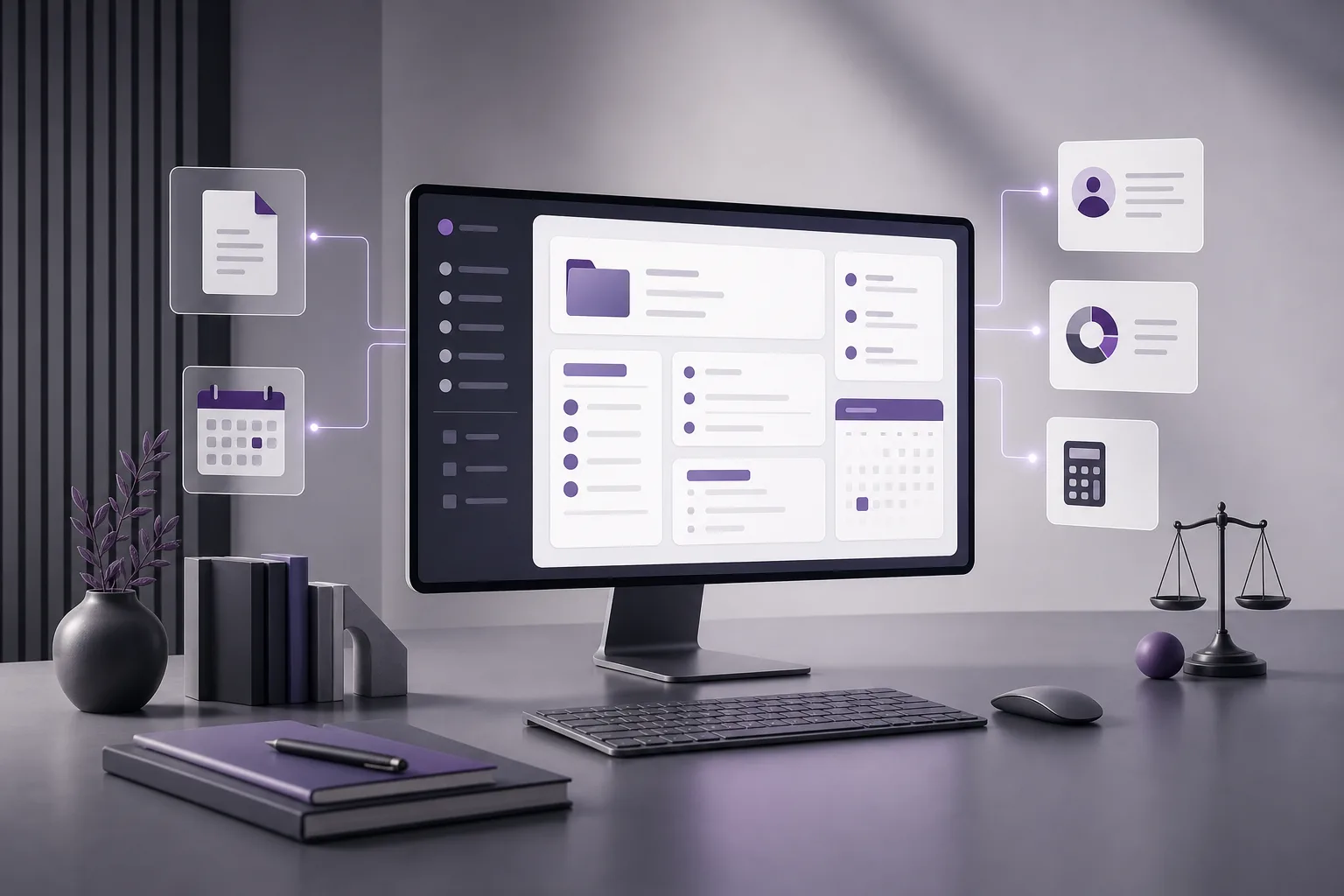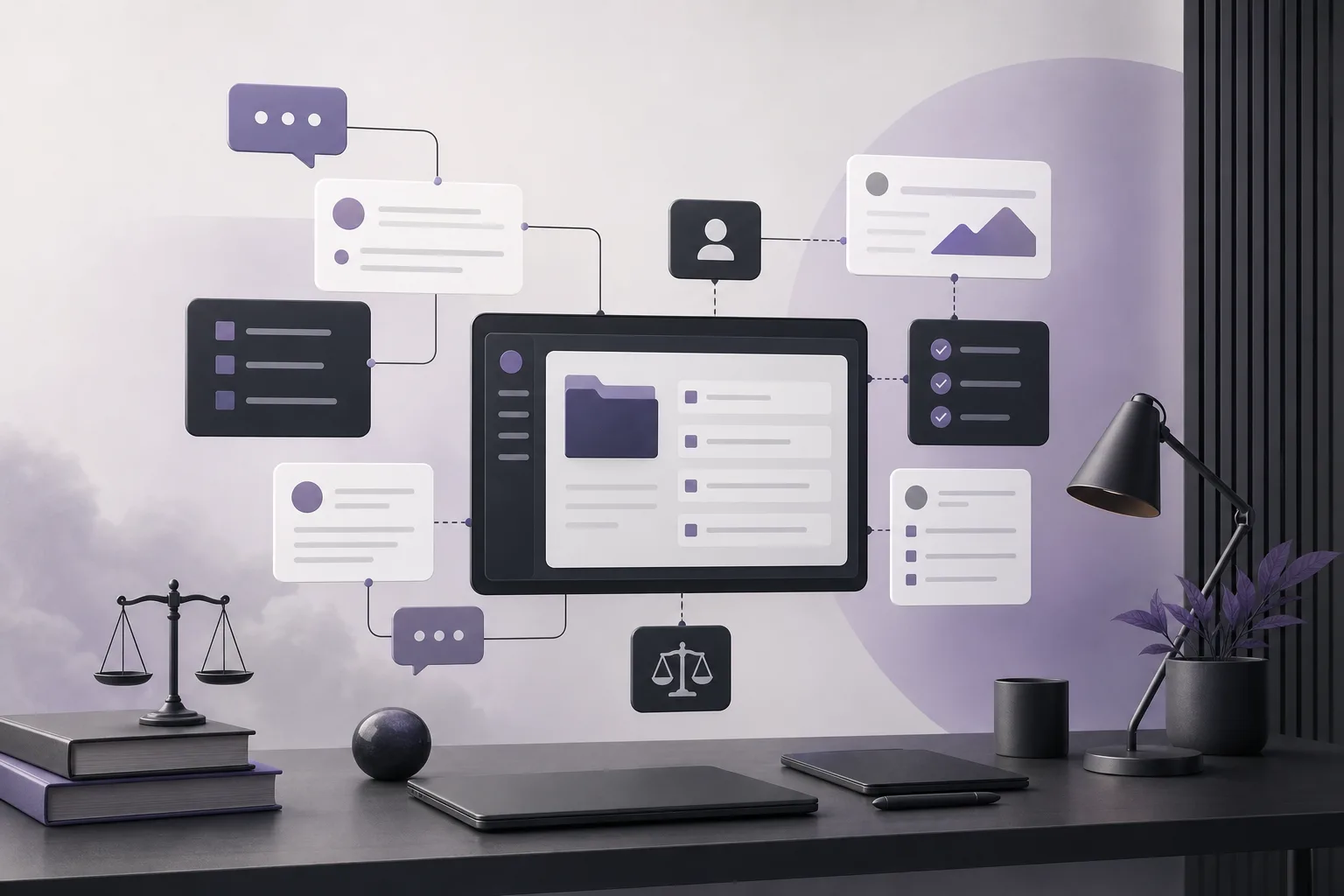
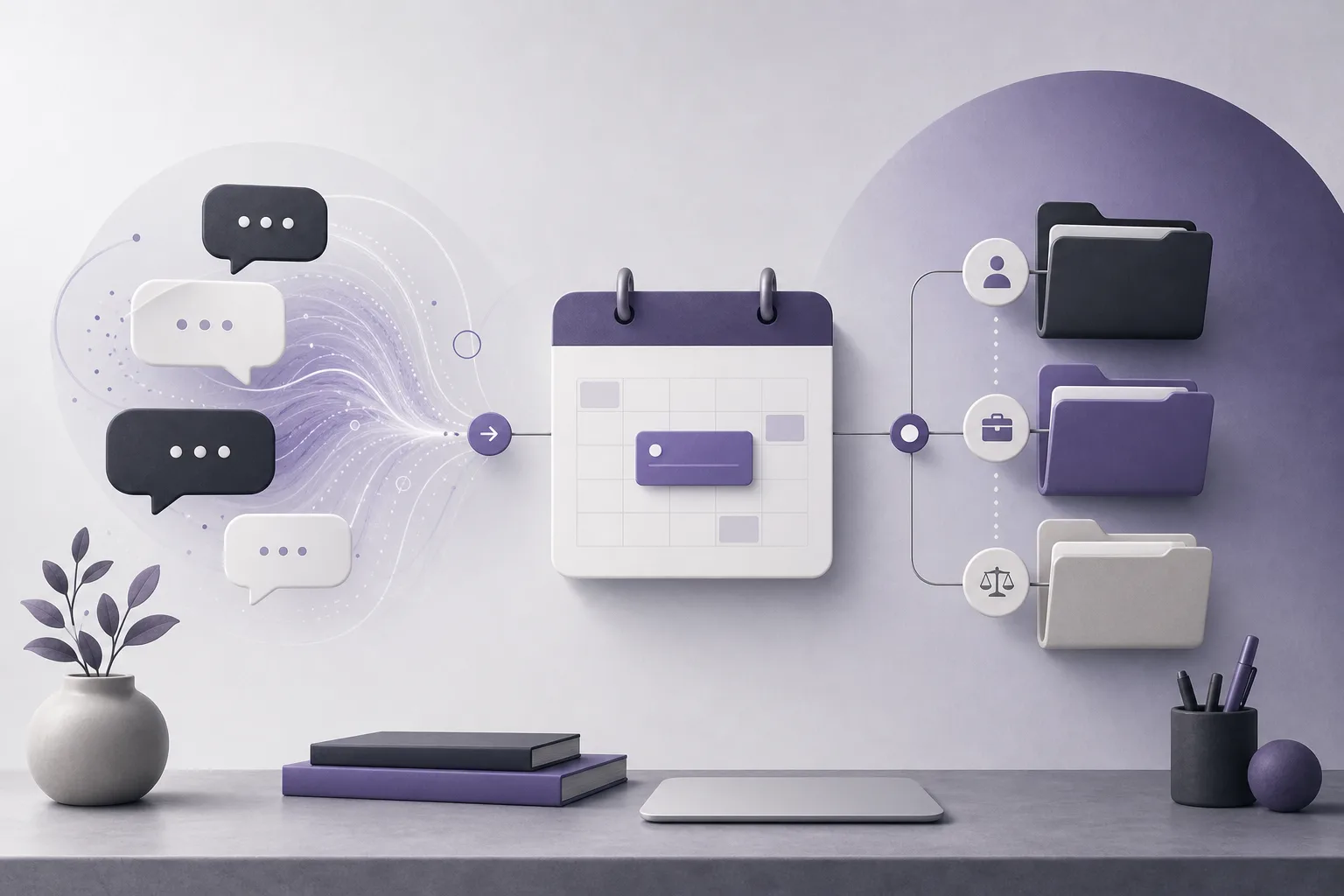
OrderTech Legal can help a law firm address a practical intake problem: how can OrderTech Legal help an intake coordinator review a client’s conversation context and connect it to a follow-up appointment? The difficulty is familiar. Conversation details may remain in a communication channel while the appointment is recorded somewhere else. The coordinator then has to reconstruct the exchange, repeat questions, or create an appointment without enough context.
OrderTech Legal brings case and client files, documents, appointments, and accounts together in one workspace for the firm. Its communication assistant can help receive client inquiries, handle frequently asked questions, and follow the conversation context, with human intervention available according to the channel configuration and activation. The practical workflow is not an autonomous handoff. It is a reviewed transition: the coordinator checks the available context, confirms what needs to happen next, and records the appointment against the appropriate client record or matter when the setup and permissions allow it.
Why conversation context can be lost
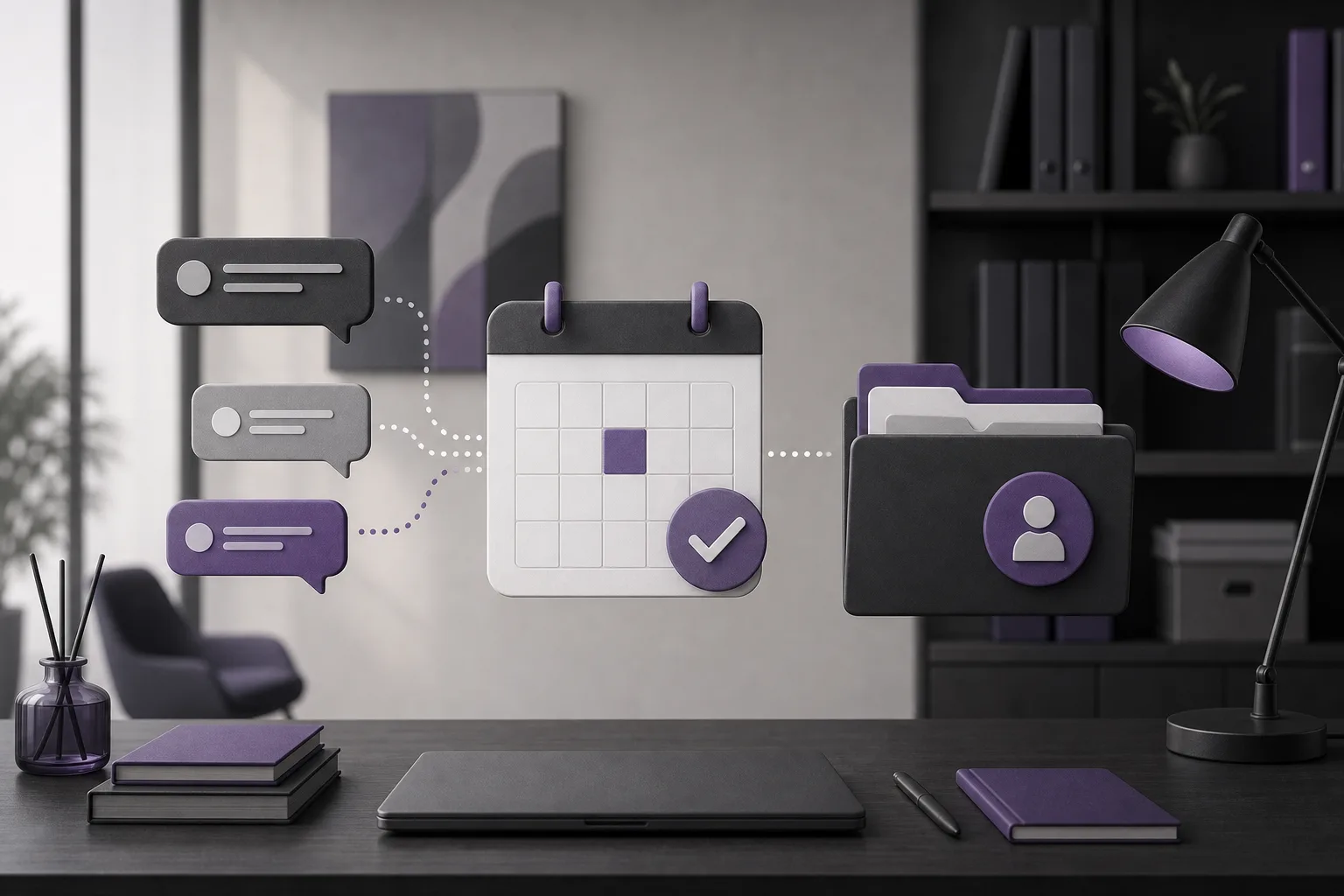
An intake exchange often develops over several messages. A client may ask an initial question, provide a short explanation, and then request a later conversation. If communication and appointment management are separated, the person scheduling the follow-up may not know what the client already asked, what remains unclear, or whether an existing client record or matter should be used.
The result can be repeated questions, incomplete notes, or an appointment connected to the wrong record. A shared workspace gives the coordinator a more consistent place to review and record the next step. It does not make the conversation complete by itself, and it does not remove the need for human judgment. The available context, the channel, the permissions, and the enabled services all matter.
A practical OrderTech Legal workflow
1. Start with the communication assistant
When the relevant channel is configured and activated, the communication assistant can help receive inquiries, answer frequently asked questions, and follow the context of the conversation. The intake coordinator begins by reviewing the available exchange rather than relying only on the latest message.
The coordinator can identify the apparent reason for contact, the request for a later discussion, and any information that may need confirmation. The assistant is a support layer for intake and follow-up. Its responses should not be treated as a substitute for a coordinator’s review, and a person can intervene when clarification or a direct response is needed, subject to the channel’s configuration and activation.
2. Check the context before scheduling
Before recording the appointment, the coordinator can work through a simple review:
- What topic or request appears in the conversation?
- Did the client clearly request a follow-up, or is an initial answer still needed?
- Is any detail missing and therefore suitable for a clarifying question or human intervention?
- Is there an existing client record or matter that can be verified?
This review separates information actually present in the conversation from assumptions. It also helps the coordinator decide whether the next step is scheduling, clarification, or escalation for an appropriate human review. The system does not make a professional decision on behalf of the lawyer.
3. Record the appointment in the shared workspace
Once the context has been checked, the coordinator uses the workspace’s appointment management capabilities to record the follow-up according to the firm’s process. Because appointments are managed alongside client and matter information, the coordinator can work from one operational space instead of manually moving the basic details between unrelated systems.
The appointment can be connected to the relevant client record or matter when the record is clear and the firm’s permissions and configuration support that action. The coordinator should review the selected record before confirming it. If more than one record appears possible, the correct response is human verification—not an assumption that the nearest match is correct.
4. Preserve the connection between the appointment and the inquiry
When the appointment is connected to the appropriate record, the firm has a clearer operational path from the original inquiry to the planned follow-up. Staff working with the relevant client or matter can use the firm’s workspace to locate the appointment in relation to the records managed there.
This connection is useful, but it is not a guarantee that every conversation will contain complete or accurate information. The level of available context depends on what was exchanged and on the configuration and activation of the relevant channel and services.
A hypothetical example
Hypothetical example: A prospective client sends an inquiry through a channel enabled by the firm. The person asks an initial question and requests a later follow-up. The communication assistant follows the available conversation context. The intake coordinator reviews the exchange and sees that the client is asking for a next conversation rather than a final answer. One important detail remains unclear, so the coordinator intervenes to request clarification.
After checking the response, the coordinator verifies whether an existing client record or matter is appropriate. The follow-up appointment is then recorded in the OrderTech Legal workspace and connected to that record when the configuration and permissions permit it. If the correct record is uncertain, the coordinator sends the item for human verification instead of forcing a link. This is a hypothetical workflow, not a customer story or a claim about a particular matter.
Benefits and boundaries
What the workflow can support
- Less repeated intake: The available conversation context gives the coordinator a starting point for review.
- A more organized handoff: The inquiry and follow-up appointment can be managed within a workspace that also covers clients and matters.
- Human control: The coordinator can intervene when the conversation needs clarification or a direct response.
- Better internal continuity: The appointment can be connected to the appropriate client record or matter when permissions and configuration support it.
What it does not promise
- The communication assistant does not replace the intake coordinator’s review or the lawyer’s decision.
- Conversation context may be incomplete, ambiguous, or dependent on the information actually exchanged.
- Responses, intervention, record linking, and availability depend on the configured channel, enabled services, and permissions.
- Recording a follow-up appointment does not itself resolve a legal or professional question.
Frequently asked questions
Does the communication assistant automatically create the appointment?
The stated role of the communication assistant is to help receive inquiries, answer frequently asked questions, and follow conversation context, with human intervention available. Recording and linking an appointment should be handled in the workspace according to the firm’s setup, permissions, and enabled services. An independent, unreviewed action should not be assumed.
Can the coordinator connect the appointment to any matter?
The coordinator can connect it to the appropriate client record or matter when the record is clear and the firm’s configuration and permissions support the action. An uncertain match requires human verification.
What if the conversation does not contain enough information?
The coordinator can ask for clarification or intervene, subject to the channel’s configuration and activation. The firm should not treat incomplete context as a confirmed basis for a professional decision.
Does this replace the lawyer?
No. OrderTech Legal assists the office; it does not replace the lawyer’s review or decision. Any relevant output or proposed action should be reviewed and confirmed by the appropriate human professional.
Conclusion
OrderTech Legal gives an intake coordinator a structured path from conversation to follow-up: review the available context in the communication assistant, intervene when clarification is needed, and record the appointment in the firm’s shared workspace against the appropriate client record or matter. The result depends on channel configuration, enabled services, permissions, and human review. Explore OrderTech Legal to see how its workspace can support your firm’s approach to communication, files, clients, and appointments.
Platform feature references
- OrderTech Legal — إدارة المكتب / Office management — Accessed 2026-11-06
- OrderTech Legal — المساعد الذكي / AI assistance — Accessed 2026-11-06