
OrderTech Blog
Practical ideas for organizing daily office work and using the platform with clarity.
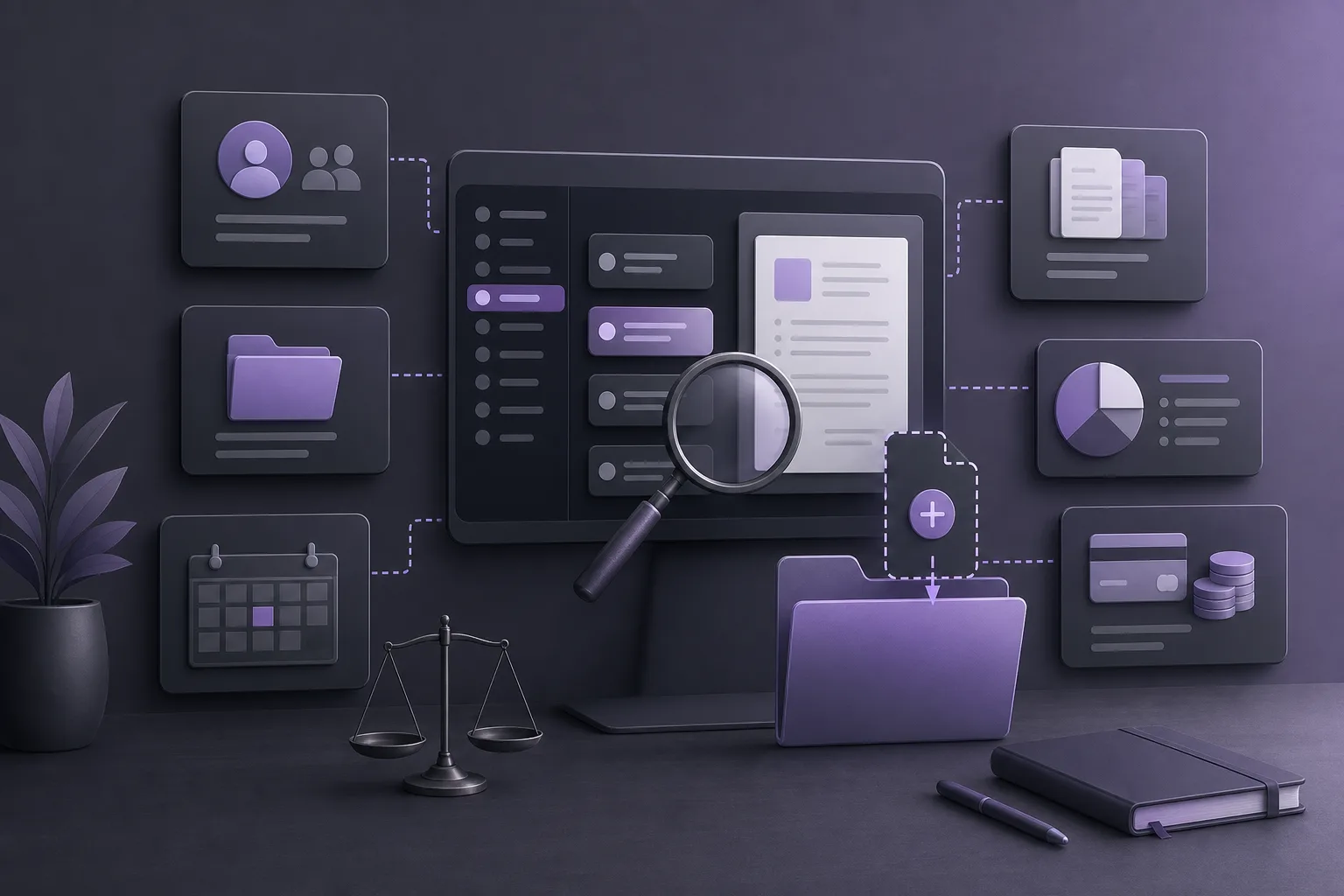
OrderTech Legal for Avoiding Duplicate Client Records During New Intake
How can OrderTech Legal help an intake coordinator review an existing client record and prior case files before creating a new one, while respecting permissions, office procedures, and human review?
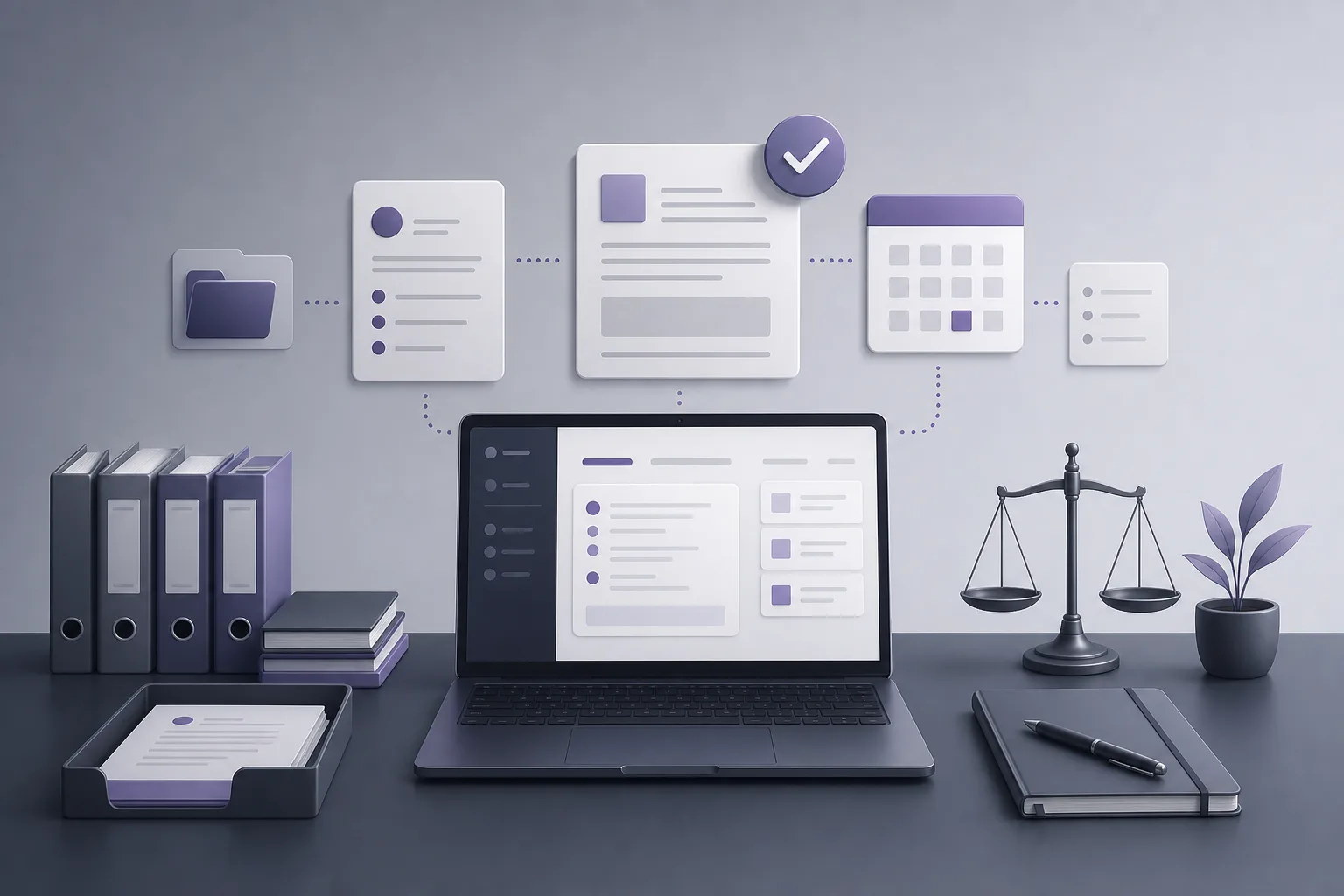
OrderTech Legal for Reviewing Office-Assistant Drafts Before Approval
This guide explains how OrderTech Legal can help lawyers review file summaries, office-assistant drafts, and proposed actions before use, while keeping human review and lawyer confirmation essential.
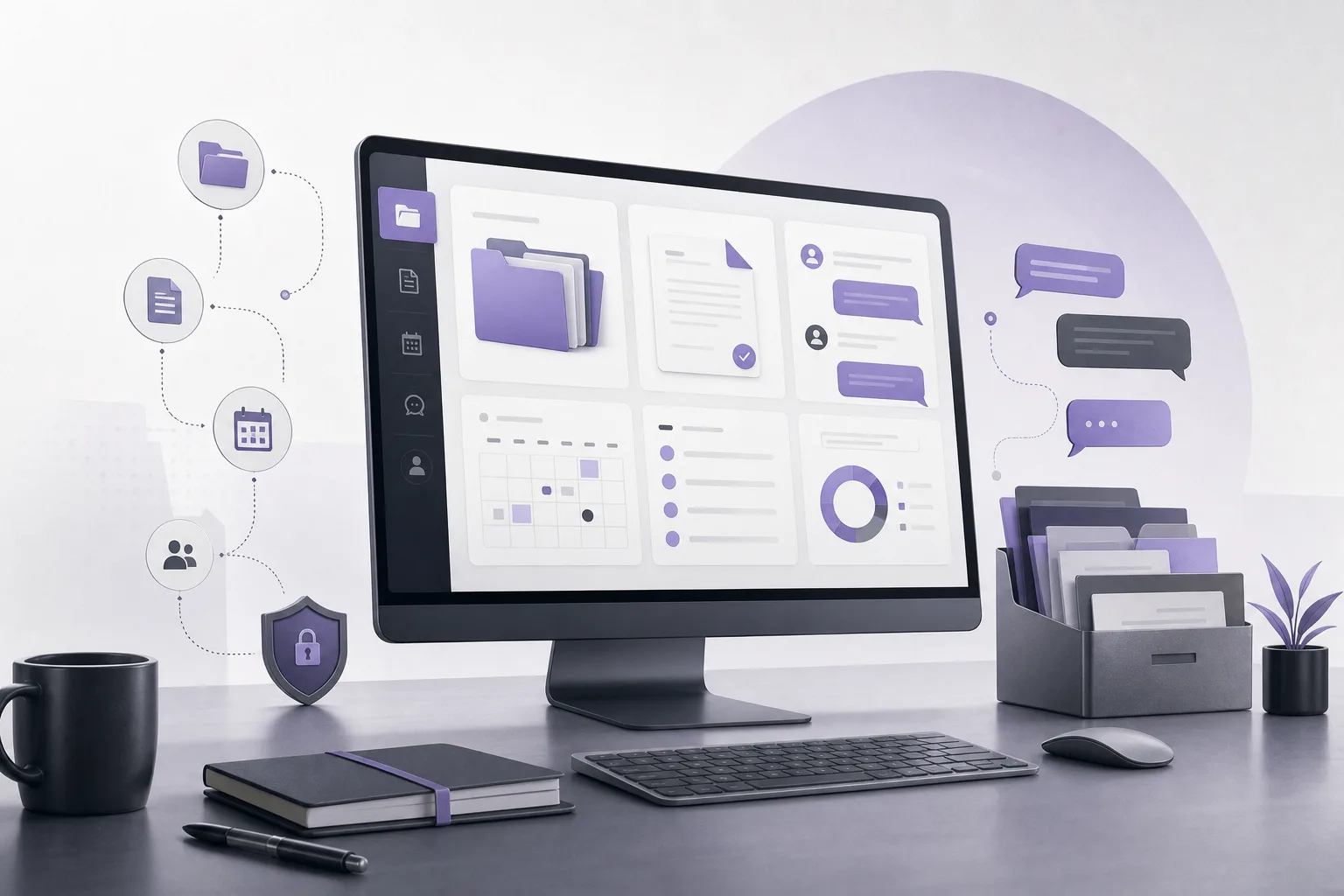
OrderTech Legal for Reducing Lawyer Interruptions from Recurring Questions During the Workday
How can OrderTech Legal help a law office handle recurring questions without interrupting the lawyer for every inquiry? This article explains the role of the communication assistant, its limits, and when human intervention matters.
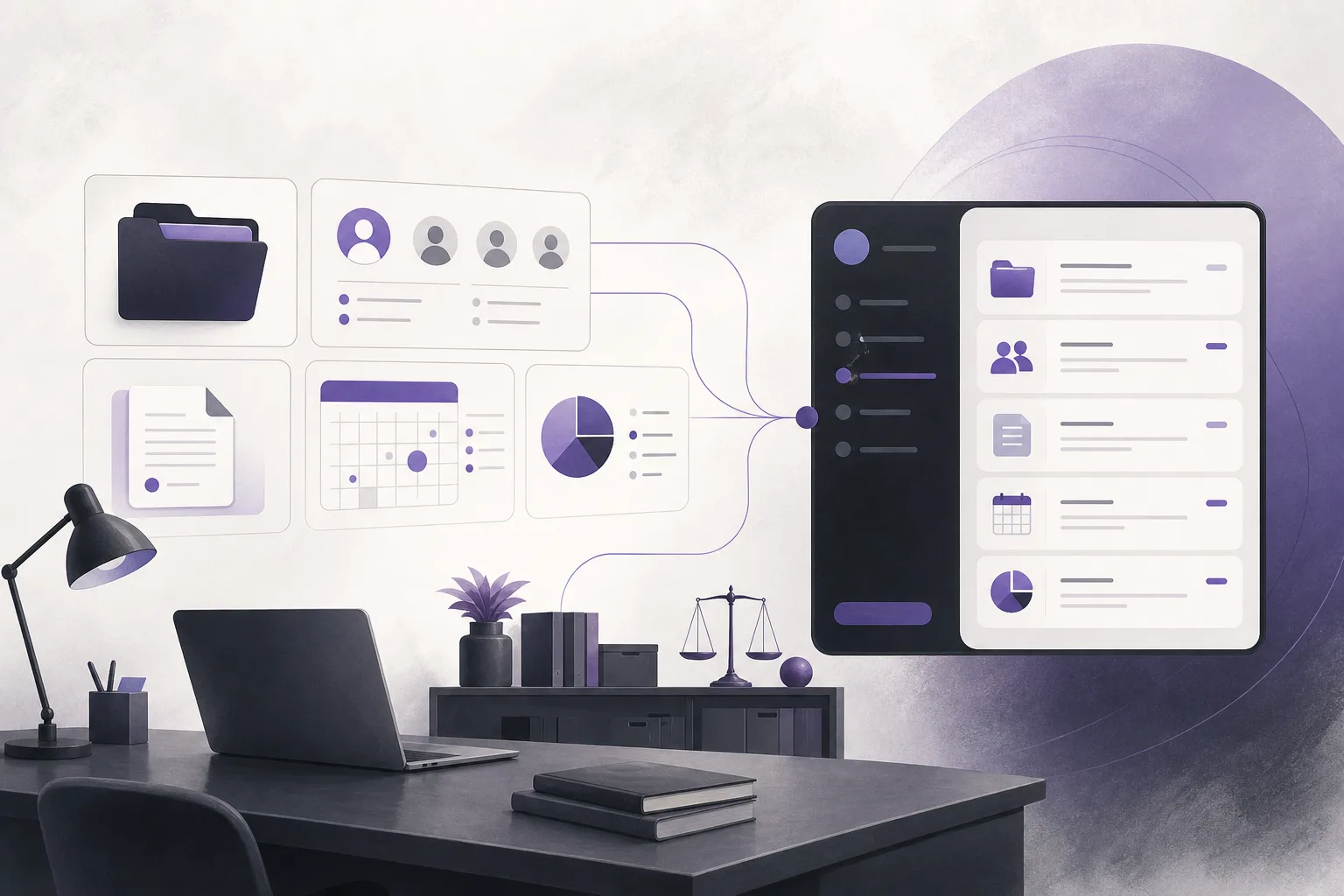
OrderTech Legal: How Can a Law Office Keep Its Identity Across Its Workspace and App?
This guide explains how OrderTech Legal can help a law office operate a workspace and app connected to its own interface, while organizing matters, clients, documents, appointments, and accounts in an independent office instance—with clear limits around configuration, permissions, service connections, and human review.
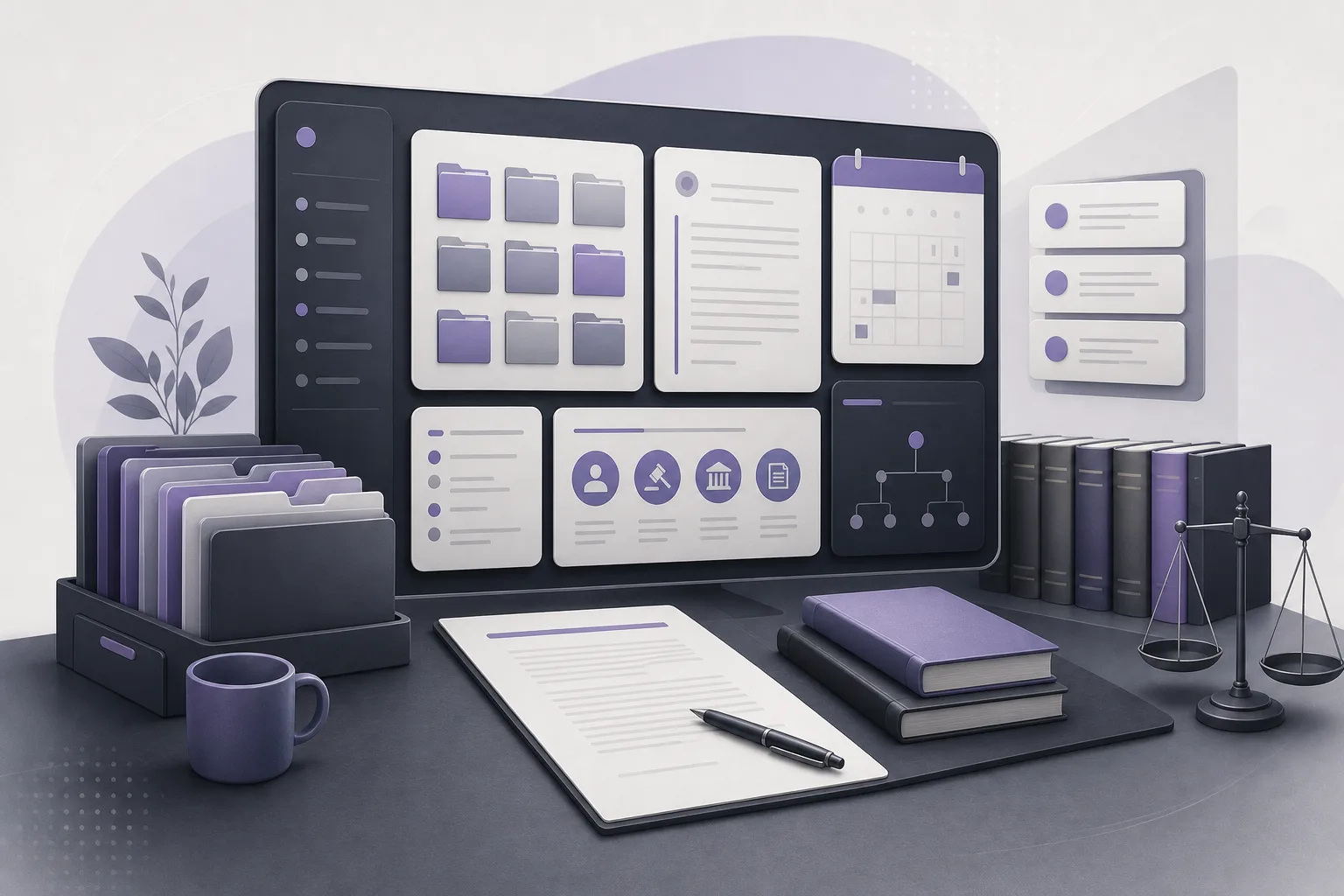
OrderTech Legal: How Can a Lawyer Prepare an Initial Internal Memo from a Case File Without Switching Tools?
This guide explains how OrderTech Legal can help lawyers bring together a case file, summarize its contents, search the legal library, and draft an initial internal memo in the firm’s workspace while keeping review and final decisions with the lawyer.
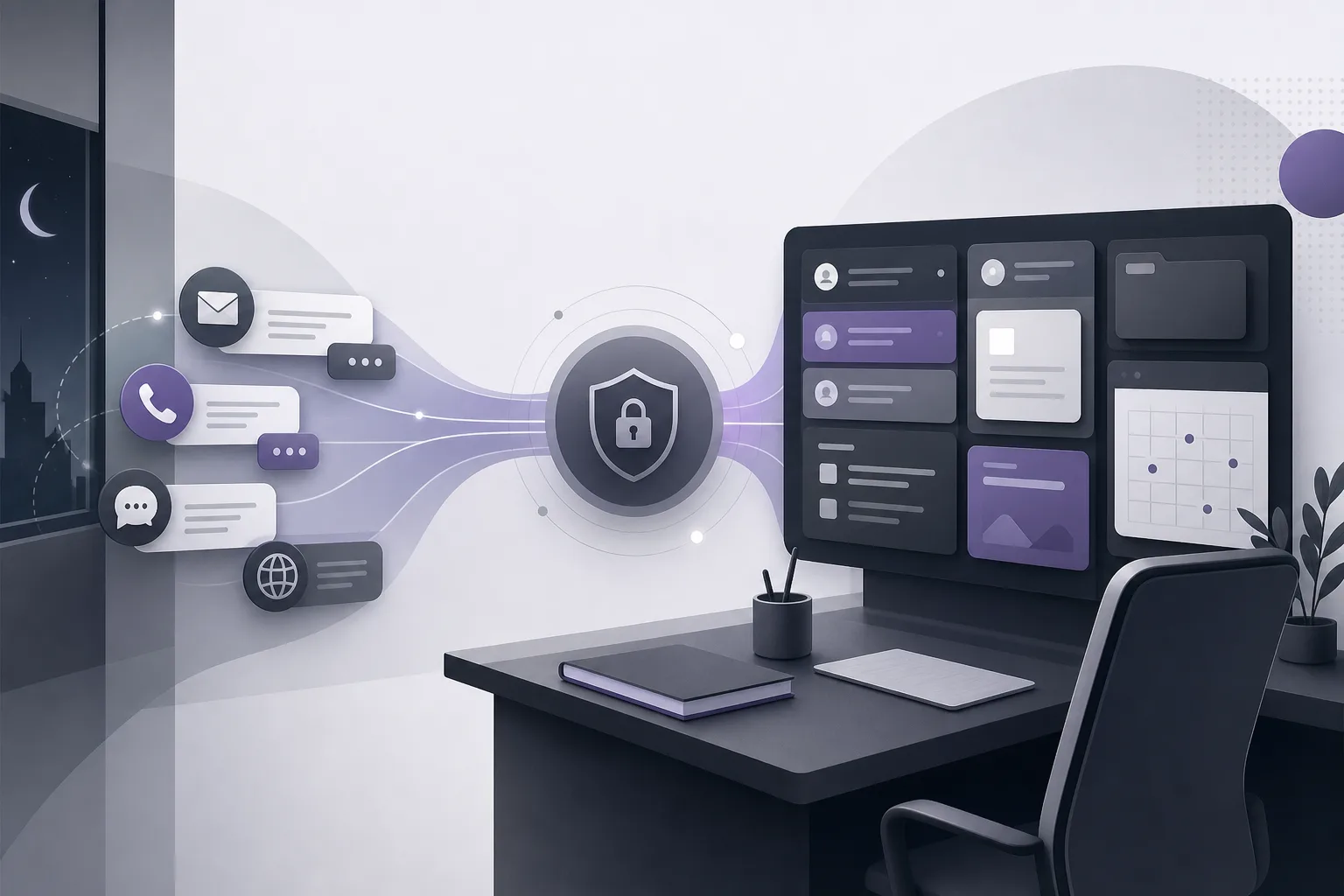
OrderTech Legal for Managing Client Inquiries When the Lawyer Is Not Immediately Available
How can OrderTech Legal help a law office manage client inquiries when the lawyer is not immediately available? This guide explains how the communication assistant can receive frequent questions and maintain conversation context while keeping review and approval with the office team.
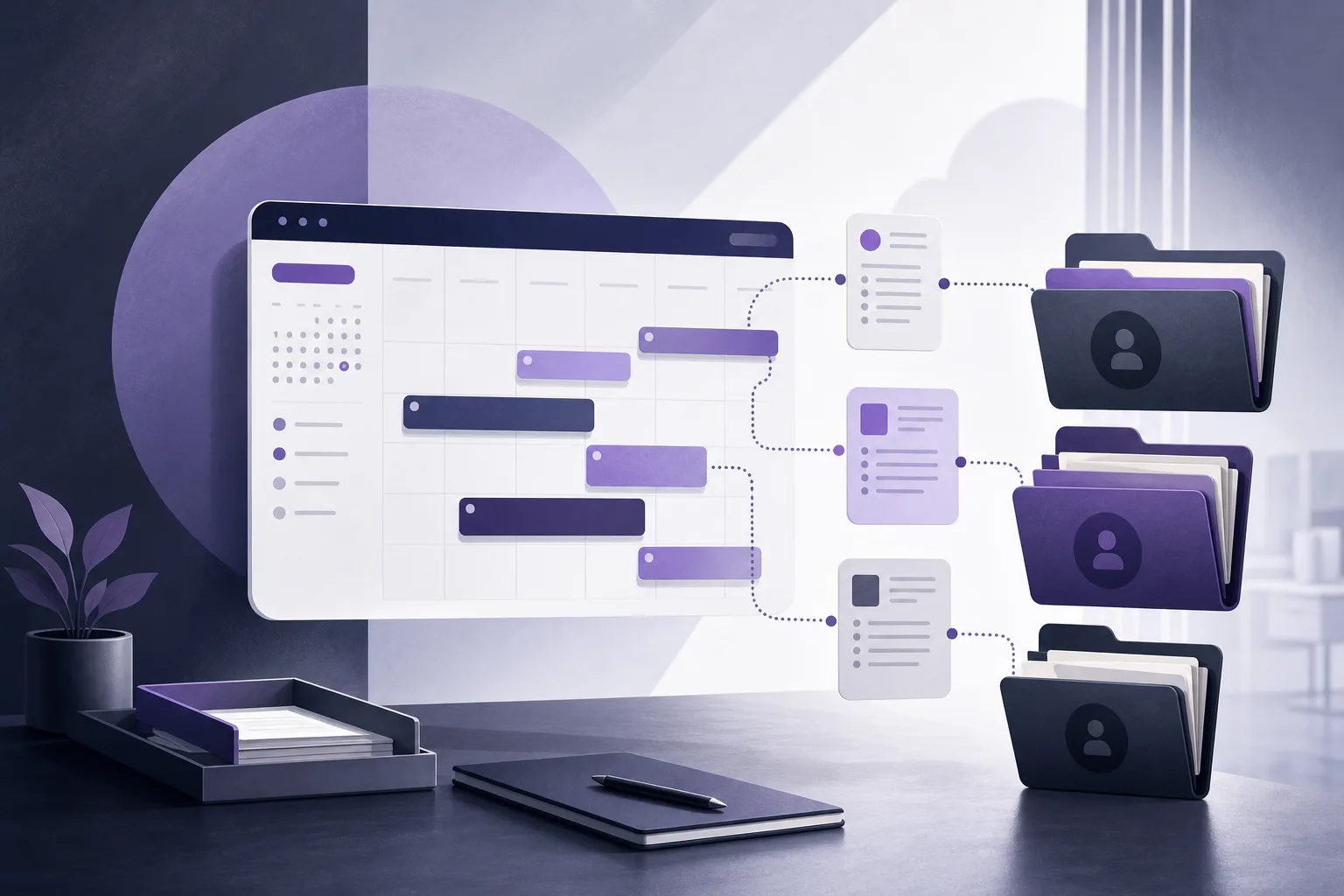
OrderTech Legal for Reducing Lawyer Scheduling Conflicts Linked to Case Files
Learn how OrderTech Legal can help a law office manager review appointments, connect them to case and client files, and reduce scheduling conflicts before confirming internal assignments.
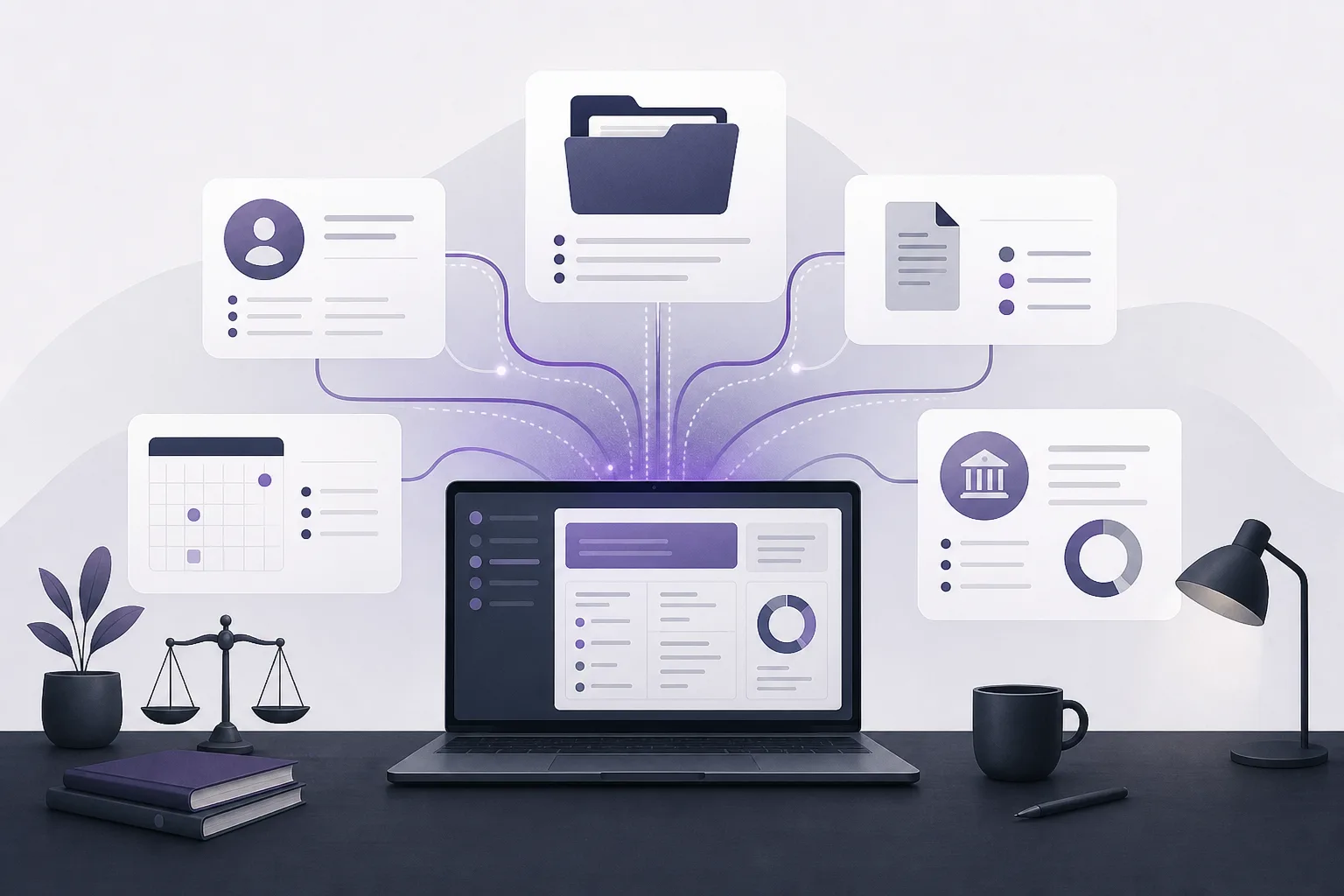
OrderTech Legal for Reviewing Accounts Linked to Case Files Before Month-End Closing
How can OrderTech Legal help a law office manager review accounts linked to case files before month-end closing? This guide explains how bringing account records into the context of case files, clients, documents, and appointments can support review while preserving office permissions and human oversight.
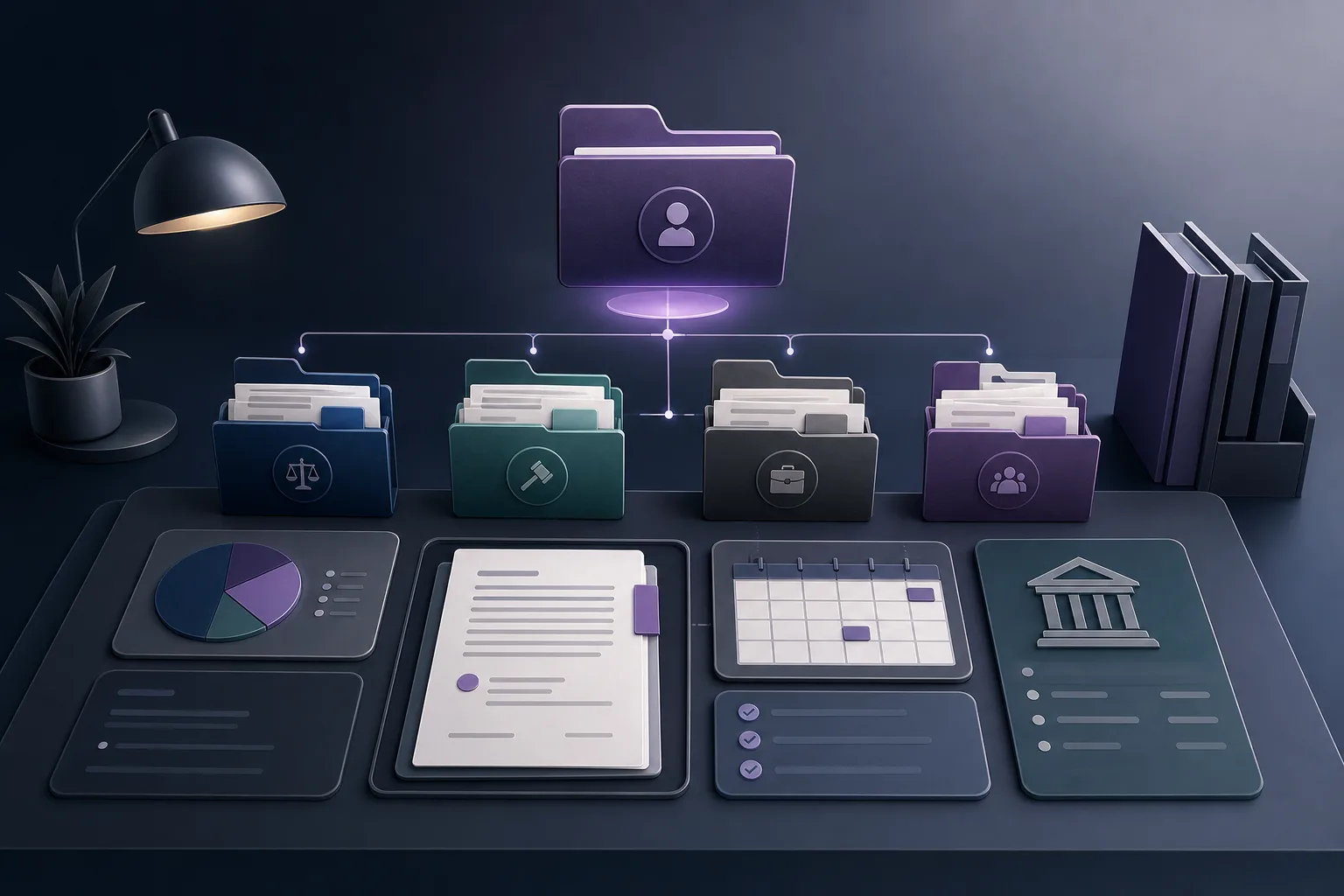
OrderTech Legal for Managing a Client’s Multiple Case Files in One Workspace
How can OrderTech Legal help a law office manage a client with multiple case files without repeatedly searching separate records? This guide explains how OrderTech Legal brings client, case, document, appointment, and account management into one workspace, while clarifying the role of human review and the limits of its
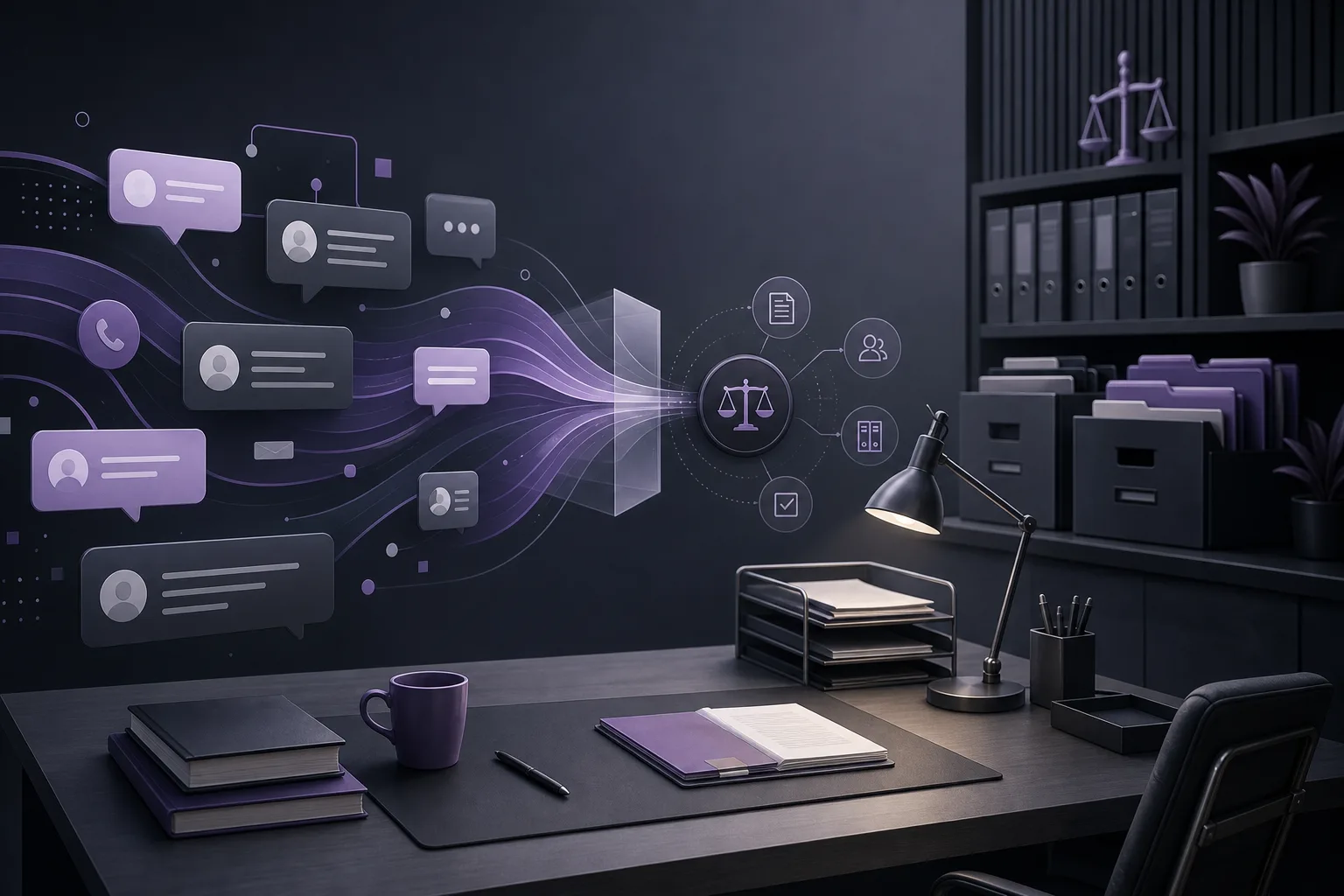
OrderTech Legal for Coordinating Human Intervention in Client Conversations
How can OrderTech Legal help a law office manager follow up on conversations that require human intervention? This guide explains how the communication assistant preserves conversation context and supports team follow-up according to channel settings and office permissions.
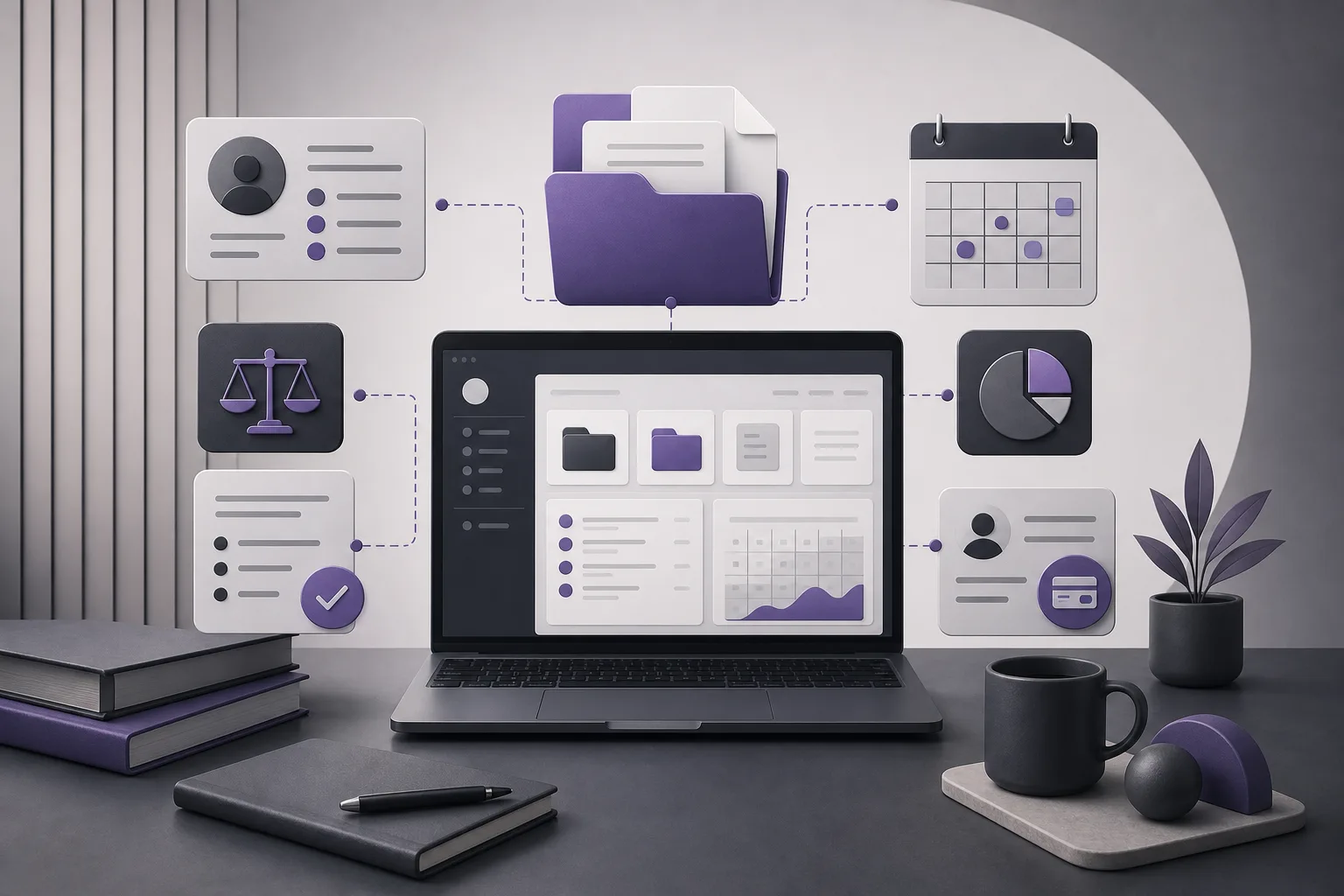
OrderTech Legal for Checking Case File Completeness Before Handover
This guide explains how OrderTech Legal can help a lawyer bring case, client, document, appointment, and account information into one workspace and review it before handing the file to another responsible team member, while preserving permissions and human review.
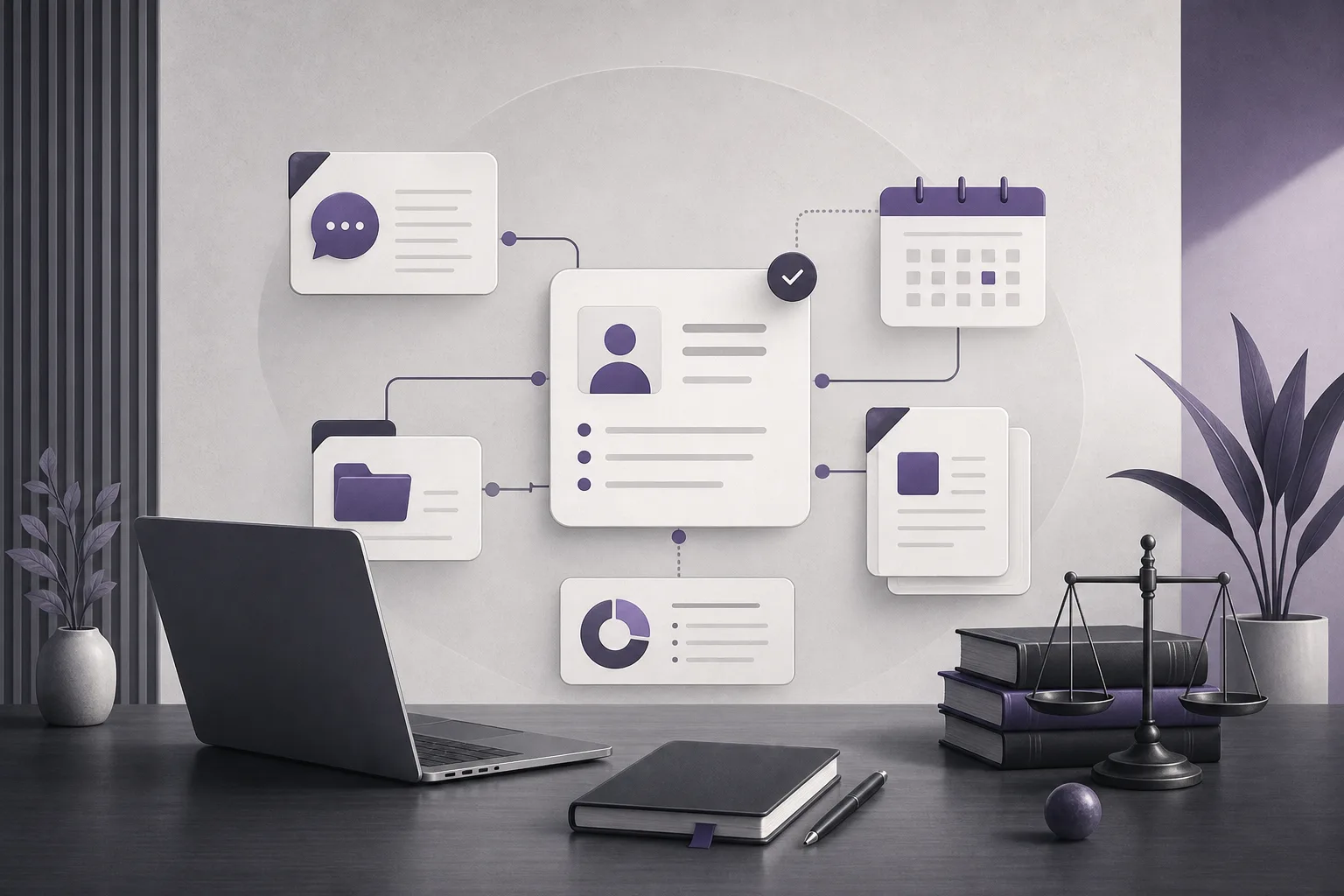
OrderTech Legal for Organizing the Transition from an Initial Inquiry to a Clear Client Record
How can OrderTech Legal help a law office organize the transition from an initial inquiry to a clear client record? This guide explains the role of the communication assistant and unified workspace, including the setup and human review still required.